How to Draw on Vuforia Chalk on Android
Open Vuforia Chalk on your Android.. Place or accept a call.. Hold the Android's camera so that it's pointed at the desired view.
Steps
1
Open Vuforia Chalk on your Android.
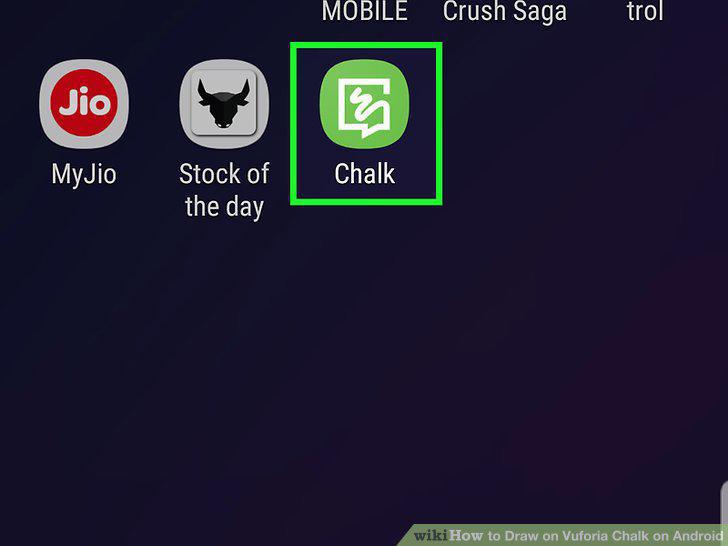
Open Vuforia Chalk on your Android.
2
Place or accept a call.
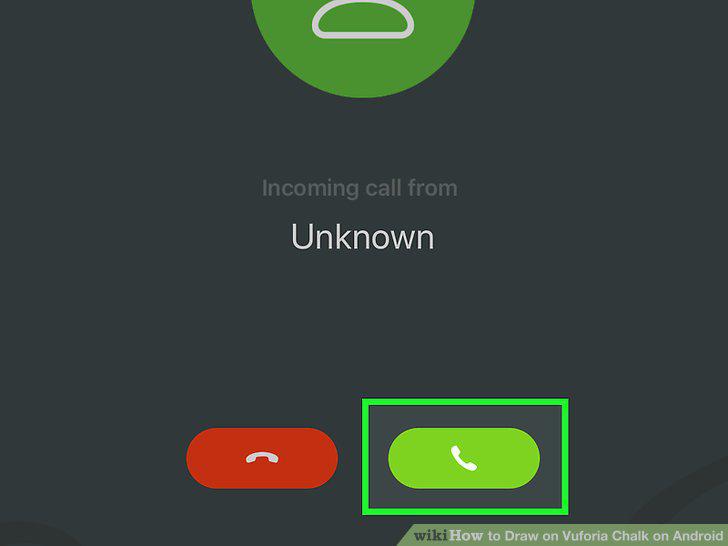
Place or accept a call.
3
Hold the Android's camera so that it's pointed at the desired view.
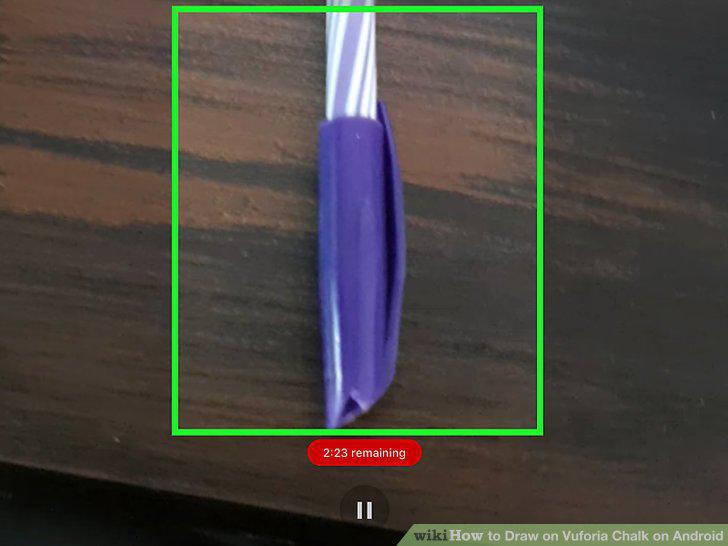
Hold the Android's camera so that it's pointed at the desired view.
4
Drag your finger on the screen to draw.
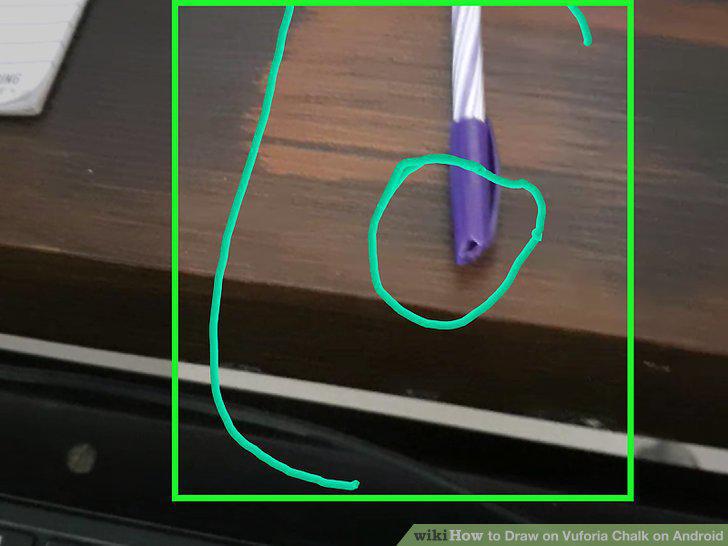
Drag your finger on the screen to draw.
5
Tap the pause button to freeze the current view.
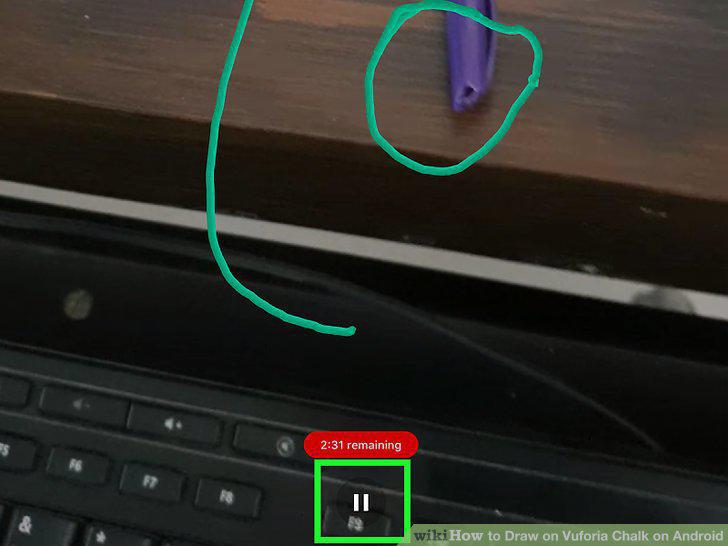
Tap the pause button to freeze the current view.
6
Tap the undo button to delete the last marking.
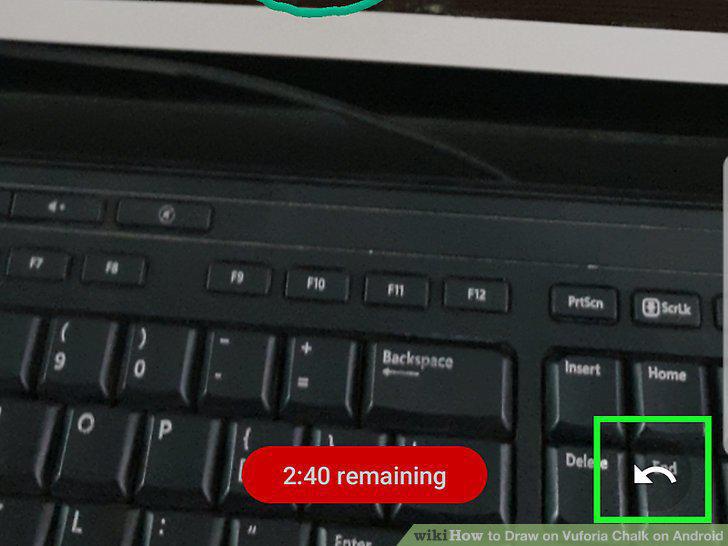
Tap the undo button to delete the last marking.
7
Tap the phone receiver when you're finished.
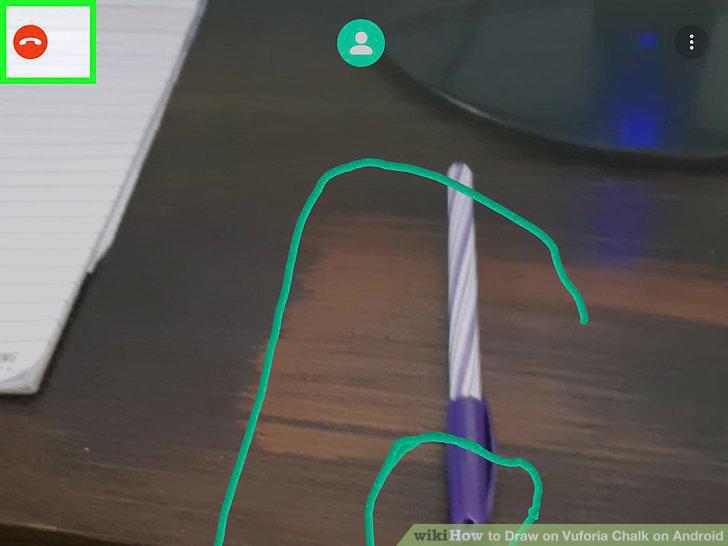
Tap the phone receiver when you're finished.
Comments (0)
No comments yet. Be the first to share your thoughts!