How to Get Noise Notifications on the Apple Watch
Open the Noise app on your Apple Watch.. Tap Enable.. Open the Apple Watch app on your iPhone.
Steps
1
Open the Noise app on your Apple Watch.
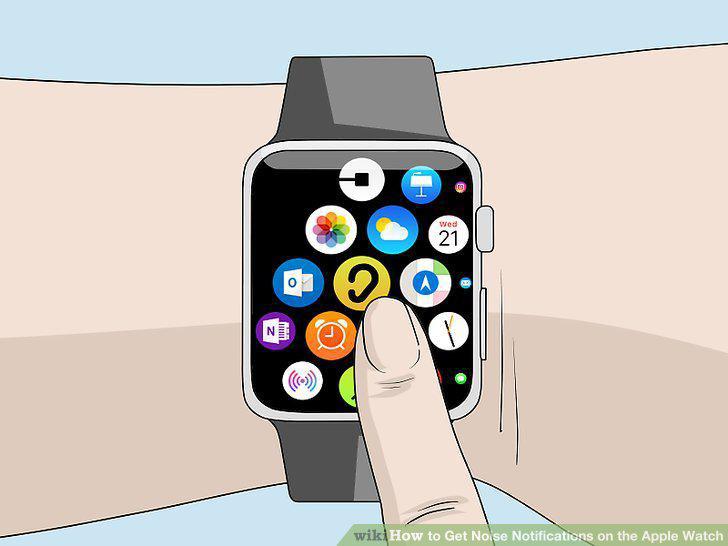
Open the Noise app on your Apple Watch.
2
Tap Enable.
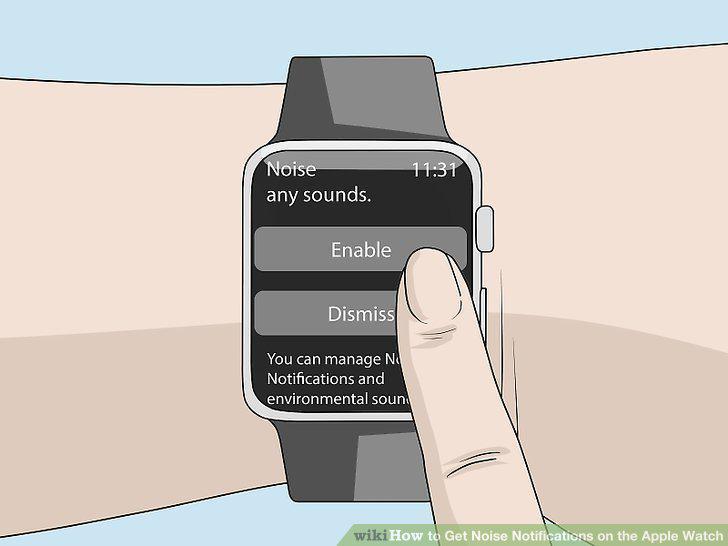
Tap Enable.
3
Open the Apple Watch app on your iPhone.
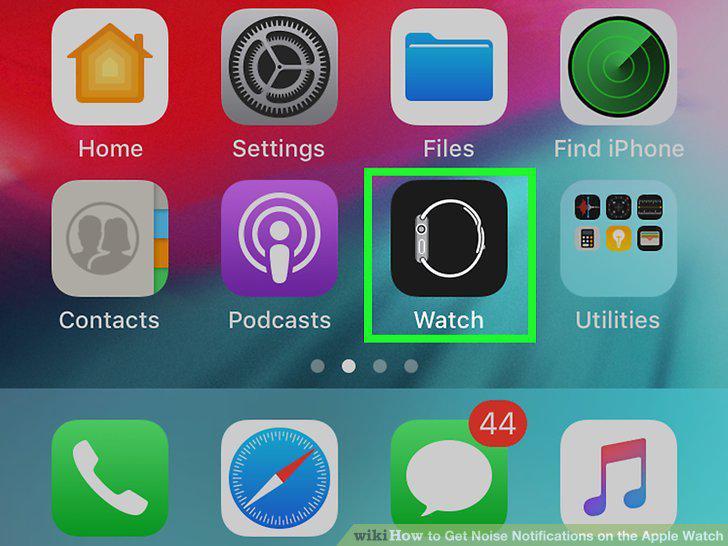
Open the Apple Watch app on your iPhone.
4
Tap My Watch.
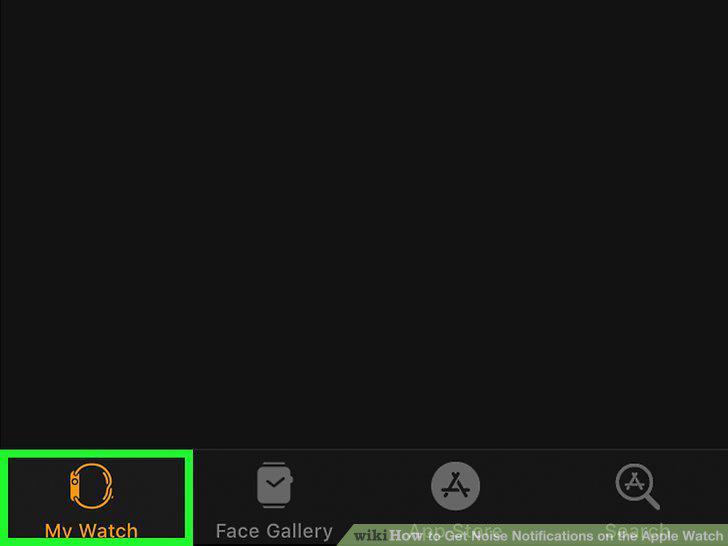
Tap My Watch.
5
Scroll down and tap Noise.
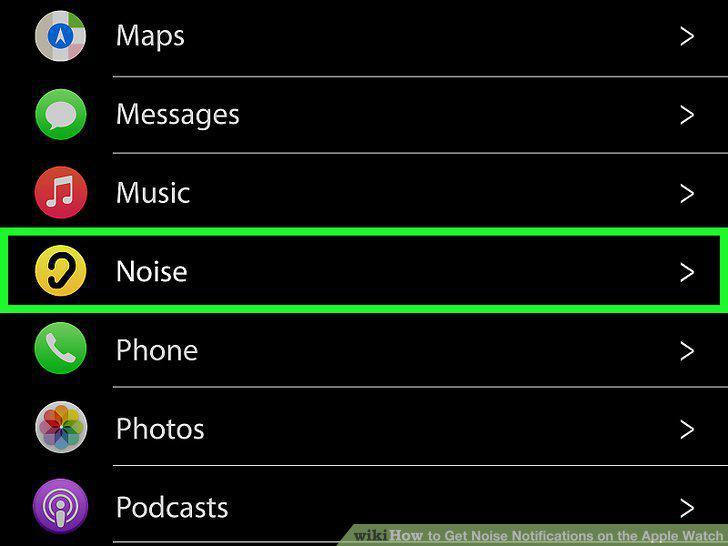
Scroll down and tap Noise.
6
Tap Noise Threshold.
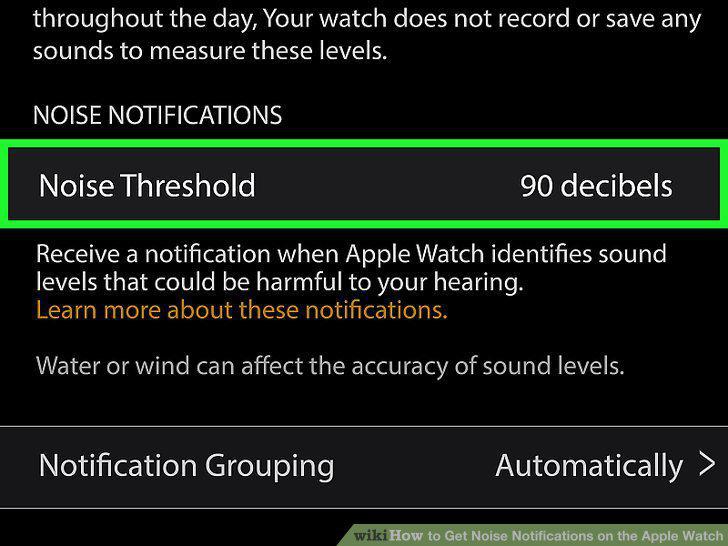
Tap Noise Threshold.
7
Tap a Setting.
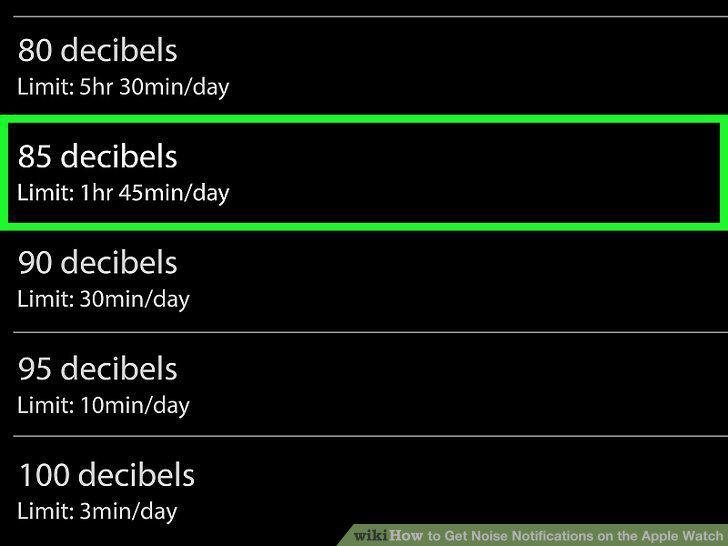
Tap a Setting.
8
Open the Apple Watch app on your iPhone.
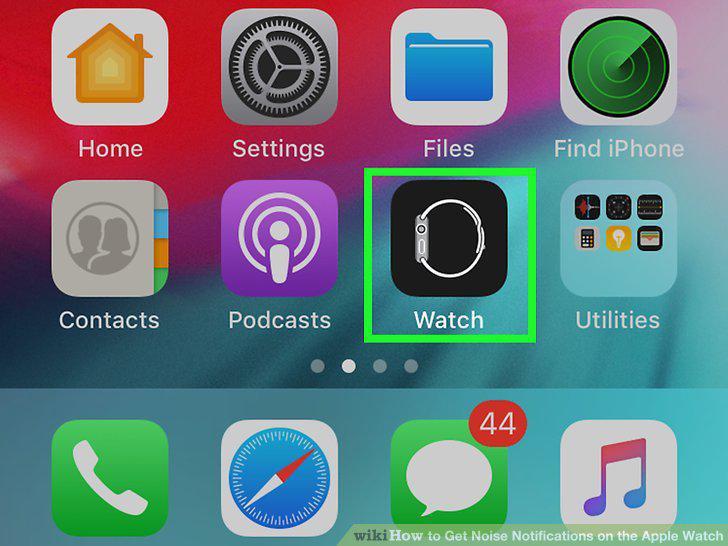
Open the Apple Watch app on your iPhone.
9
Tap My Watch.
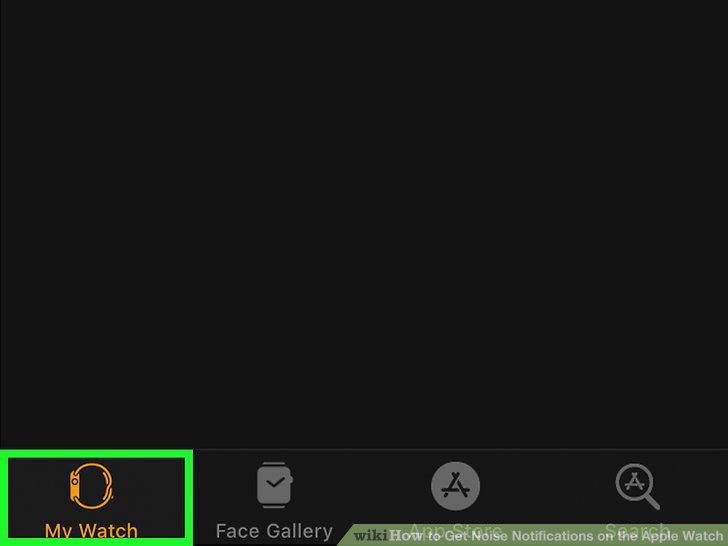
Tap My Watch.
10
Scroll down and tap Noise.
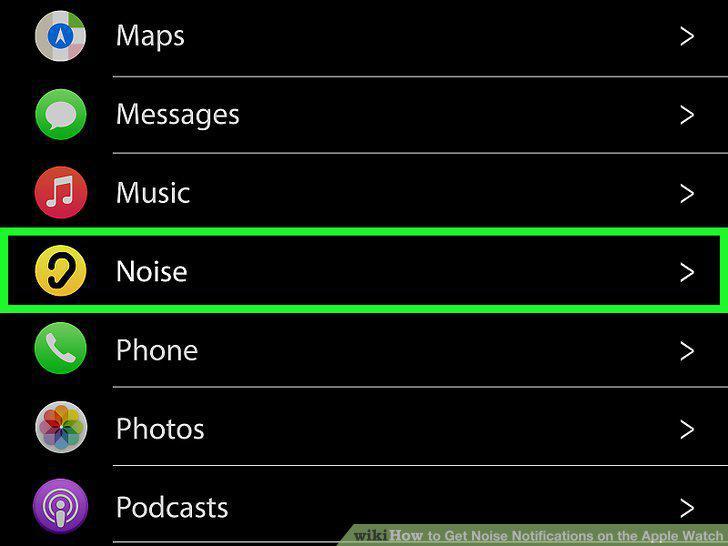
Scroll down and tap Noise.
11
Tap the toggle switch next to "Environmental Sound Measurements.
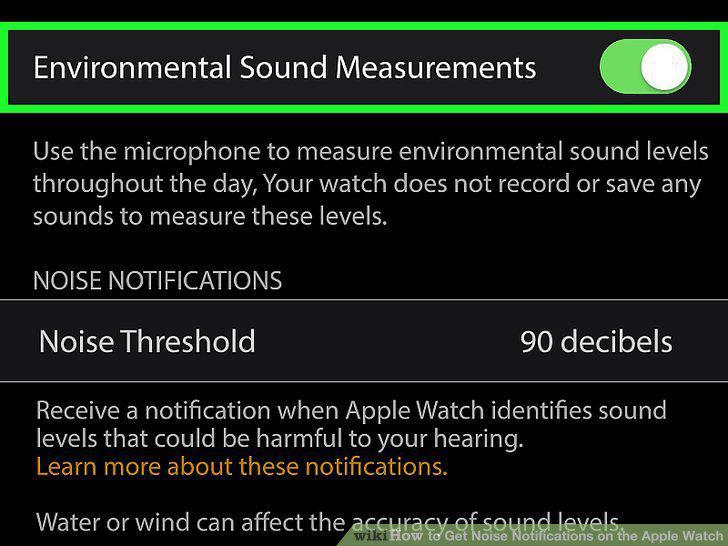
Tap the toggle switch next to "Environmental Sound Measurements.
Comments (0)
No comments yet. Be the first to share your thoughts!