How to Buy Things with PayPal Without a Credit Card
Navigate to http://www.paypal.com to find the "Sign Up" button.. Enter your email and a password.. Fill in the biographical information.
Steps
1
Navigate to http://www.paypal.com to find the "Sign Up" button.
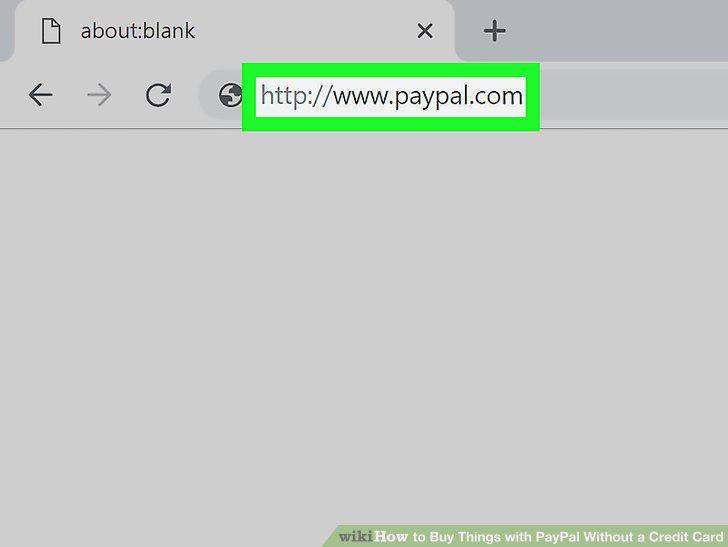
Navigate to http://www.paypal.com to find the "Sign Up" button.
2
Enter your email and a password.
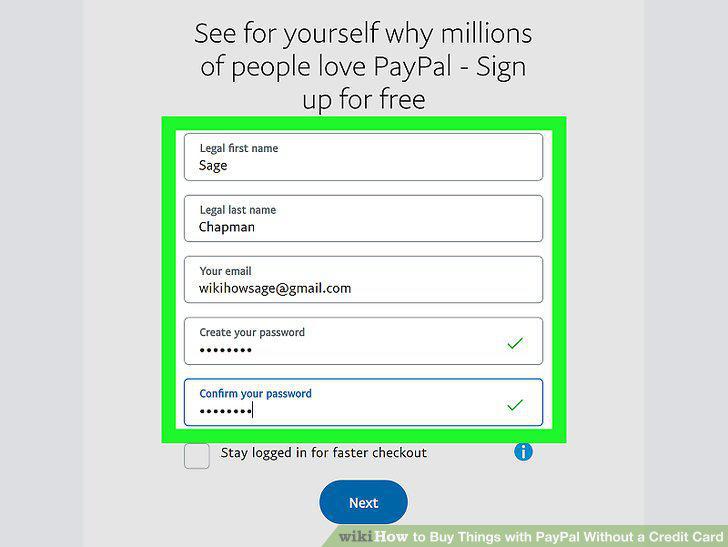
Enter your email and a password.
3
Fill in the biographical information.
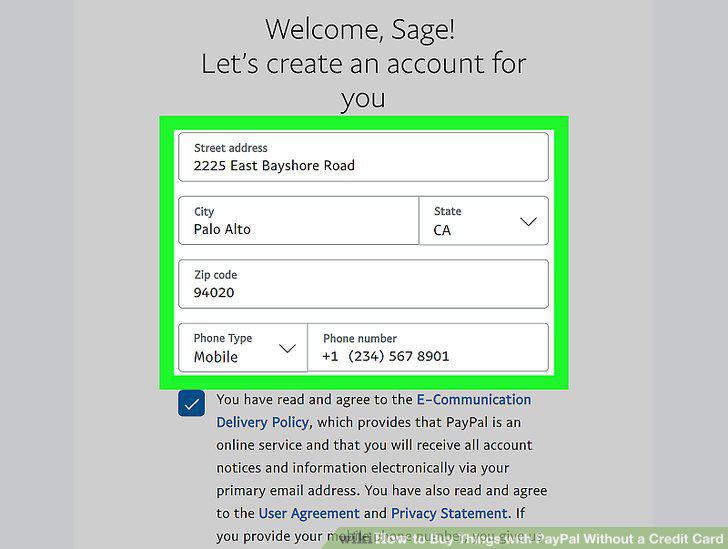
Fill in the biographical information.
4
Verify your email address.
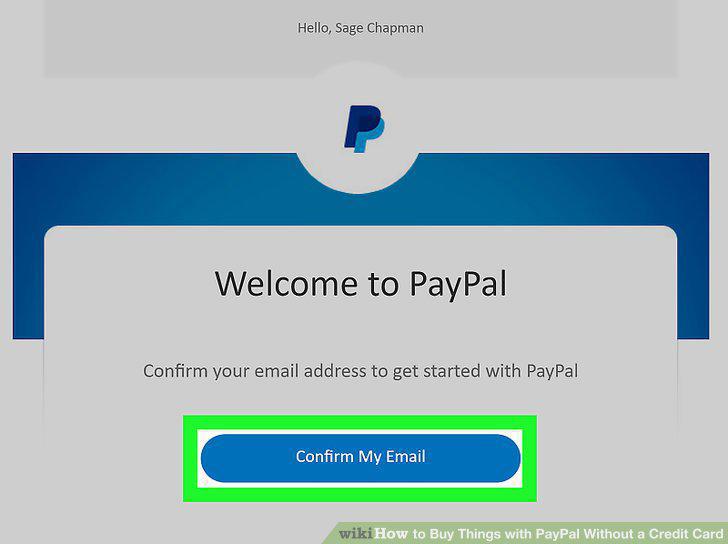
Verify your email address.
5
Click on "Wallet" in your account.
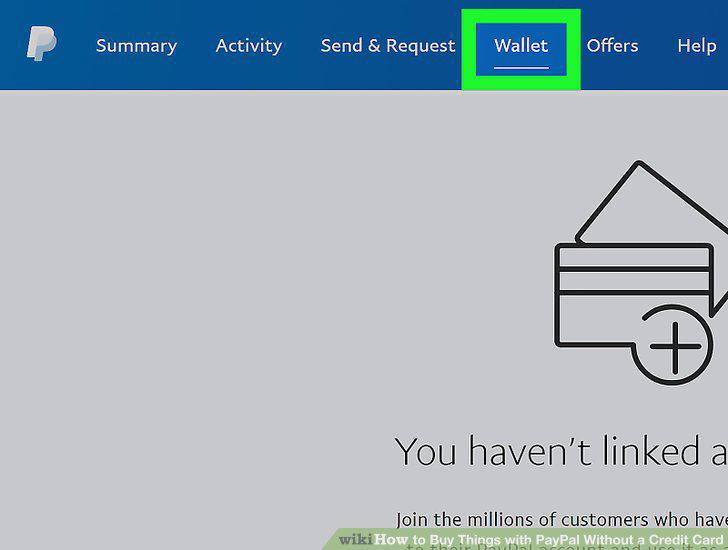
Click on "Wallet" in your account.
6
Select the "Link a Card or Bank" button.
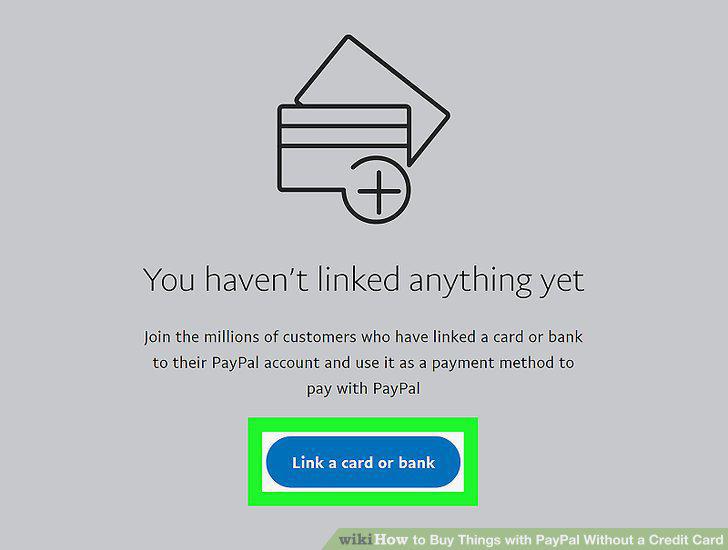
Select the "Link a Card or Bank" button.
7
Follow the prompts to add the appropriate information.
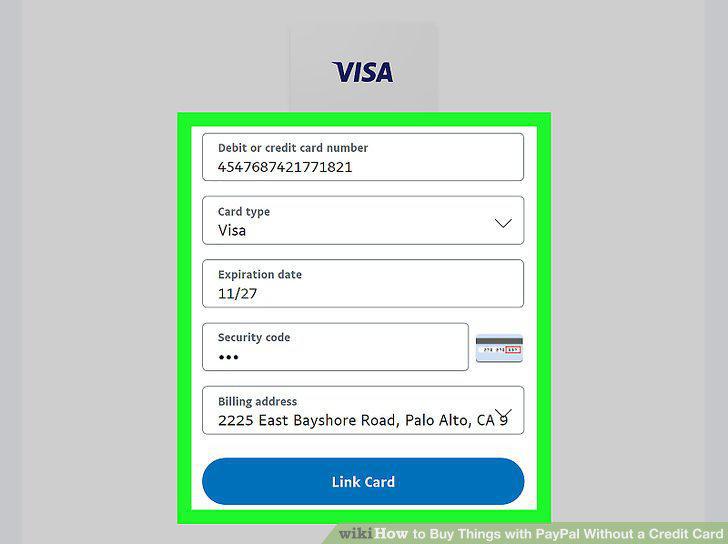
Follow the prompts to add the appropriate information.
8
Confirm your account if you're using a bank account.
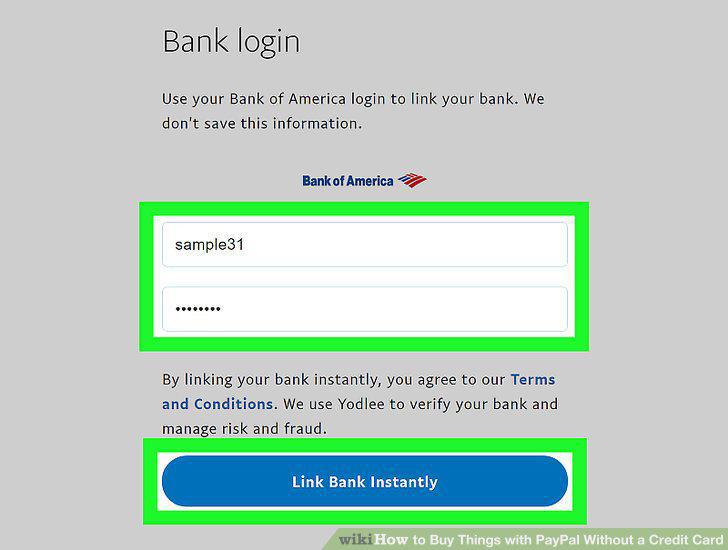
Confirm your account if you're using a bank account.
9
Find a website that accepts PayPal.
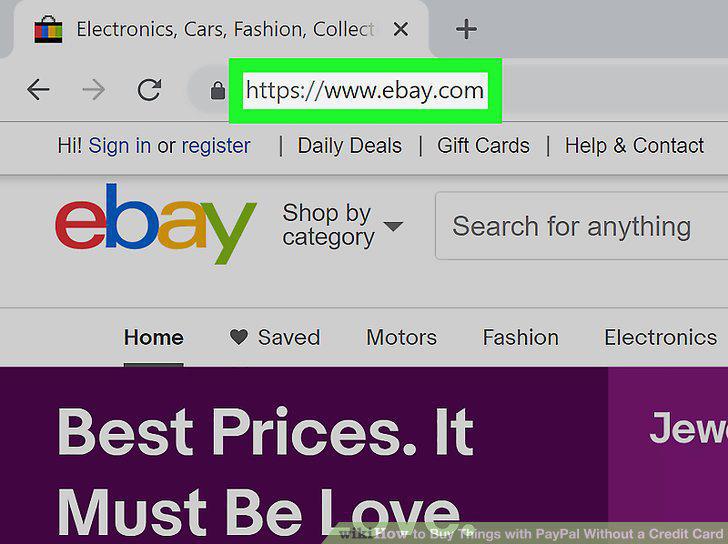
Find a website that accepts PayPal.
10
Add items to your cart as you normally would.
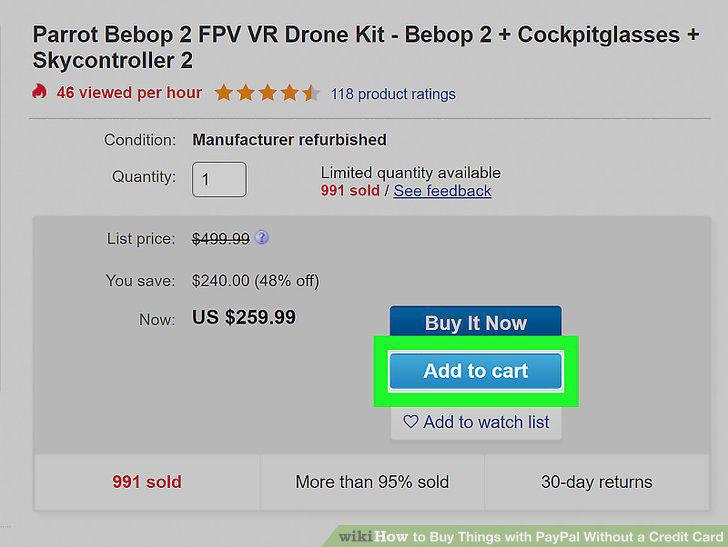
Add items to your cart as you normally would.
11
Click on the "Checkout" button.
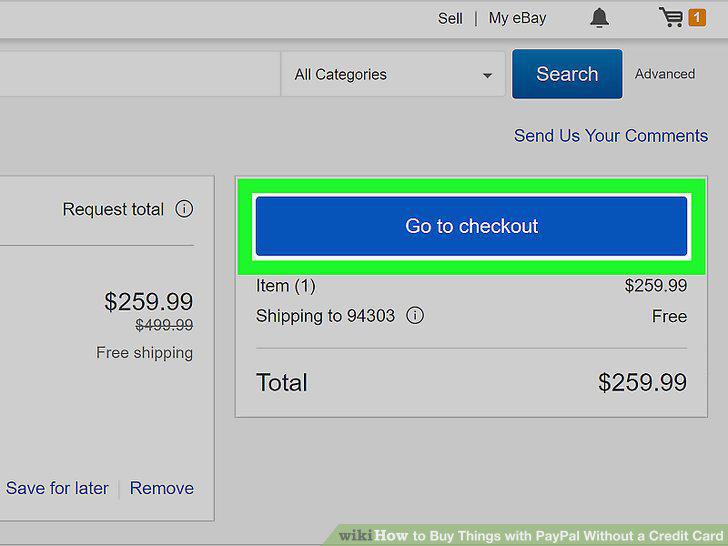
Click on the "Checkout" button.
12
Log into your PayPal account when prompted.
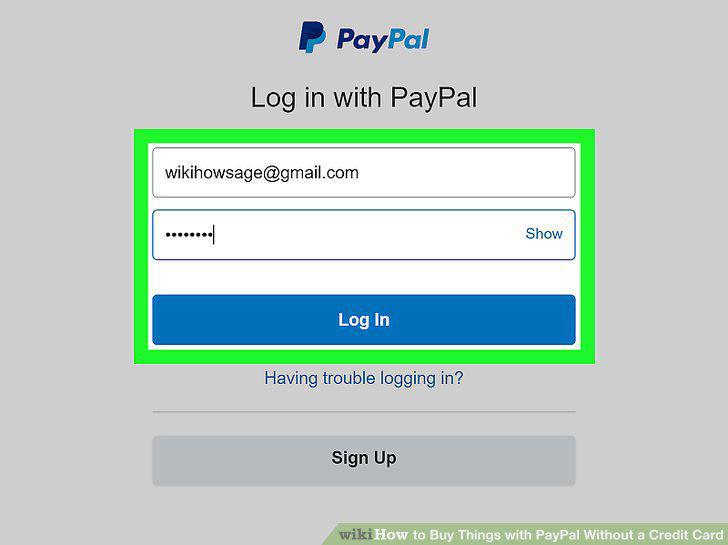
Log into your PayPal account when prompted.
13
Confirm the purchase.
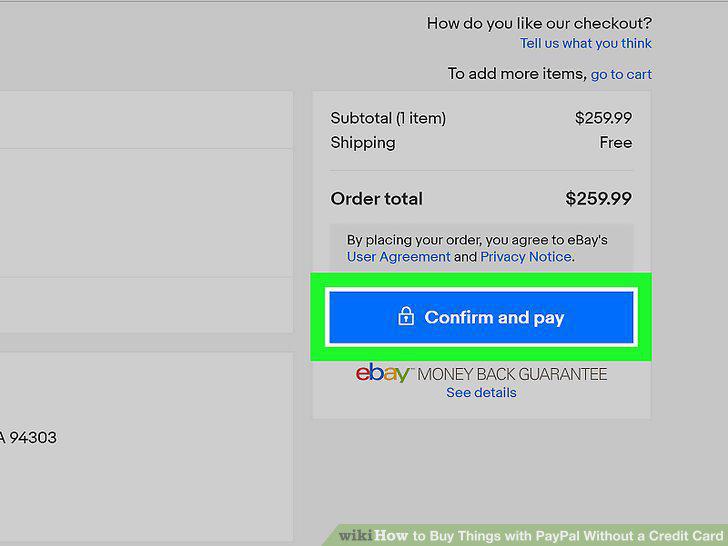
Confirm the purchase.
Comments (0)
No comments yet. Be the first to share your thoughts!