How to Contact Amazon
Navigate to https://www.amazon.com/gp/help/customer/contact-us/ first.. Select "Start chatting" if you have a simple problem, like tracking a package.. Select your help topic from one of the options in the chat window.
Steps
Navigate to https://www.amazon.com/gp/help/customer/contact-us/ first.
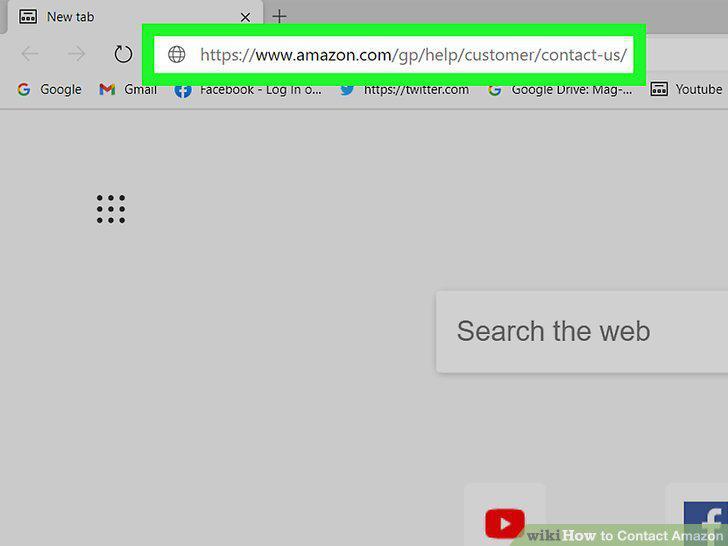
Navigate to https://www.amazon.com/gp/help/customer/contact-us/ first.
Select "Start chatting" if you have a simple problem, like tracking a package.
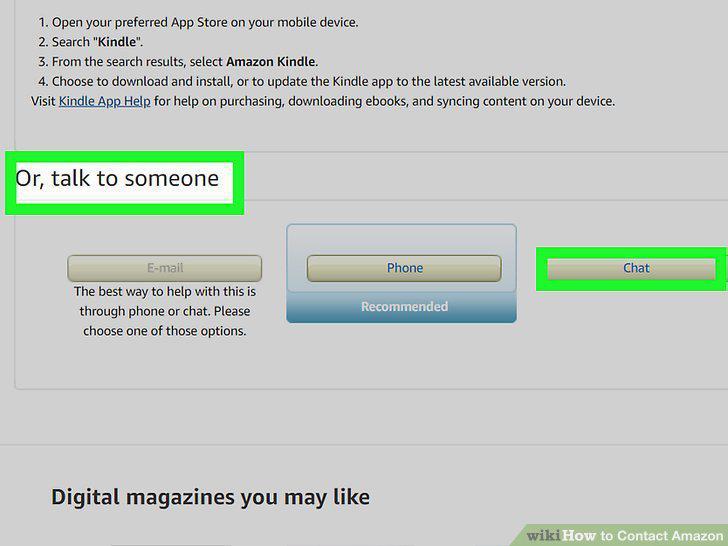
Select "Start chatting" if you have a simple problem, like tracking a package.
Select your help topic from one of the options in the chat window.
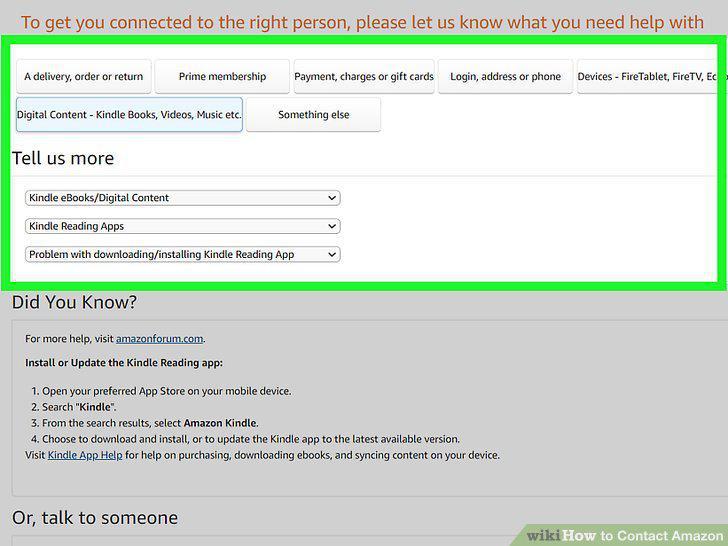
Select your help topic from one of the options in the chat window.
Ask to chat with an associate if the bot isn't able to help you.
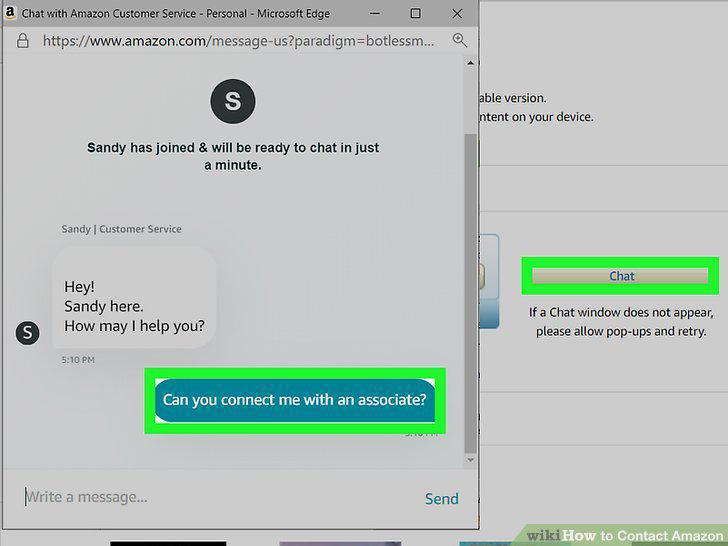
Ask to chat with an associate if the bot isn't able to help you.
Email Amazon if your issue isn't urgent.
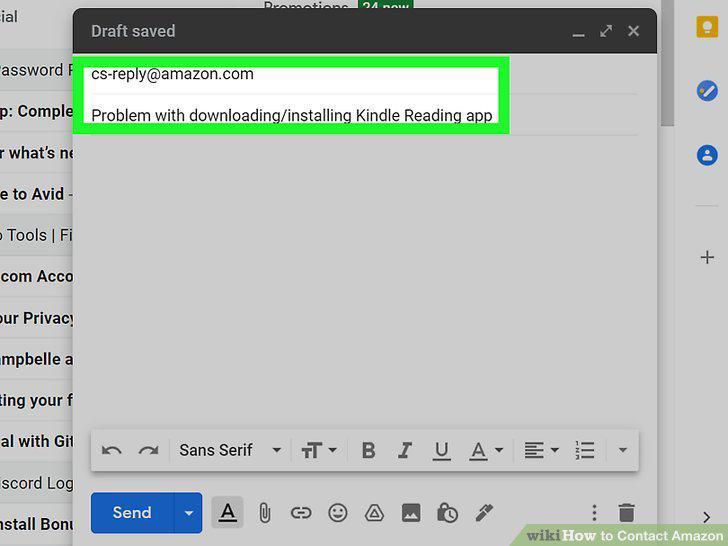
Email Amazon if your issue isn't urgent.
Explain your issue and how you would like it fixed as clearly as possible.
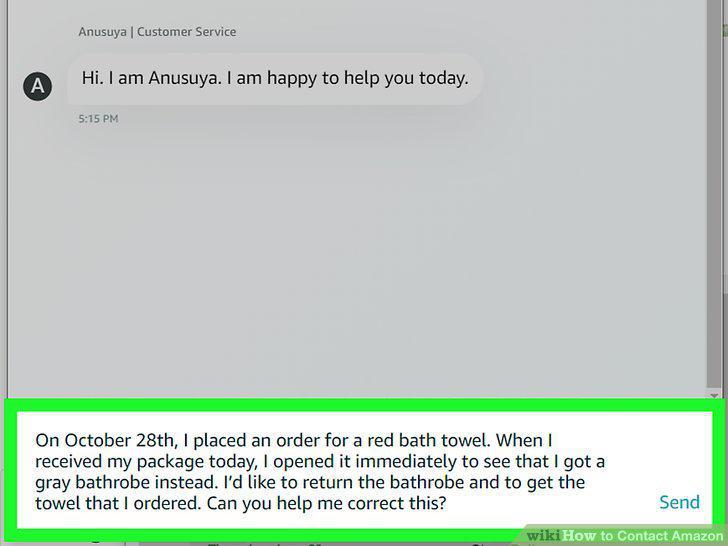
Explain your issue and how you would like it fixed as clearly as possible.
Keep all records, confirmation numbers, and shipping notes on hand.
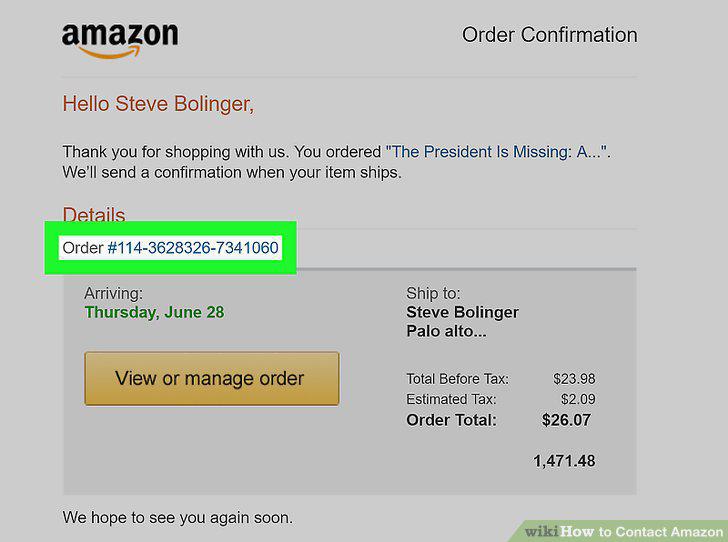
Keep all records, confirmation numbers, and shipping notes on hand.
Ask politely to speak to a manager if your representative can't help you.
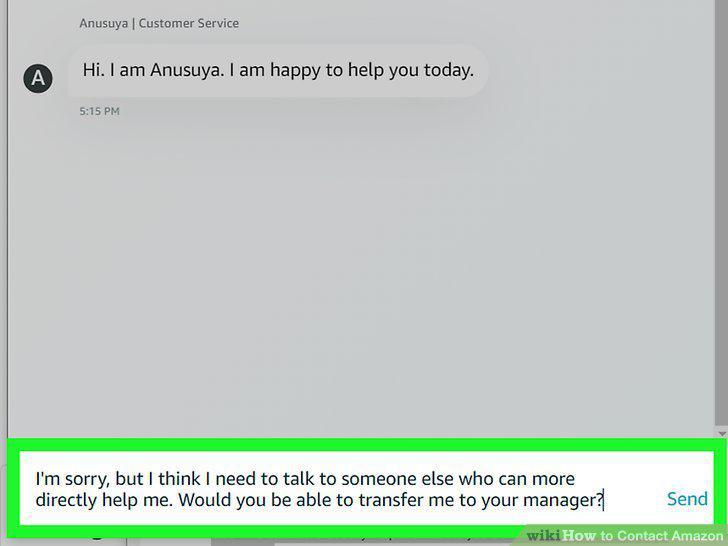
Ask politely to speak to a manager if your representative can't help you.
Be kind and civil in all of your interactions.
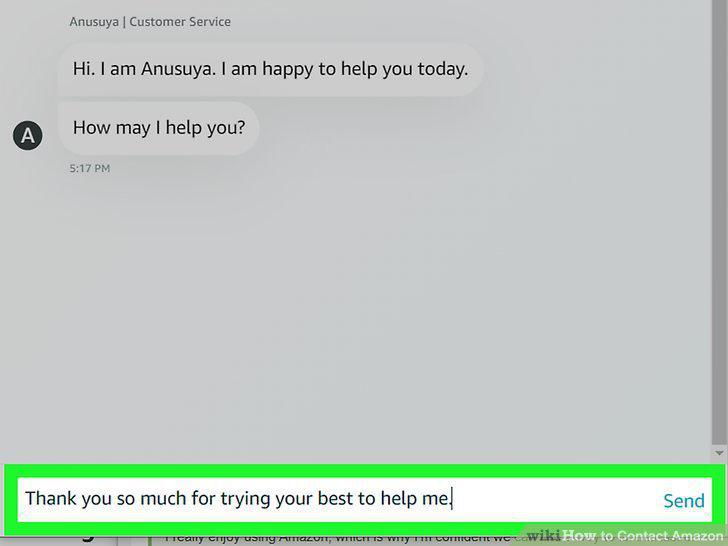
Be kind and civil in all of your interactions.
Comments (0)
No comments yet. Be the first to share your thoughts!