How to Remove an Item from eBay
Go to https://www.ebay.com using a web browser.. Log in to your seller's eBay account.. Mouse over My eBay.
Steps
1
Go to https://www.ebay.com using a web browser.
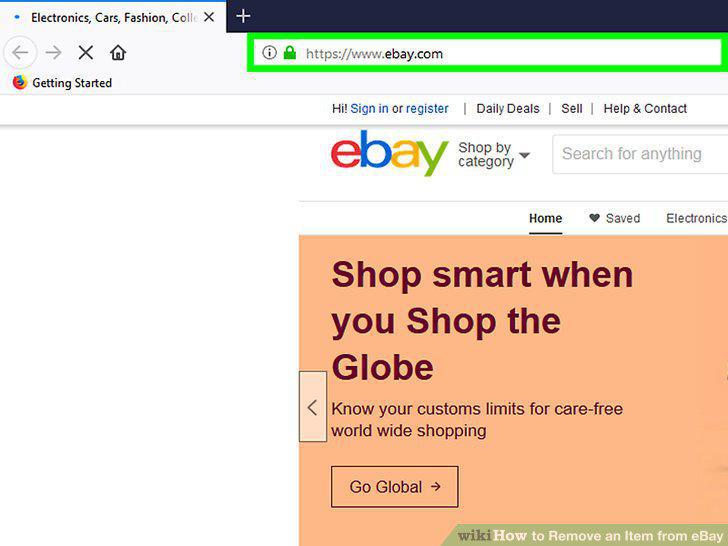
Go to https://www.ebay.com using a web browser.
2
Log in to your seller's eBay account.
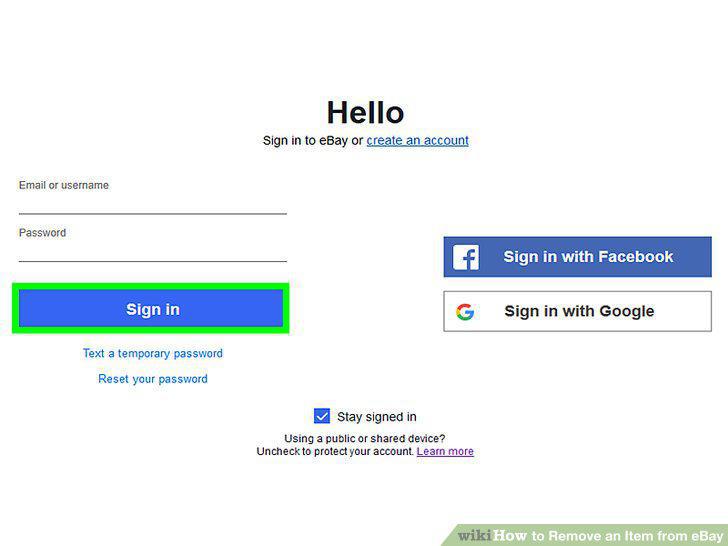
Log in to your seller's eBay account.
3
Mouse over My eBay.
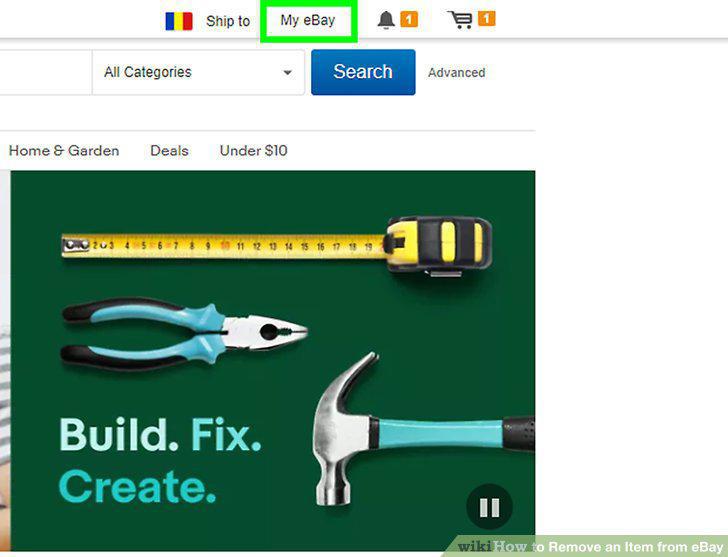
Mouse over My eBay.
4
Click Selling.
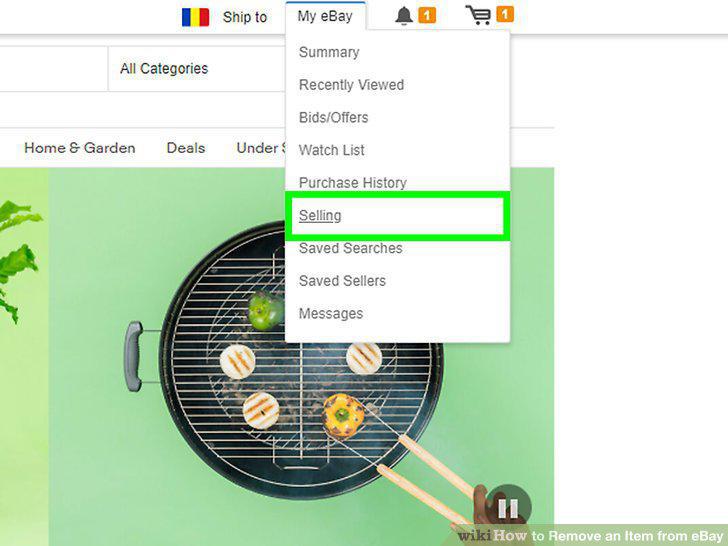
Click Selling.
5
Click Active.
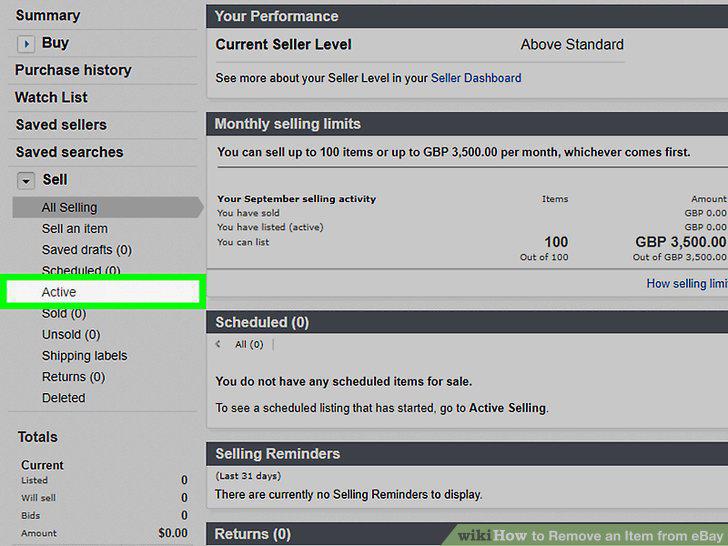
Click Active.
6
Scroll down and locate the item or listing you want to remove.
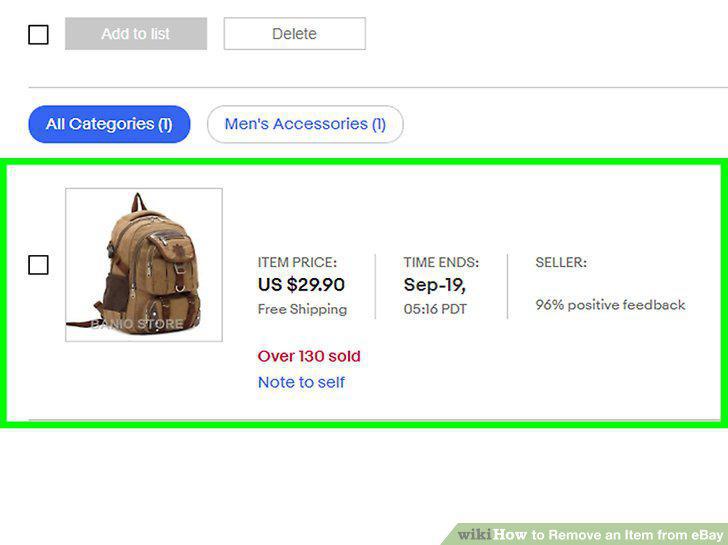
Scroll down and locate the item or listing you want to remove.
7
Click the arrow icon to the right of the listing.
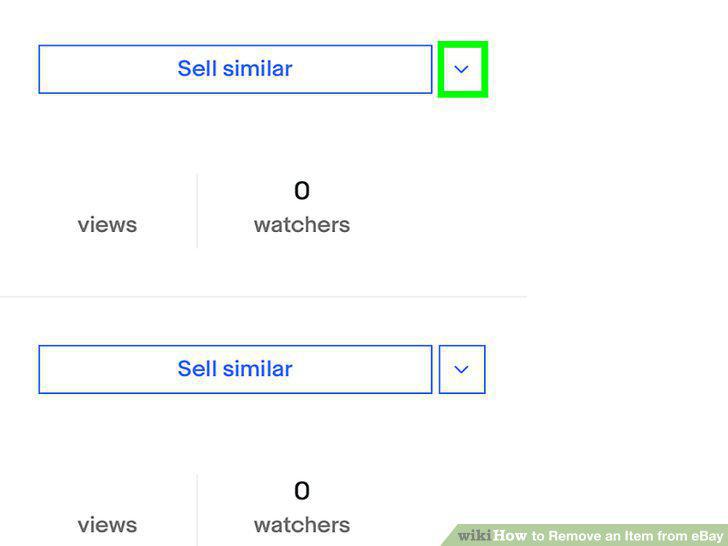
Click the arrow icon to the right of the listing.
8
Click End my listing early.
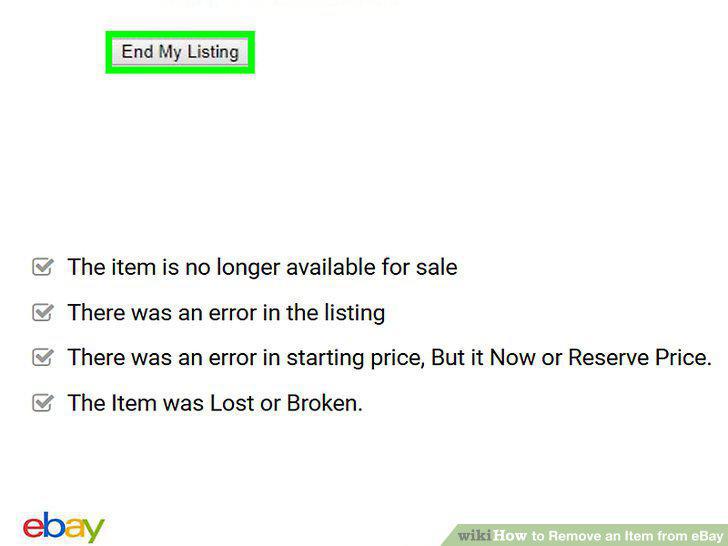
Click End my listing early.
9
Select a reason for ending the listing.
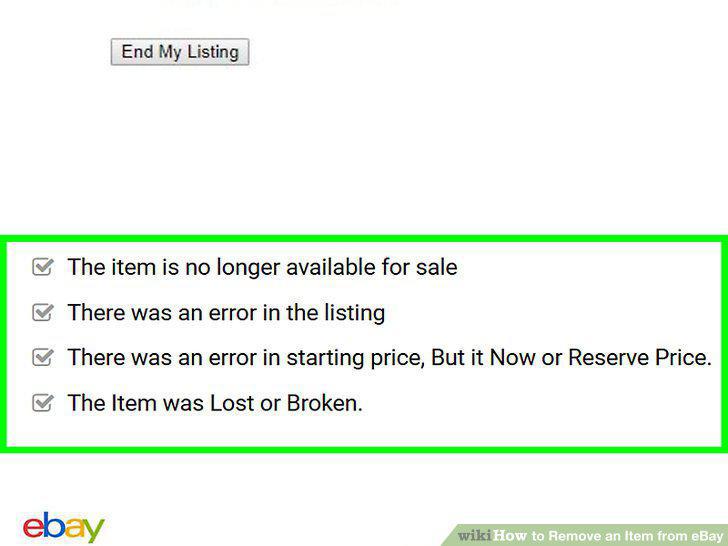
Select a reason for ending the listing.
10
Click End my listing.
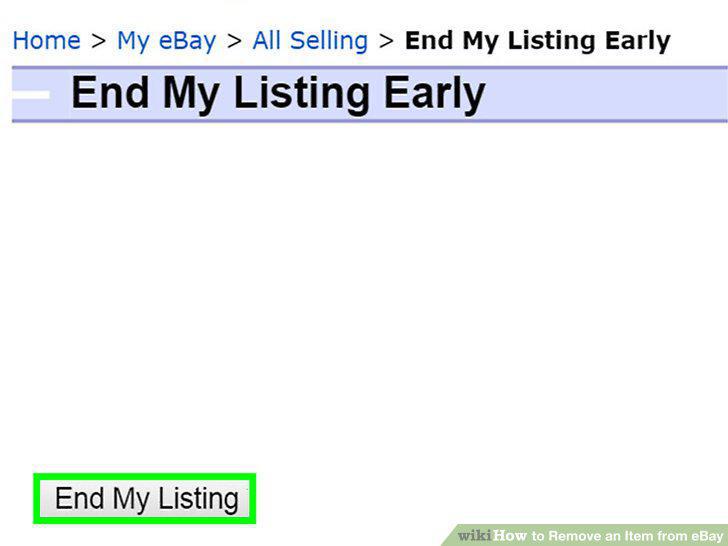
Click End my listing.
Comments (0)
No comments yet. Be the first to share your thoughts!