How to Ship an Item Using OfferUp on iPhone or iPad
Open OfferUp on your iPhone or iPad.. Accept the buyer's offer.. Enter your shipping address.
Steps
1
Open OfferUp on your iPhone or iPad.
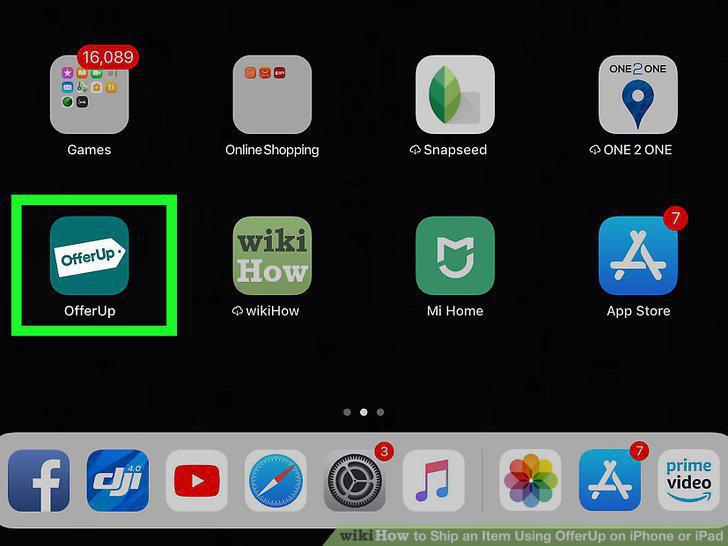
Open OfferUp on your iPhone or iPad.
2
Accept the buyer's offer.
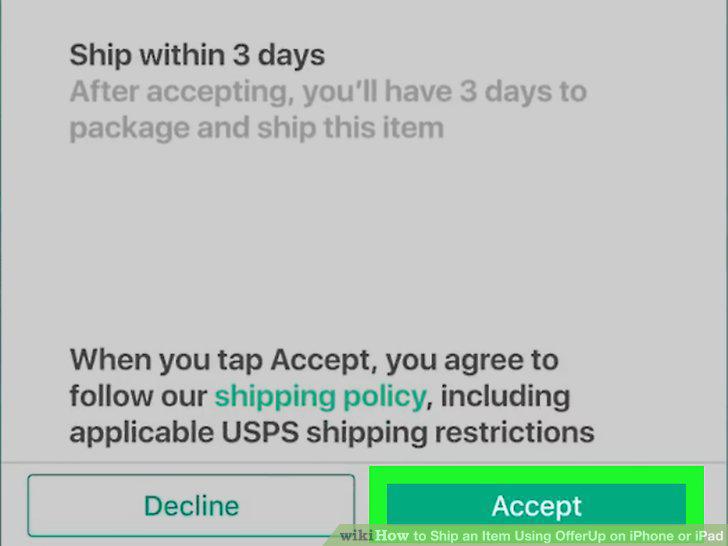
Accept the buyer's offer.
3
Enter your shipping address.
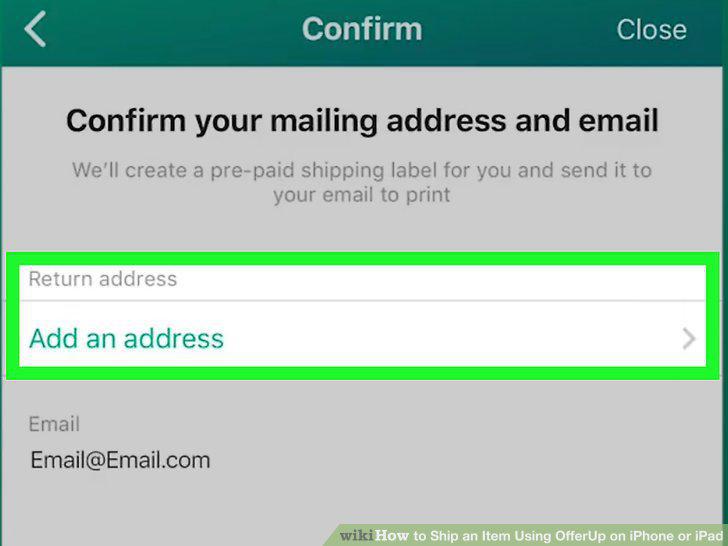
Enter your shipping address.
4
Tap Confirm.
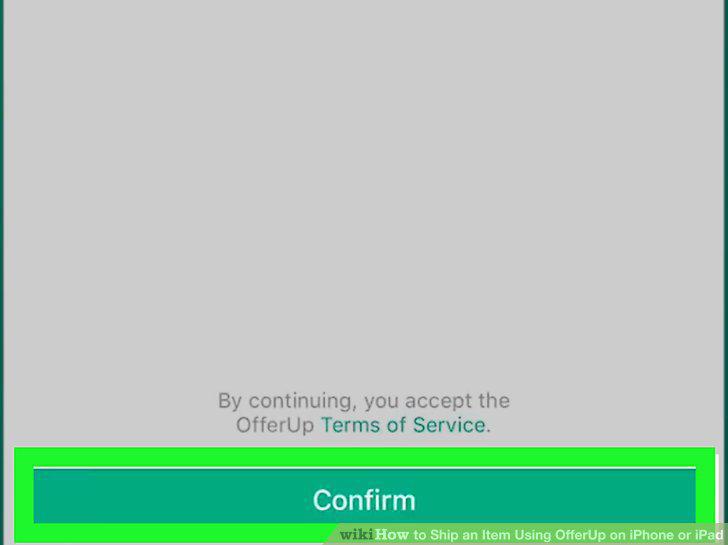
Tap Confirm.
5
Print the shipping label.
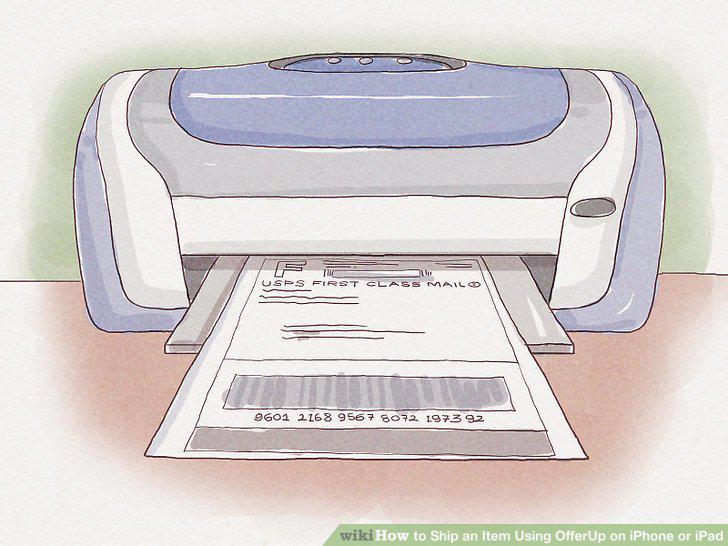
Print the shipping label.
6
Prepare the item for shipment.
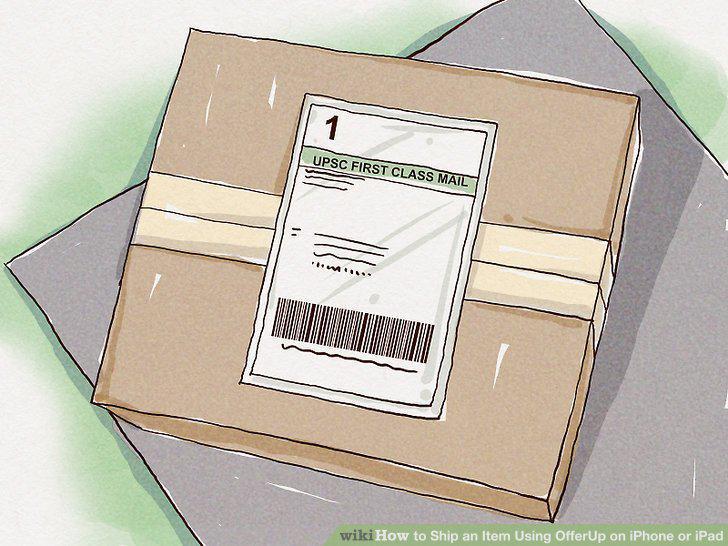
Prepare the item for shipment.
7
Mail the package via the United States Postal Service (USPS).
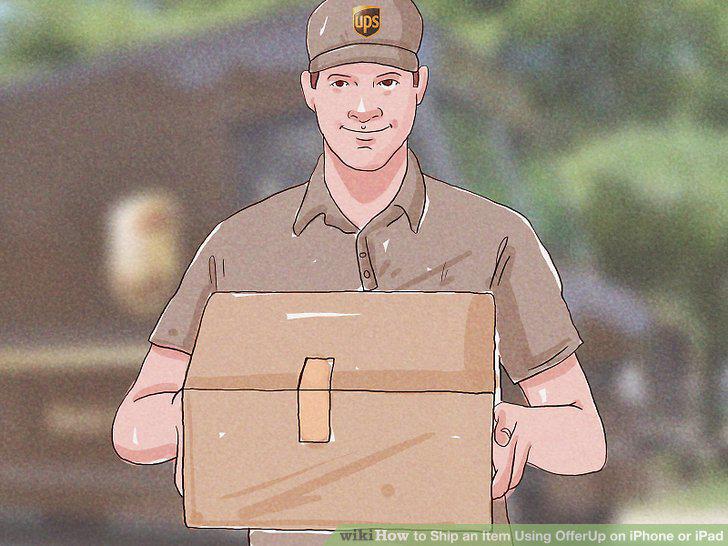
Mail the package via the United States Postal Service (USPS).
Comments (0)
No comments yet. Be the first to share your thoughts!