How to Contact a Seller on AliExpress
Log into your account on AliExpress.. Navigate to the seller's store.. Click Contact.
Steps
1
Log into your account on AliExpress.
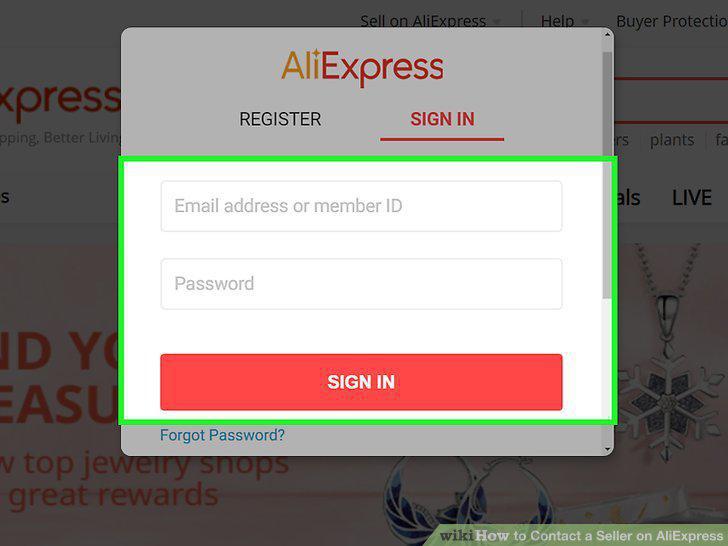
Log into your account on AliExpress.
2
Navigate to the seller's store.
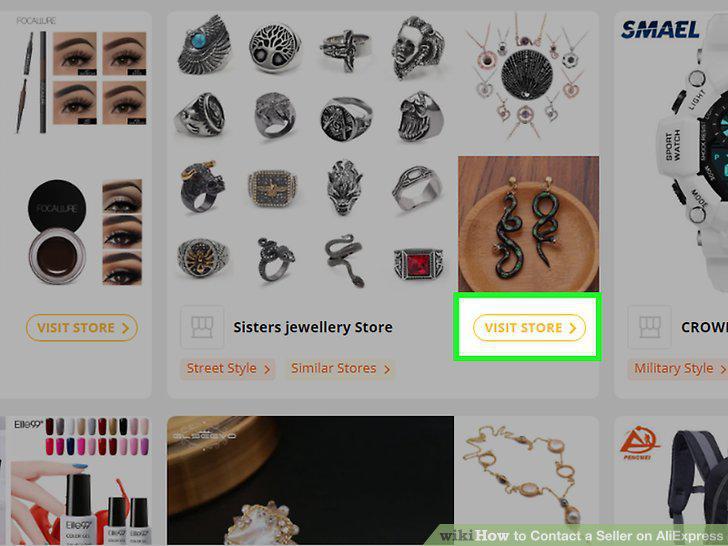
Navigate to the seller's store.
3
Click Contact.
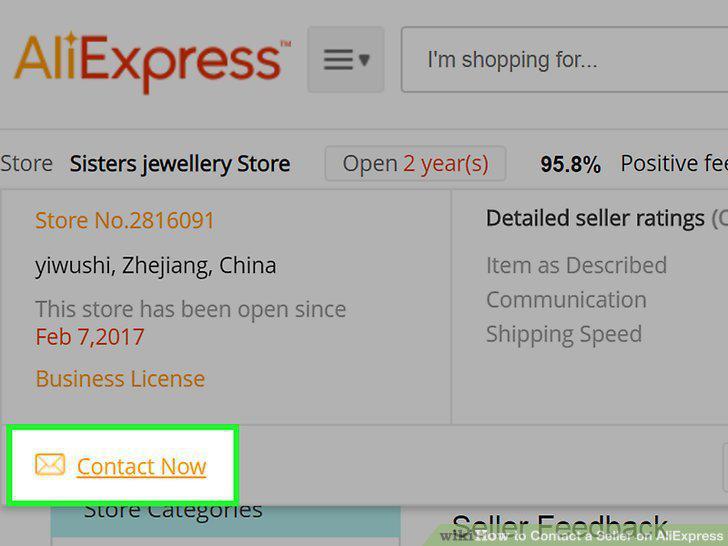
Click Contact.
4
Fill out and submit the form.
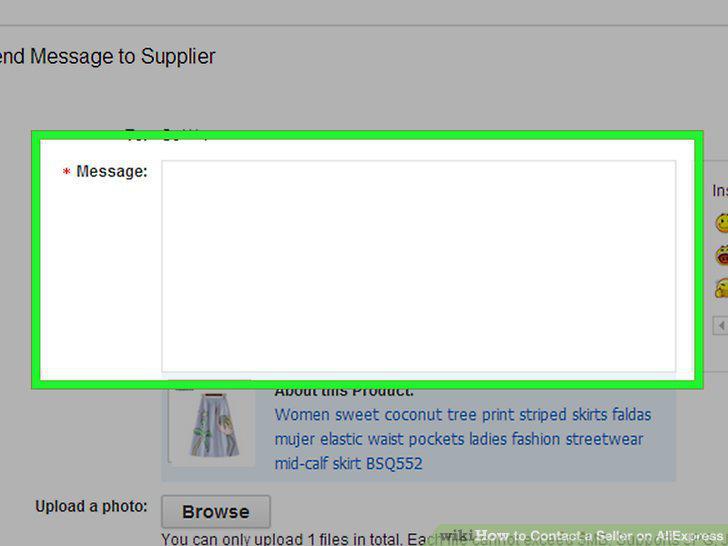
Fill out and submit the form.
Comments (0)
No comments yet. Be the first to share your thoughts!