How to Win an eBay Auction
Set up notifications on your eBay account.. Look at when auctions end and set reminders to check on them.. Use eBay's automatic bidding system and enter the max you want to pay.
Steps
1
Set up notifications on your eBay account.

Set up notifications on your eBay account.
2
Look at when auctions end and set reminders to check on them.
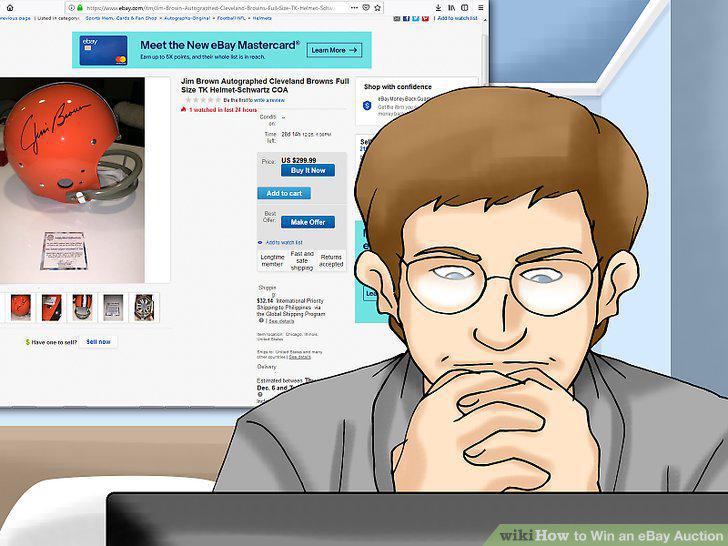
Look at when auctions end and set reminders to check on them.
3
Use eBay's automatic bidding system and enter the max you want to pay.
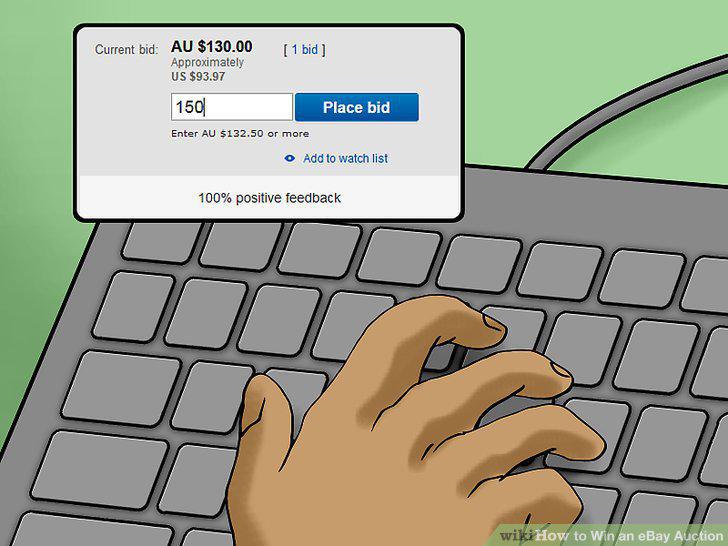
Use eBay's automatic bidding system and enter the max you want to pay.
4
Look for items listed with spelling mistakes.
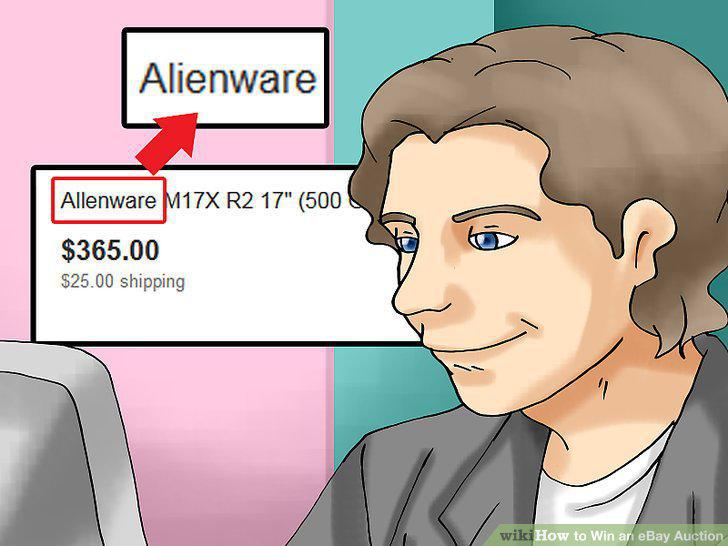
Look for items listed with spelling mistakes.
5
Look at when the auction ends and set a reminder for 2 minutes before.
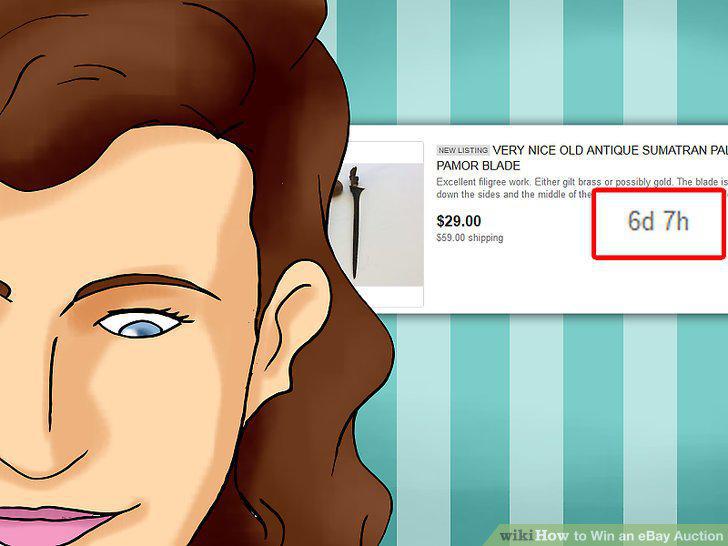
Look at when the auction ends and set a reminder for 2 minutes before.
6
Log in to eBay and go to the item's page 2 minutes before the auction ends.
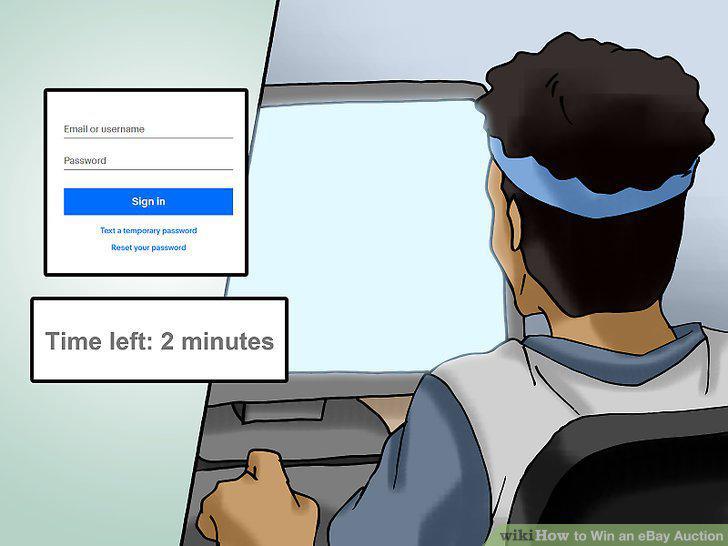
Log in to eBay and go to the item's page 2 minutes before the auction ends.
7
Wait until 10 seconds before the auction ends then place a bid.
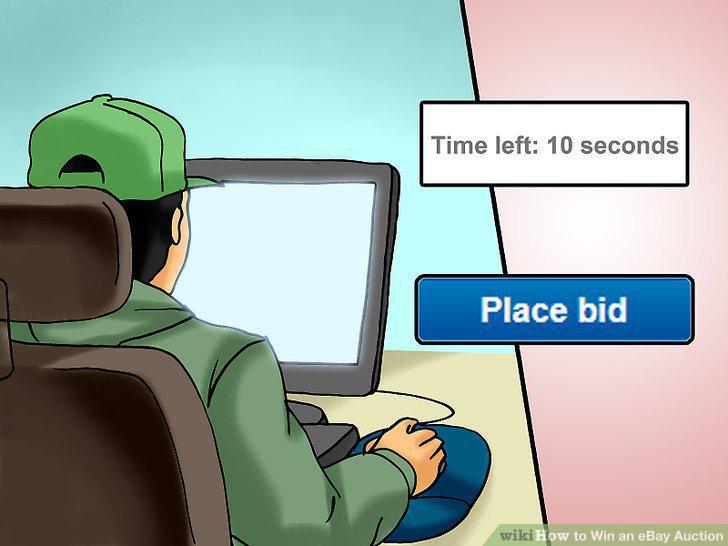
Wait until 10 seconds before the auction ends then place a bid.
8
Keep an eye on the bid price and place another higher one if you need to.

Keep an eye on the bid price and place another higher one if you need to.
Comments (0)
No comments yet. Be the first to share your thoughts!