How to Return an Item to Amazon
Log into the Amazon account that you ordered the item with.. Click "Orders" on the top right of your screen.. Click "Return or Replace Items" next to the item you want to return.
Steps
Log into the Amazon account that you ordered the item with.
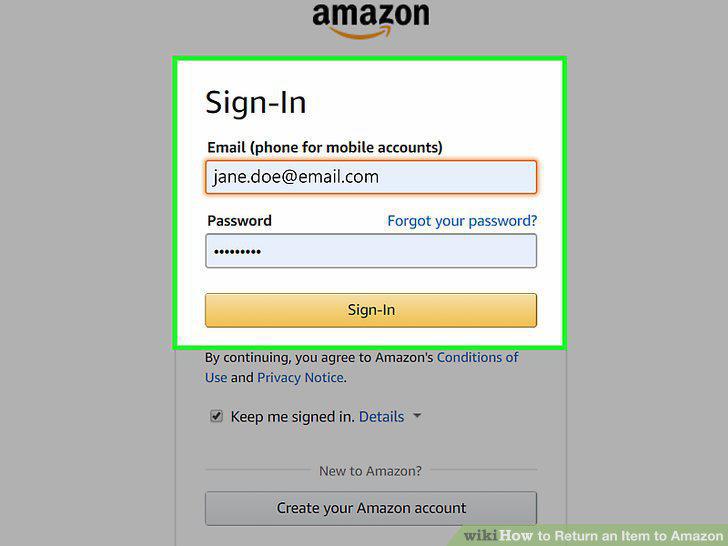
Log into the Amazon account that you ordered the item with.
Click "Orders" on the top right of your screen.
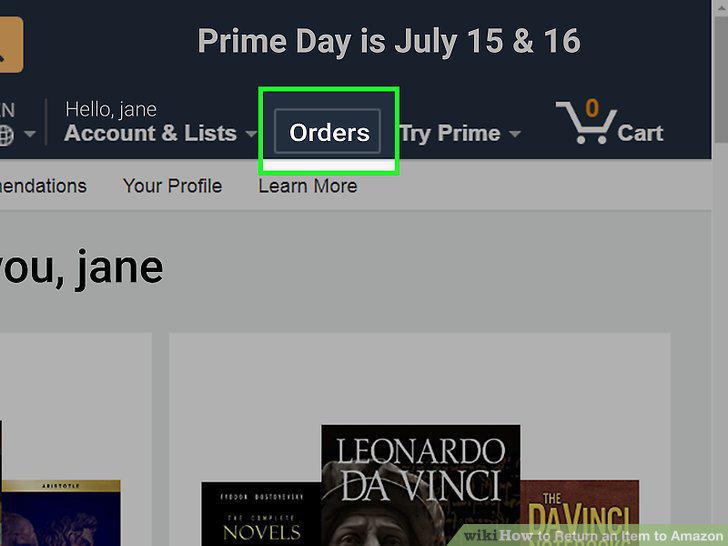
Click "Orders" on the top right of your screen.
Click "Return or Replace Items" next to the item you want to return.
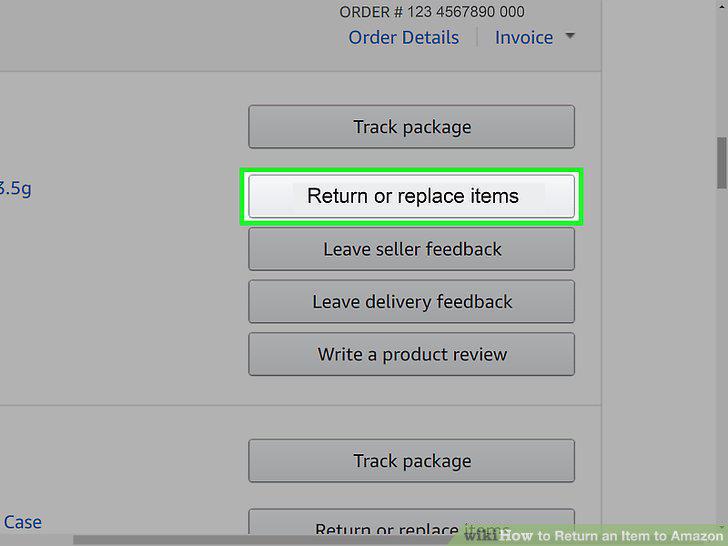
Click "Return or Replace Items" next to the item you want to return.
Explain the reason that you want to return the item.
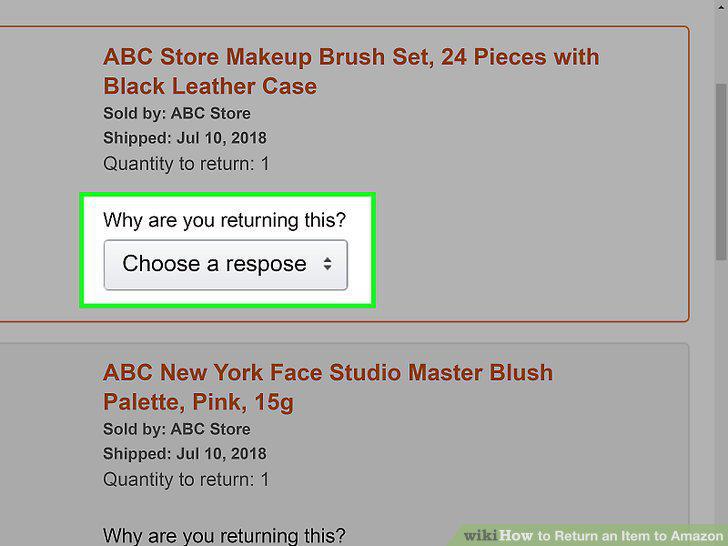
Explain the reason that you want to return the item.
Request a refund or a replacement for the item.
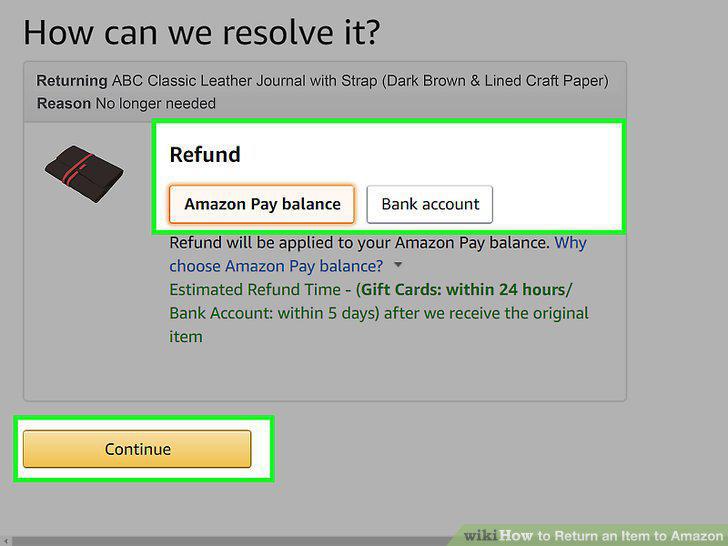
Request a refund or a replacement for the item.
Choose a return method.
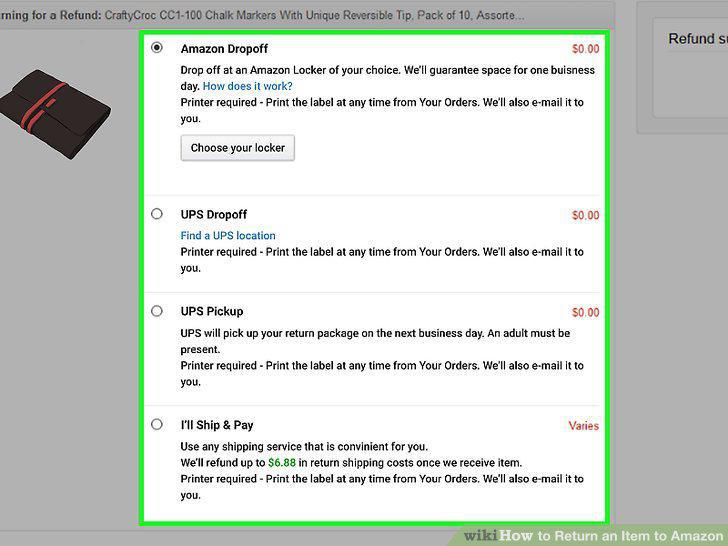
Choose a return method.
Visit the Online Return Center and click the middle button.
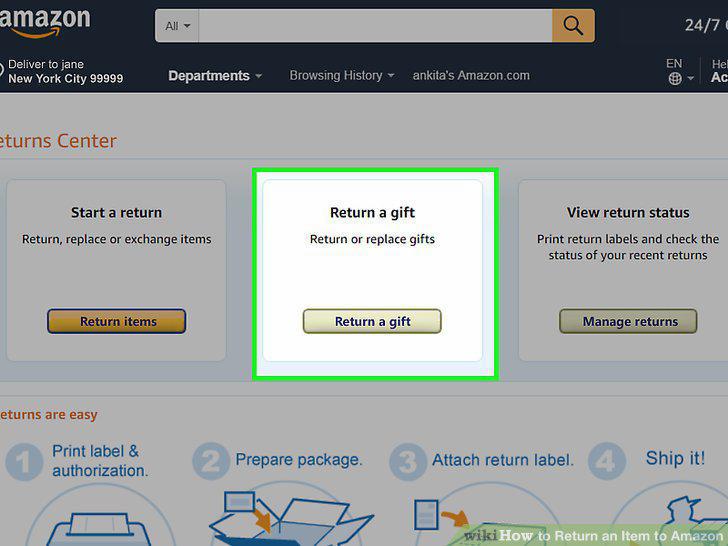
Visit the Online Return Center and click the middle button.
Create or log into your Amazon account.
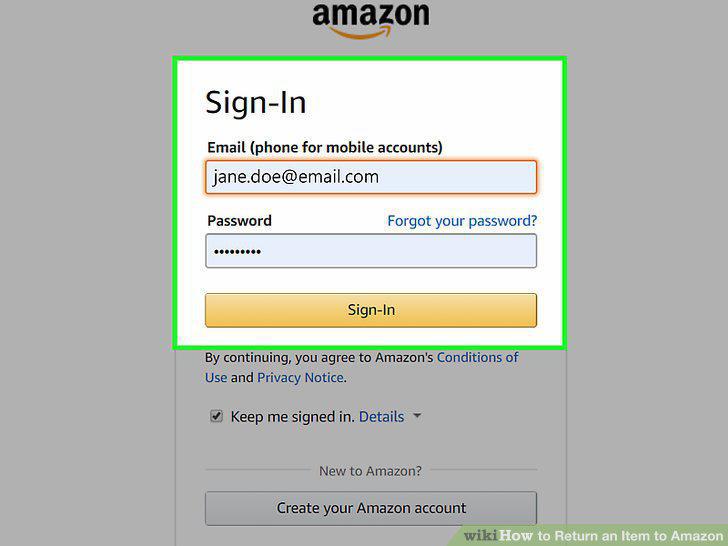
Create or log into your Amazon account.
Enter the 17-digit order number if the item was a gift.
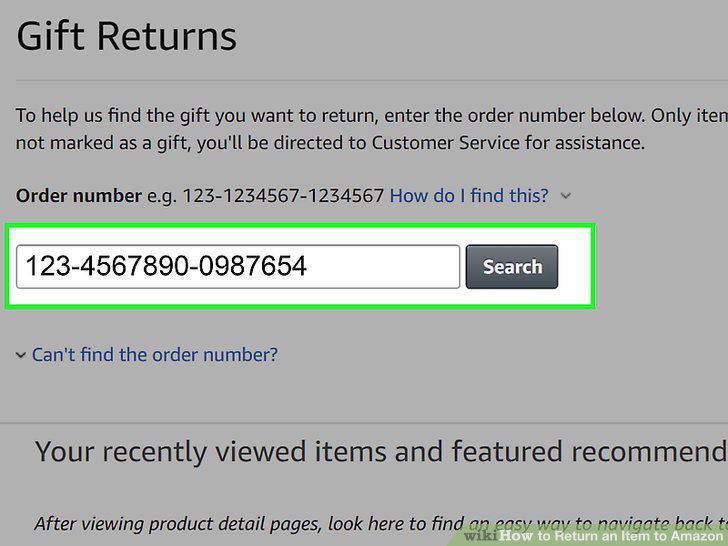
Enter the 17-digit order number if the item was a gift.
Click the "Return or Replace Items" button.
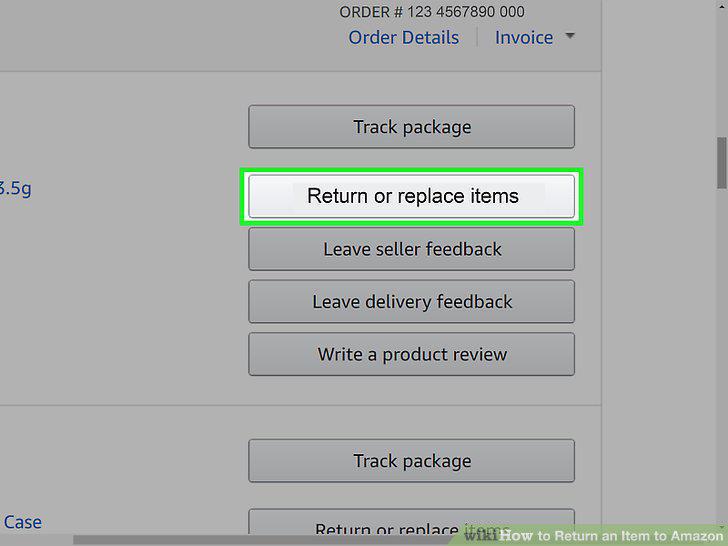
Click the "Return or Replace Items" button.
Select the reason for the return in the drop-down menu.
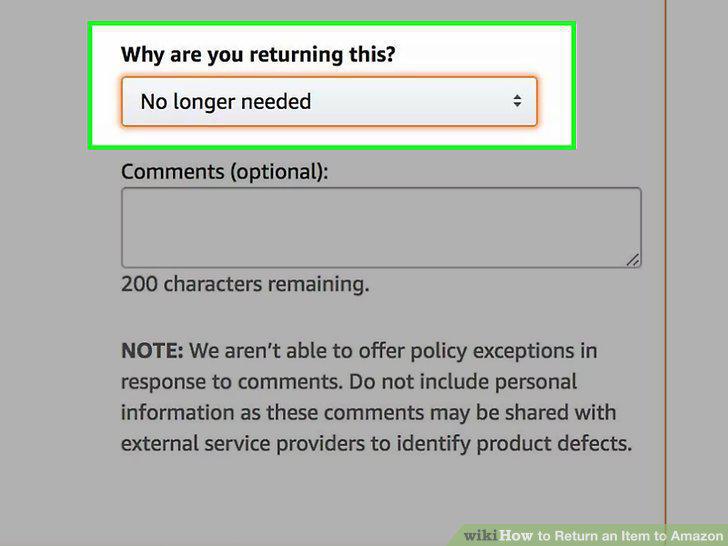
Select the reason for the return in the drop-down menu.
Request a refund or a replacement for the item.
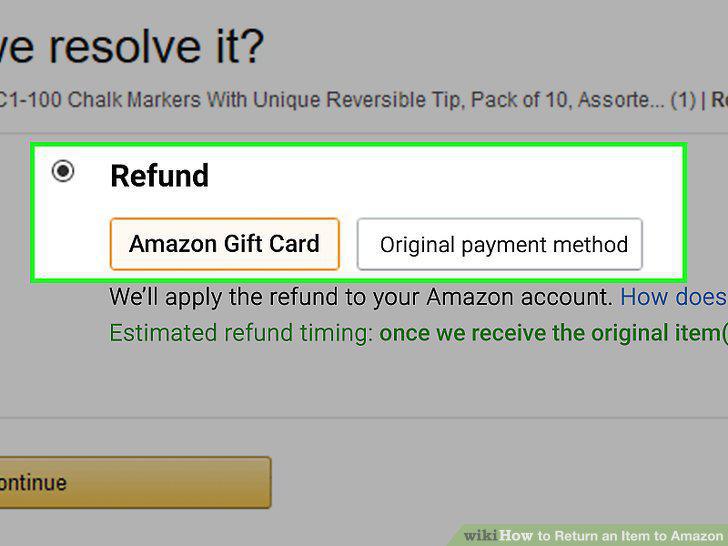
Request a refund or a replacement for the item.
Choose how you'll return the gift.
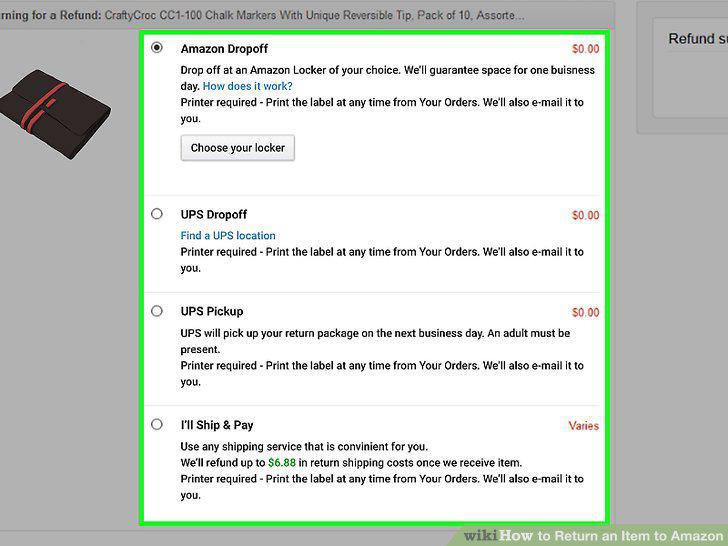
Choose how you'll return the gift.
Log into the Amazon account that you ordered the item with.
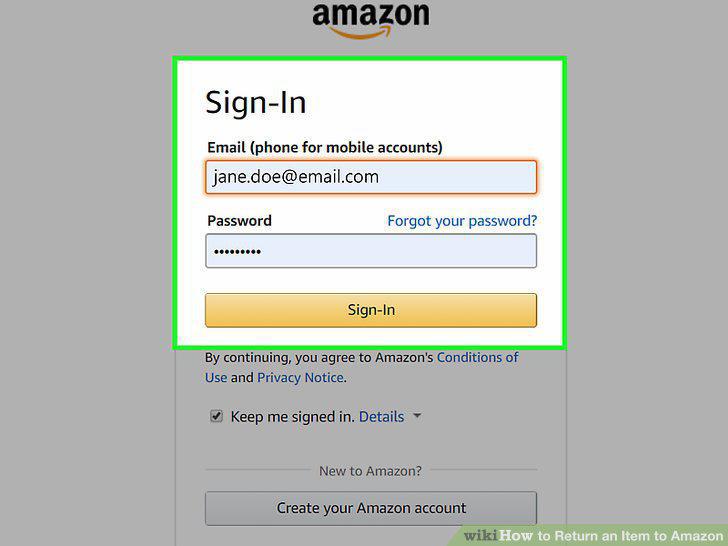
Log into the Amazon account that you ordered the item with.
Click "Orders" on the right of your screen.
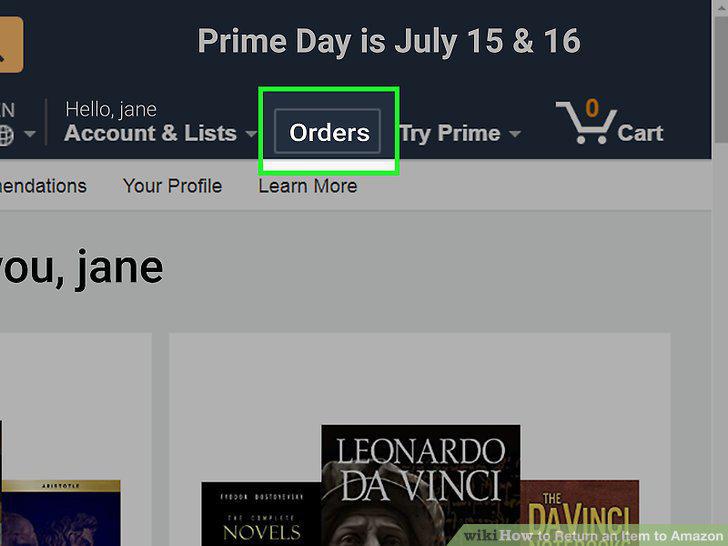
Click "Orders" on the right of your screen.
Click the "request refund" button.
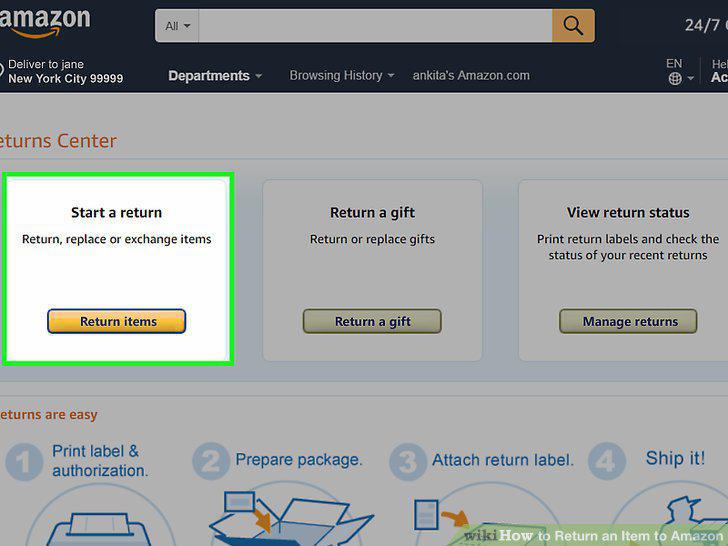
Click the "request refund" button.
Print out the return label.
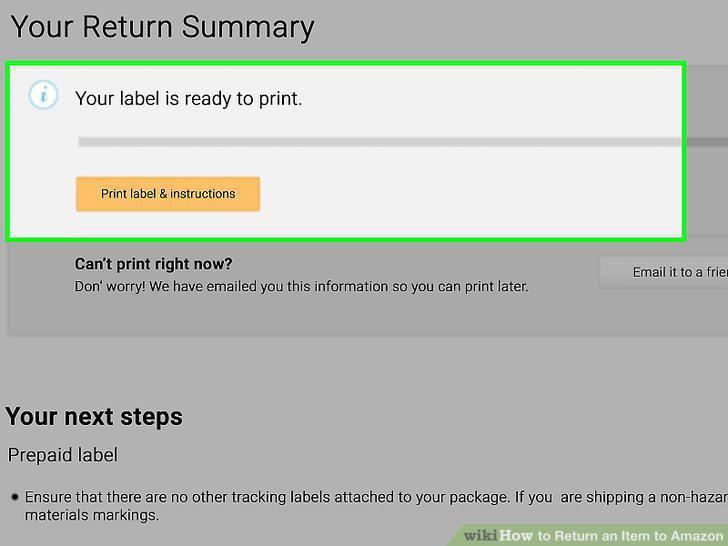
Print out the return label.
Pack your item into a box securely.
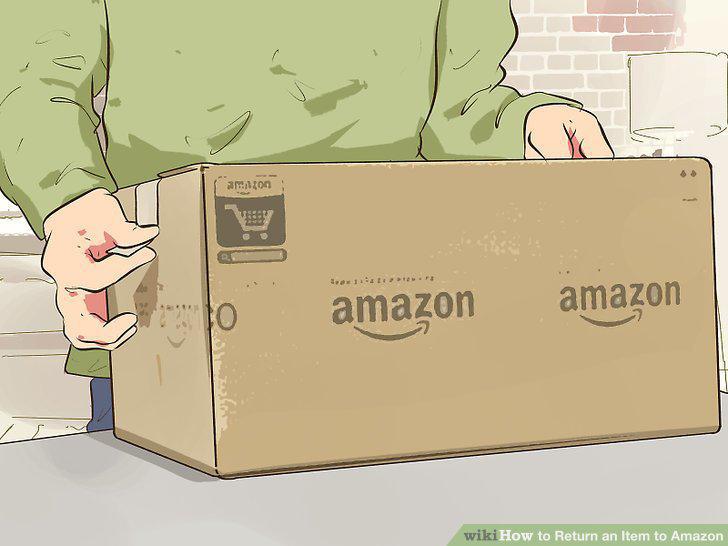
Pack your item into a box securely.
Tape the label to the front of the box.
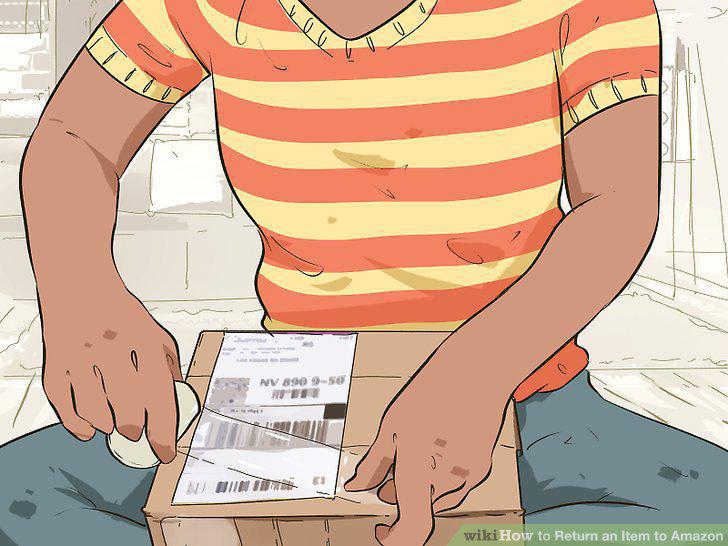
Tape the label to the front of the box.
Drop your package off or get it picked up at your address.
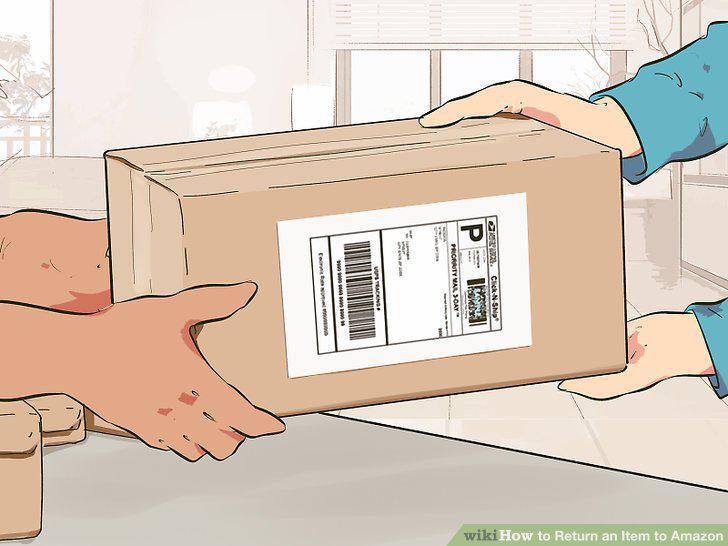
Drop your package off or get it picked up at your address.
Comments (0)
No comments yet. Be the first to share your thoughts!