How to Create a Driver in Need for Speed
Launch Need for Speed World.. Log into your account.. Go to the Select a Driver page.
Steps
1
Launch Need for Speed World.
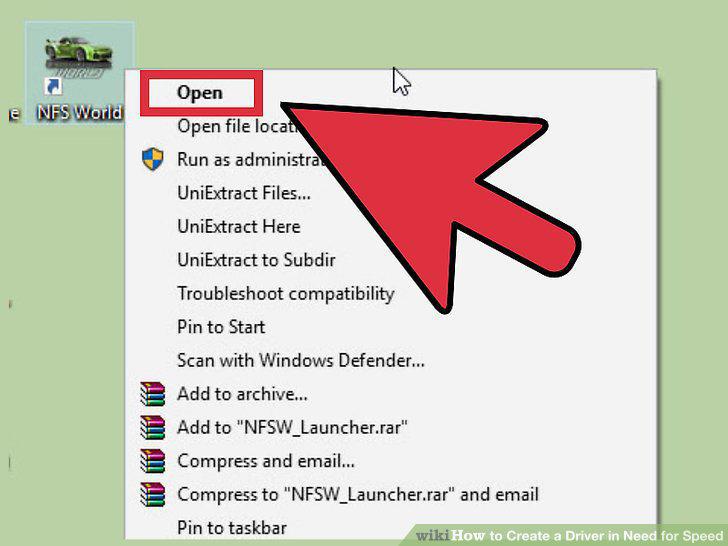
Launch Need for Speed World.
2
Log into your account.
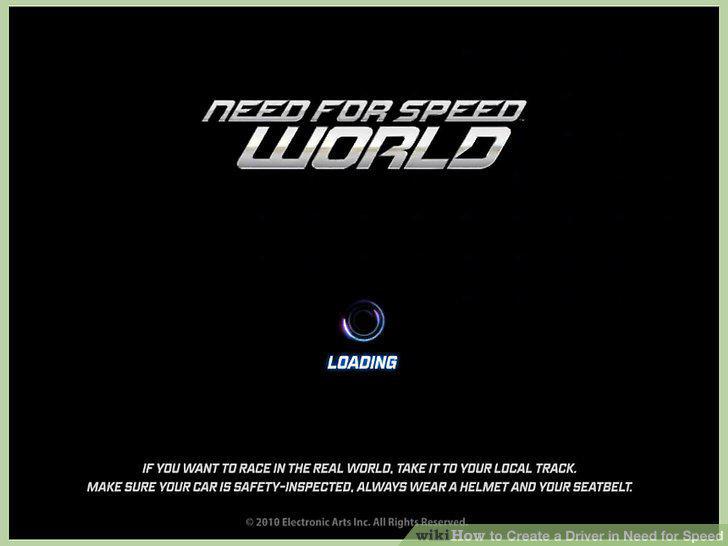
Log into your account.
3
Go to the Select a Driver page.
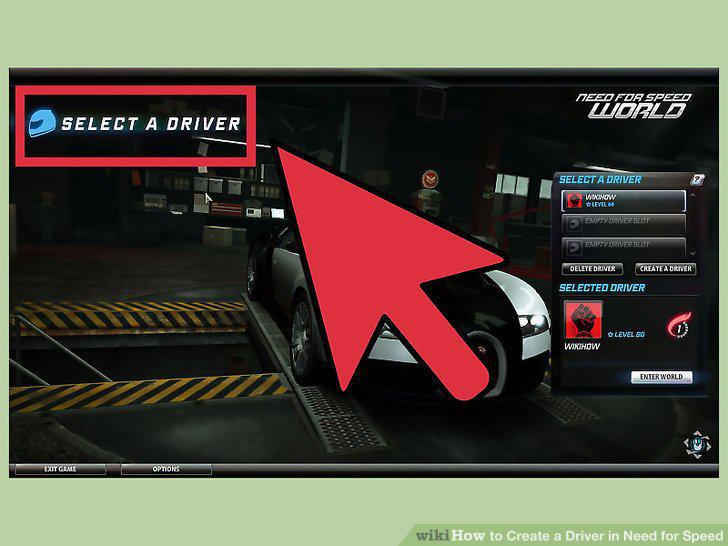
Go to the Select a Driver page.
4
Click the "Create a Driver" button.
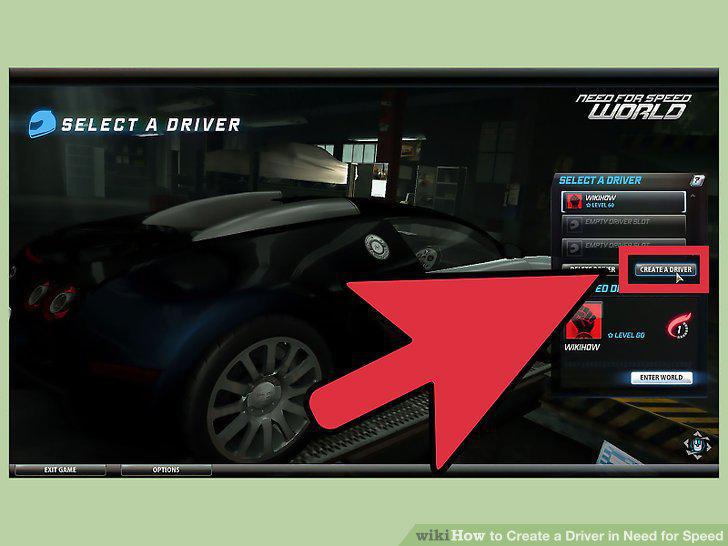
Click the "Create a Driver" button.
5
Name your driver.
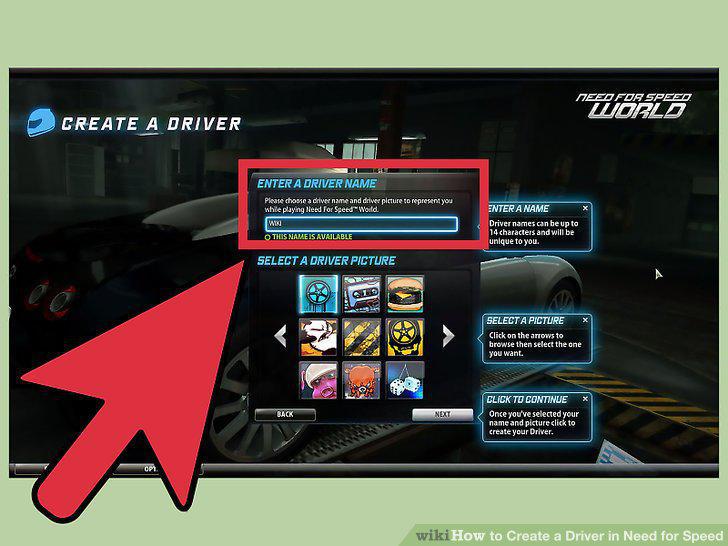
Name your driver.
6
Select a car for your driver.
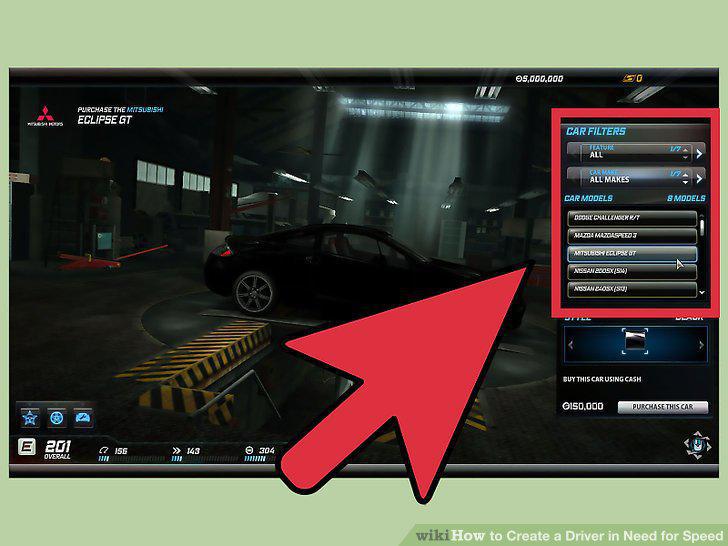
Select a car for your driver.
7
Start using the new driver.
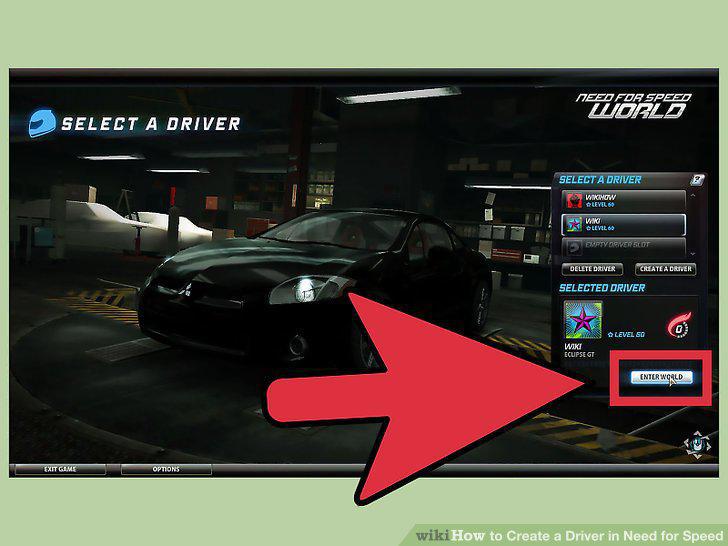
Start using the new driver.
8
Launch the game.
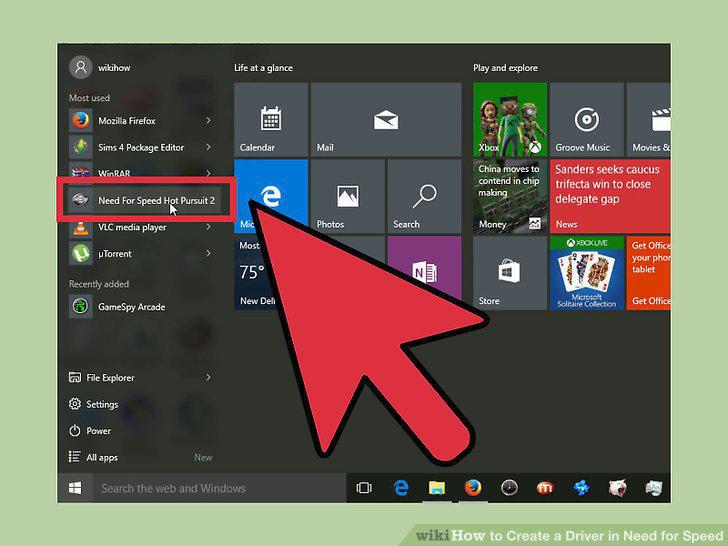
Launch the game.
9
Press Enter once the game loads.
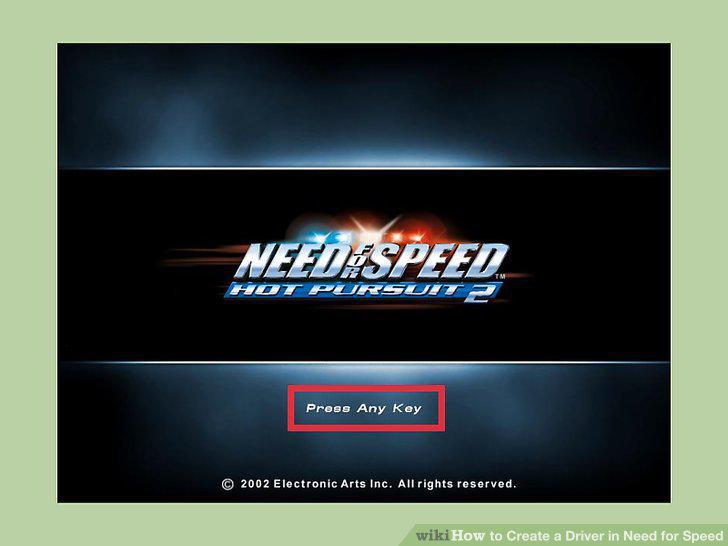
Press Enter once the game loads.
10
Access the Driver Profile page.
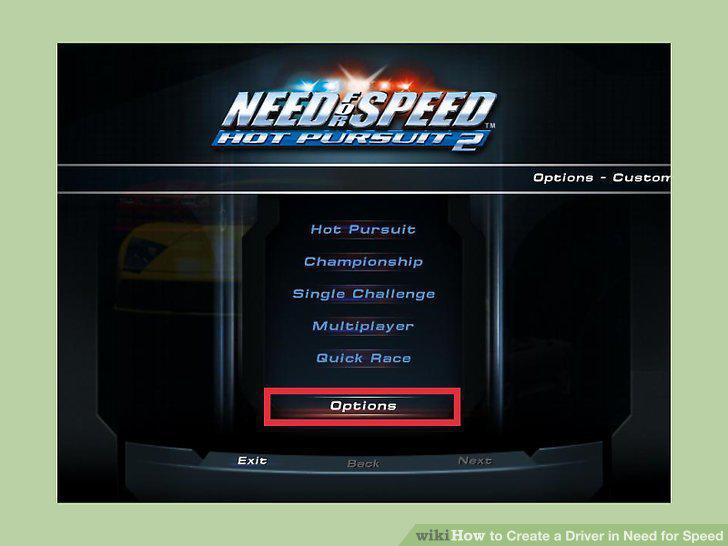
Access the Driver Profile page.
11
Create a new driver.
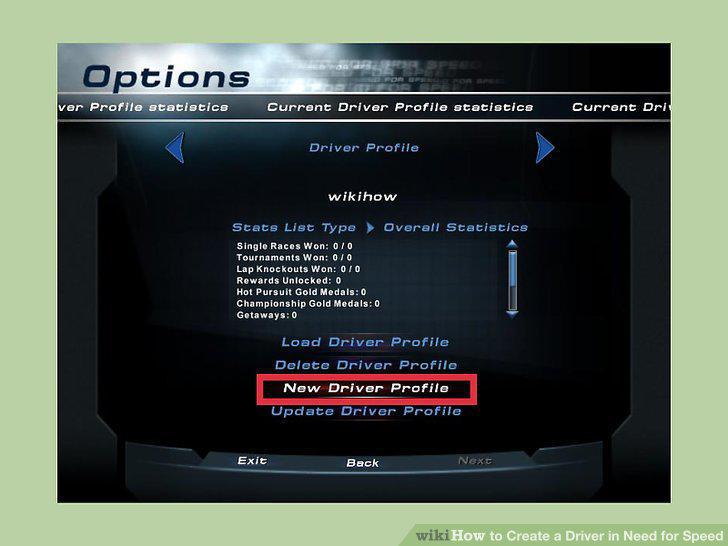
Create a new driver.
12
Name your driver.
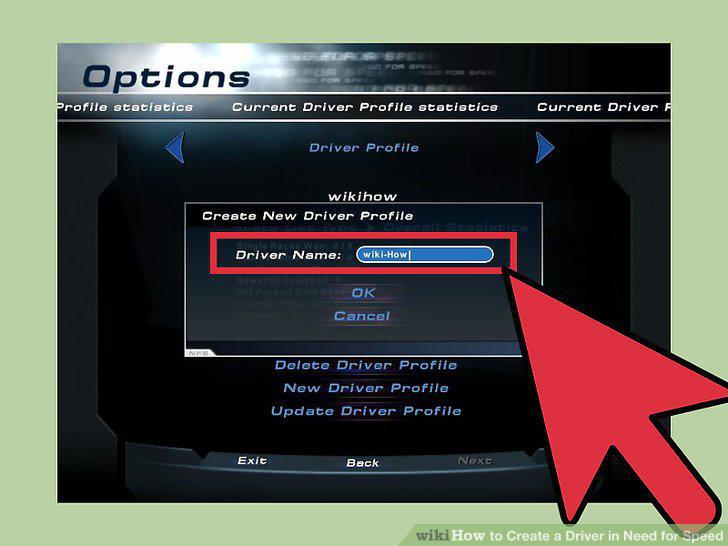
Name your driver.
13
Exit the Driver Profile page.
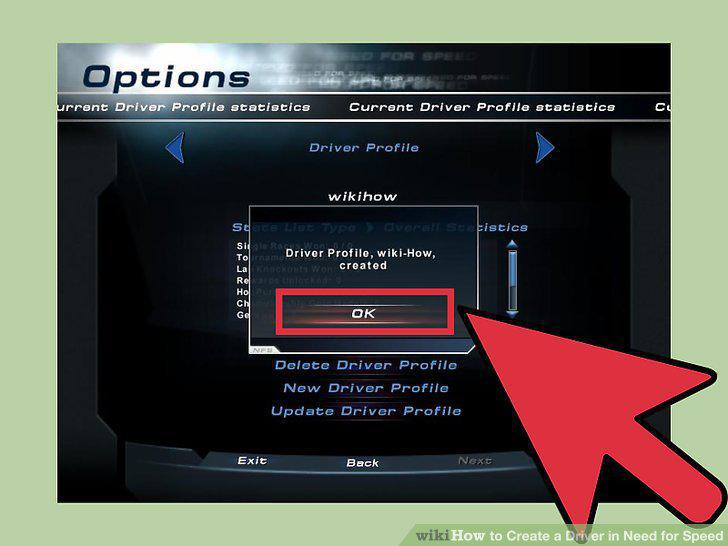
Exit the Driver Profile page.
14
Launch the game.
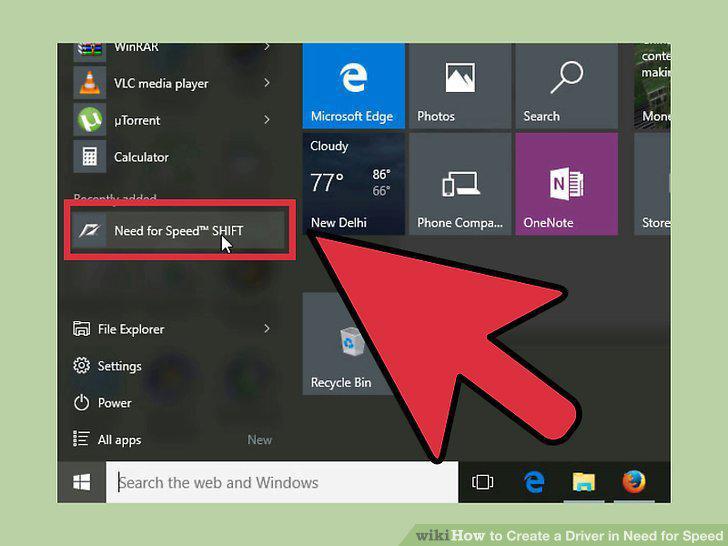
Launch the game.
15
Select your language.
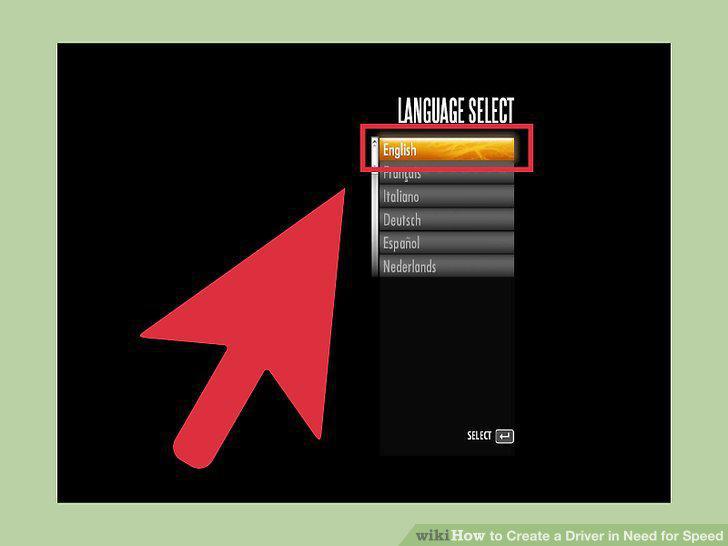
Select your language.
16
Create a new driver.
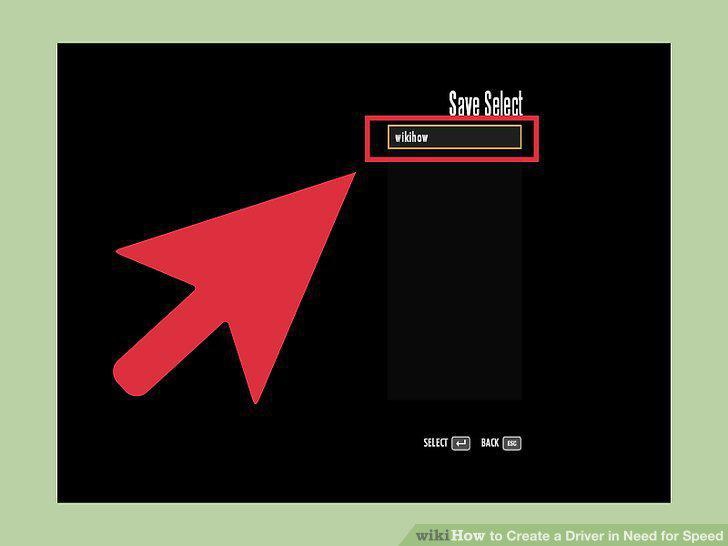
Create a new driver.
Comments (0)
No comments yet. Be the first to share your thoughts!