How to Add Friends on Xbox One
Open the Guide panel.. Scroll left to the "People" tab.. Scroll down and select Find someone.
Steps
1
Open the Guide panel.
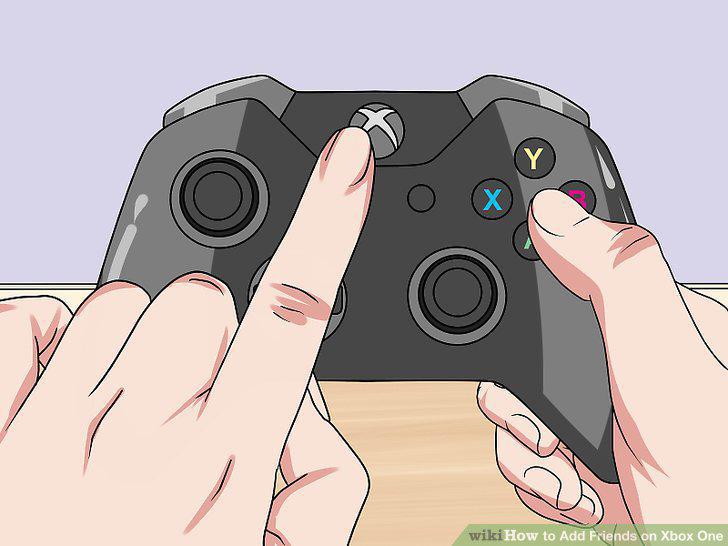
Open the Guide panel.
2
Scroll left to the "People" tab.
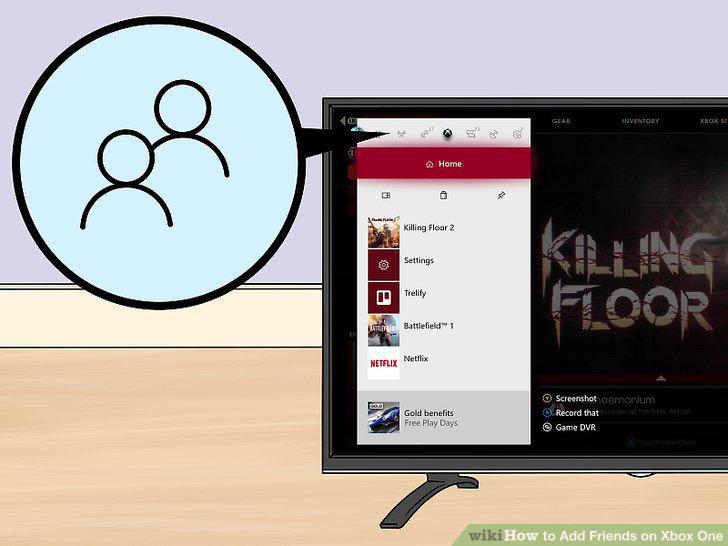
Scroll left to the "People" tab.
3
Scroll down and select Find someone.
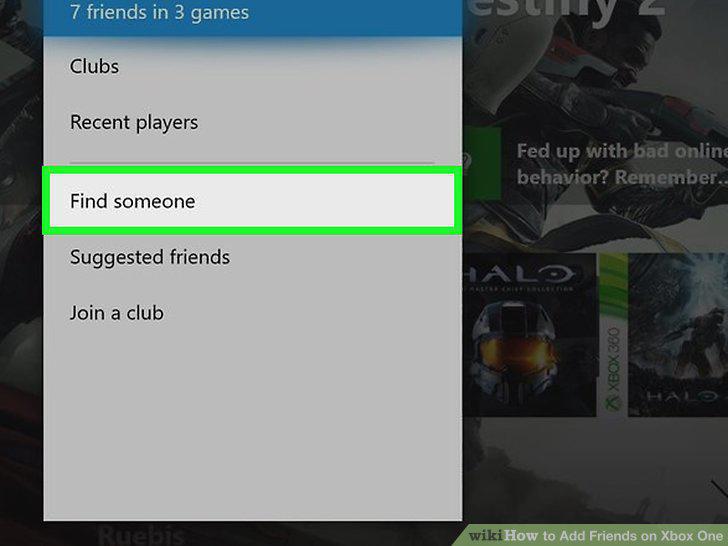
Scroll down and select Find someone.
4
Enter the friend's name.
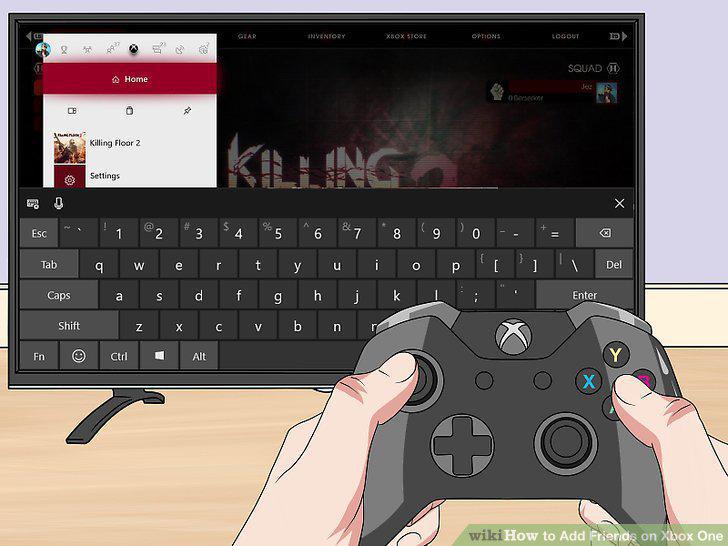
Enter the friend's name.
5
Select Add friend.
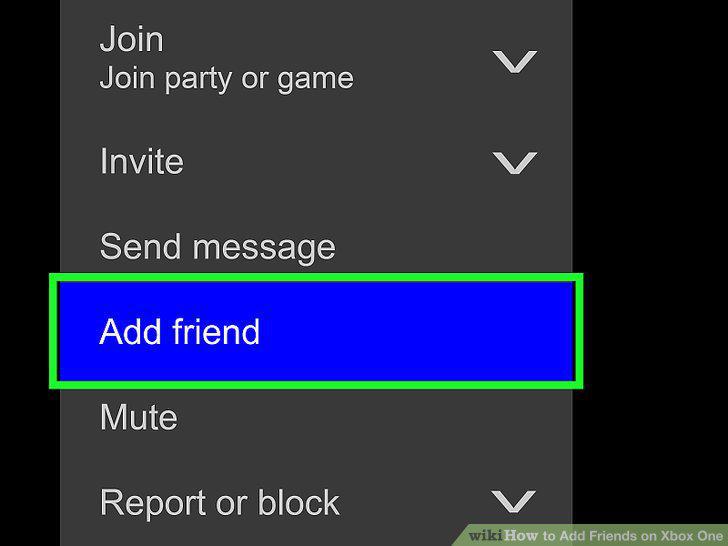
Select Add friend.
6
Scroll down and select Submit.
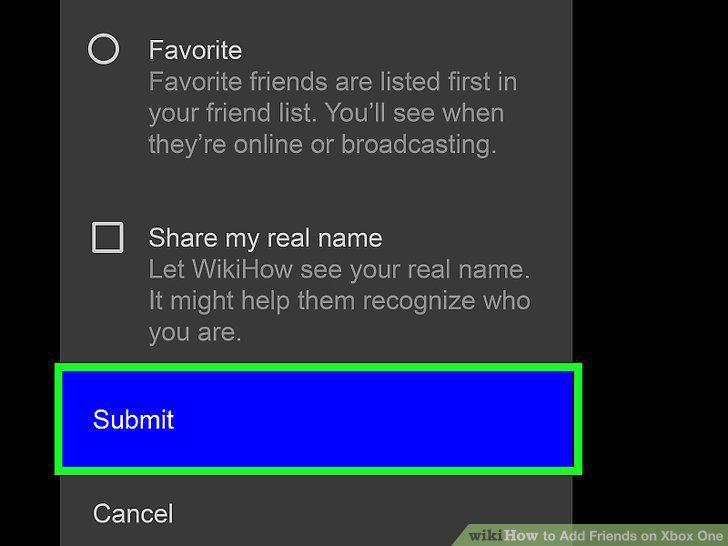
Scroll down and select Submit.
7
Remove a friend if necessary.
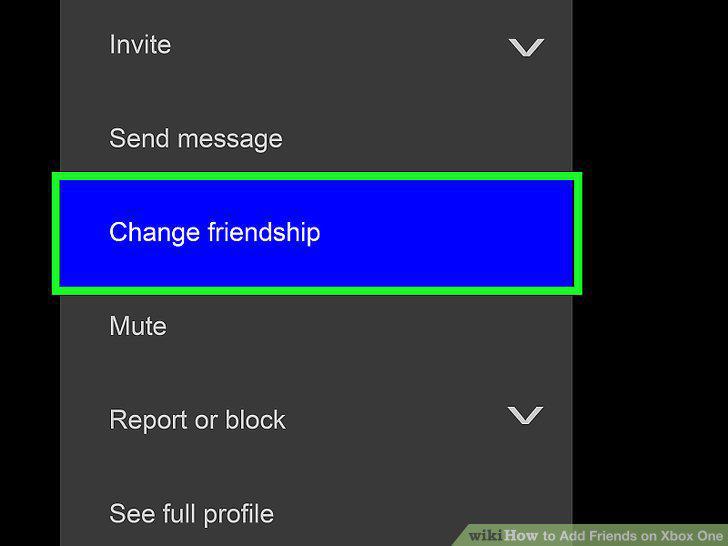
Remove a friend if necessary.
Comments (0)
No comments yet. Be the first to share your thoughts!