How to Track Weight on Apple Watch
Open the Apple Watch app on your iPhone.. Tap the My Watch tab.. Tap Health and Health Profile.
Steps
1
Open the Apple Watch app on your iPhone.
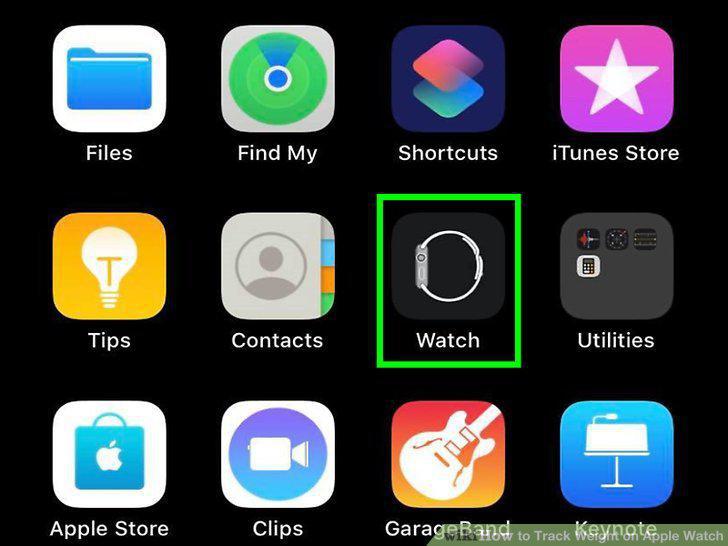
Open the Apple Watch app on your iPhone.
2
Tap the My Watch tab.
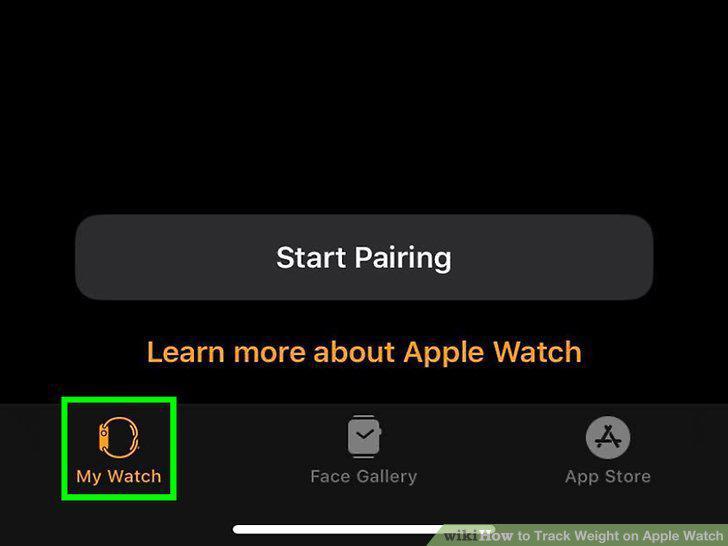
Tap the My Watch tab.
3
Tap Health and Health Profile.
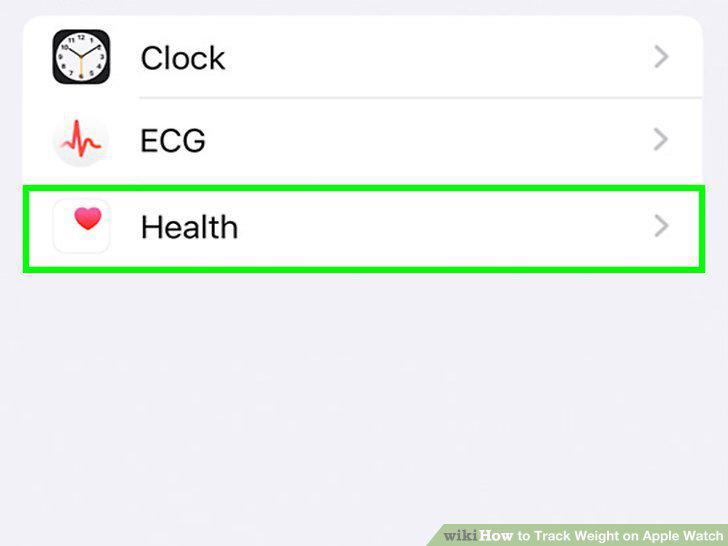
Tap Health and Health Profile.
4
Tap Edit.
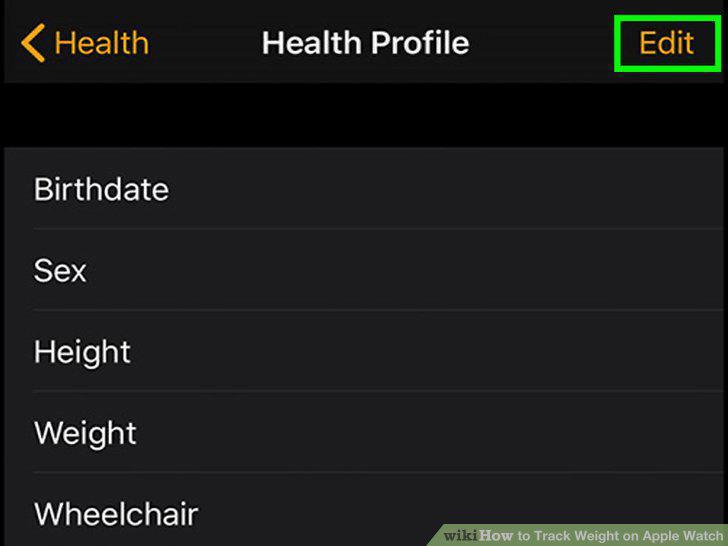
Tap Edit.
5
Edit the number listed for your weight and tap Done.
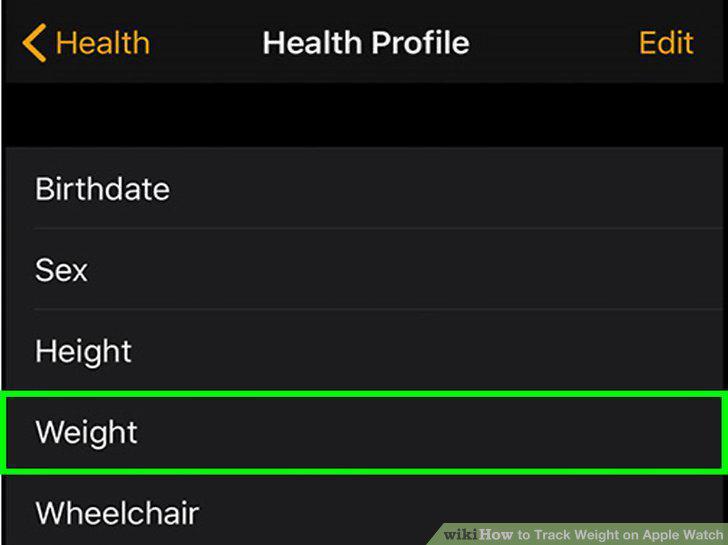
Edit the number listed for your weight and tap Done.
Comments (0)
No comments yet. Be the first to share your thoughts!