How to Cancel a Chargeback on PayPal
Open PayPal in your internet browser.. Click the Help tab at the top.. Scroll down and click Contact Us.
Steps
1
Open PayPal in your internet browser.
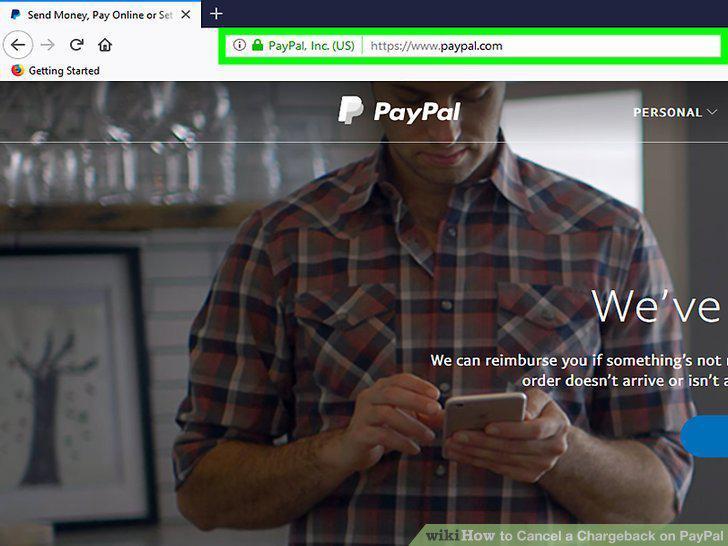
Open PayPal in your internet browser.
2
Click the Help tab at the top.
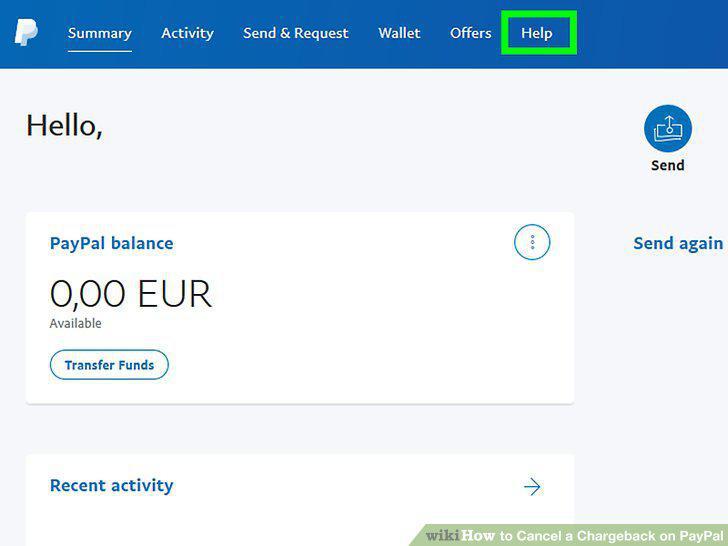
Click the Help tab at the top.
3
Scroll down and click Contact Us.
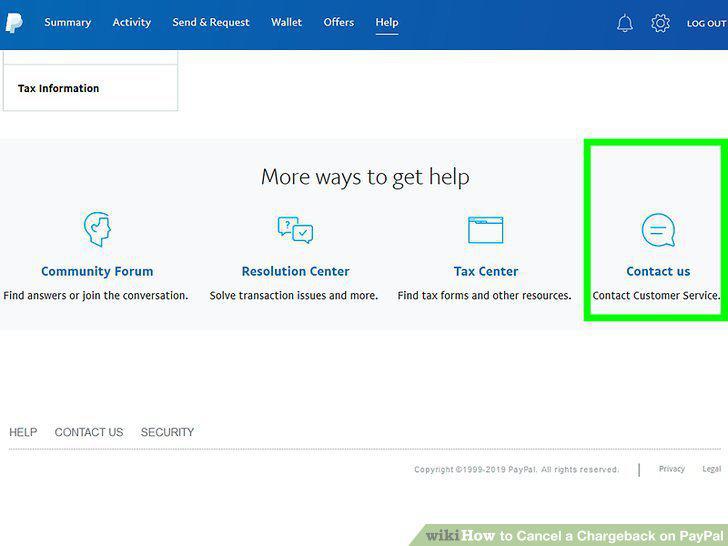
Scroll down and click Contact Us.
4
Select Disputes and account limitations.
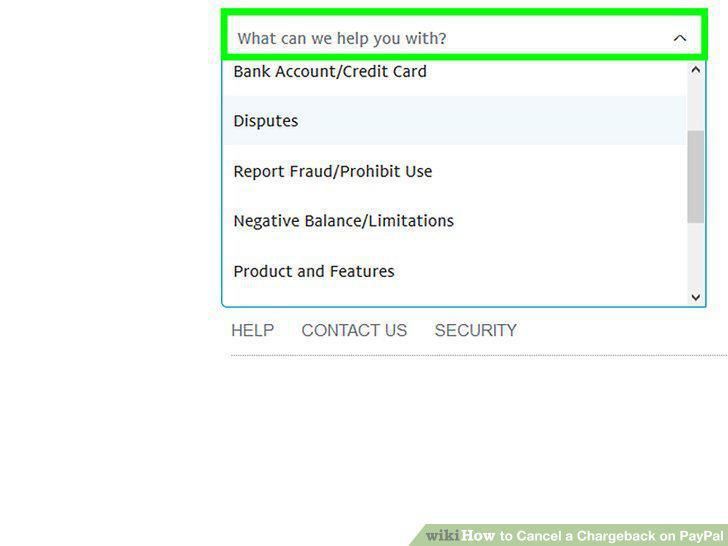
Select Disputes and account limitations.
5
Select the Disputes topic.
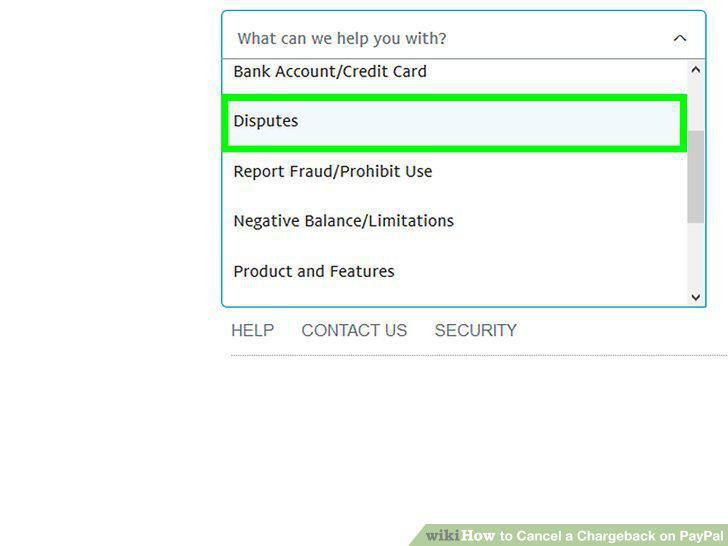
Select the Disputes topic.
6
Select My Dispute Status.
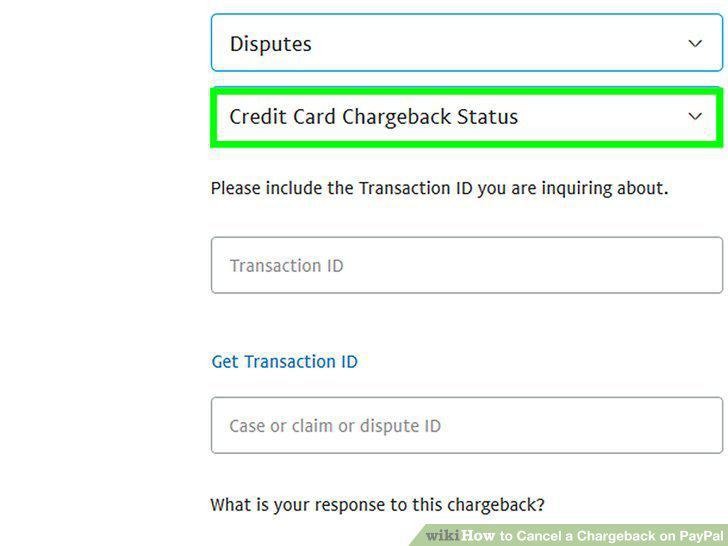
Select My Dispute Status.
7
Scroll down and click Email Us.
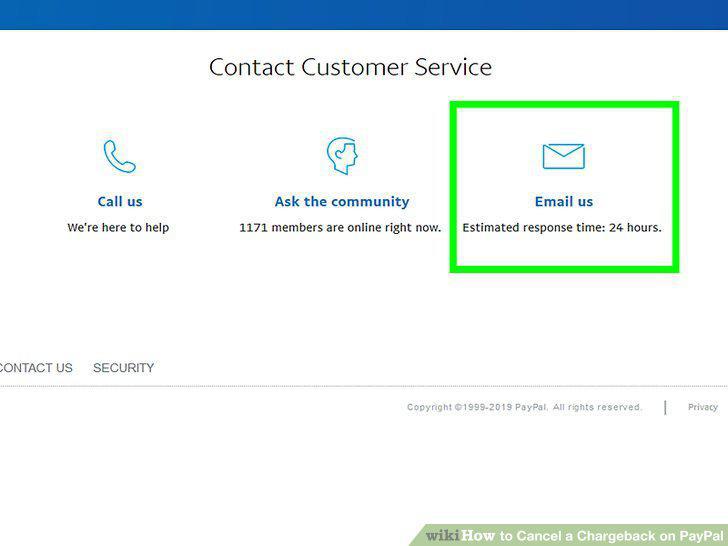
Scroll down and click Email Us.
8
Explain you'd like to cancel your dispute.
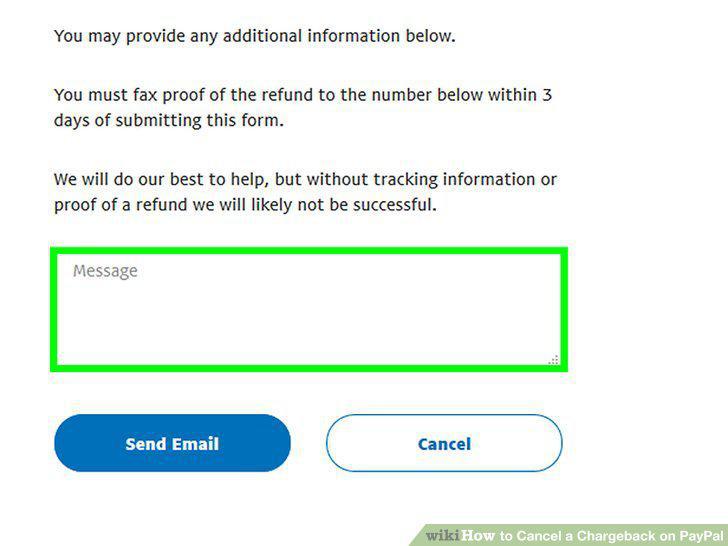
Explain you'd like to cancel your dispute.
9
Click the Send button.
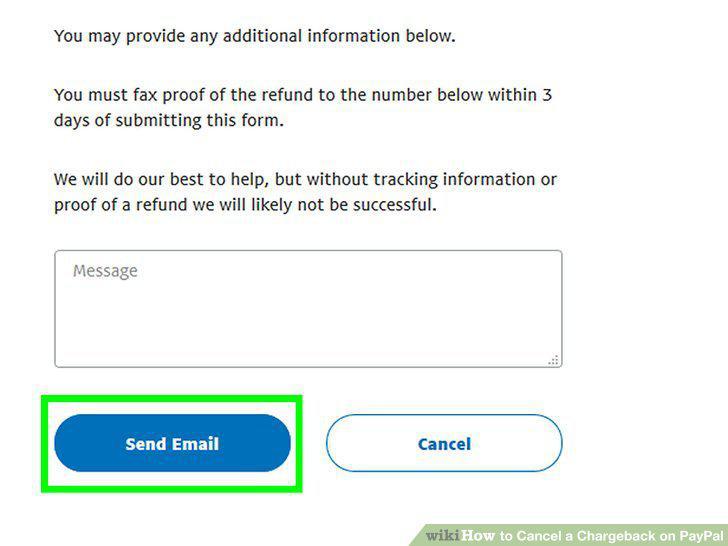
Click the Send button.
10
Find your credit/debit card issuer's customer service number.
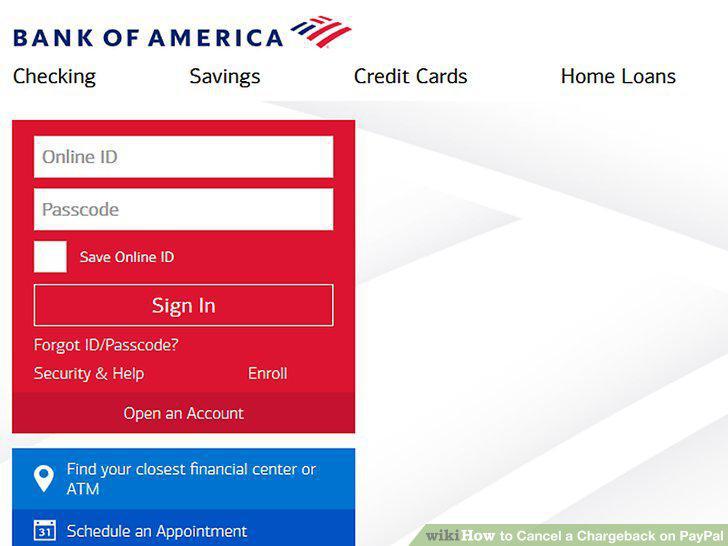
Find your credit/debit card issuer's customer service number.
11
Call your bank or credit/debit card issuer.
Call your bank or credit/debit card issuer.
12
Explain you want to cancel your chargeback.
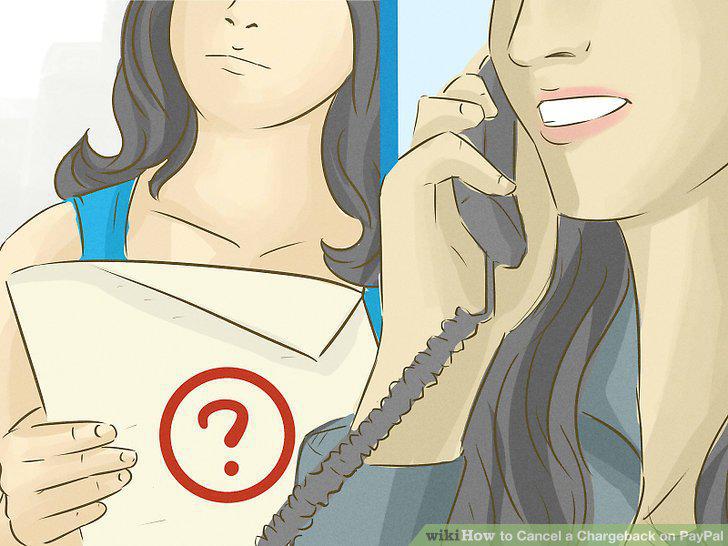
Explain you want to cancel your chargeback.
13
Check your bank account or card statement.
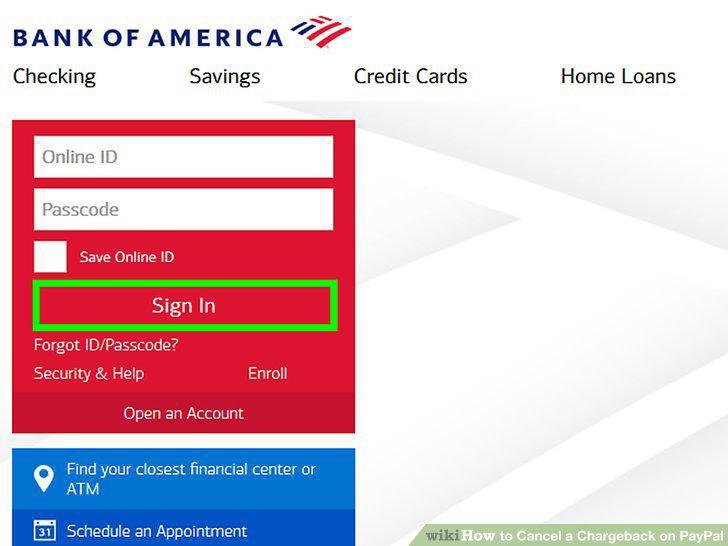
Check your bank account or card statement.
Comments (0)
No comments yet. Be the first to share your thoughts!