How to Create a PayPal Business Account
Go to https://www.paypal.com/bizsignup/.. Enter your email address.. Enter your business account information.
Steps
1
Go to https://www.paypal.com/bizsignup/.
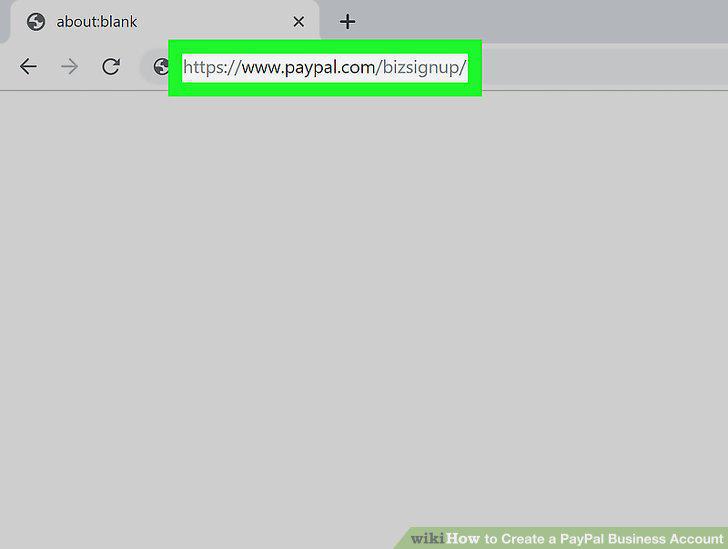
Go to https://www.paypal.com/bizsignup/.
2
Enter your email address.
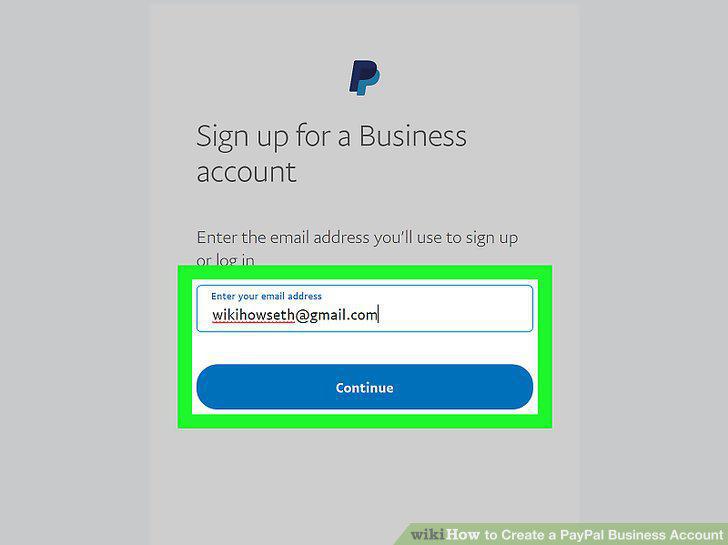
Enter your email address.
3
Enter your business account information.
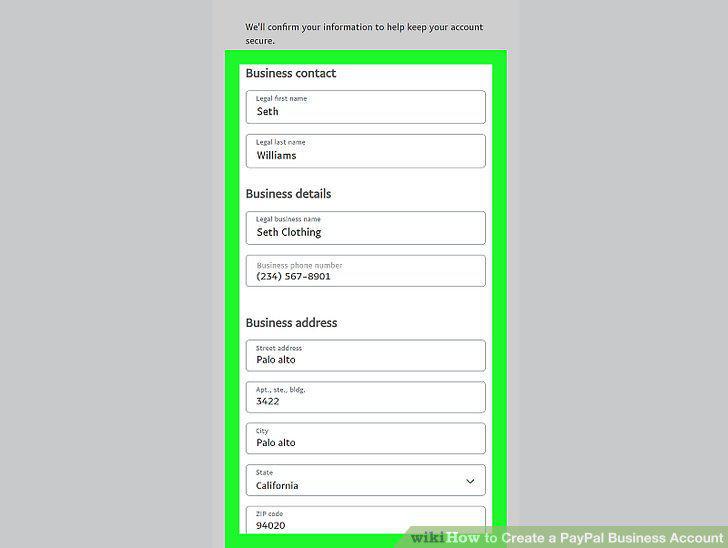
Enter your business account information.
4
Select the type of business you have.
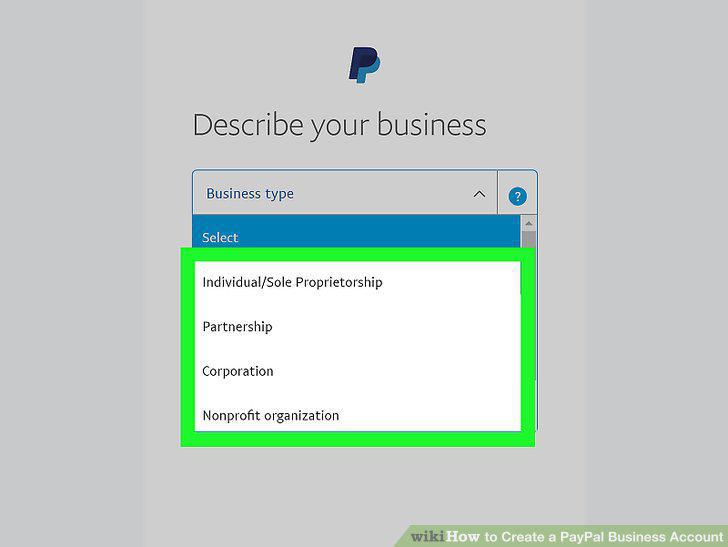
Select the type of business you have.
5
Fill out more information about your business.
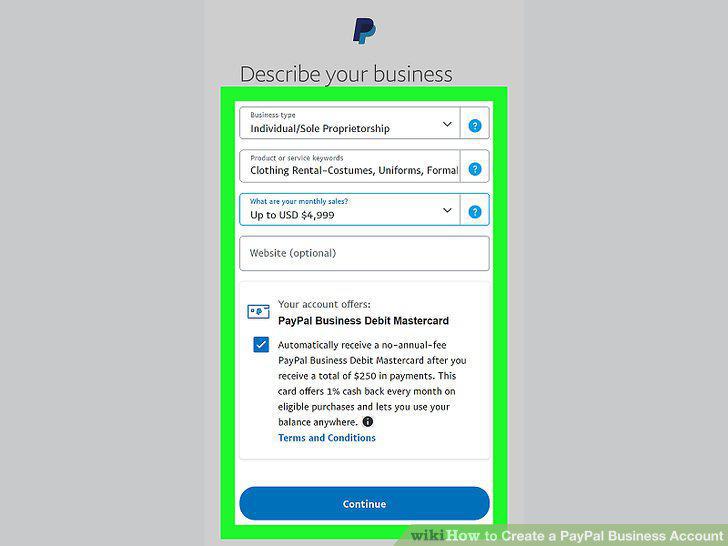
Fill out more information about your business.
6
Verify your identity.
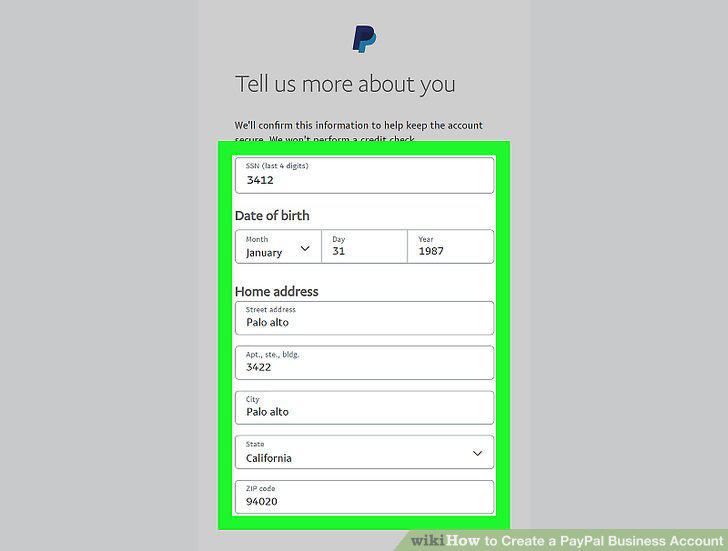
Verify your identity.
7
Confirm your email address.
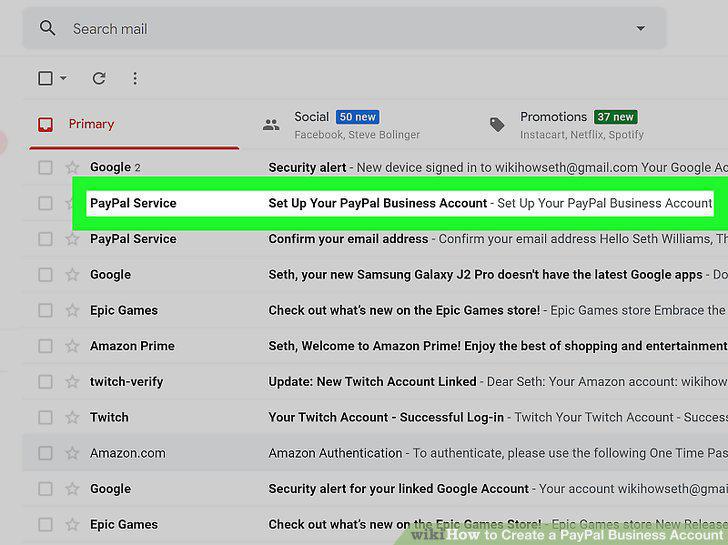
Confirm your email address.
8
Link your bank account to your PayPal Business account
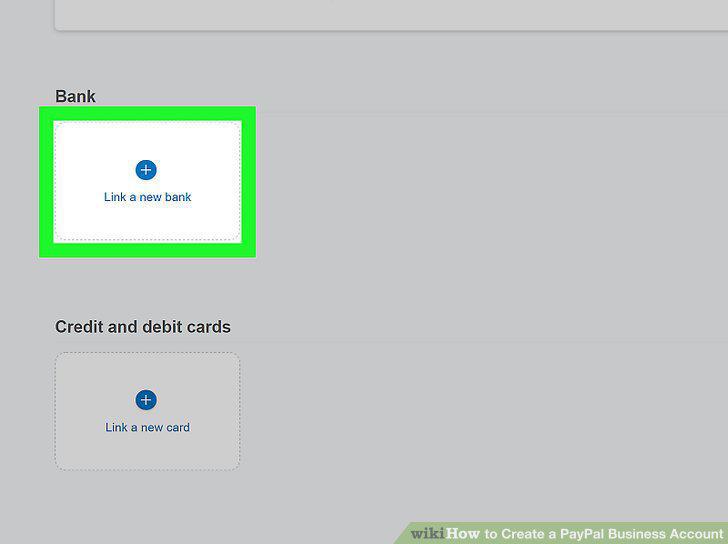
Link your bank account to your PayPal Business account
9
Choose your default business payment method.
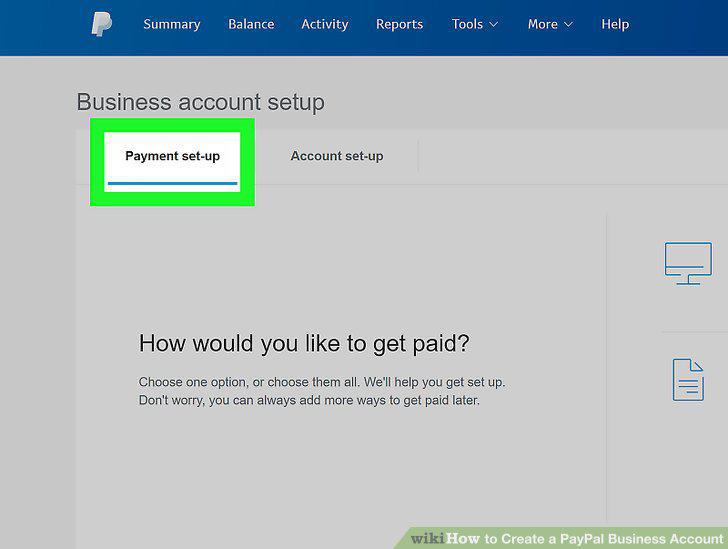
Choose your default business payment method.
Comments (0)
No comments yet. Be the first to share your thoughts!