How to Log Out of Netflix on PlayStation 3
Open the Netflix app.. Press the .. Select the Gear button.
Steps
1
Open the Netflix app.
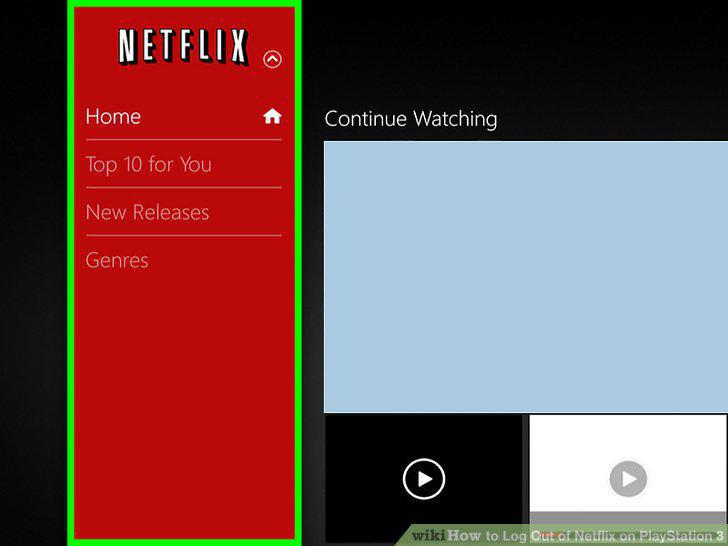
Open the Netflix app.
2
Press the .
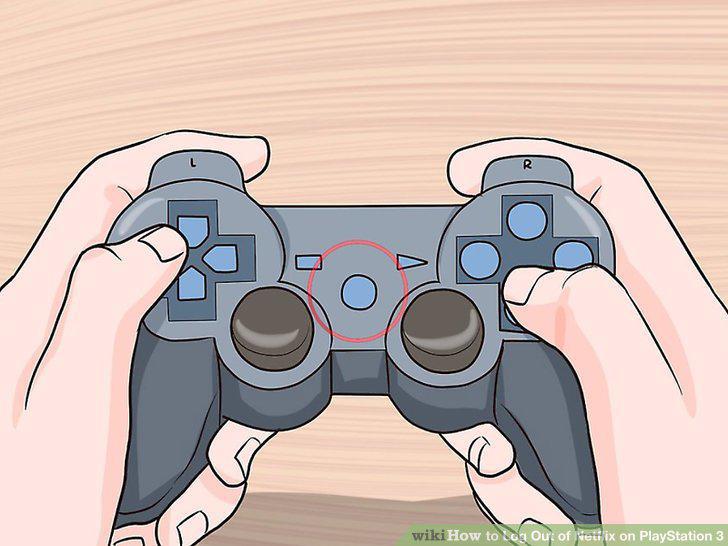
Press the .
3
Select the Gear button.
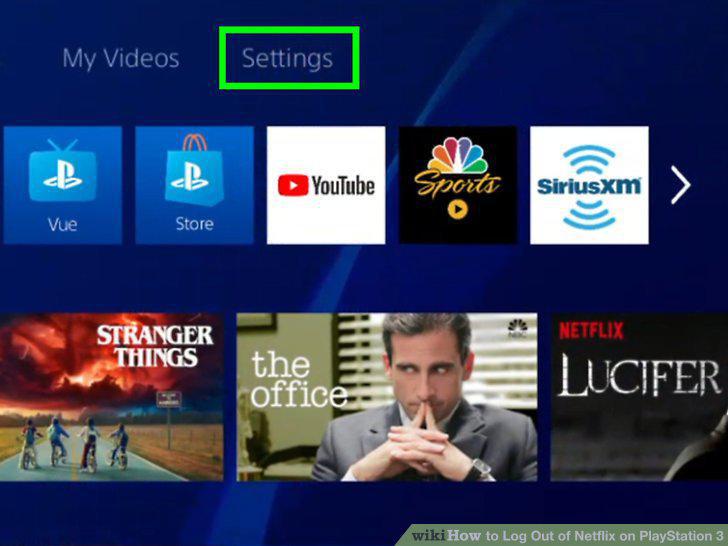
Select the Gear button.
4
Select "Sign Out" at the bottom of the Settings menu.
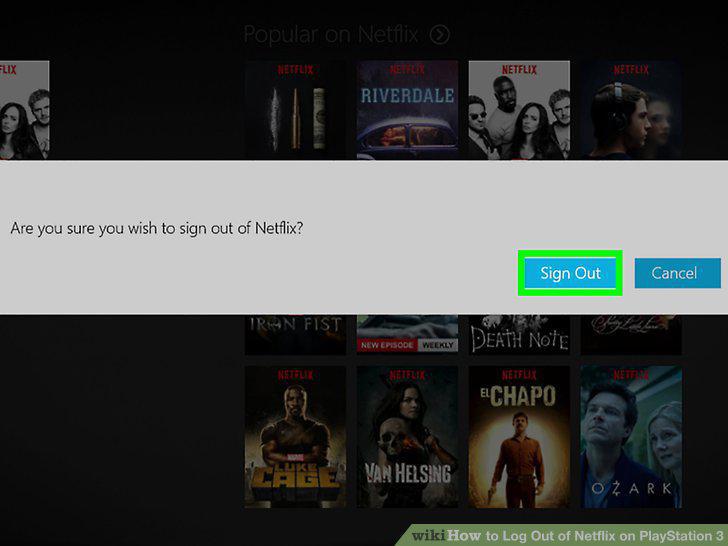
Select "Sign Out" at the bottom of the Settings menu.
5
Visit the Netflix website on your computer.
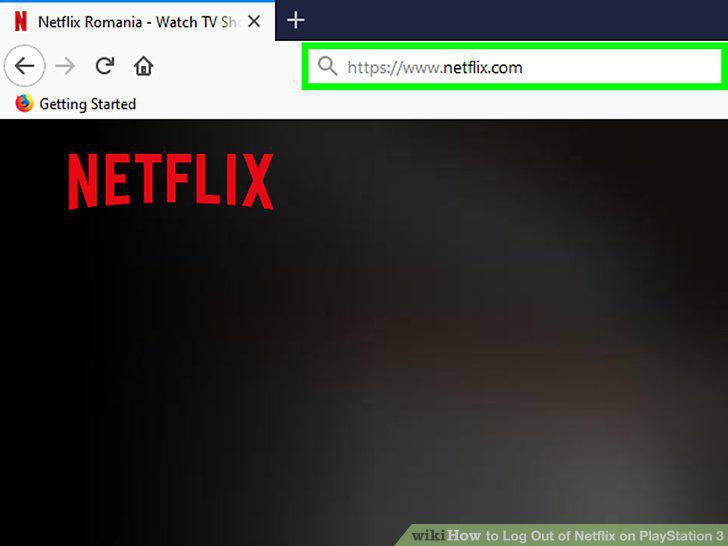
Visit the Netflix website on your computer.
6
Sign in with your Netflix account.
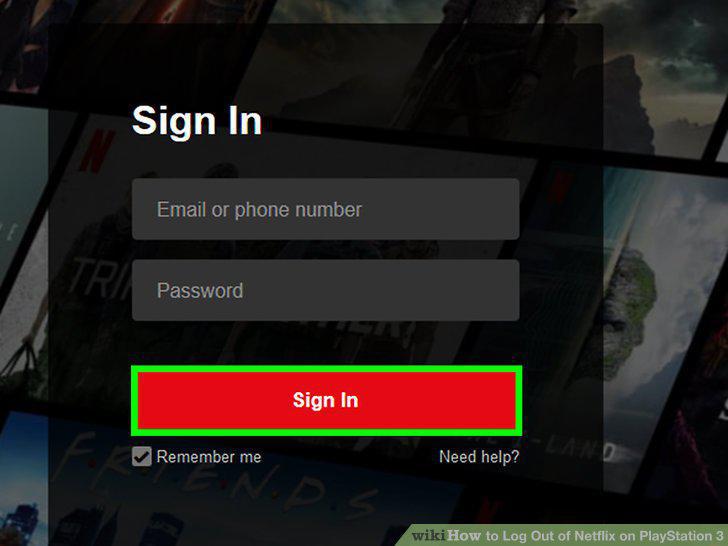
Sign in with your Netflix account.
7
Click the current profile in the upper-right corner.
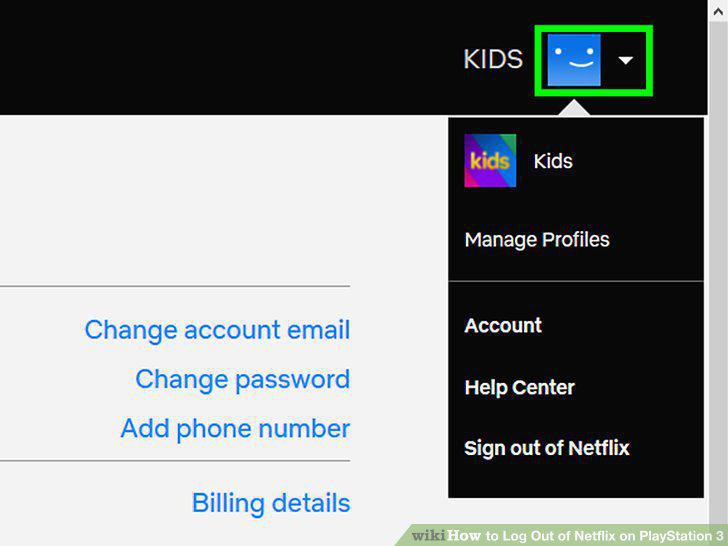
Click the current profile in the upper-right corner.
8
Select "Your Account."
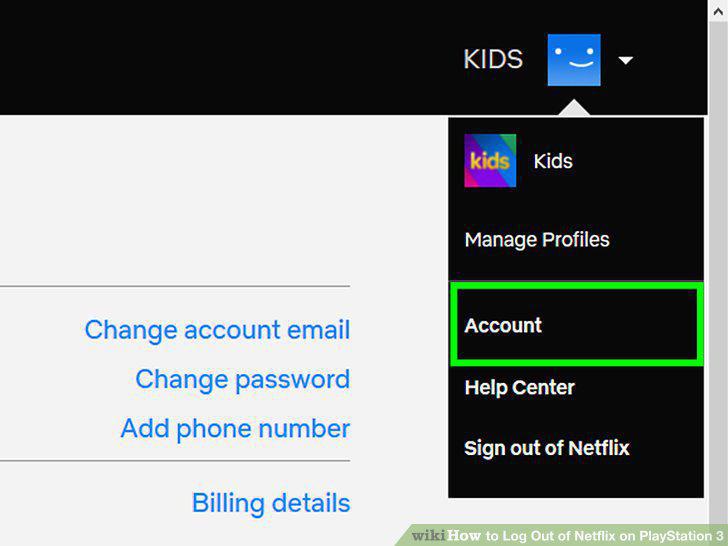
Select "Your Account."
9
Click the "Sign out of all devices" link.
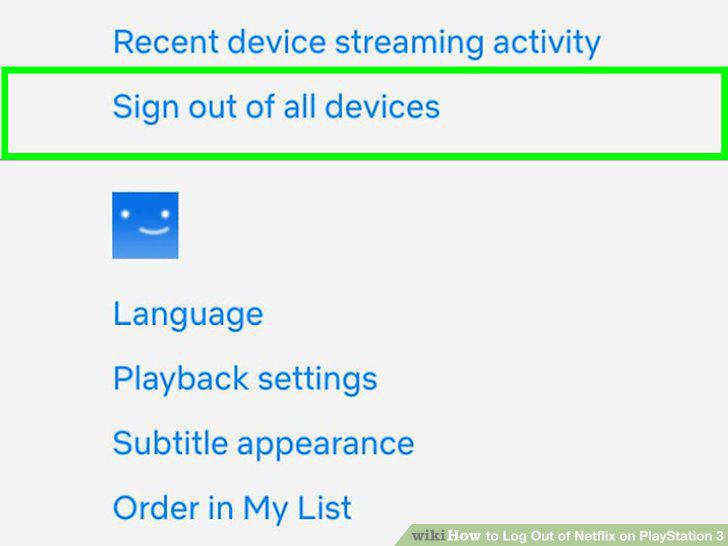
Click the "Sign out of all devices" link.
10
Start the Netflix app.
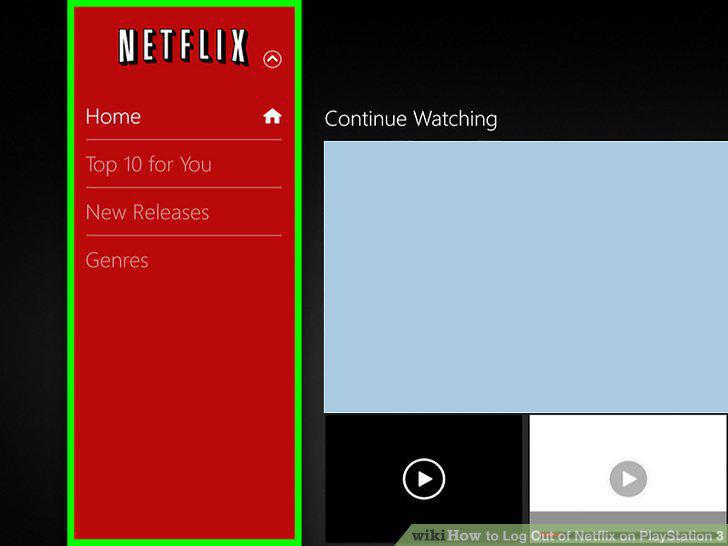
Start the Netflix app.
11
Immediately press and hold Start and Select.
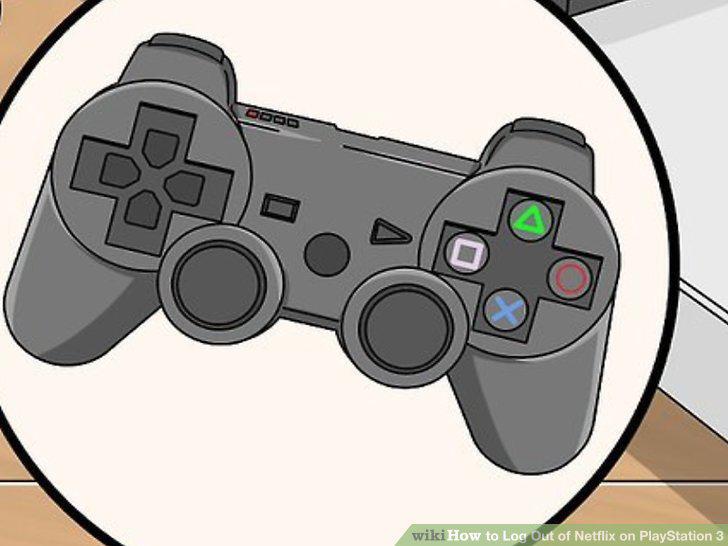
Immediately press and hold Start and Select.
12
Select "Yes" to sign out of Netflix.
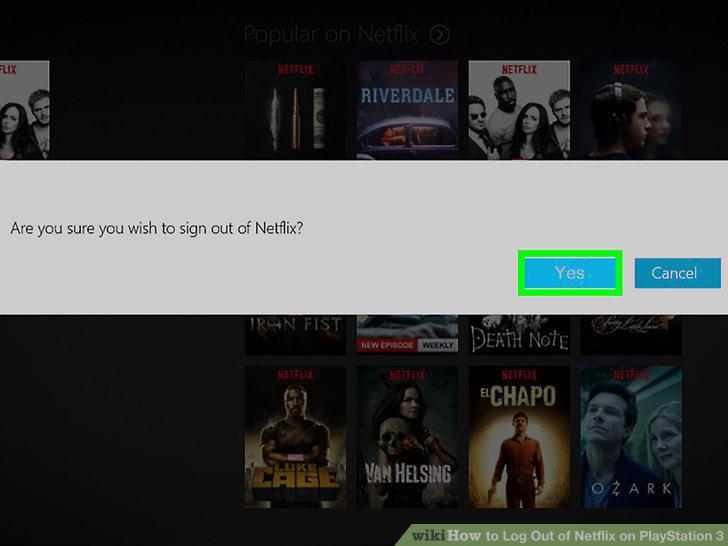
Select "Yes" to sign out of Netflix.
Comments (0)
No comments yet. Be the first to share your thoughts!