How to Search on Amazon Prime
Open the Amazon Shopping app on your phone or tablet.. Tap the What are you looking for box.. Type what you're looking for.
Steps
1
Open the Amazon Shopping app on your phone or tablet.
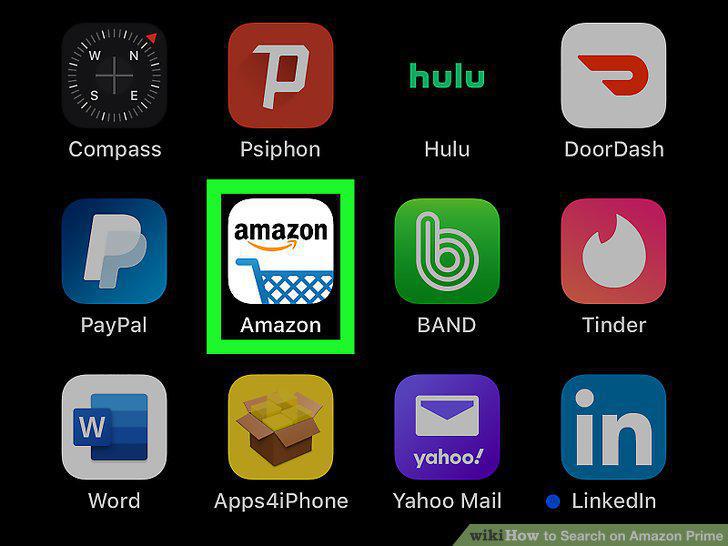
Open the Amazon Shopping app on your phone or tablet.
2
Tap the What are you looking for box.
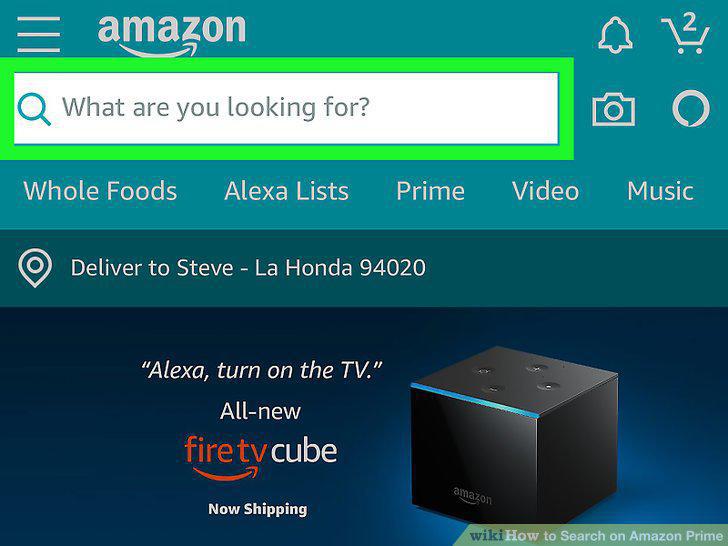
Tap the What are you looking for box.
3
Type what you're looking for.
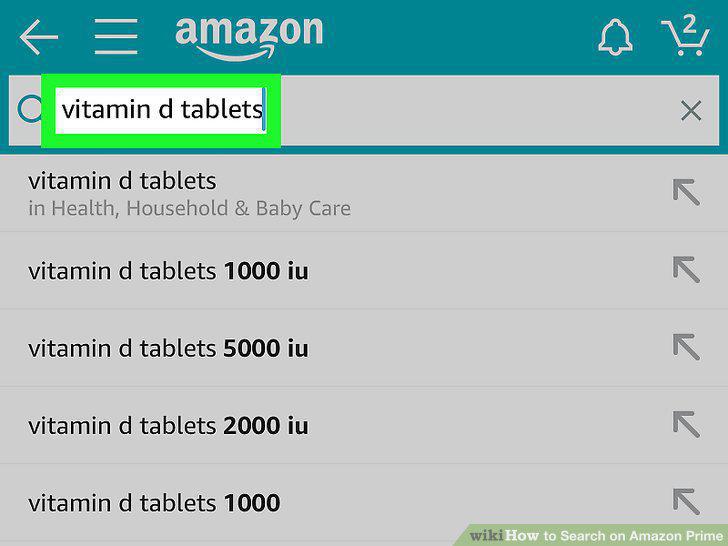
Type what you're looking for.
4
Tap a suggested search or the Search key.
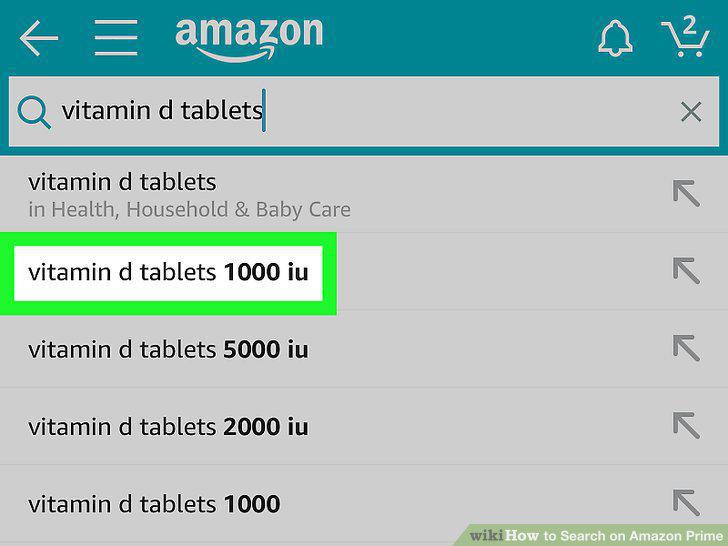
Tap a suggested search or the Search key.
5
Slide the "Prime" switch to the On position.
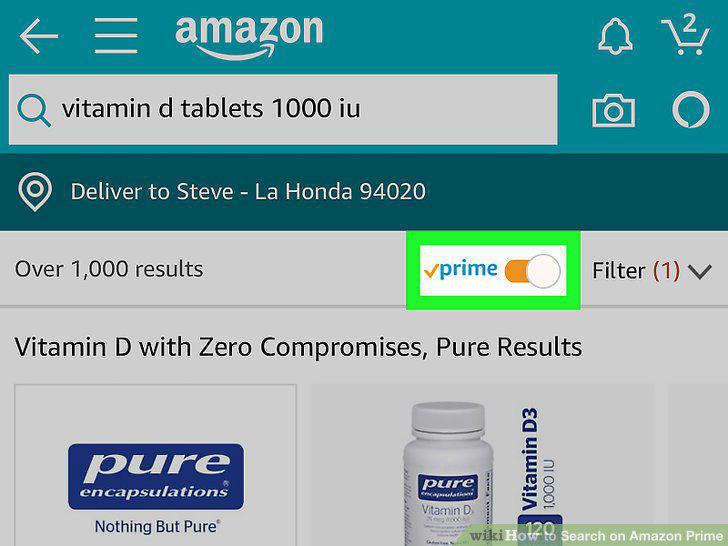
Slide the "Prime" switch to the On position.
6
Go to https://www.amazon.com in a web browser.
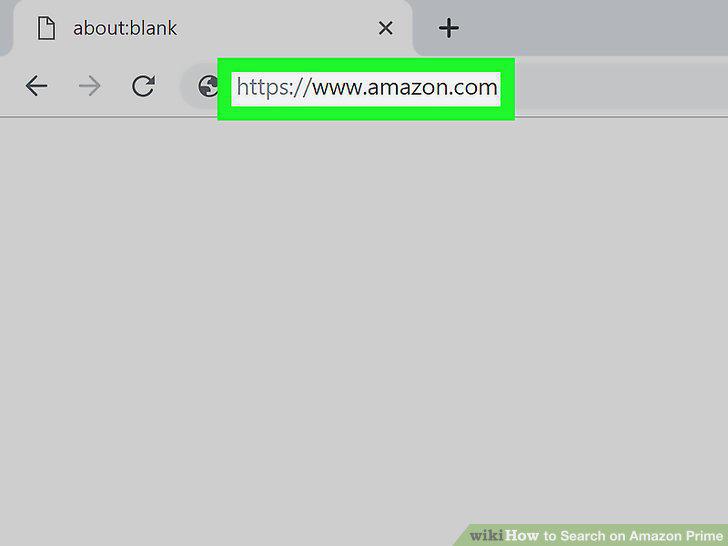
Go to https://www.amazon.com in a web browser.
7
Type what you're looking for into the Search bar.
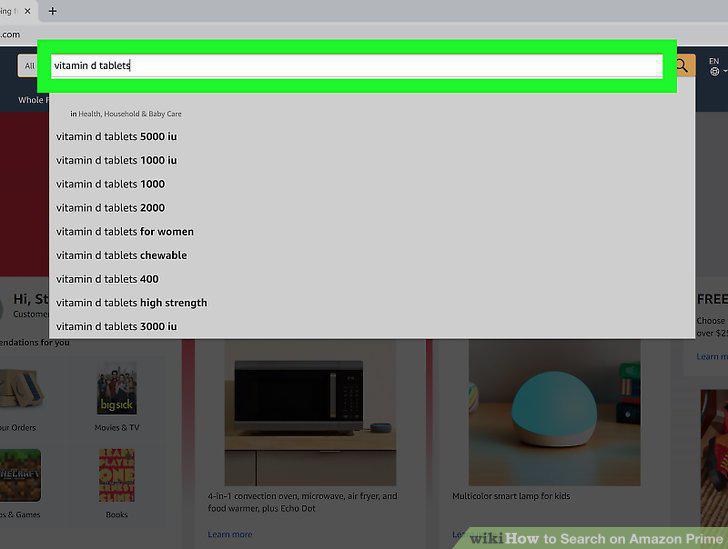
Type what you're looking for into the Search bar.
8
Click the yellow-and-blue magnifying glass to search.
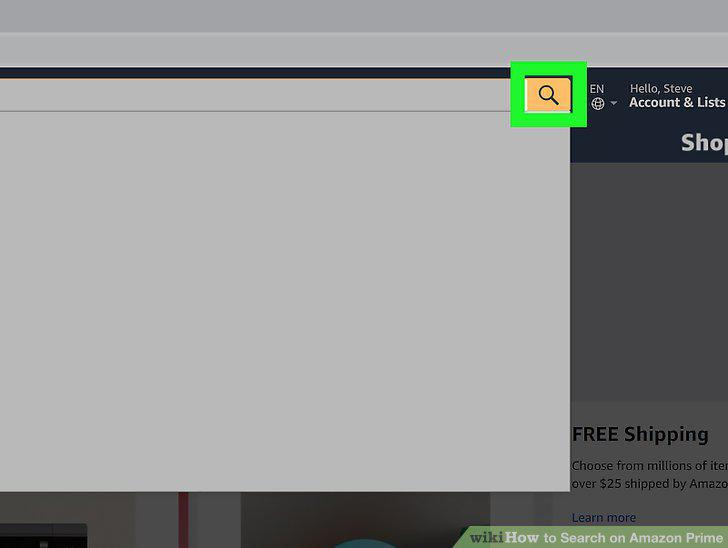
Click the yellow-and-blue magnifying glass to search.
9
Check the box under "Amazon Prime.
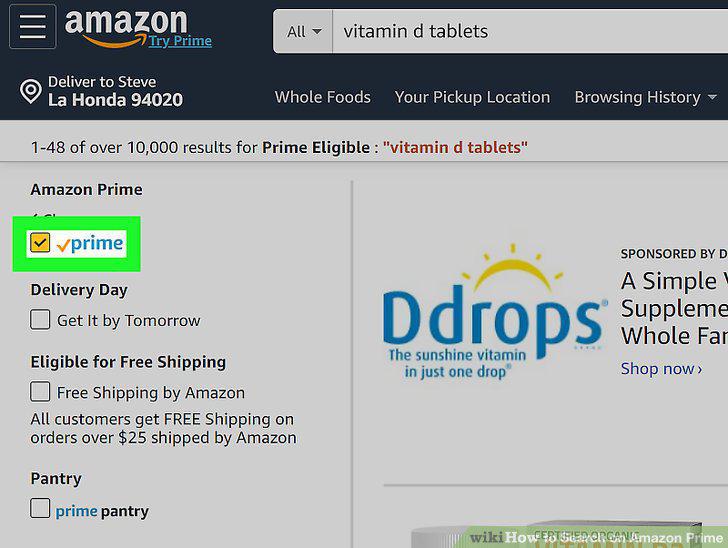
Check the box under "Amazon Prime.
Comments (0)
No comments yet. Be the first to share your thoughts!