How to Download Amazon Music
Open the Google Play Store (Android) or App Store (iOS).. Search for "Amazon Music.. Tap the search result that lists "Amazon Mobile LLC" as the developer.
Steps
1
Open the Google Play Store (Android) or App Store (iOS).
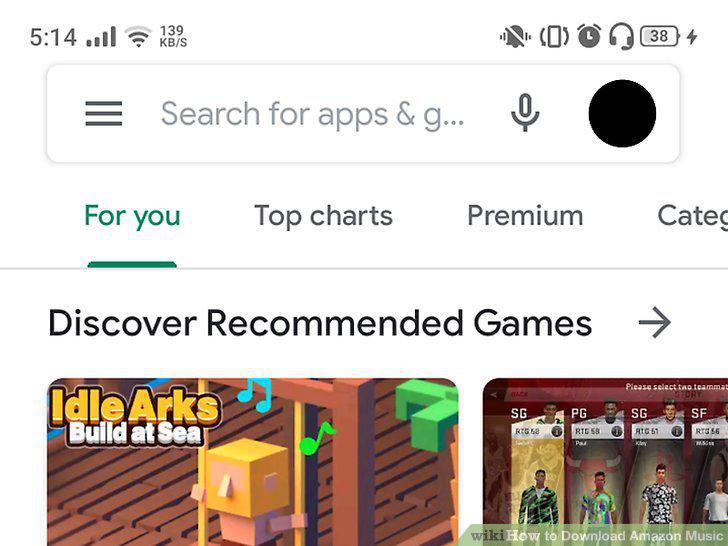
Open the Google Play Store (Android) or App Store (iOS).
2
Search for "Amazon Music.
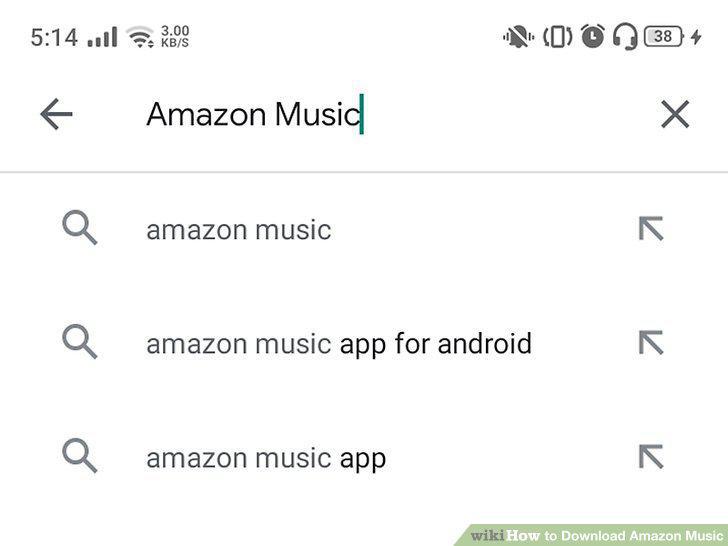
Search for "Amazon Music.
3
Tap the search result that lists "Amazon Mobile LLC" as the developer.
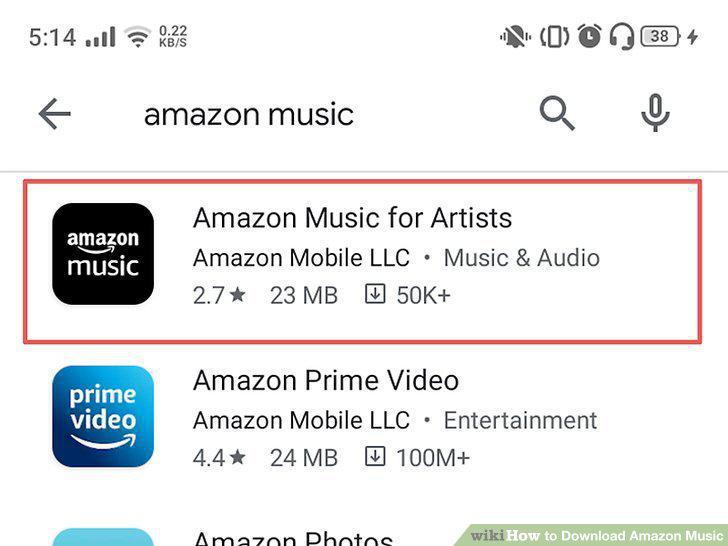
Tap the search result that lists "Amazon Mobile LLC" as the developer.
4
Tap Install (Google Play Store) or Get (App Store).
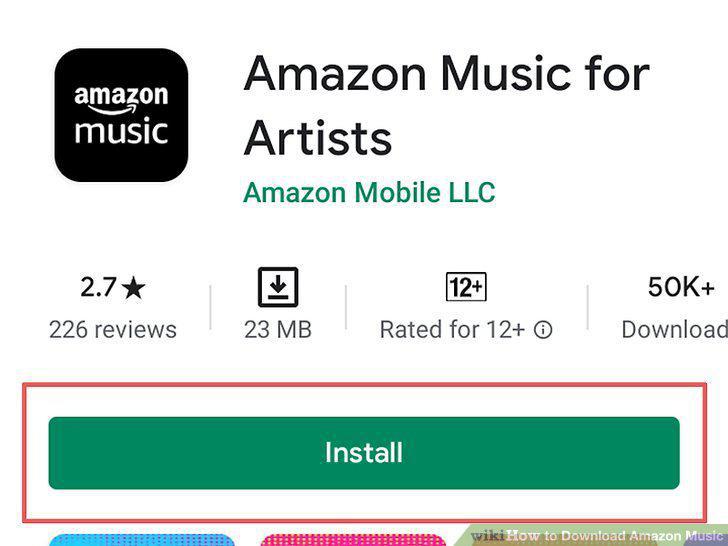
Tap Install (Google Play Store) or Get (App Store).
5
Go to https://www.amazon.com/b?ie=UTF8&node=16962657011.
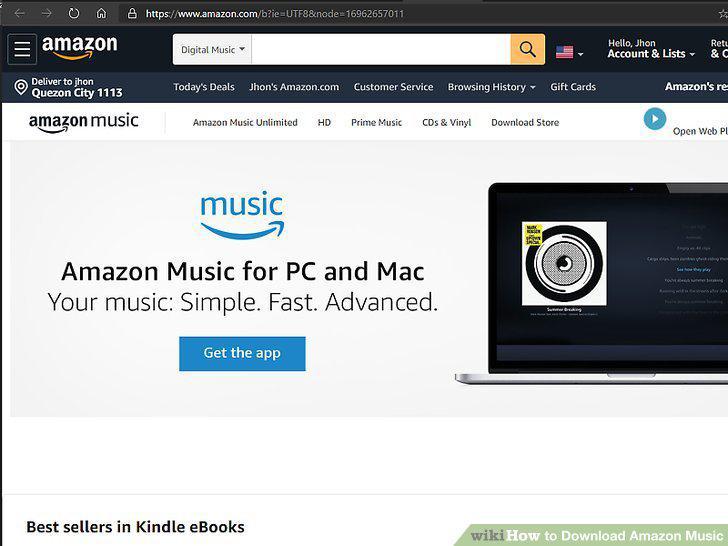
Go to https://www.amazon.com/b?ie=UTF8&node=16962657011.
6
Click Get the app.
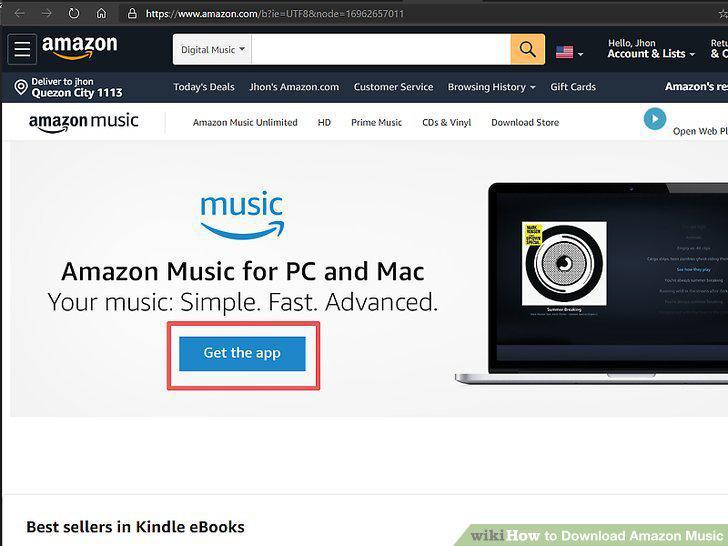
Click Get the app.
7
Run the installation file.
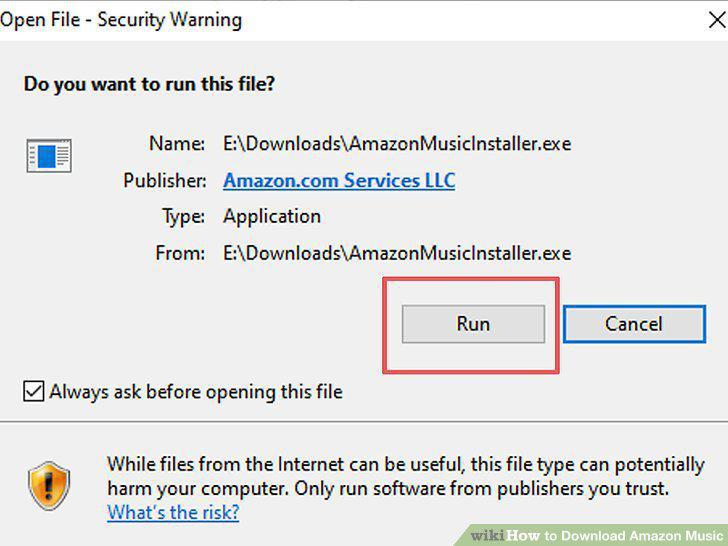
Run the installation file.
8
Follow the on-screen instructions to install Amazon Music.
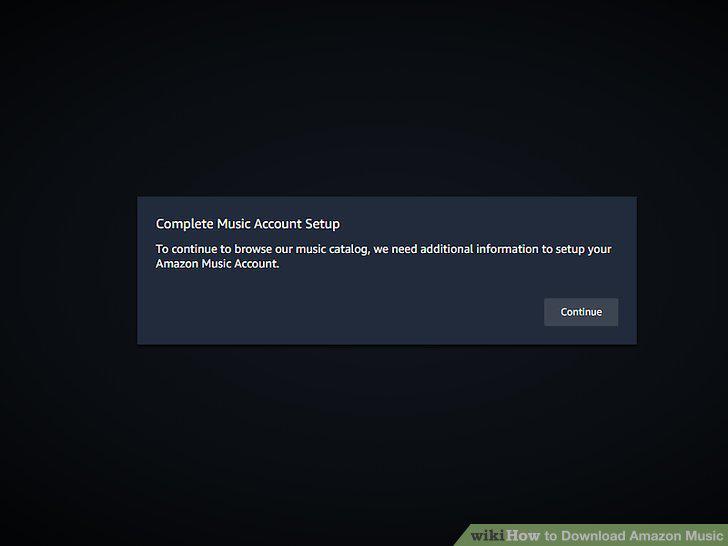
Follow the on-screen instructions to install Amazon Music.
Comments (0)
No comments yet. Be the first to share your thoughts!