How to Pay Sprint Bills Online
Go to Sprint's website and click "Sign in," followed by "Create profile.. Enter your account number, serial number, or phone number.. Type in your PIN or answer a security question to verify your identity.
Steps
Go to Sprint's website and click "Sign in," followed by "Create profile.
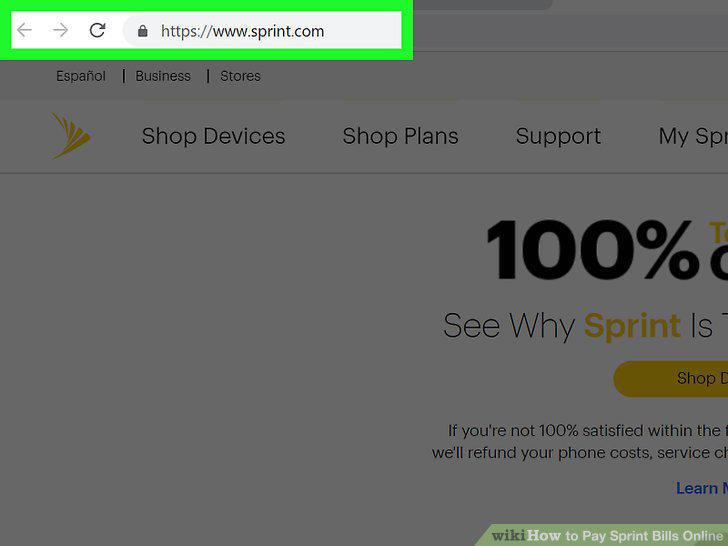
Go to Sprint's website and click "Sign in," followed by "Create profile.
Enter your account number, serial number, or phone number.
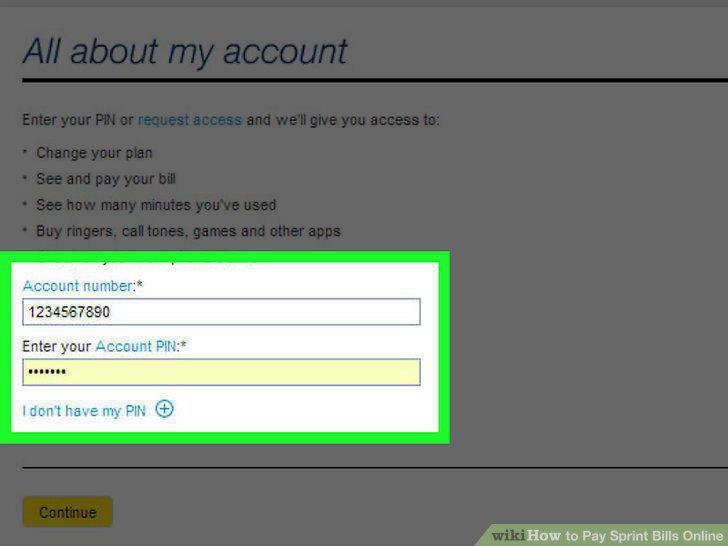
Enter your account number, serial number, or phone number.
Type in your PIN or answer a security question to verify your identity.
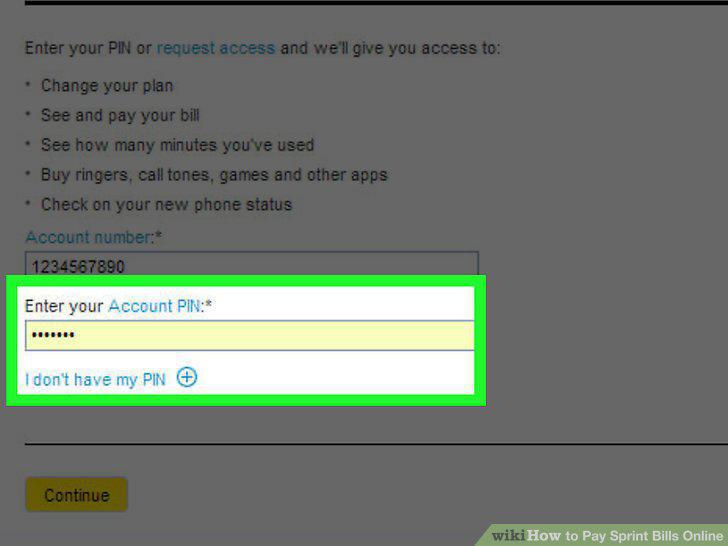
Type in your PIN or answer a security question to verify your identity.
Create a username and password for your account.
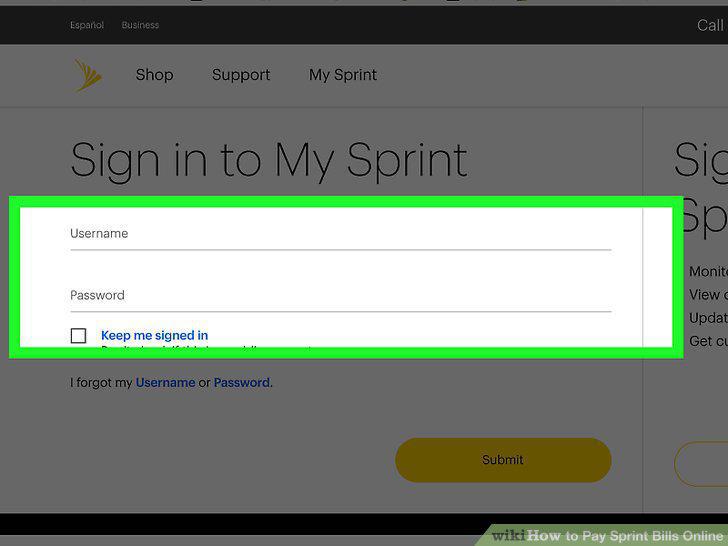
Create a username and password for your account.
Enter your email address and click "Finish" to complete the process.
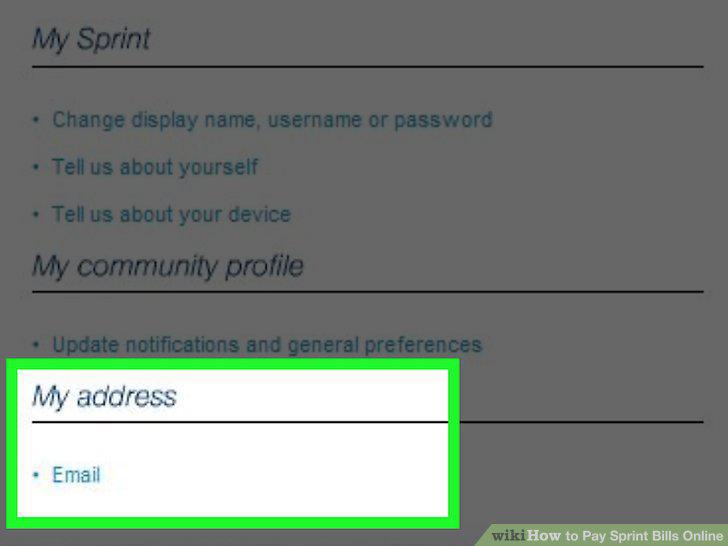
Enter your email address and click "Finish" to complete the process.
Visit the payment page on Sprint's website and log into your account.
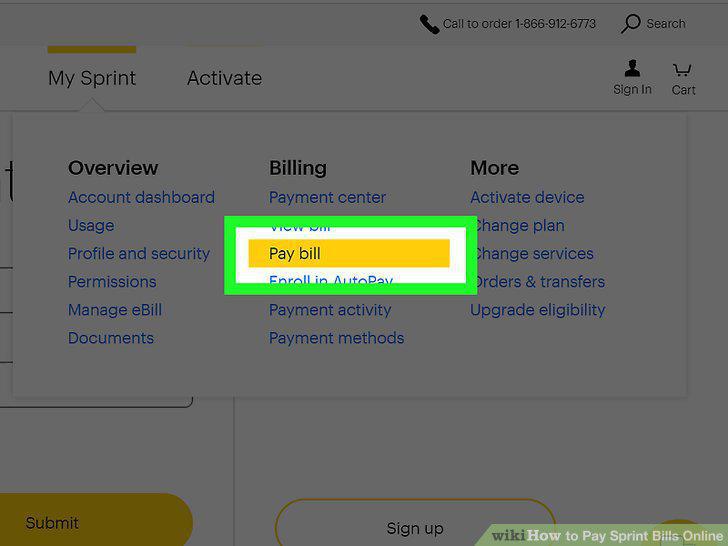
Visit the payment page on Sprint's website and log into your account.
Click "Pay Now" under the "Your Bill" tab.
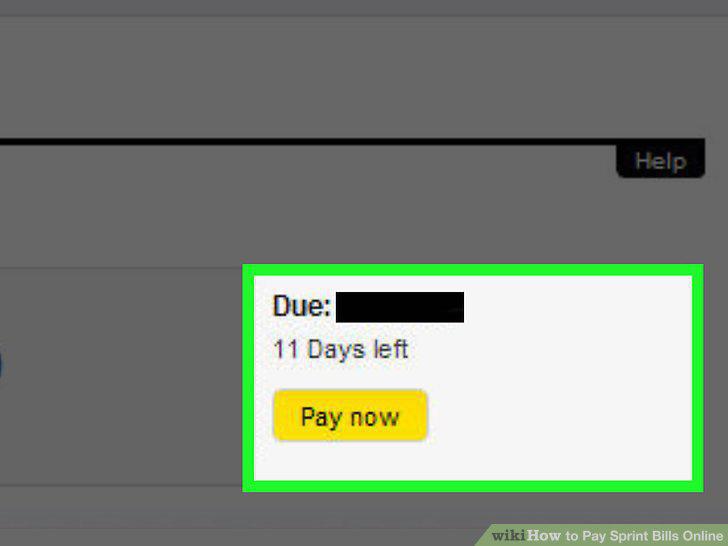
Click "Pay Now" under the "Your Bill" tab.
Enter the total cost of your bill as the payment amount.
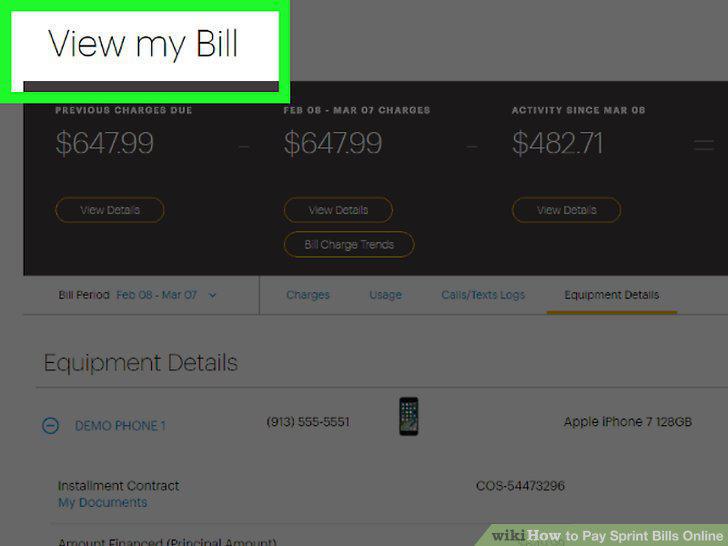
Enter the total cost of your bill as the payment amount.
Choose your payment method.
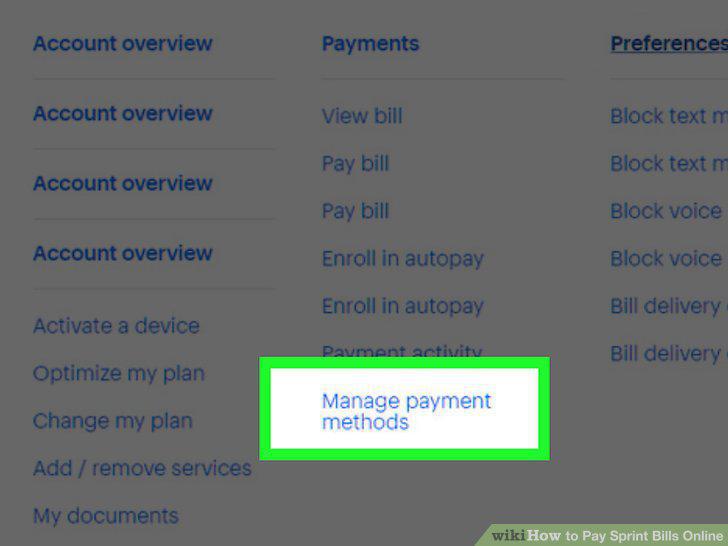
Choose your payment method.
Verify and submit your information to complete the payment.
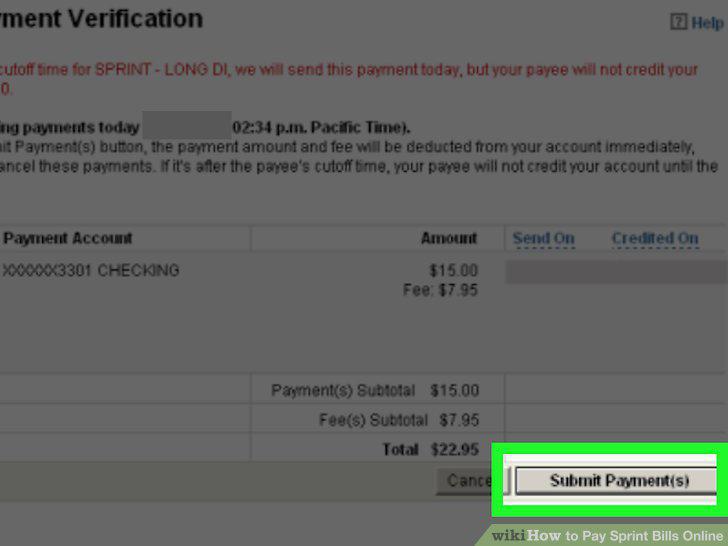
Verify and submit your information to complete the payment.
Comments (0)
No comments yet. Be the first to share your thoughts!