How to Delete a Skrill Account
Go to https://www.skrill.com.. Log in.. Click or tap Settings.
Steps
1
Go to https://www.skrill.com.
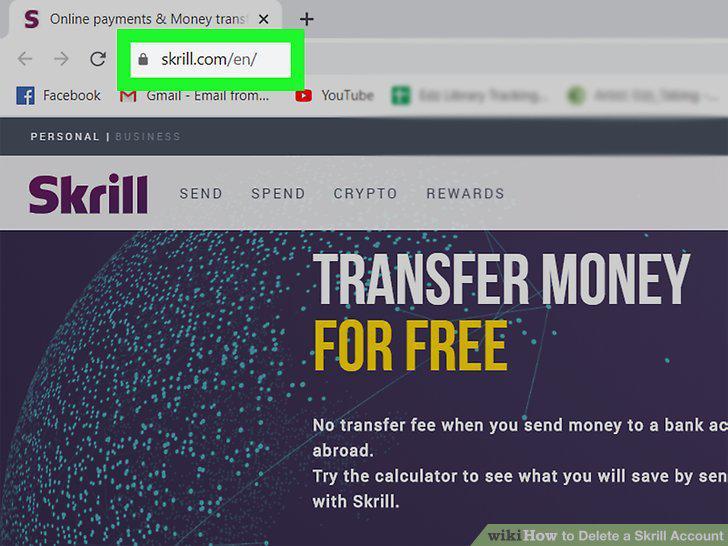
Go to https://www.skrill.com.
2
Log in.
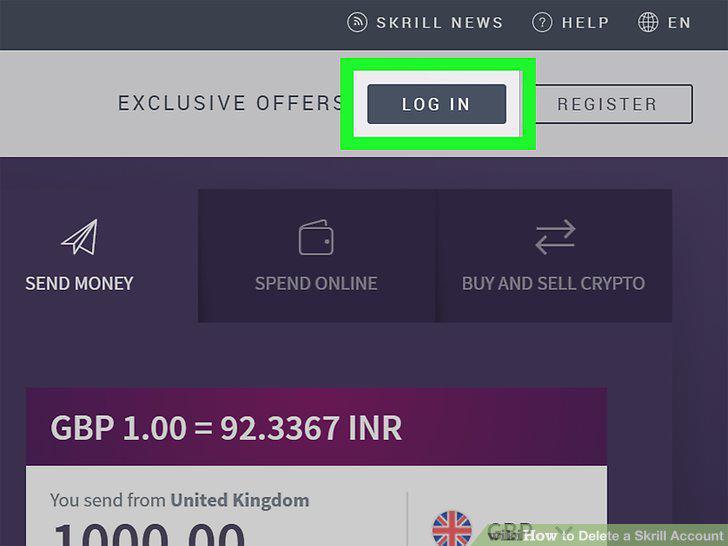
Log in.
3
Click or tap Settings.
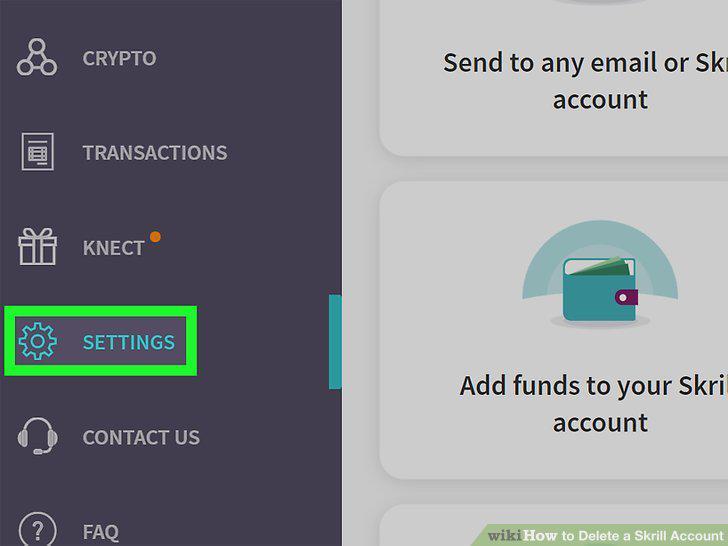
Click or tap Settings.
4
Click or tap Close next to "Account status.
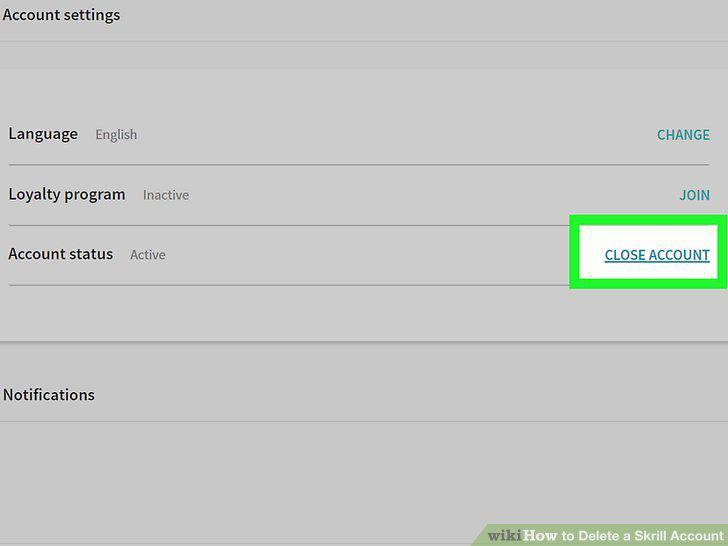
Click or tap Close next to "Account status.
5
Confirm by clicking or tapping Close My Account.
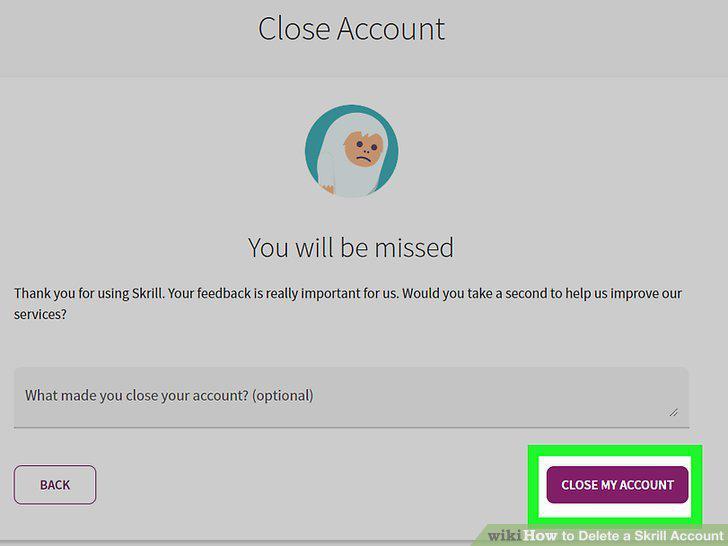
Confirm by clicking or tapping Close My Account.
Comments (0)
No comments yet. Be the first to share your thoughts!