How to Take Action Photos
Find a good vantage point.. Adjust the settings on your camera.. Focus and on your subject.
Steps
1
Find a good vantage point.
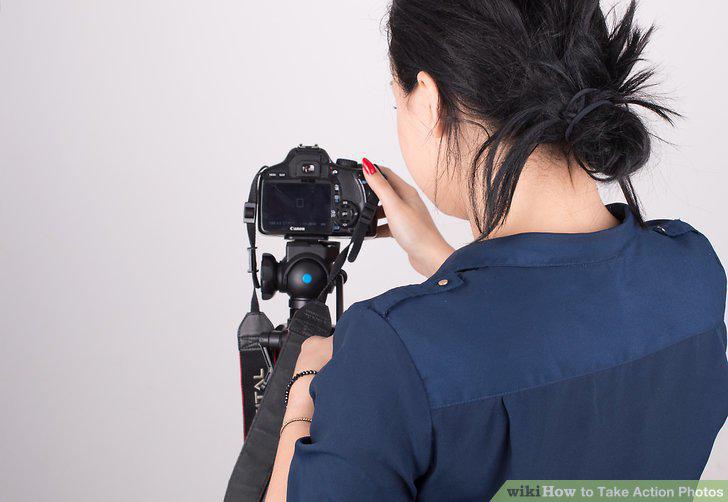
Find a good vantage point.
2
Adjust the settings on your camera.
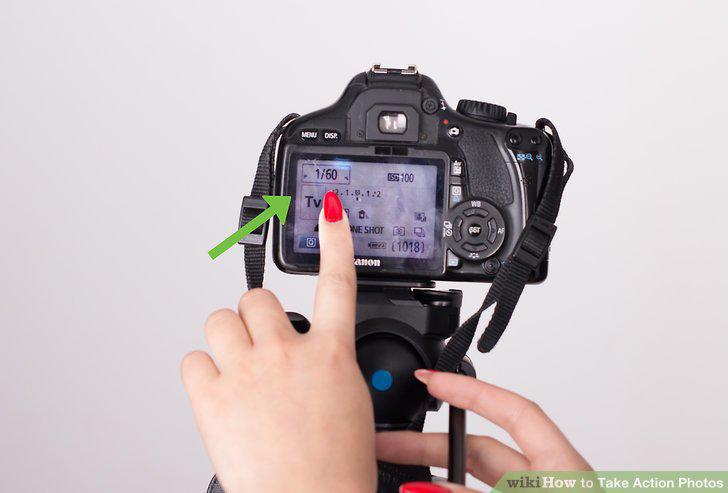
Adjust the settings on your camera.
3
Focus and on your subject.
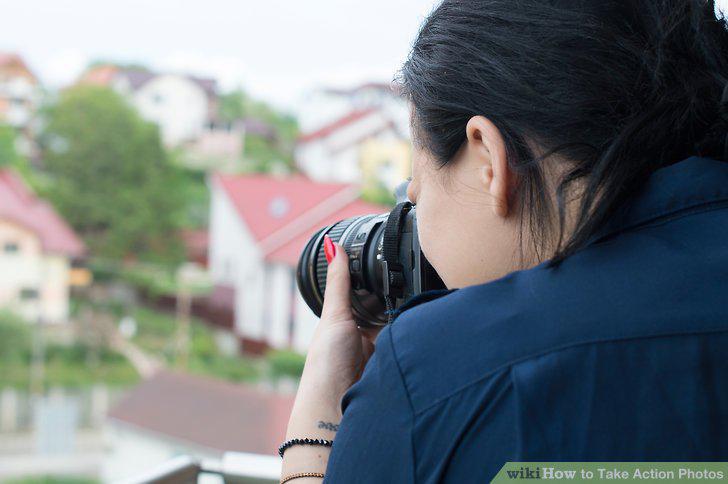
Focus and on your subject.
4
Follow the subject and take the action picture.
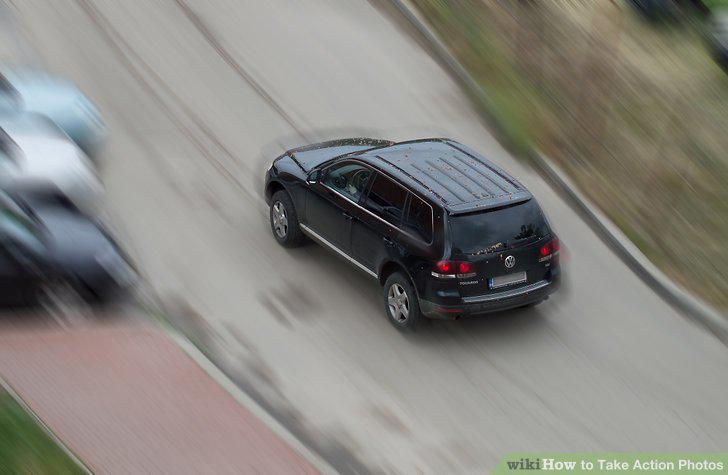
Follow the subject and take the action picture.
5
Set your DSLR camera to shutter priority mode and turn the shutter speed to 1/10
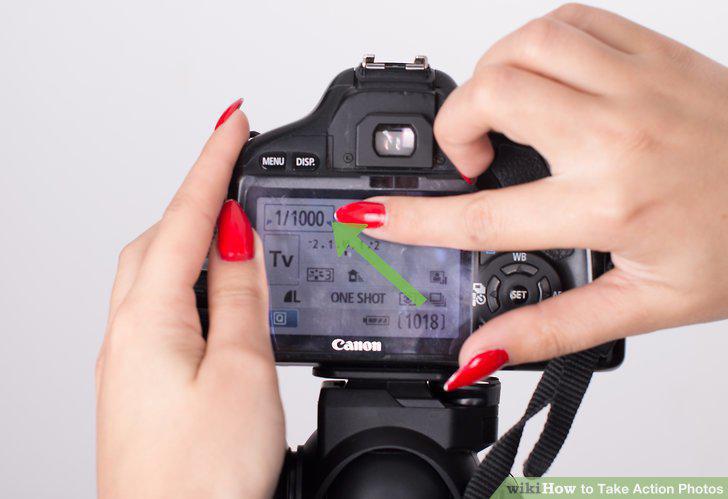
Set your DSLR camera to shutter priority mode and turn the shutter speed to 1/1000.
6
Select the lowest possible ISO setting for your location's lighting.
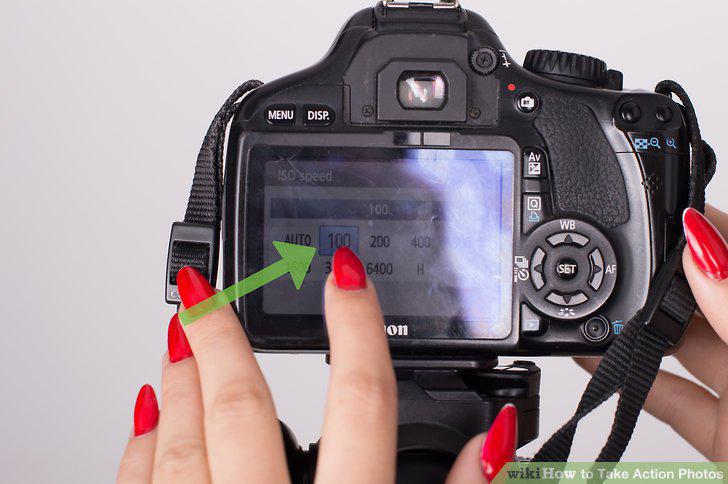
Select the lowest possible ISO setting for your location's lighting.
7
Put the camera in high speed shooting mode.
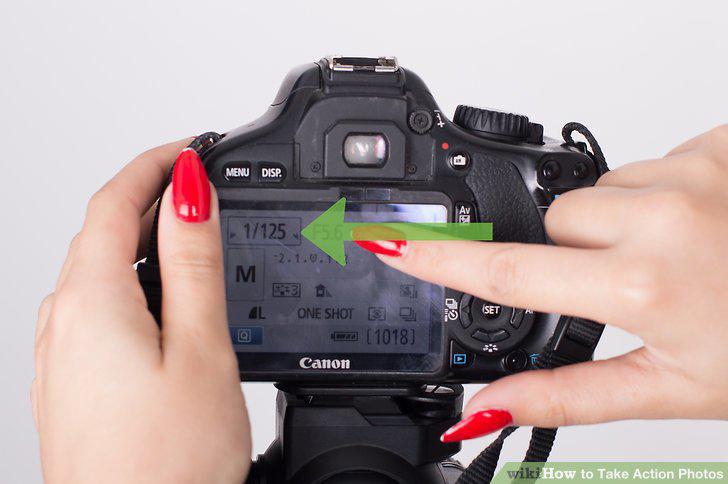
Put the camera in high speed shooting mode.
8
Place your DSLR camera into continuous focus mode.
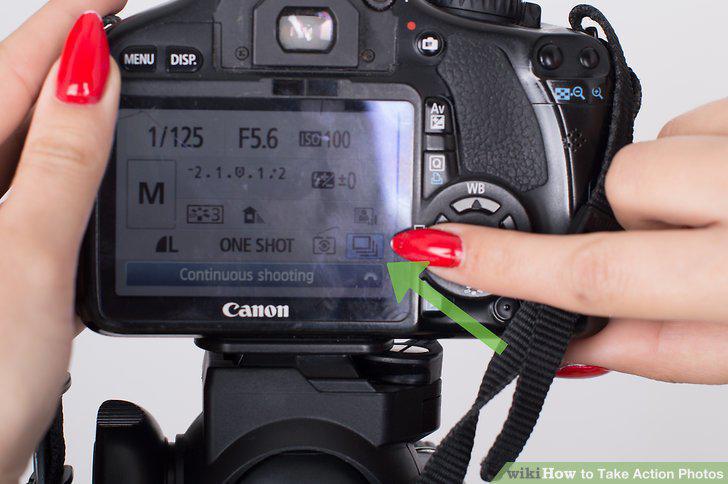
Place your DSLR camera into continuous focus mode.
9
Change your camera's focus point.
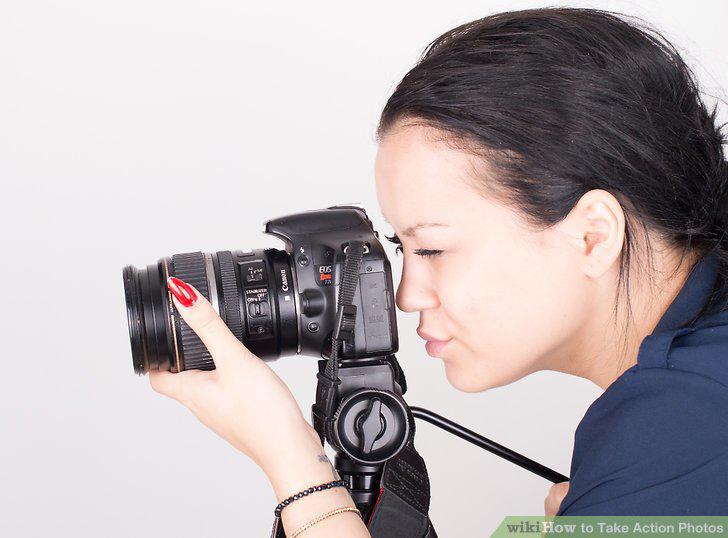
Change your camera's focus point.
10
Utilize your smartphone's burst mode.
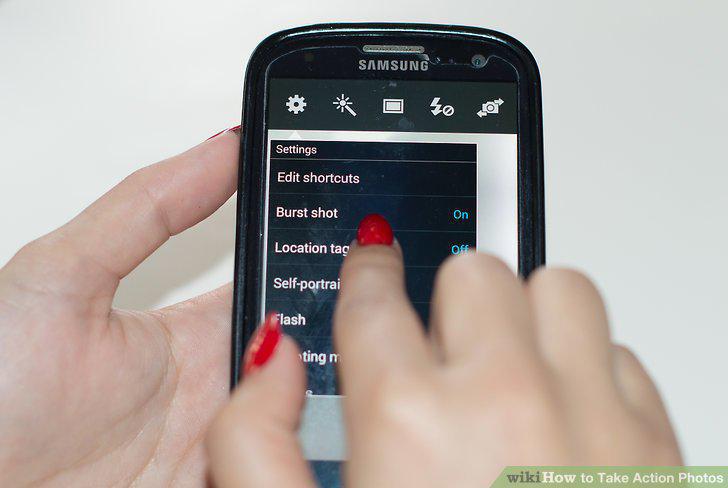
Utilize your smartphone's burst mode.
11
Activate your smartphone's tracking autofocus setting.
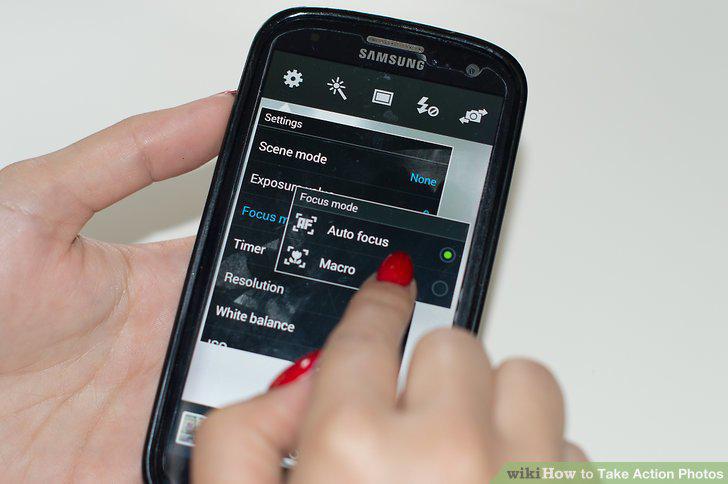
Activate your smartphone's tracking autofocus setting.
12
Set your point-and-shoot digital camera to sports mode.
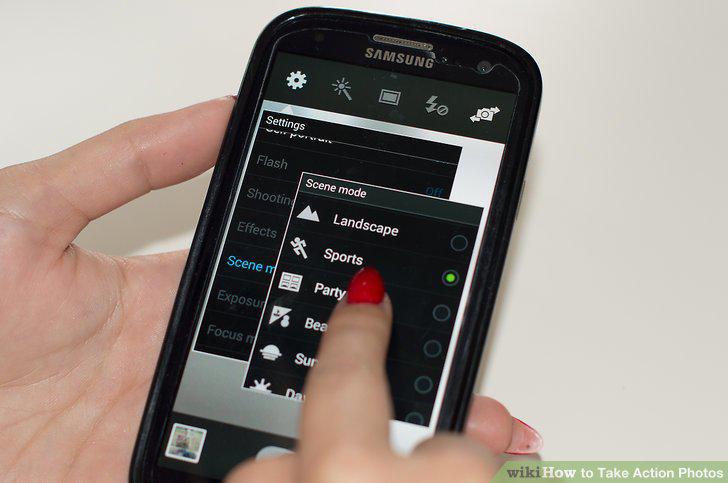
Set your point-and-shoot digital camera to sports mode.
Comments (0)
No comments yet. Be the first to share your thoughts!