How to Sell on Gumtree
Go to the Gumtree website.. Create a username and password.. Add a profile picture.
Steps
1
Go to the Gumtree website.
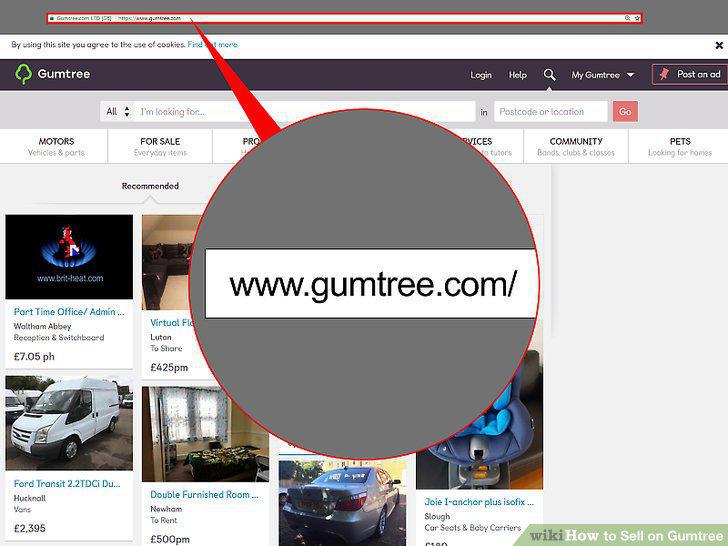
Go to the Gumtree website.
2
Create a username and password.
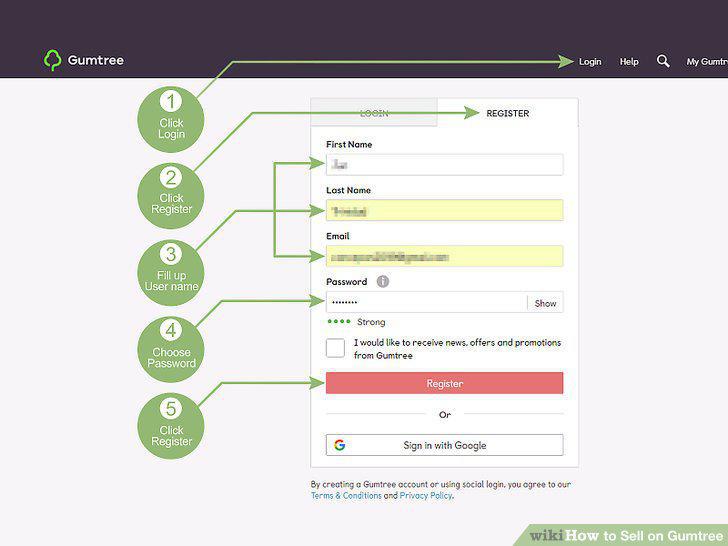
Create a username and password.
3
Add a profile picture.
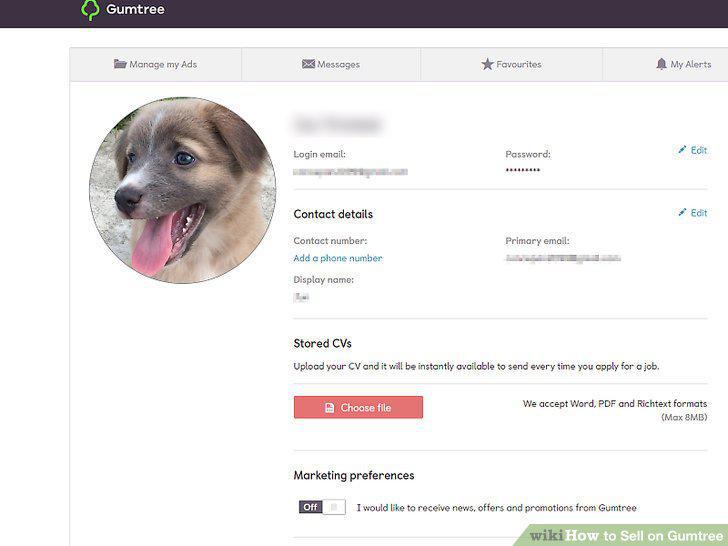
Add a profile picture.
4
Select the category for the item.
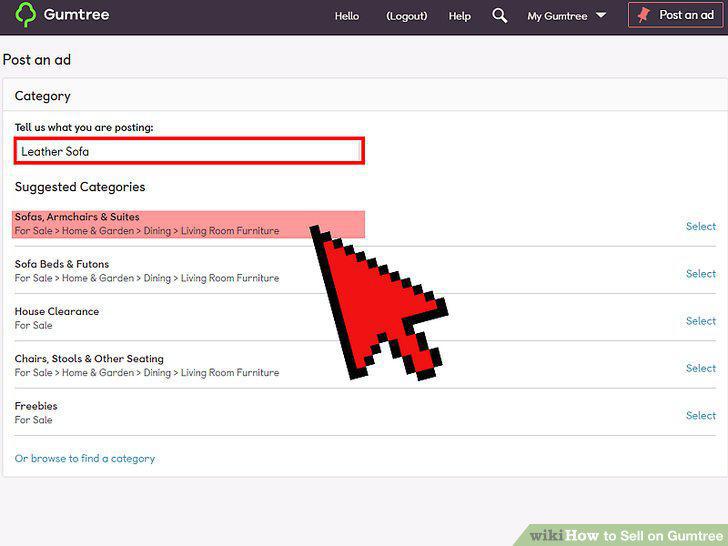
Select the category for the item.
5
Note your selling location.
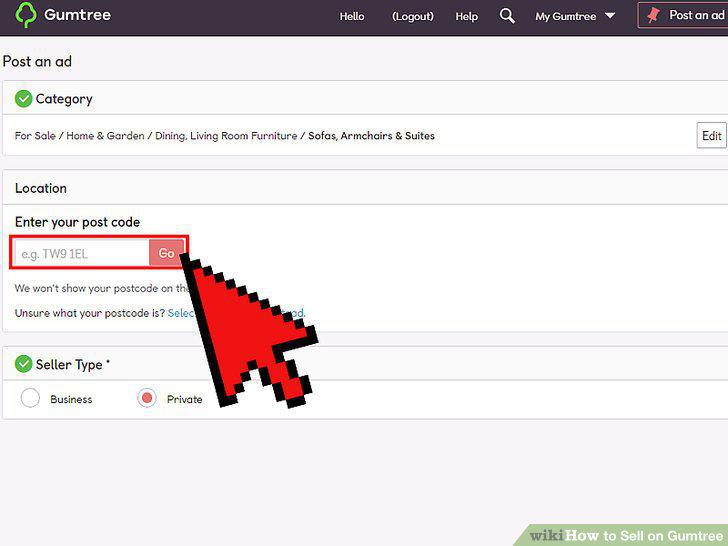
Note your selling location.
6
Describe the item in detail.
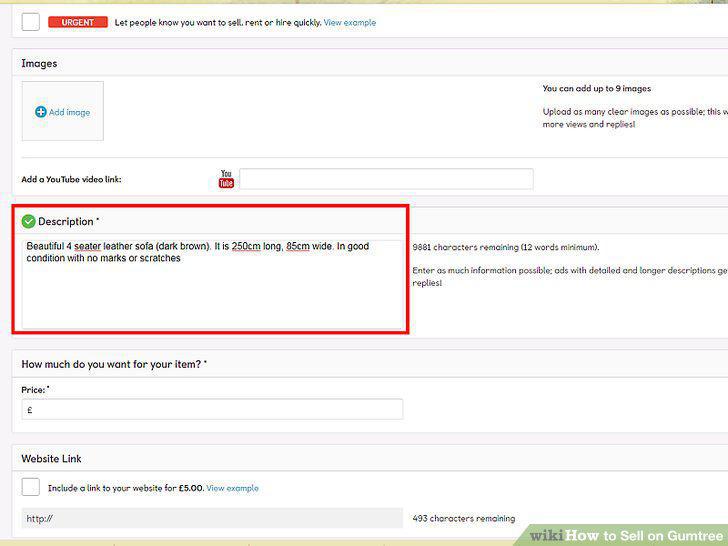
Describe the item in detail.
7
Use good pictures of the item.
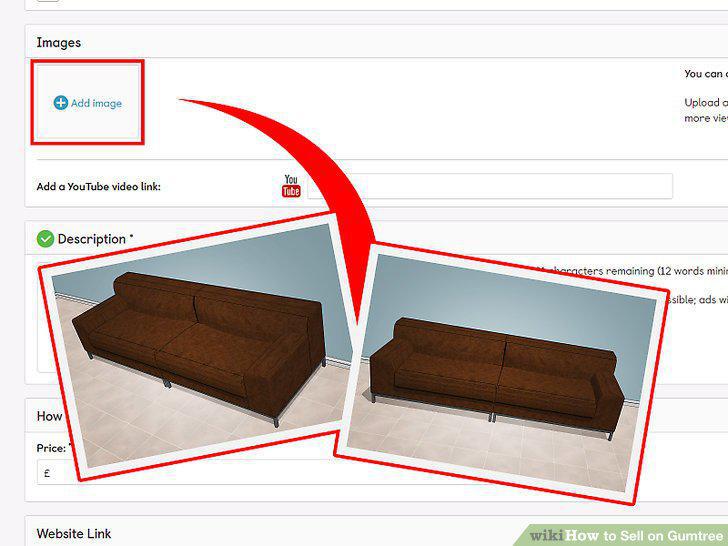
Use good pictures of the item.
8
Include the price.
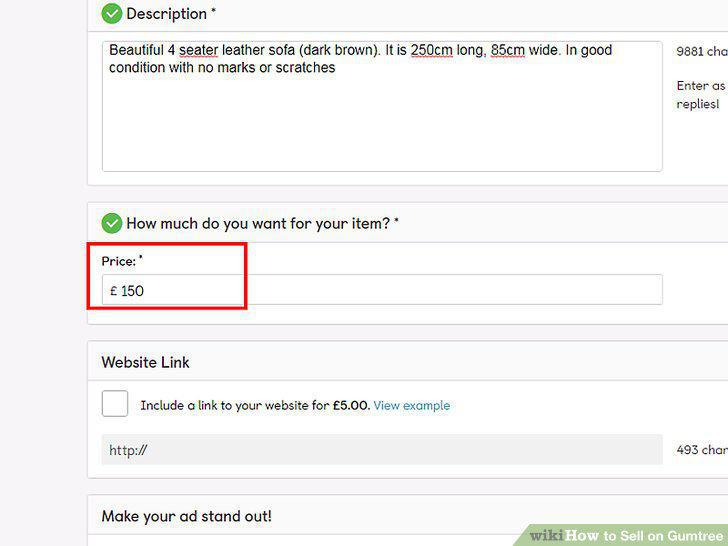
Include the price.
9
Title the ad.
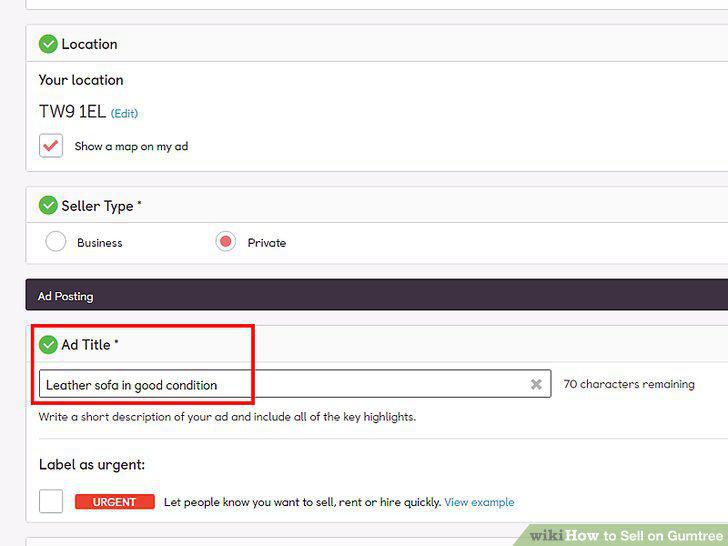
Title the ad.
10
Post the ad.
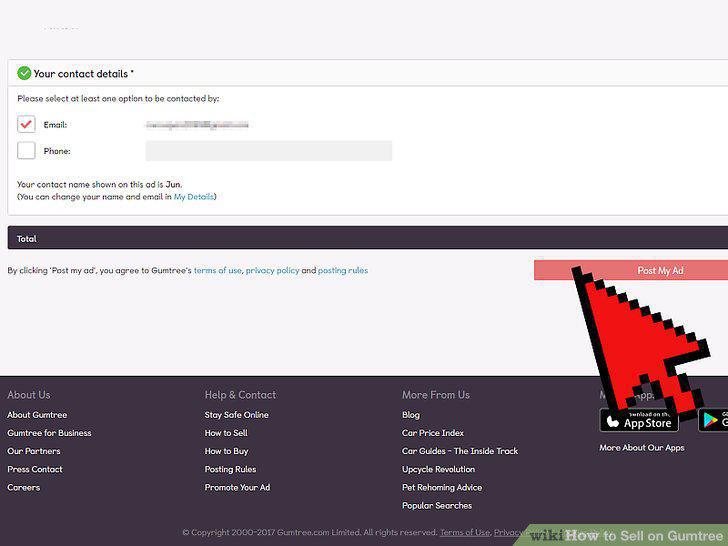
Post the ad.
11
Respond to offers promptly.
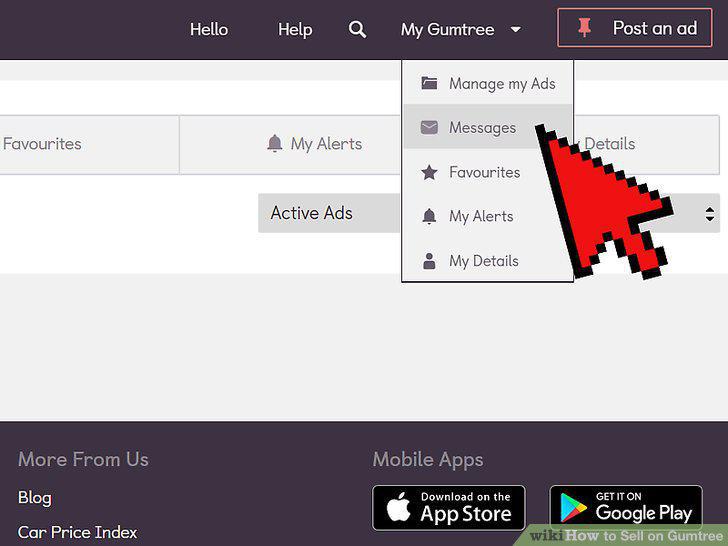
Respond to offers promptly.
12
Answer any questions by potential buyers.
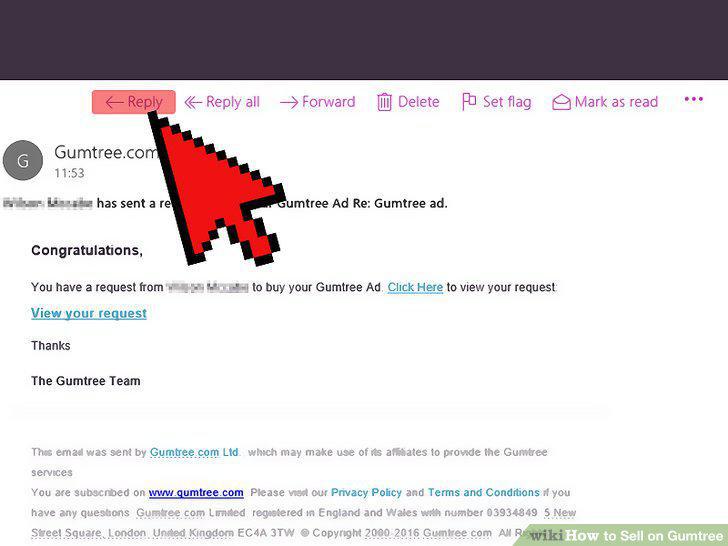
Answer any questions by potential buyers.
13
Take the best offer if you get more than one.
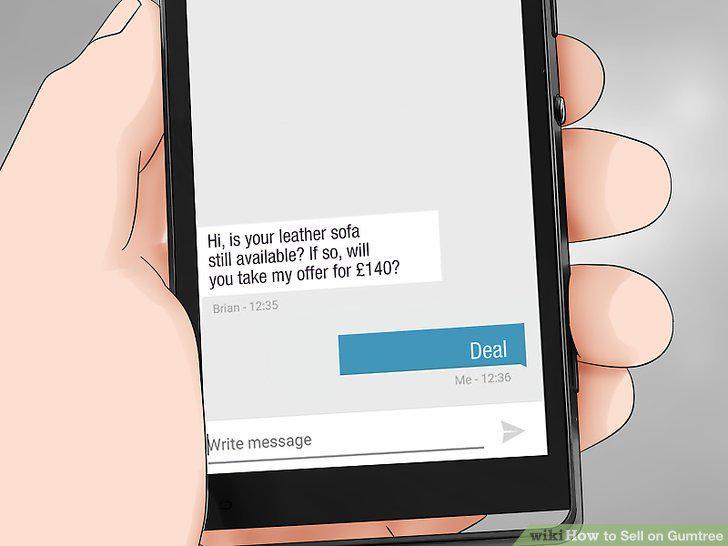
Take the best offer if you get more than one.
14
Arrange payment for the item with the buyer.
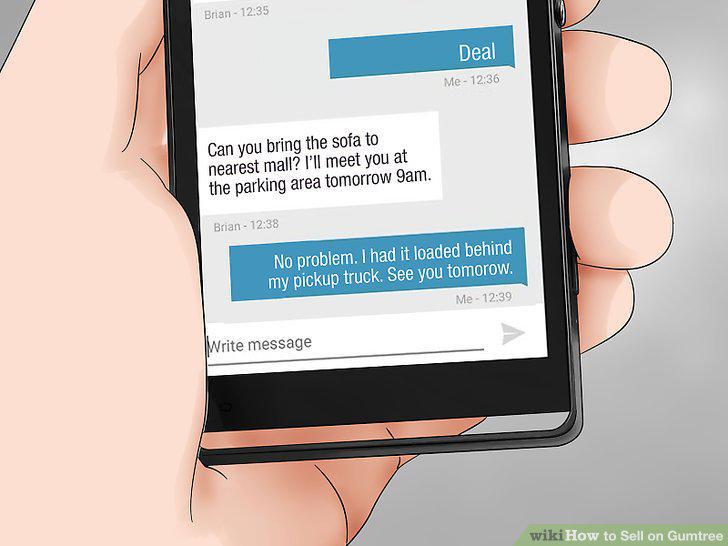
Arrange payment for the item with the buyer.
Comments (0)
No comments yet. Be the first to share your thoughts!