How to Delete Your Square Account
Open the Square contact page.. Click Account Settings.. Click Deactivate My Account.
Steps
1
Open the Square contact page.
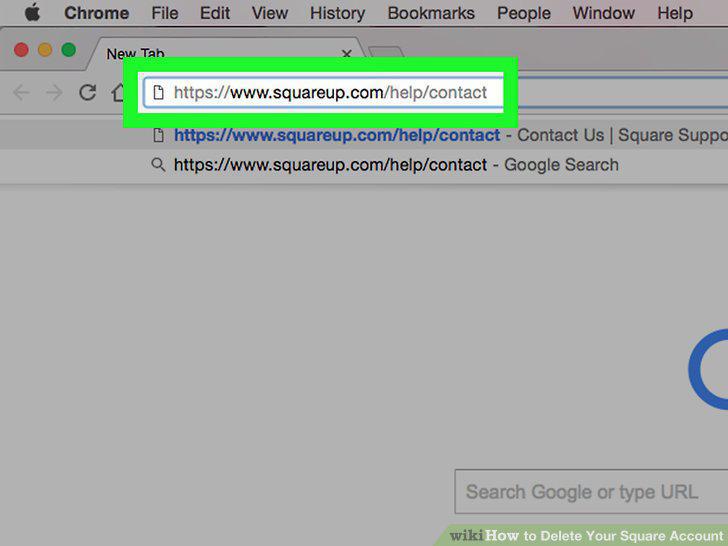
Open the Square contact page.
2
Click Account Settings.
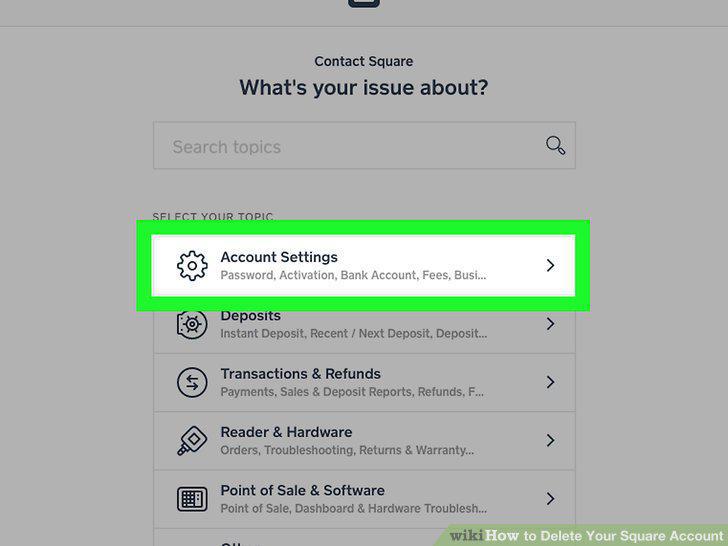
Click Account Settings.
3
Click Deactivate My Account.
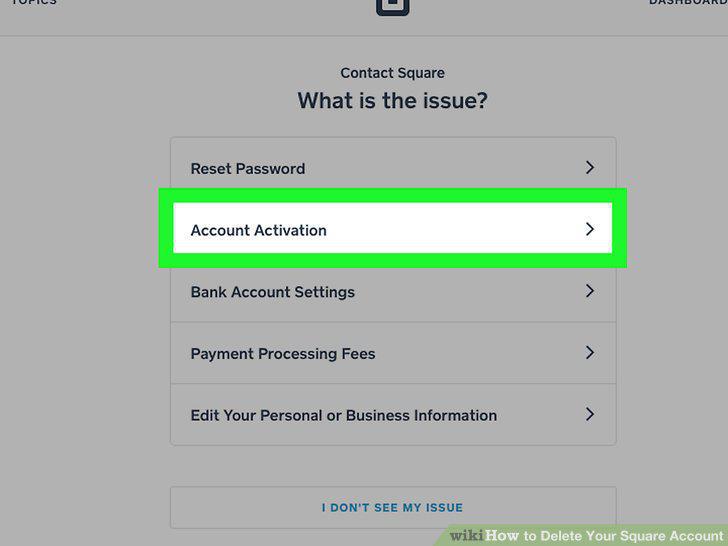
Click Deactivate My Account.
4
Click I STILL NEED HELP.
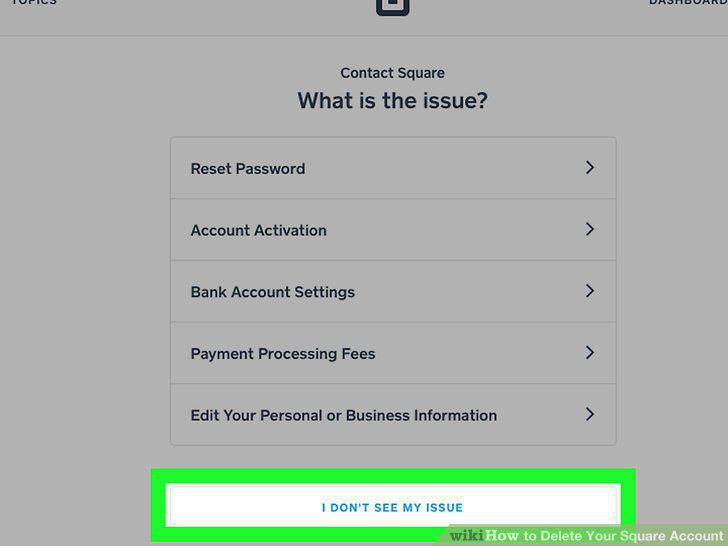
Click I STILL NEED HELP.
5
Click Email Support.
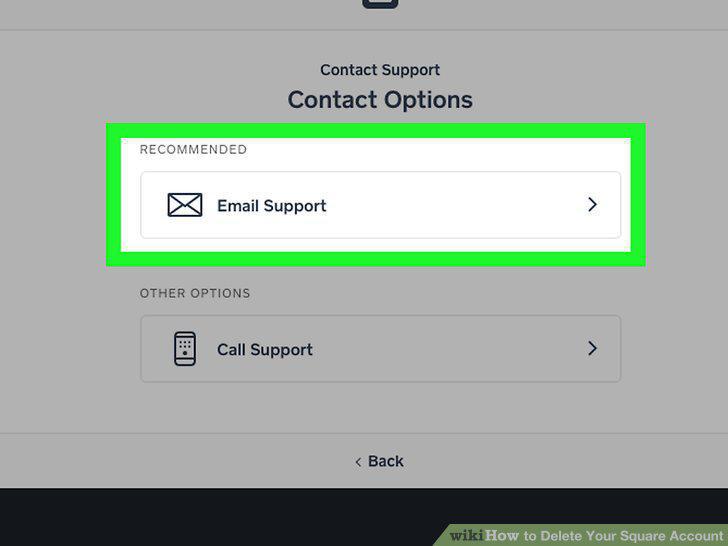
Click Email Support.
6
Type in your request for account deletion.
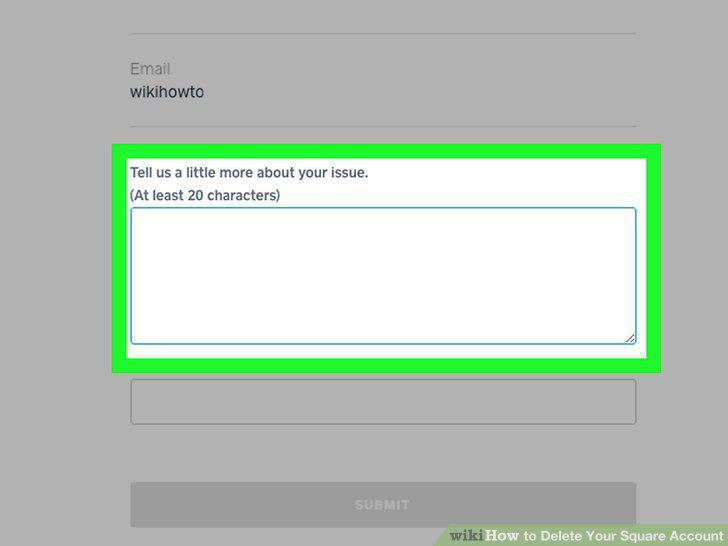
Type in your request for account deletion.
7
Click SUBMIT.
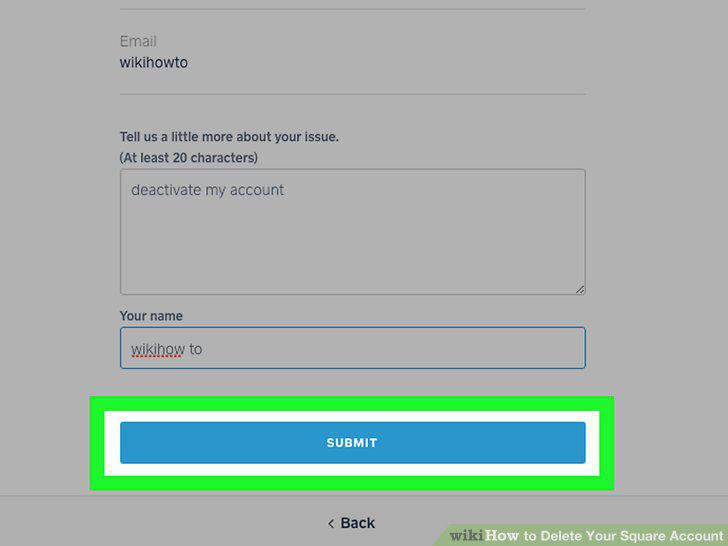
Click SUBMIT.
8
Wait for a confirmation email.
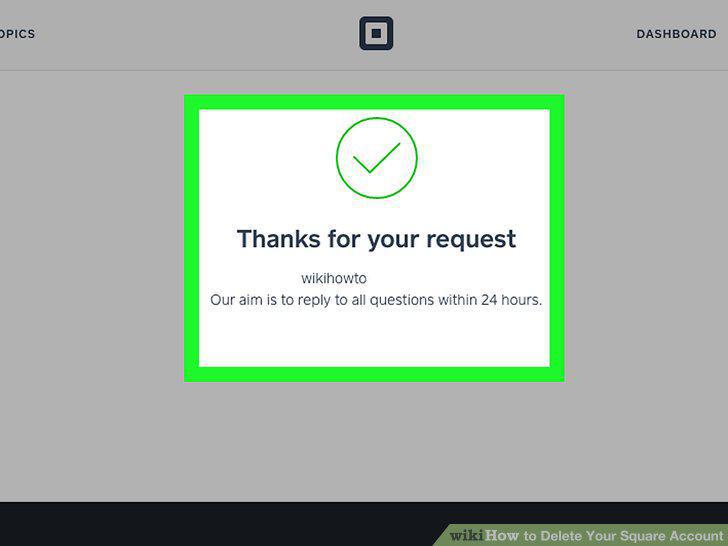
Wait for a confirmation email.
Comments (0)
No comments yet. Be the first to share your thoughts!