How to Charge a Kindle
Find your Kindle's charger cable.. Find the USB end of the charger cable.. Plug the USB end into a computer's USB port.
Steps
1
Find your Kindle's charger cable.
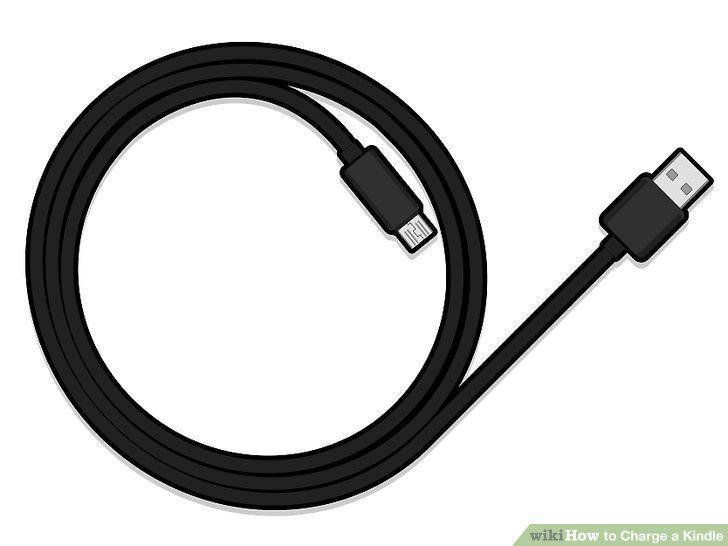
Find your Kindle's charger cable.
2
Find the USB end of the charger cable.
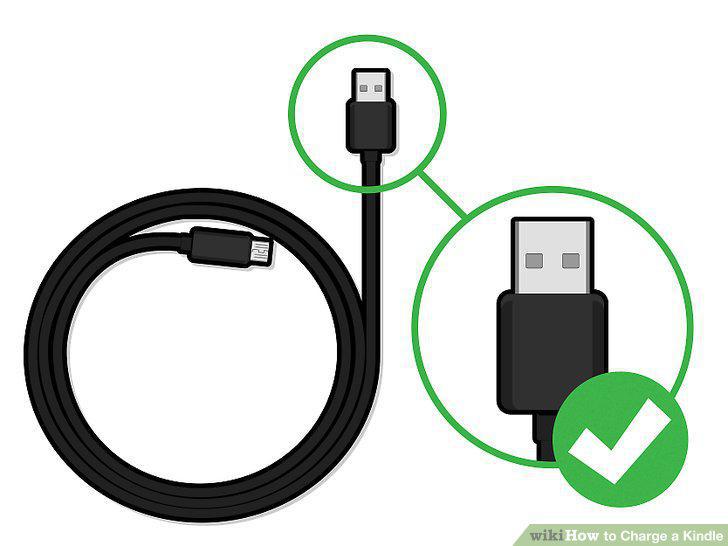
Find the USB end of the charger cable.
3
Plug the USB end into a computer's USB port.
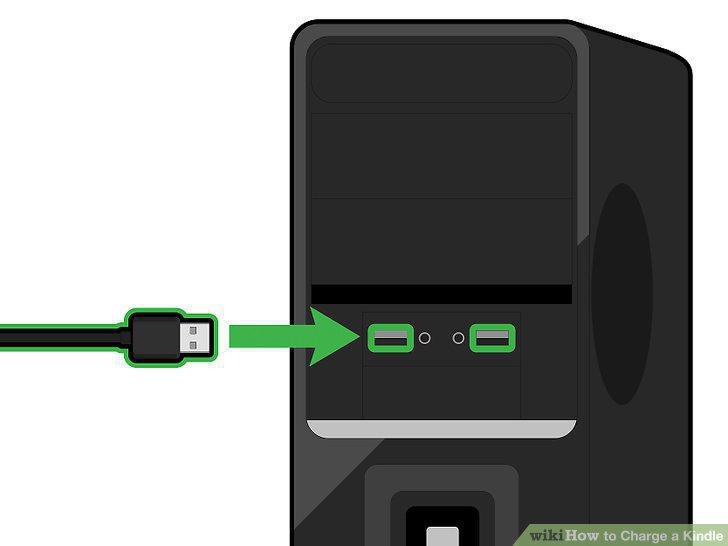
Plug the USB end into a computer's USB port.
4
Find your Kindle's charging port.
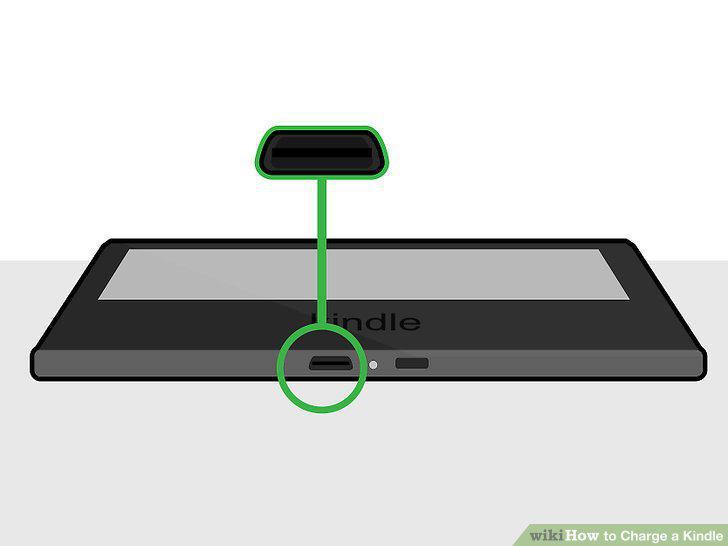
Find your Kindle's charging port.
5
Plug the remaining end of the cable into the charging port.
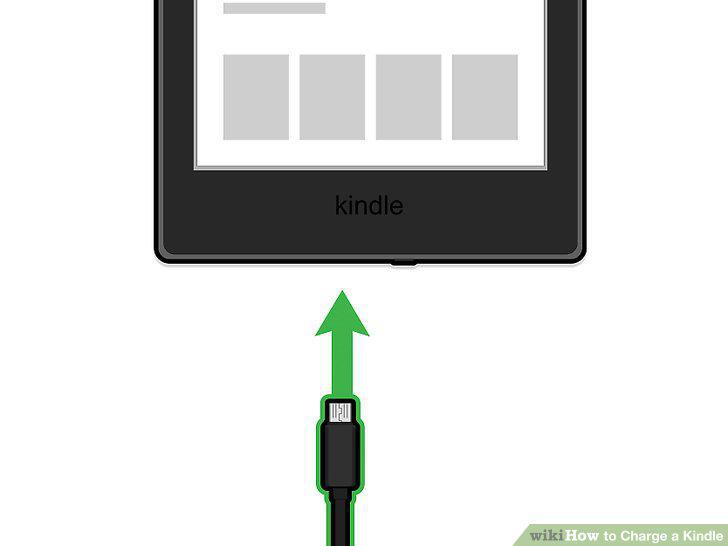
Plug the remaining end of the cable into the charging port.
6
Wait for the charging light to appear.
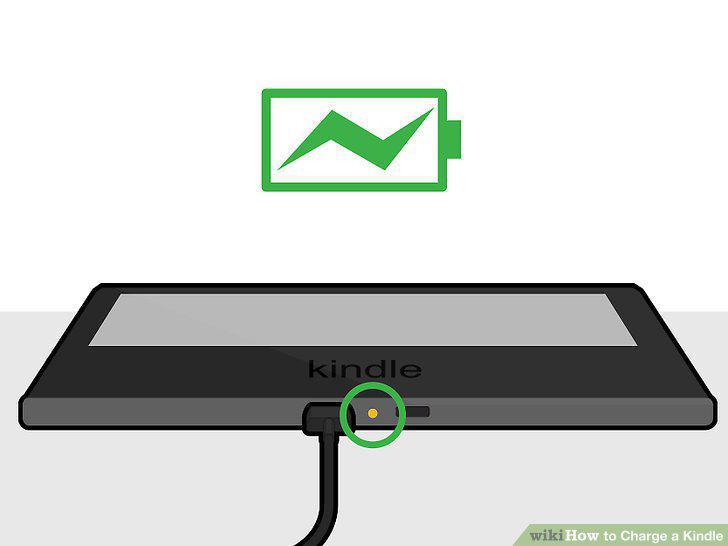
Wait for the charging light to appear.
7
Troubleshoot a failure to charge.
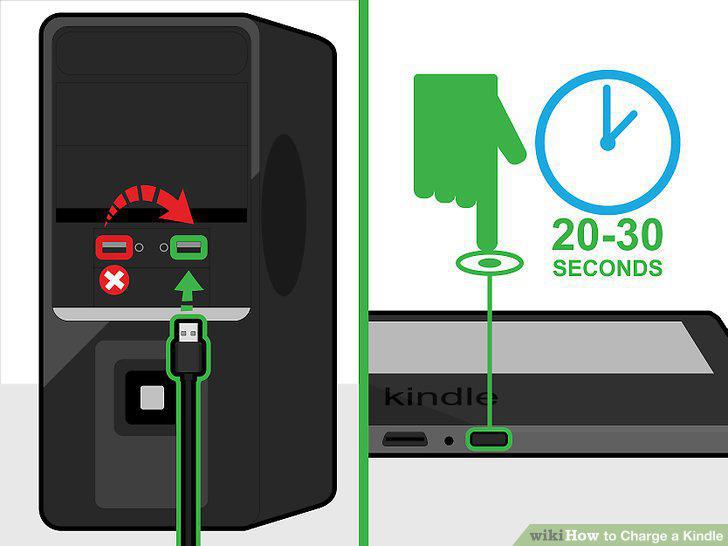
Troubleshoot a failure to charge.
8
Buy a Kindle wall adapter.
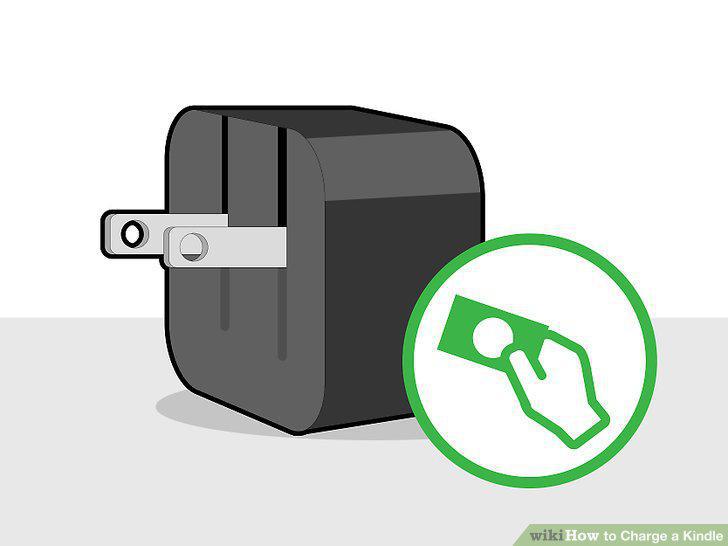
Buy a Kindle wall adapter.
9
Plug the wall adapter into an electrical outlet.
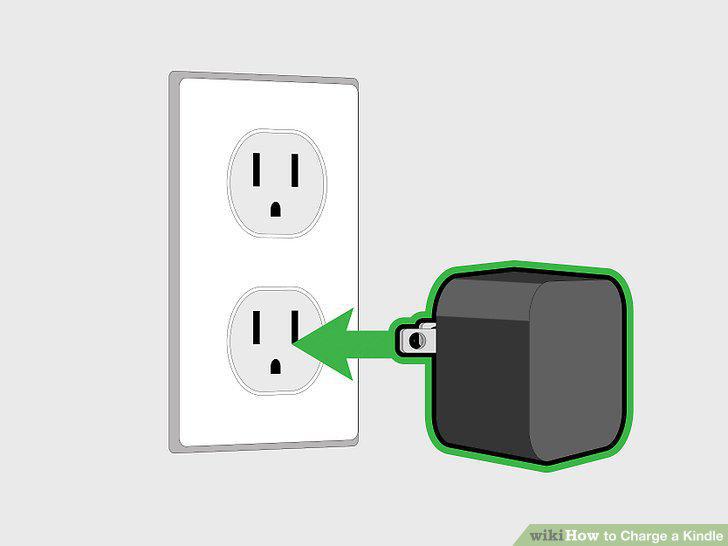
Plug the wall adapter into an electrical outlet.
10
Find the USB end of the charger cable.
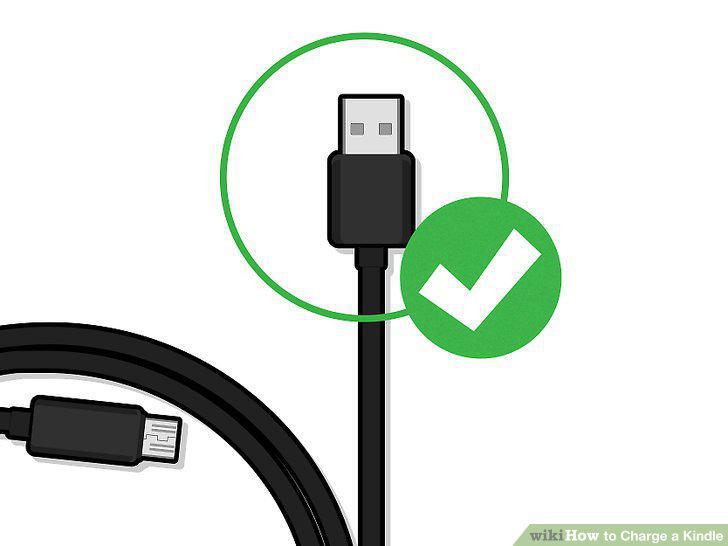
Find the USB end of the charger cable.
11
Plug the USB end of the cable into the wall adapter.
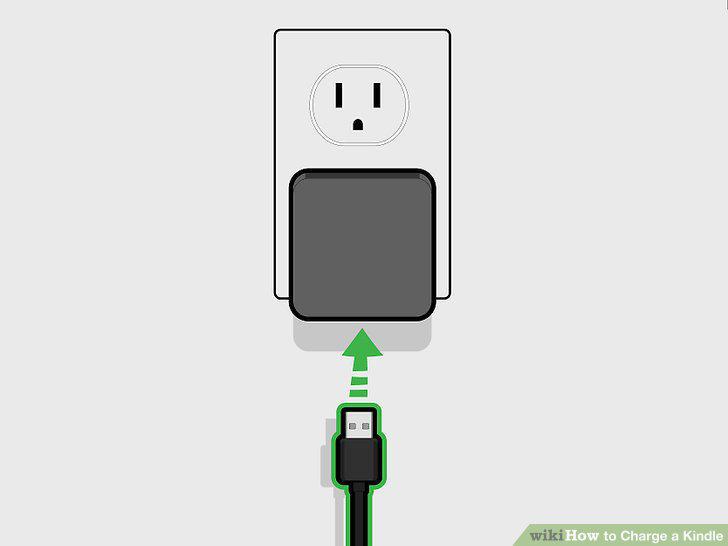
Plug the USB end of the cable into the wall adapter.
12
Find your Kindle's charging port.
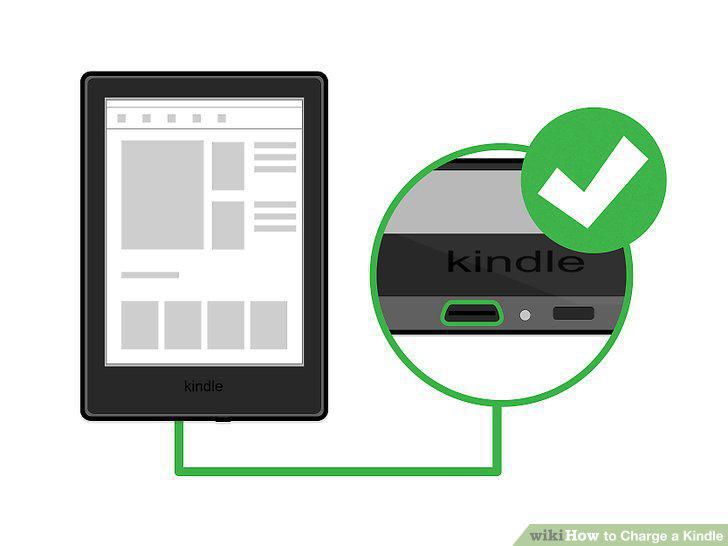
Find your Kindle's charging port.
13
Plug the remaining end of the cable into the charging port.
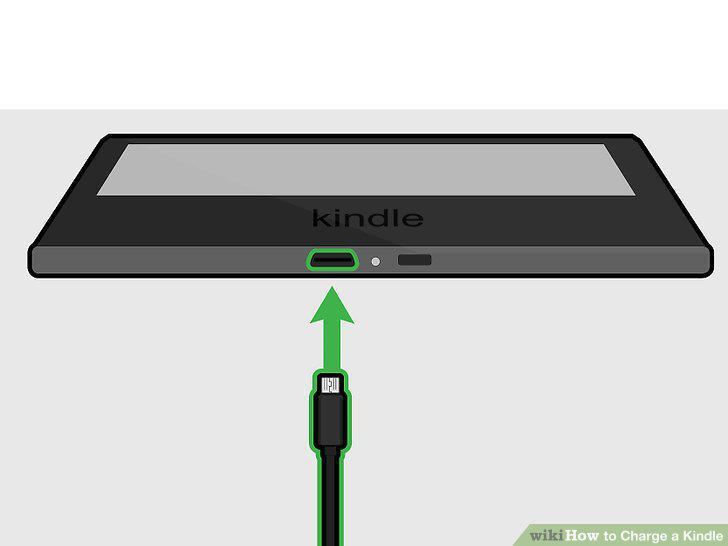
Plug the remaining end of the cable into the charging port.
14
Wait for the charging light to appear.
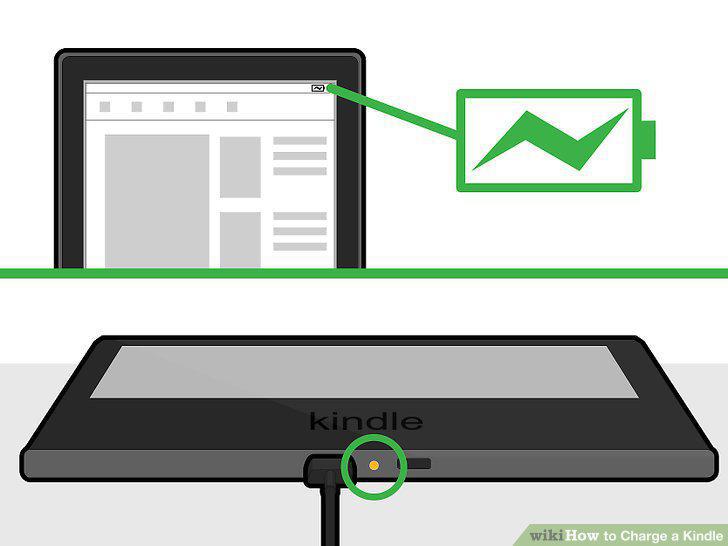
Wait for the charging light to appear.
15
Troubleshoot a failure to charge.
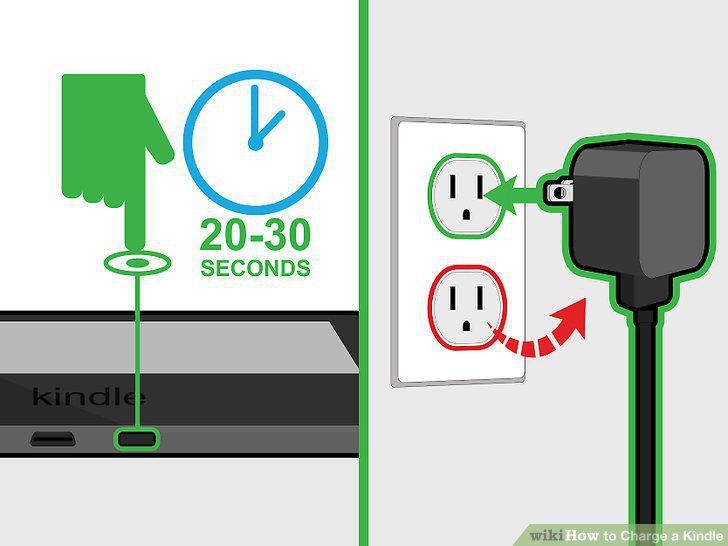
Troubleshoot a failure to charge.
Comments (0)
No comments yet. Be the first to share your thoughts!