How to Find a Baby Registry on Amazon
Go to https://www.amazon.com/baby-reg/search-results.. Enter the first or last name or email address that would be associated with the registry.. Click Search.
Steps
1
Go to https://www.amazon.com/baby-reg/search-results.
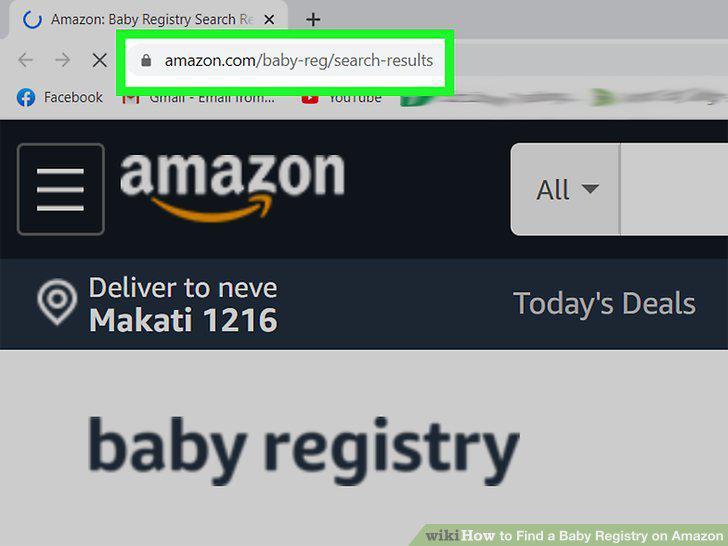
Go to https://www.amazon.com/baby-reg/search-results.
2
Enter the first or last name or email address that would be associated with the
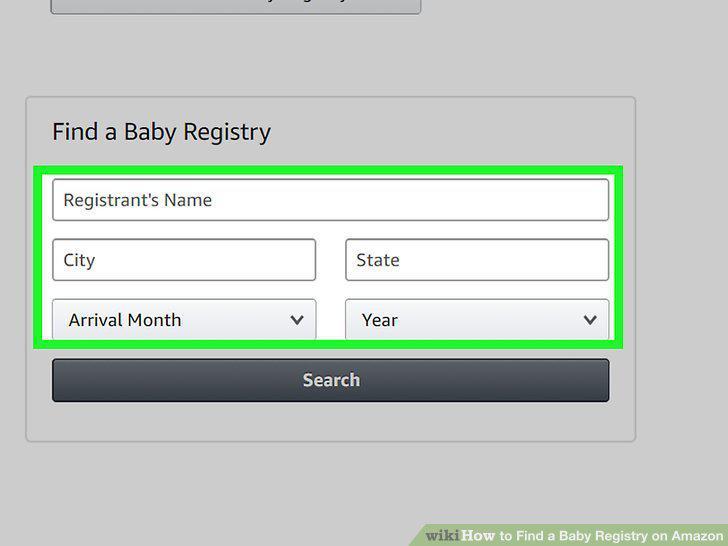
Enter the first or last name or email address that would be associated with the registry.
3
Click Search.
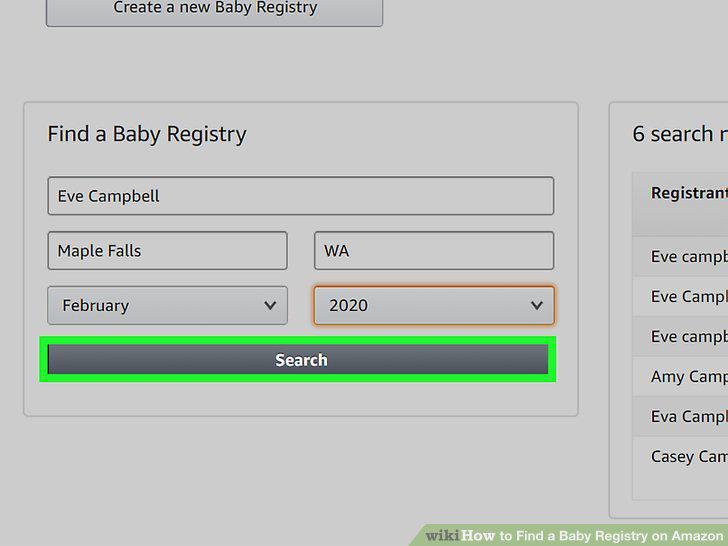
Click Search.
4
Click a registrant's name to see the baby registry.
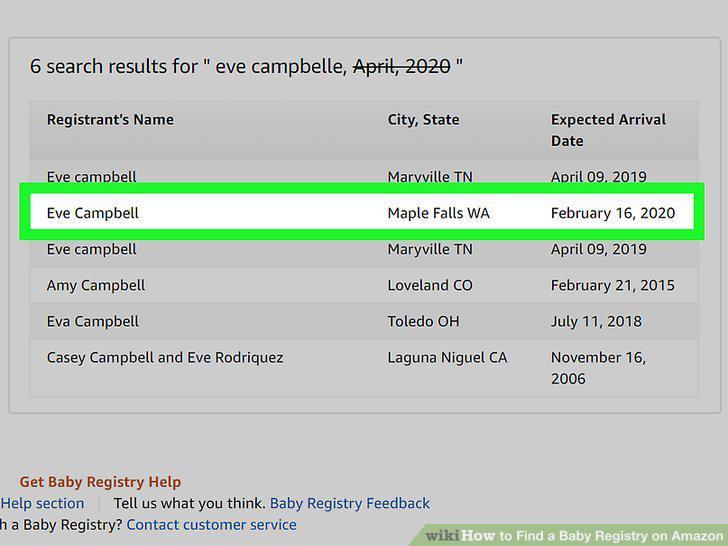
Click a registrant's name to see the baby registry.
Comments (0)
No comments yet. Be the first to share your thoughts!