How to Tip on DoorDash on Android
Open DoorDash on your Android.. Browse or search for a restaurant.. Add items to the cart.
Steps
1
Open DoorDash on your Android.
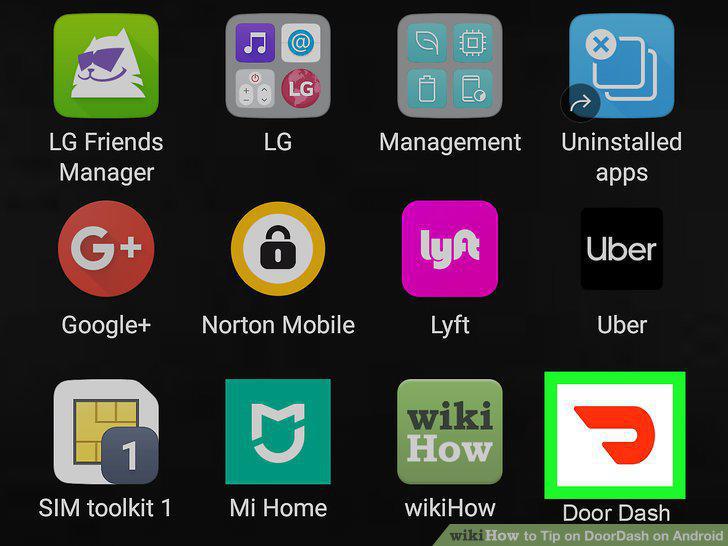
Open DoorDash on your Android.
2
Browse or search for a restaurant.
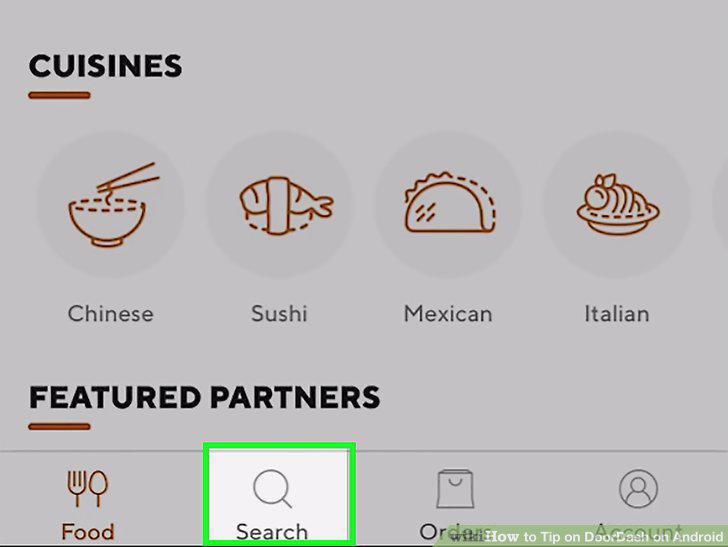
Browse or search for a restaurant.
3
Add items to the cart.
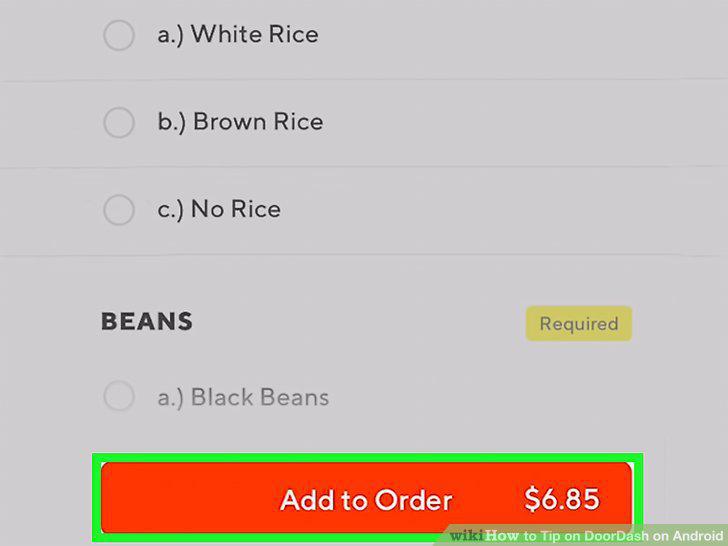
Add items to the cart.
4
Tap the cart icon when you're ready to check out.
Tap the cart icon when you're ready to check out.
5
Make any final edits to the cart and tap Checkout.
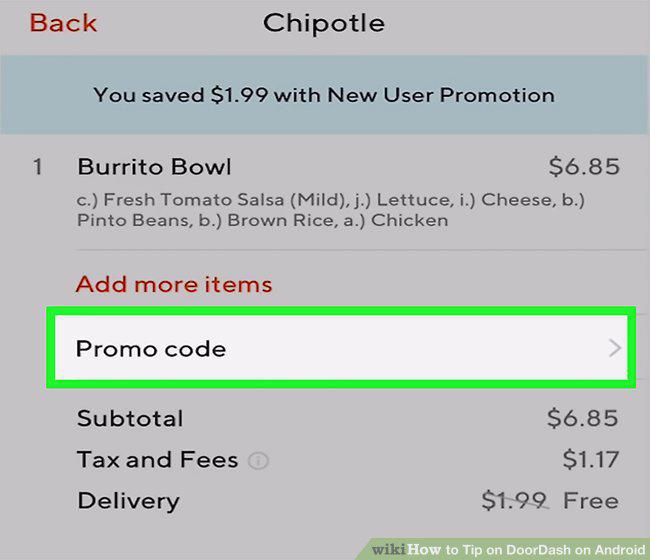
Make any final edits to the cart and tap Checkout.
6
Tap Checkout.
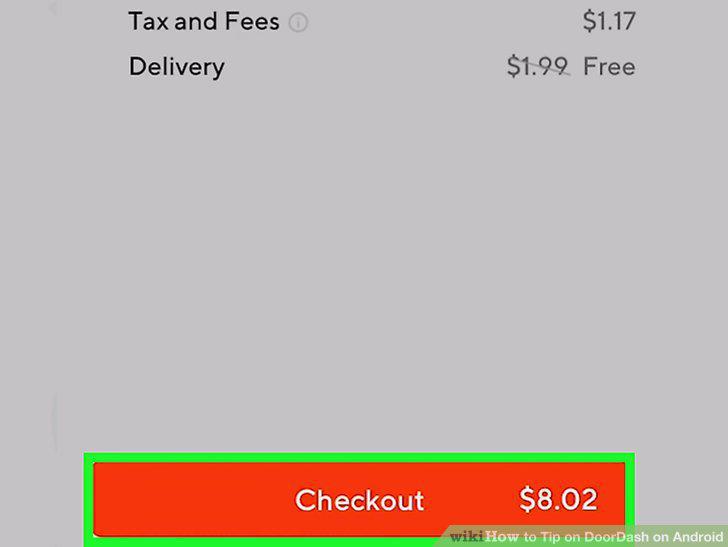
Tap Checkout.
7
Complete your order.
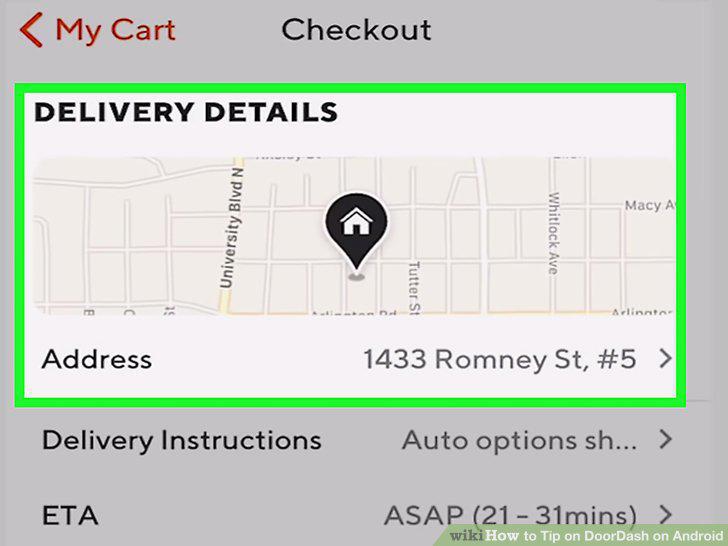
Complete your order.
8
Select a payment method.
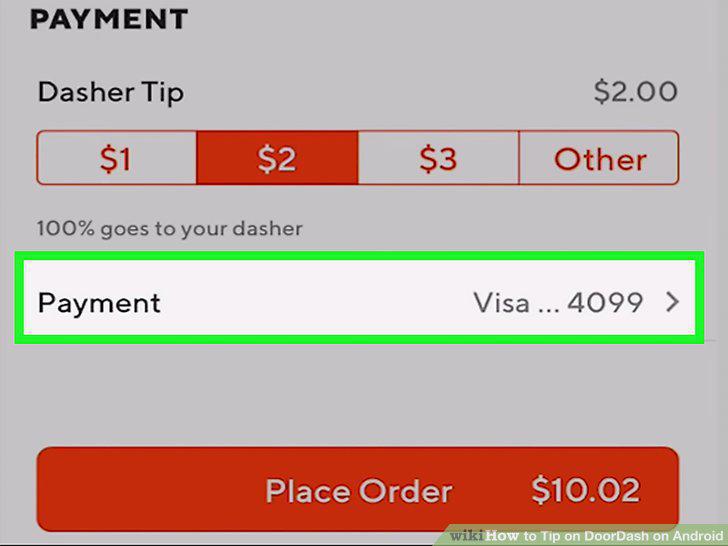
Select a payment method.
9
Select a tip amount.
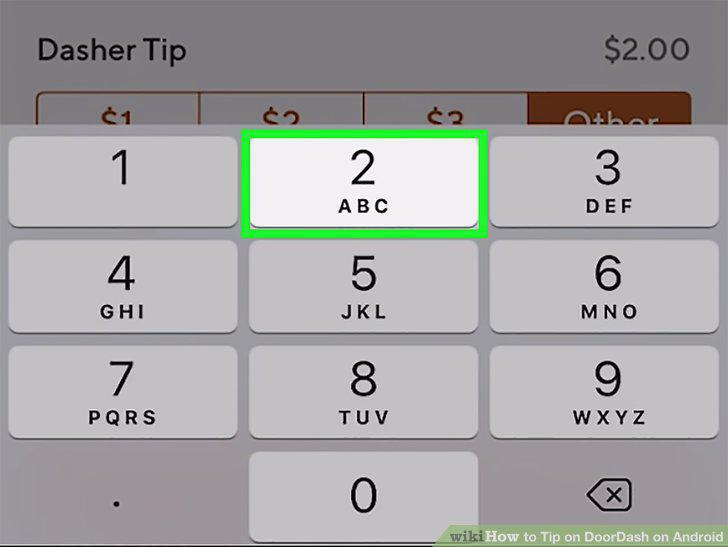
Select a tip amount.
10
Review the total and tap Place Order.
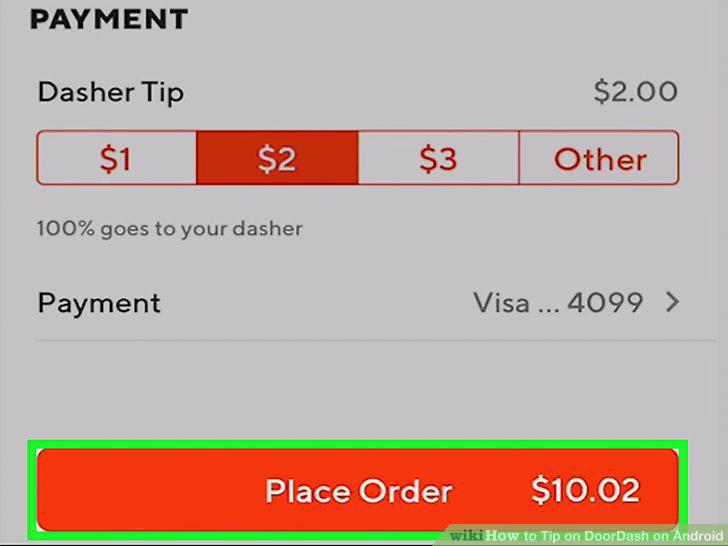
Review the total and tap Place Order.
Comments (0)
No comments yet. Be the first to share your thoughts!