How to Transfer a Money Order to a Prepaid Credit Card Online
Decide what the purpose of this card is.. Look at the fees involved.. See what features the card offers.
Steps
1
Decide what the purpose of this card is.
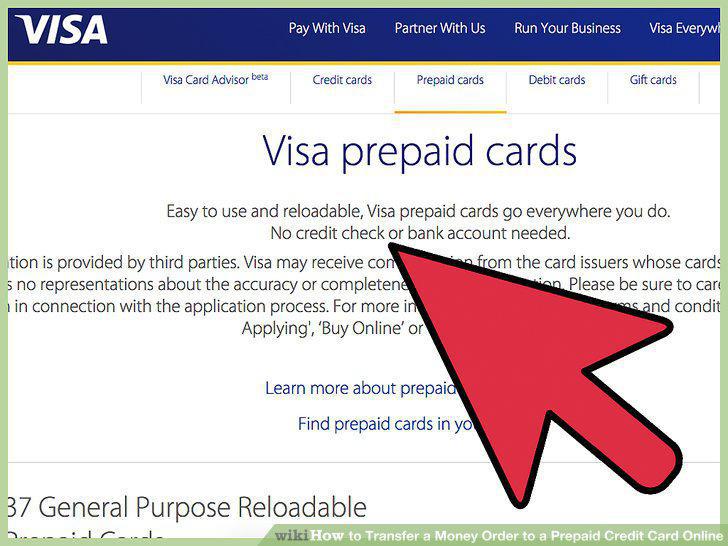
Decide what the purpose of this card is.
2
Look at the fees involved.
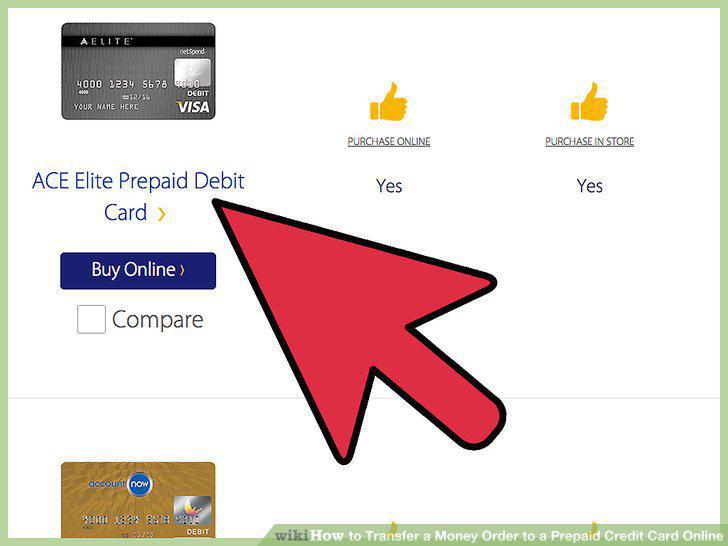
Look at the fees involved.
3
See what features the card offers.

See what features the card offers.
4
Find out if a card is compatible with mobile banking apps.
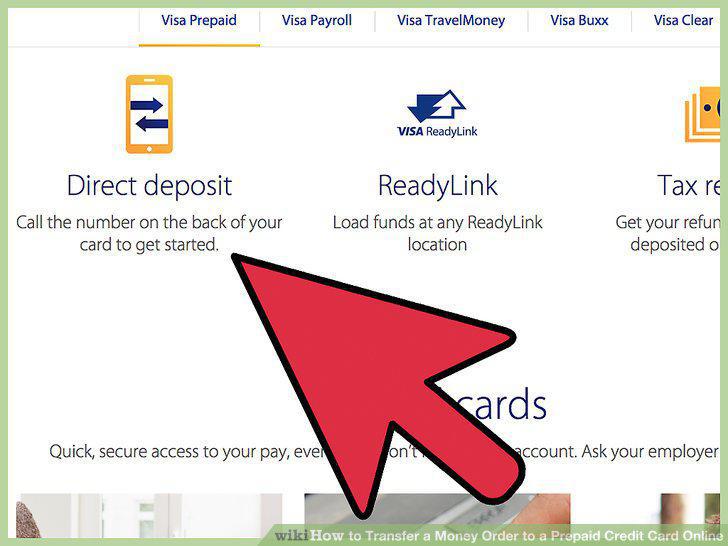
Find out if a card is compatible with mobile banking apps.
5
Use a side by side comparison tool.
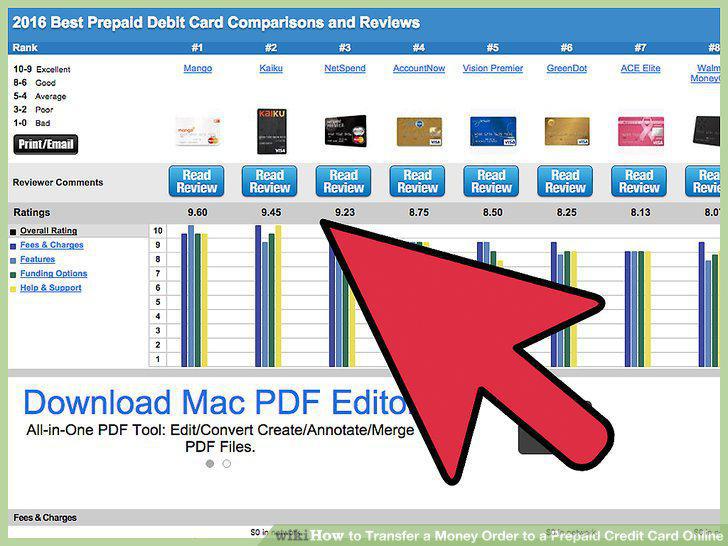
Use a side by side comparison tool.
6
Download a mobile banking app.
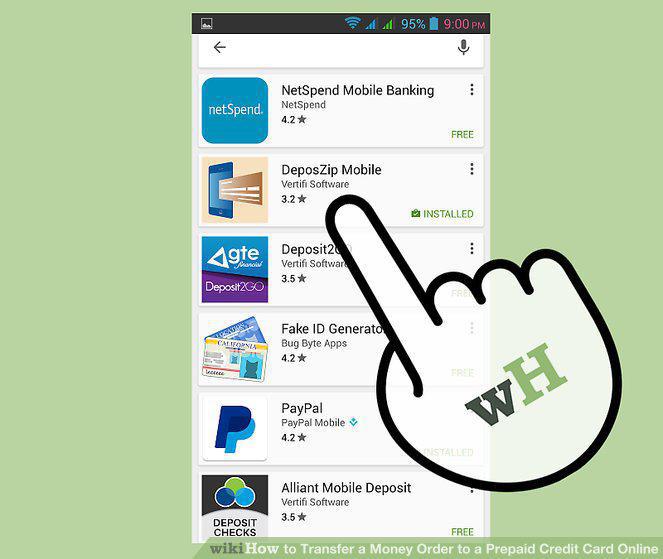
Download a mobile banking app.
7
Link your card to the mobile app.
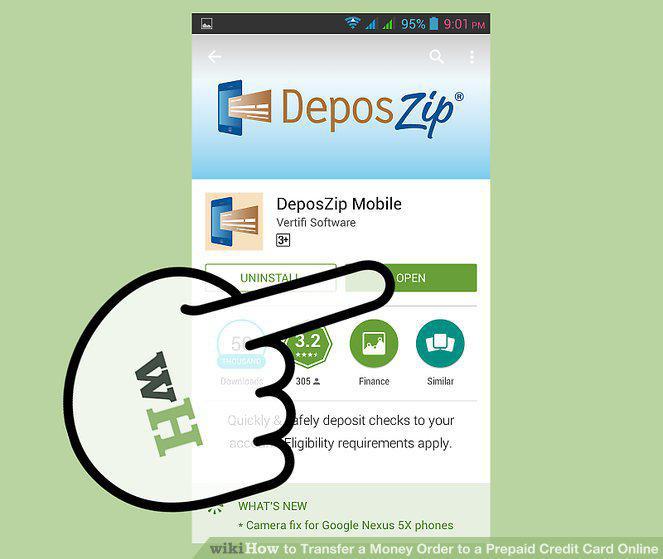
Link your card to the mobile app.
8
Purchase a money order.
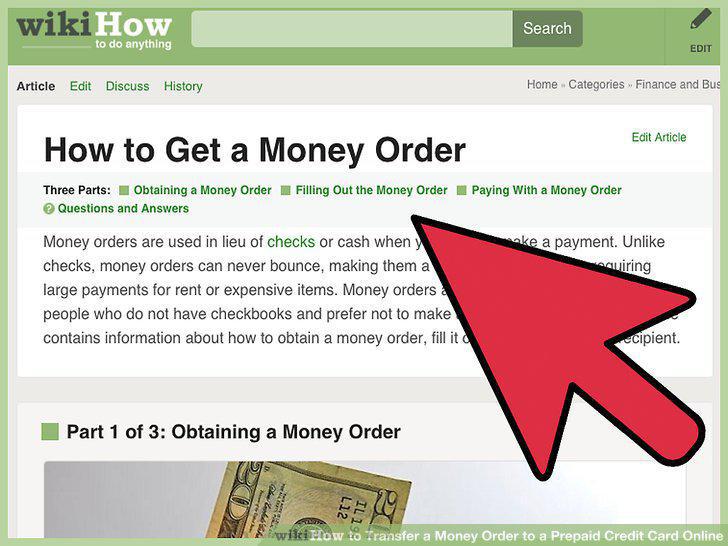
Purchase a money order.
9
Photograph the money order.
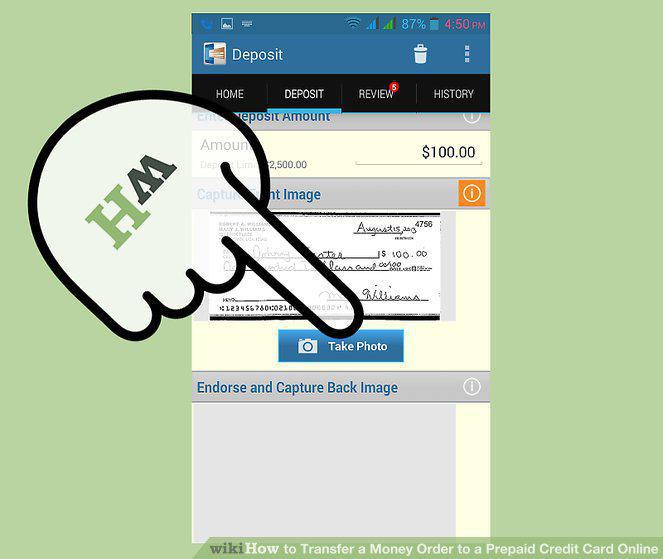
Photograph the money order.
10
Wait a few minutes.
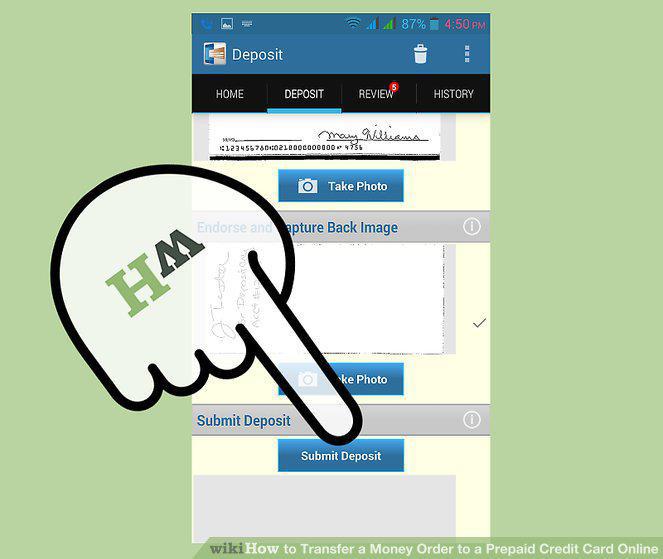
Wait a few minutes.
Comments (0)
No comments yet. Be the first to share your thoughts!