How to Advertise a Home on Zillow on iPhone or iPad
Open Zillow on your iPhone or iPad.. Tap Your Home.. Tap Owner.
Steps
1
Open Zillow on your iPhone or iPad.
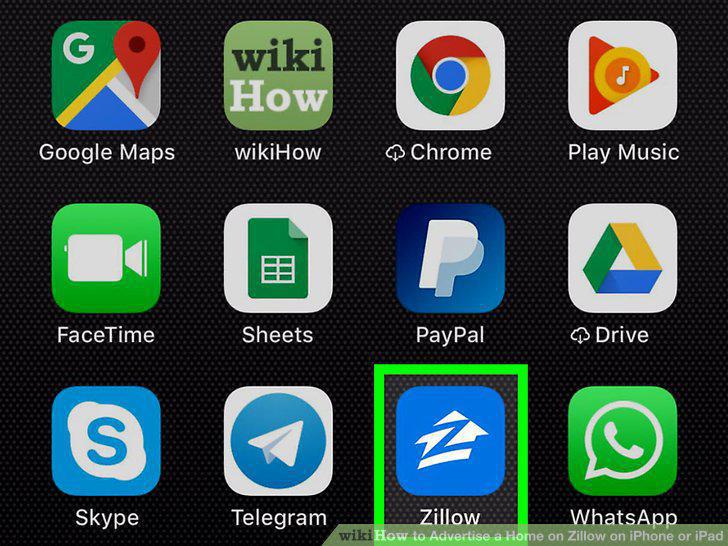
Open Zillow on your iPhone or iPad.
2
Tap Your Home.
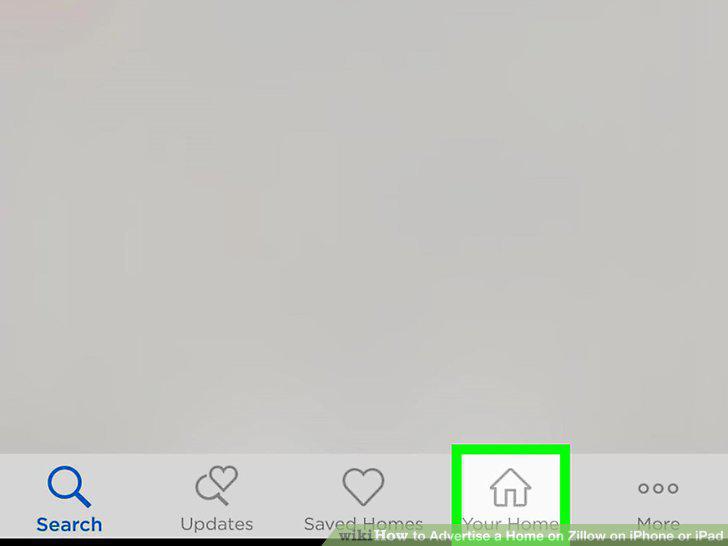
Tap Your Home.
3
Tap Owner.
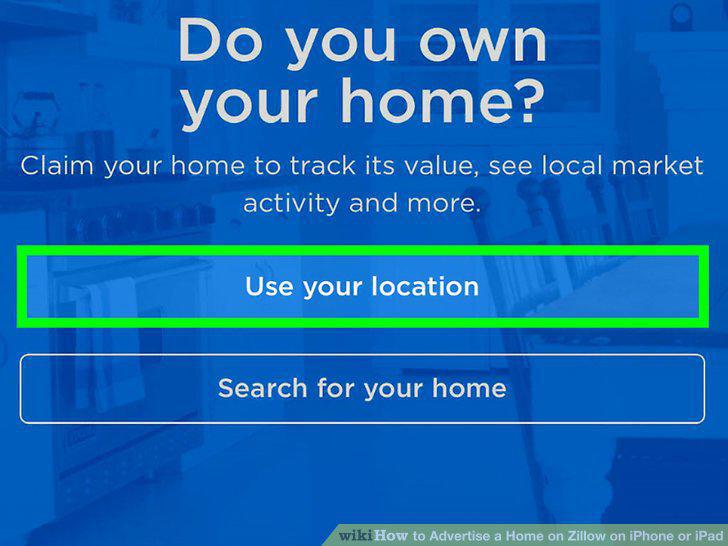
Tap Owner.
4
Tap List Home.
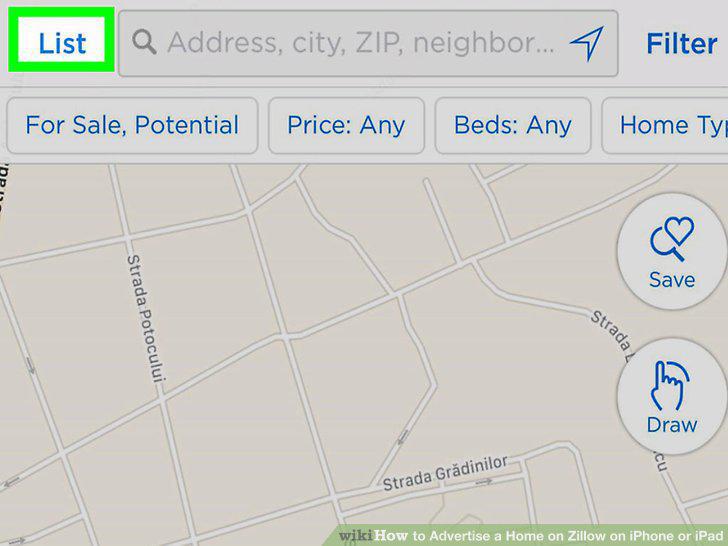
Tap List Home.
5
Tap For Sale By Owner.
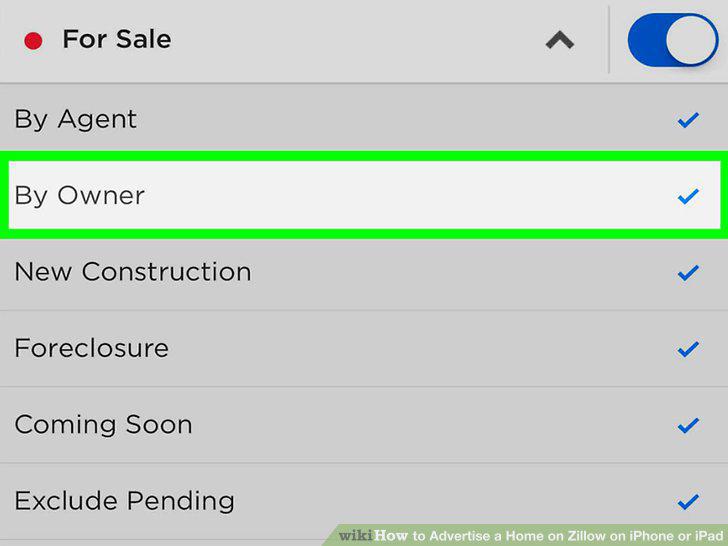
Tap For Sale By Owner.
6
Enter your listing details.
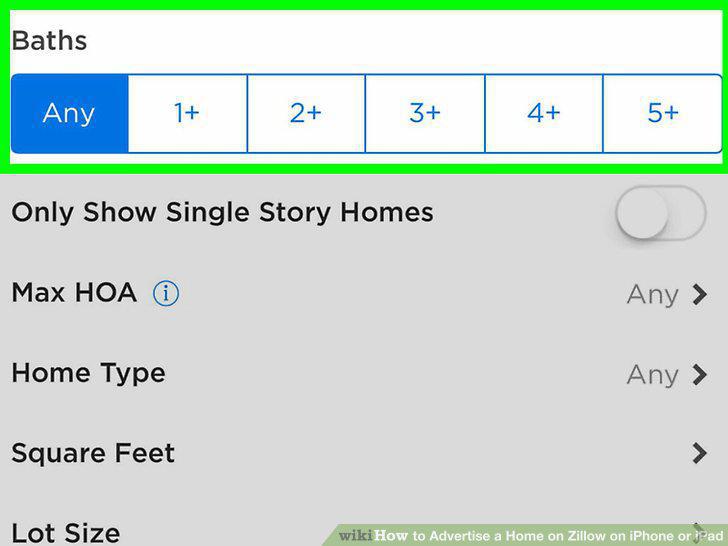
Enter your listing details.
7
Scroll down and agree to the terms and ownership verification.
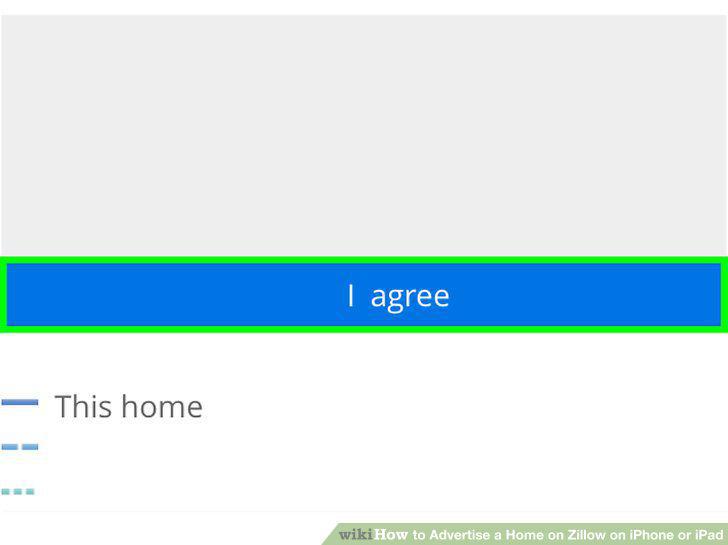
Scroll down and agree to the terms and ownership verification.
8
Tap Post for sale by owner.
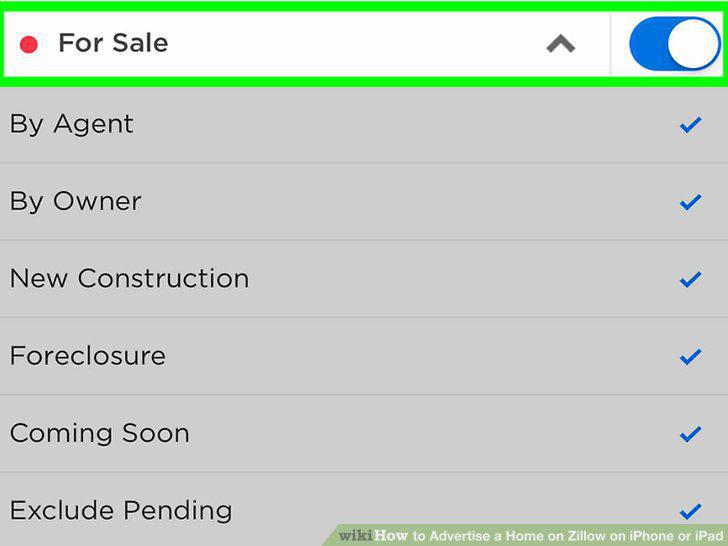
Tap Post for sale by owner.
Comments (0)
No comments yet. Be the first to share your thoughts!