How to Ride the Toronto Subway
Use the TTC trip planner.. Download an interactive map.. Download the TTC transit app for scheduling information.
Steps
Use the TTC trip planner.
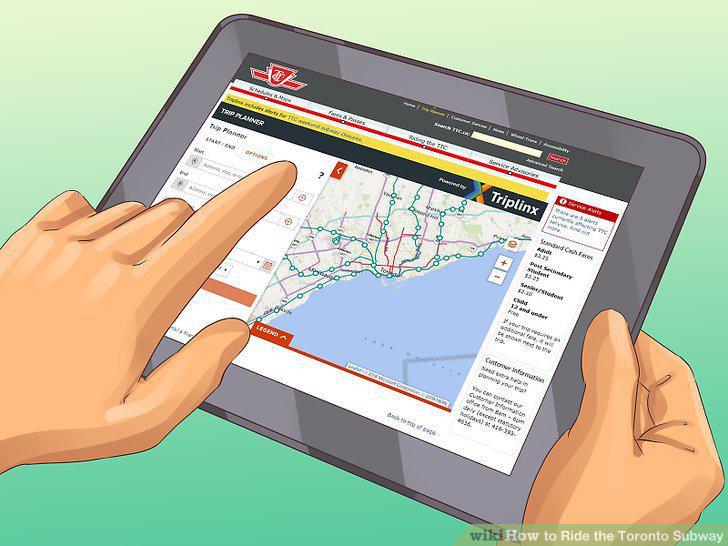
Use the TTC trip planner.
Download an interactive map.
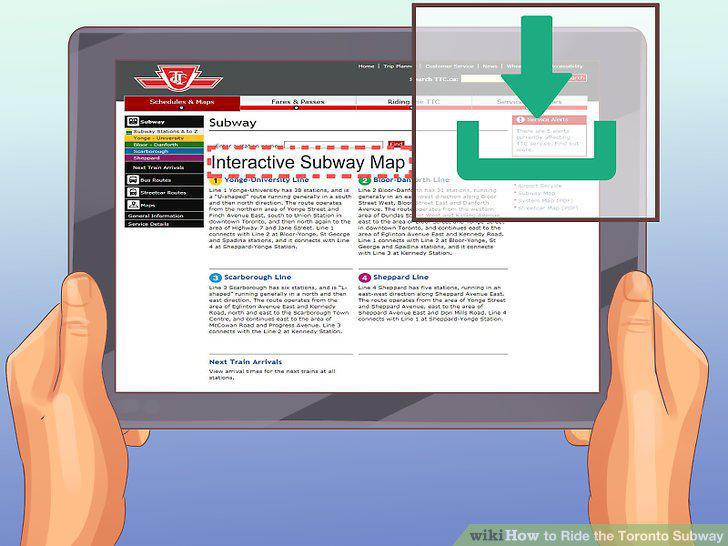
Download an interactive map.
Download the TTC transit app for scheduling information.
Download the TTC transit app for scheduling information.
Check social media for service updates.
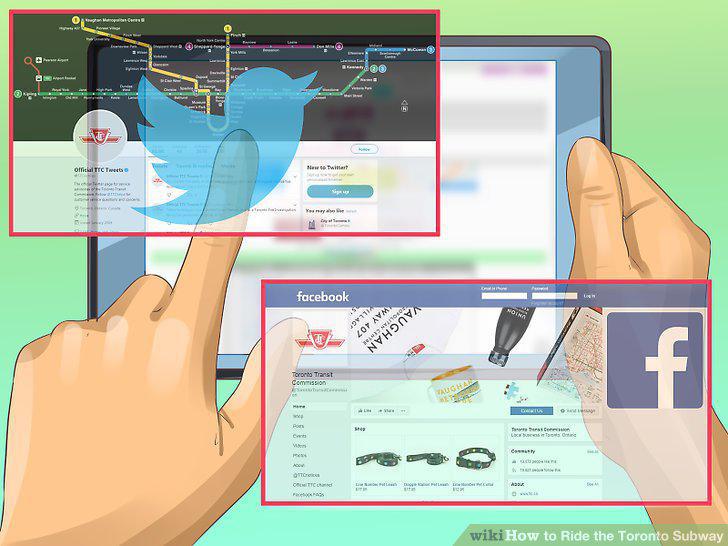
Check social media for service updates.
Check if your station has a parking lot.
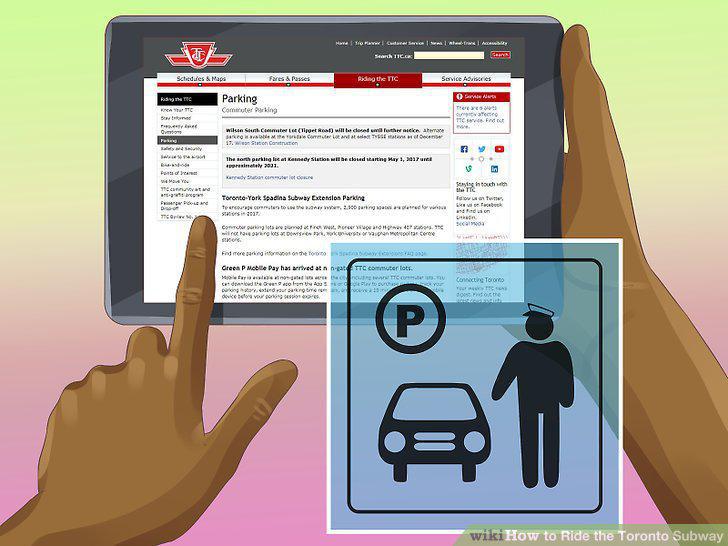
Check if your station has a parking lot.
Stop at a station's staffed collector booth to purchase any fare form.
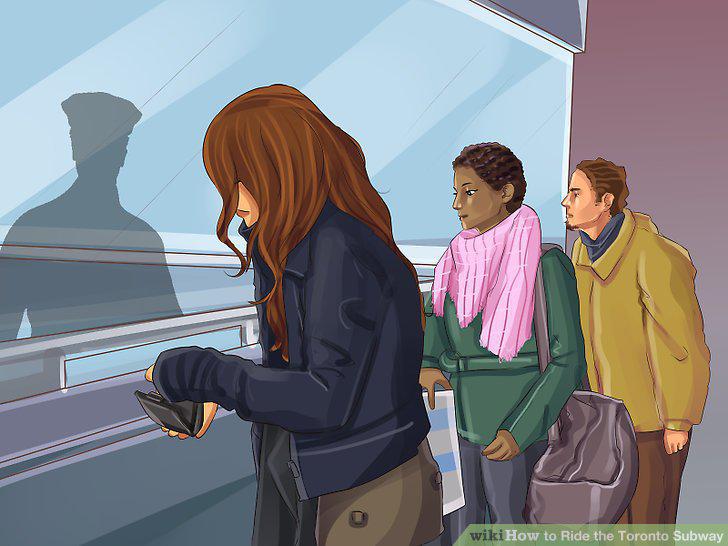
Stop at a station's staffed collector booth to purchase any fare form.
Buy tokens in multiples to save some money.
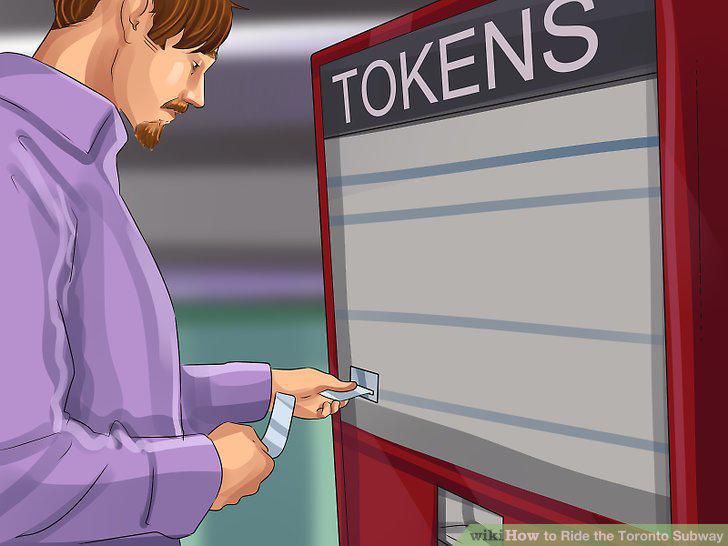
Buy tokens in multiples to save some money.
Purchase passes from vending machines at select stations.
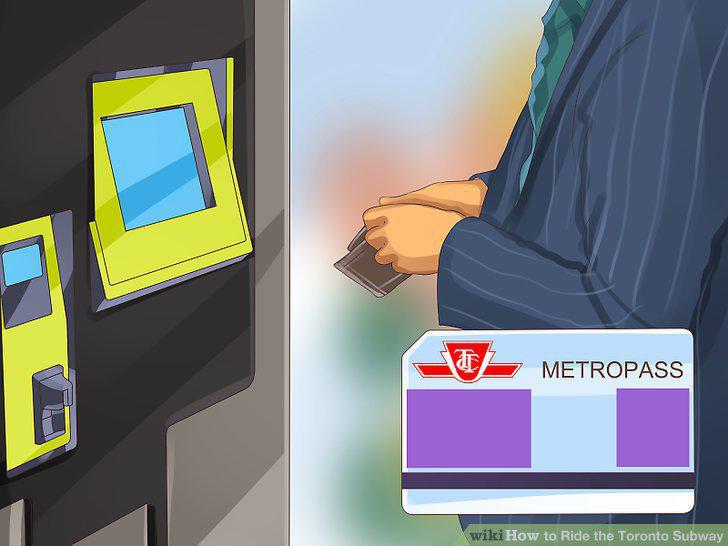
Purchase passes from vending machines at select stations.
Find tickets, tokens, and passes at an Authorized TTC Fare Seller.
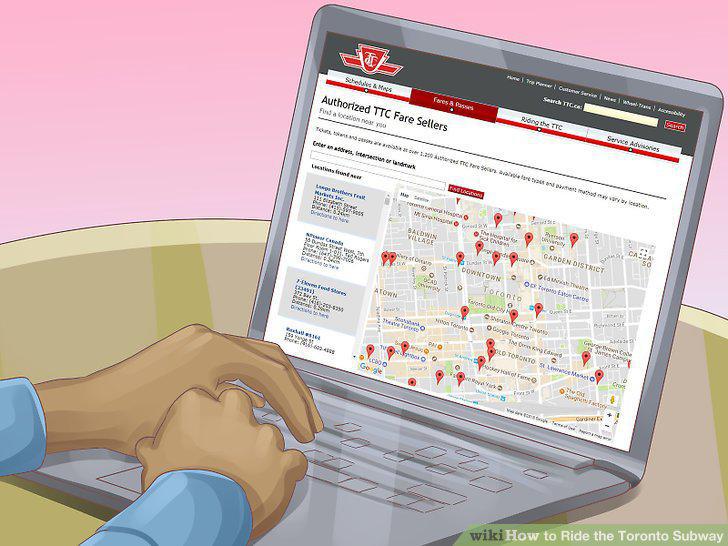
Find tickets, tokens, and passes at an Authorized TTC Fare Seller.
Purchase a PRESTO card if you're a frequent rider.
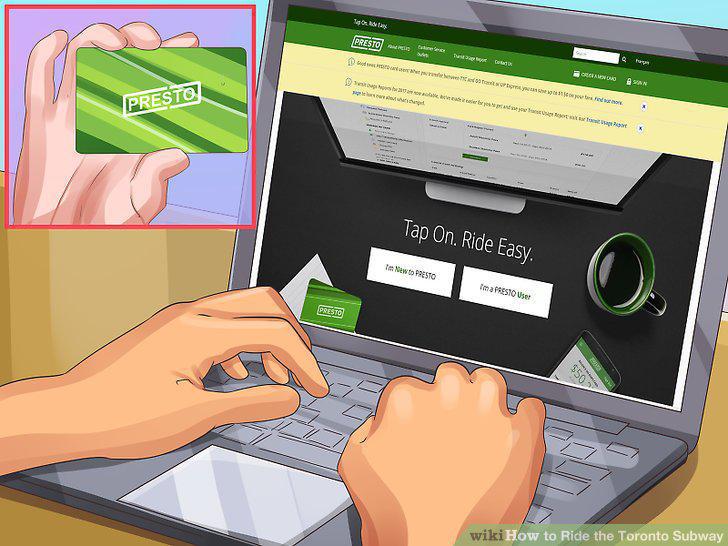
Purchase a PRESTO card if you're a frequent rider.
Get your student or senior ID at the Sherbourne Station.
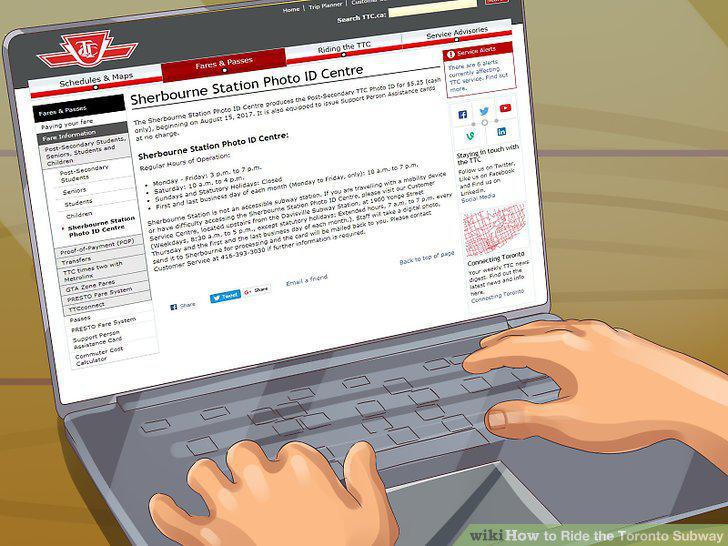
Get your student or senior ID at the Sherbourne Station.
Pay your fare and walk through the turnstile.
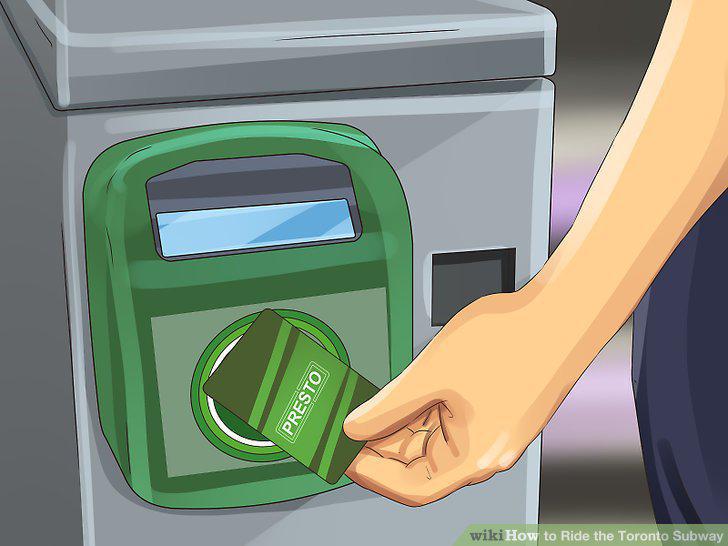
Pay your fare and walk through the turnstile.
Get a transfer after you pay your fare.
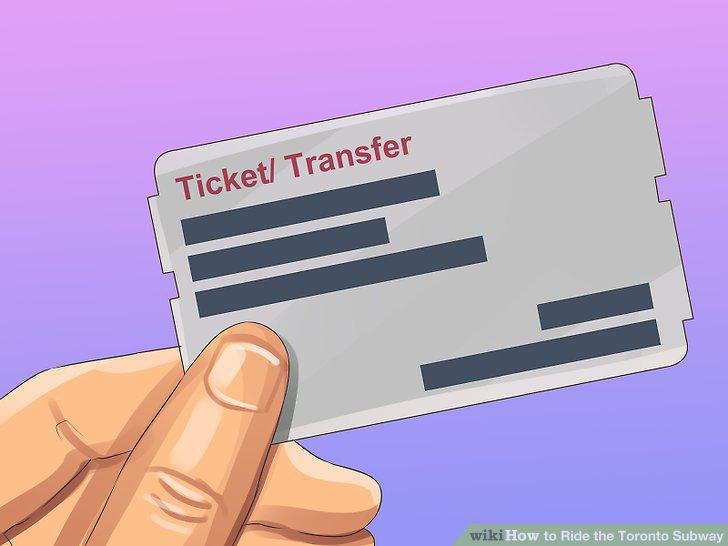
Get a transfer after you pay your fare.
Board the train after other commuters have exited the train.
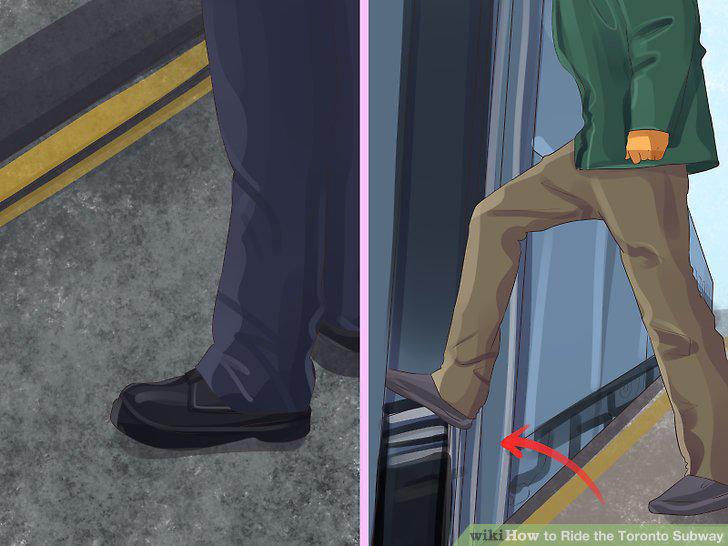
Board the train after other commuters have exited the train.
Listen for your automated stop announcement.
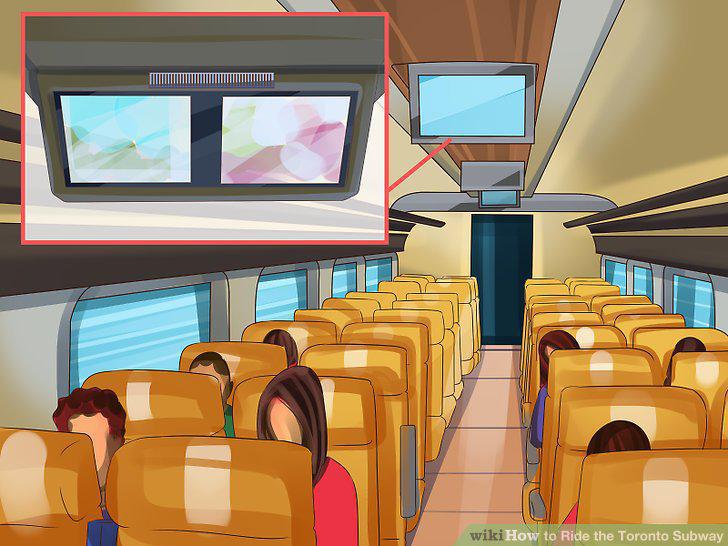
Listen for your automated stop announcement.
Get off at your stop and head for the exit or transfer point.
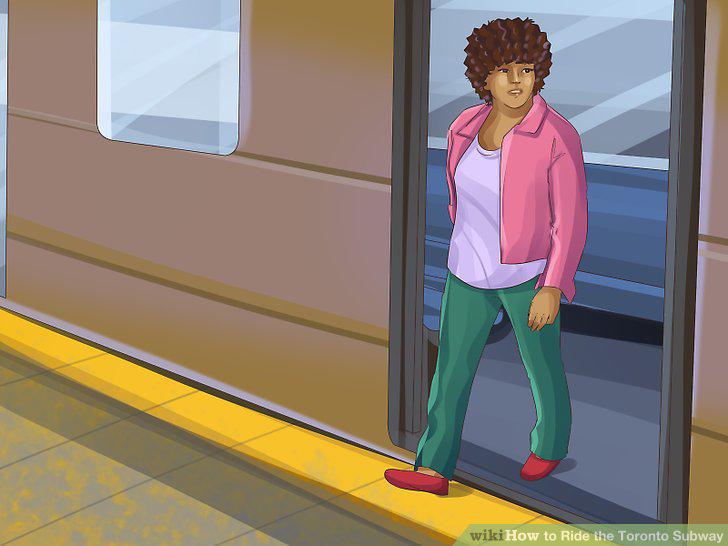
Get off at your stop and head for the exit or transfer point.
Comments (0)
No comments yet. Be the first to share your thoughts!