How to Close Revenue Accounts
Open a spreadsheet with 3 columns.. Enter each account in a row in the first column.. Place the account balance in the credit or debit column.
Steps
1
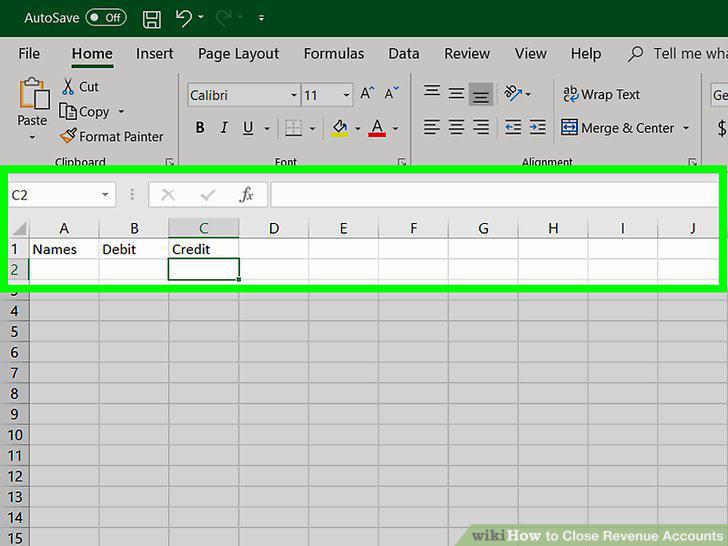
Open a spreadsheet with 3 columns.
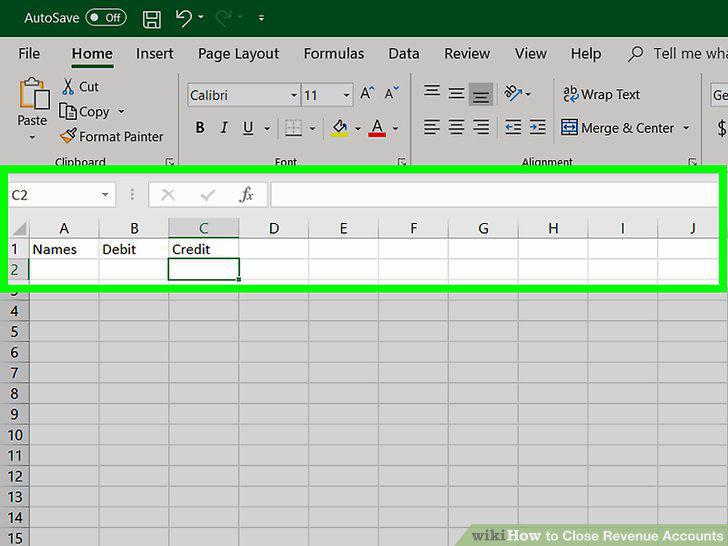
Open a spreadsheet with 3 columns.
2
Enter each account in a row in the first column.

Enter each account in a row in the first column.
3
Place the account balance in the credit or debit column.

Place the account balance in the credit or debit column.
4
Add a total line at the bottom of the columns.

Add a total line at the bottom of the columns.
5
Total the balances of all temporary revenue accounts.

Total the balances of all temporary revenue accounts.
6
Transfer the total balance of all revenue accounts to Income Summary.
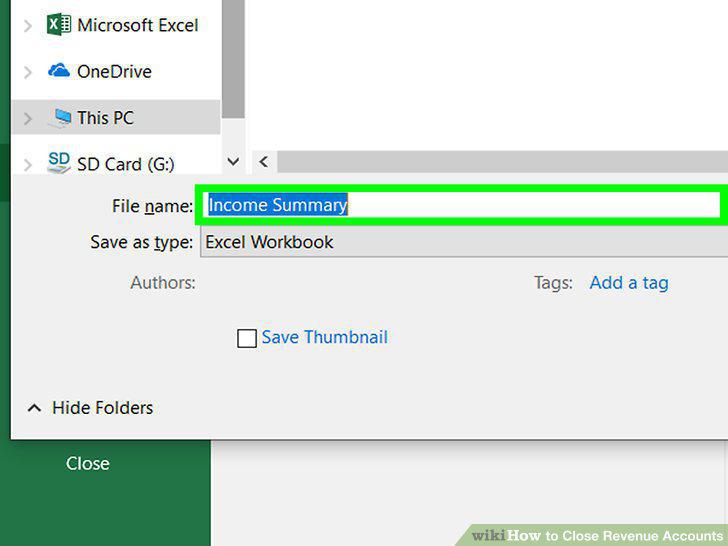
Transfer the total balance of all revenue accounts to Income Summary.
7
Total the balances of all temporary expense accounts.
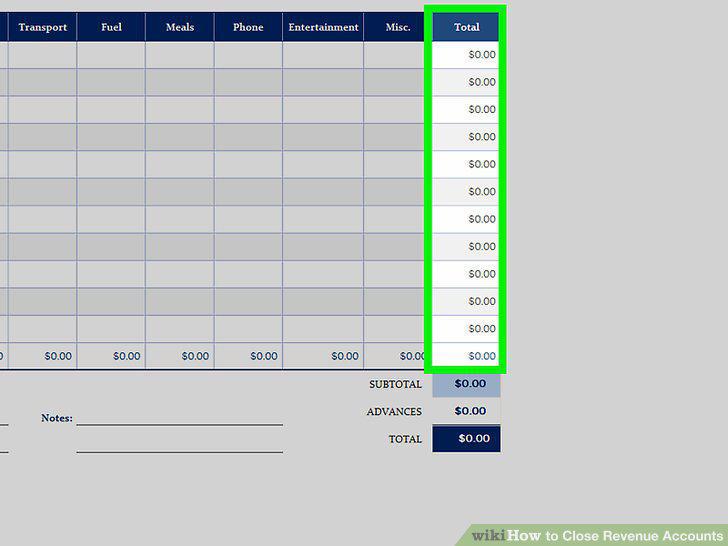
Total the balances of all temporary expense accounts.
8
Debit the Income Summary account for all expenses.

Debit the Income Summary account for all expenses.
9
Close Income Summary to the appropriate capital account.
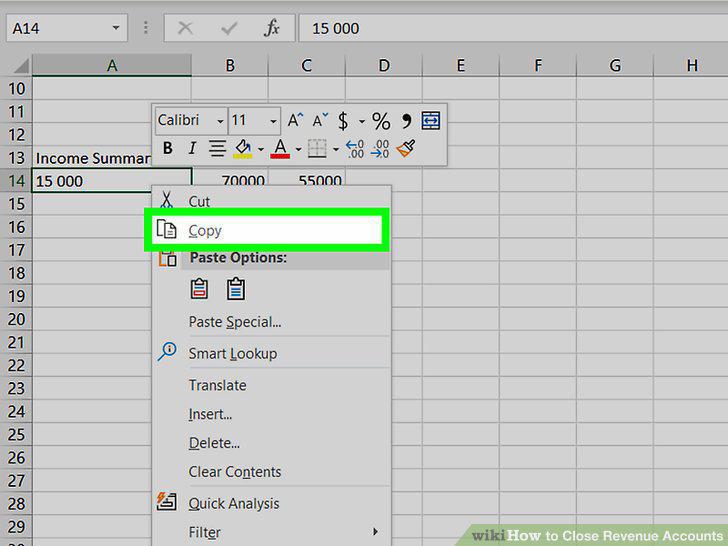
Close Income Summary to the appropriate capital account.
10
Debit the capital account for any withdrawals.
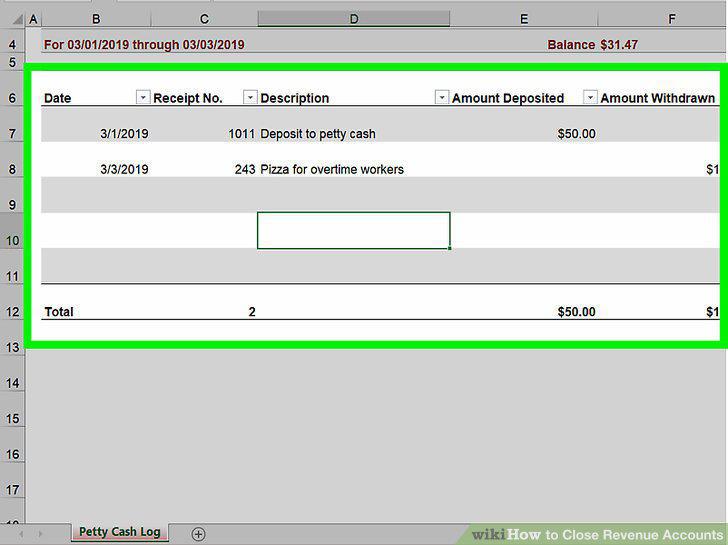
Debit the capital account for any withdrawals.
11
Draft a post-closing trial balance sheet.
Draft a post-closing trial balance sheet.
Comments (0)
No comments yet. Be the first to share your thoughts!