How to Print Passport Photos
Add glossy or matte photo paper into your printer.. Open the picture in a photo editor.. Print the photo.
Steps
1
Add glossy or matte photo paper into your printer.
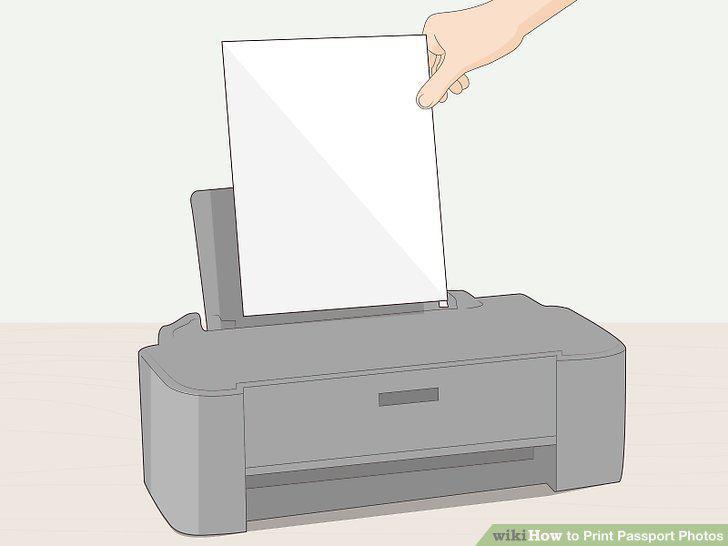
Add glossy or matte photo paper into your printer.
2
Open the picture in a photo editor.
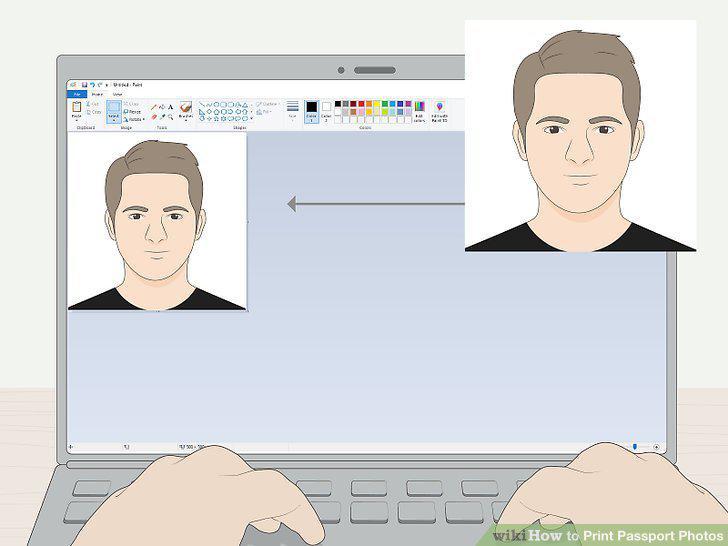
Open the picture in a photo editor.
3
Print the photo.
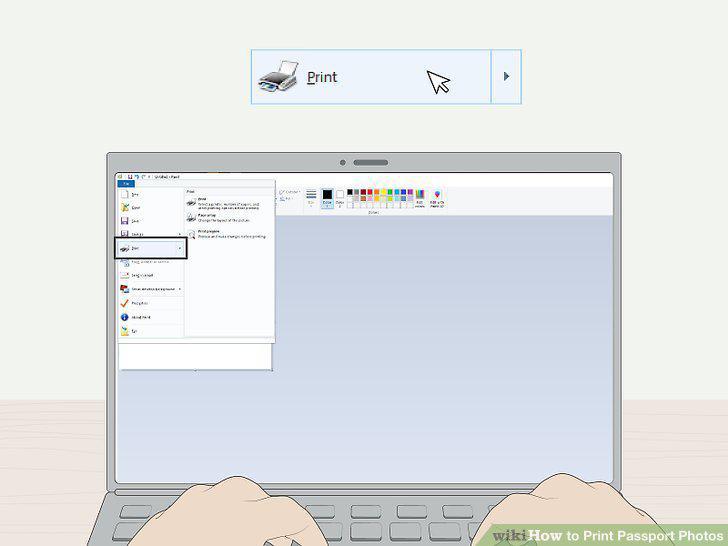
Print the photo.
4
Review the print preview.
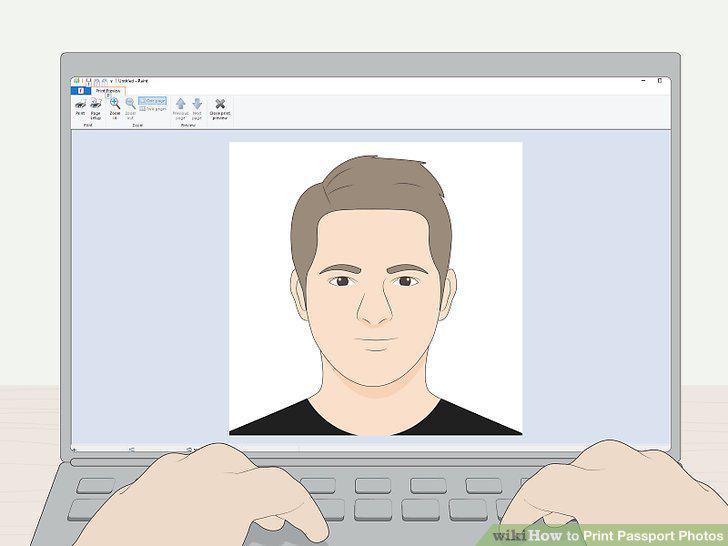
Review the print preview.
5
Click Print.
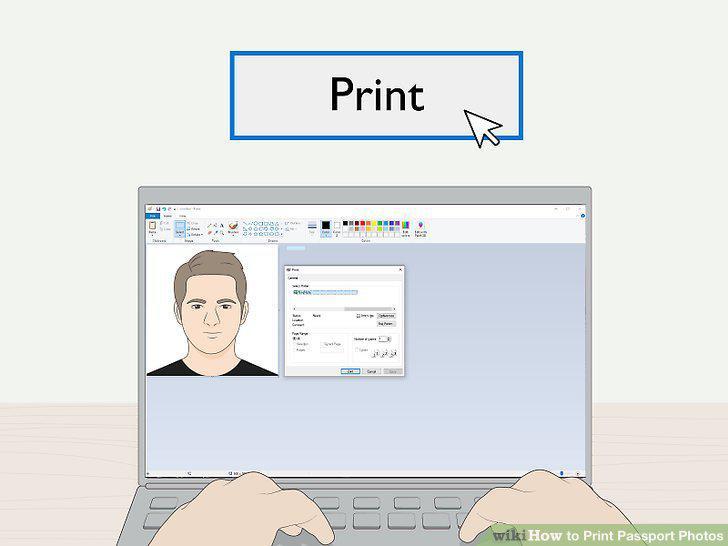
Click Print.
Comments (0)
No comments yet. Be the first to share your thoughts!