How to Call with Alexa
Open the Alexa app.. Tap the Speech bubble icon.. Follow the prompts and enter your mobile phone number.
Steps
1
Open the Alexa app.
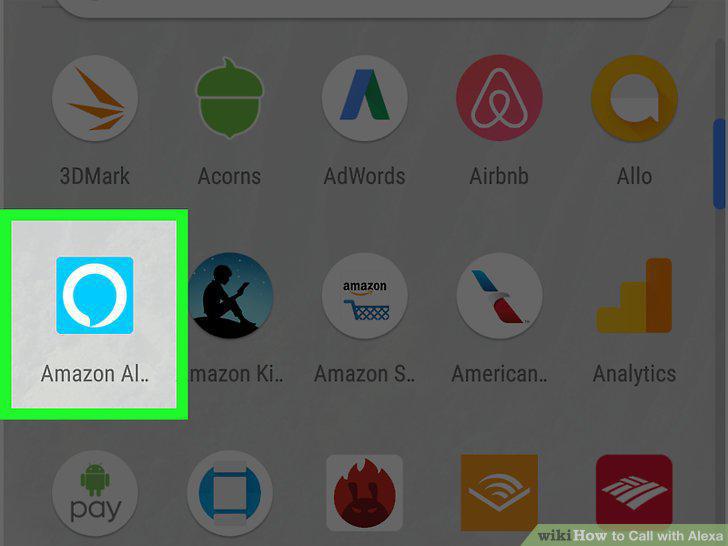
Open the Alexa app.
2
Tap the Speech bubble icon.
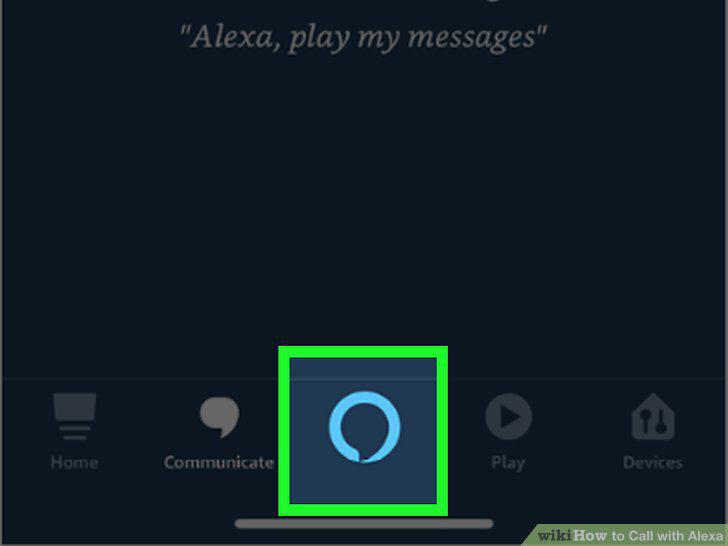
Tap the Speech bubble icon.
3
Follow the prompts and enter your mobile phone number.
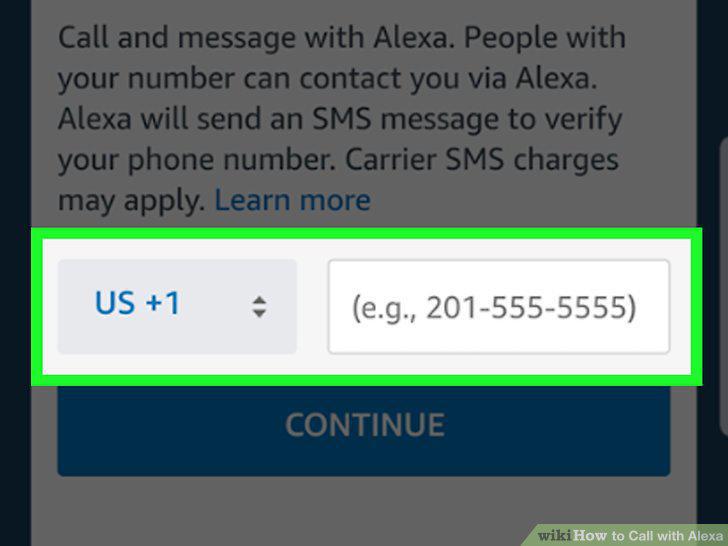
Follow the prompts and enter your mobile phone number.
4
Check your text messages for a verification code.
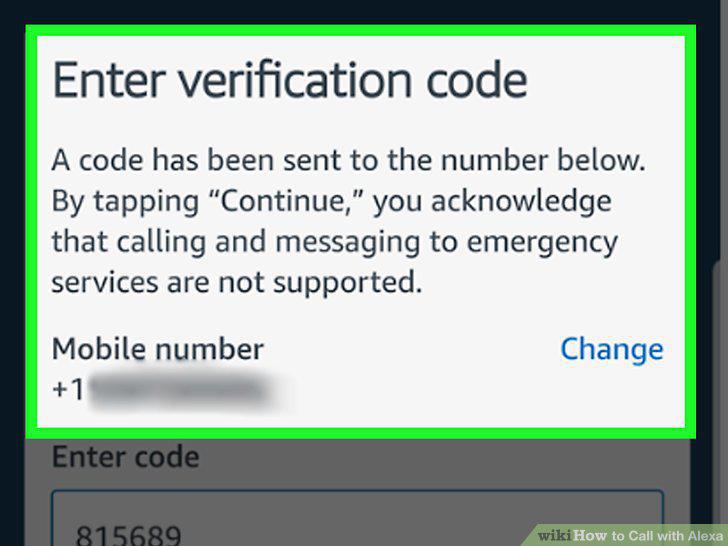
Check your text messages for a verification code.
5
Enter the verification code in the Alexa app.
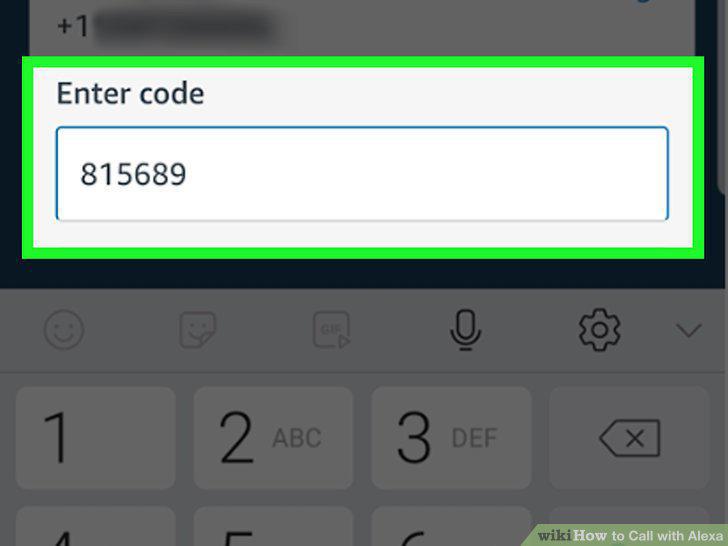
Enter the verification code in the Alexa app.
6
Give Alexa permission to import your contacts when prompted.
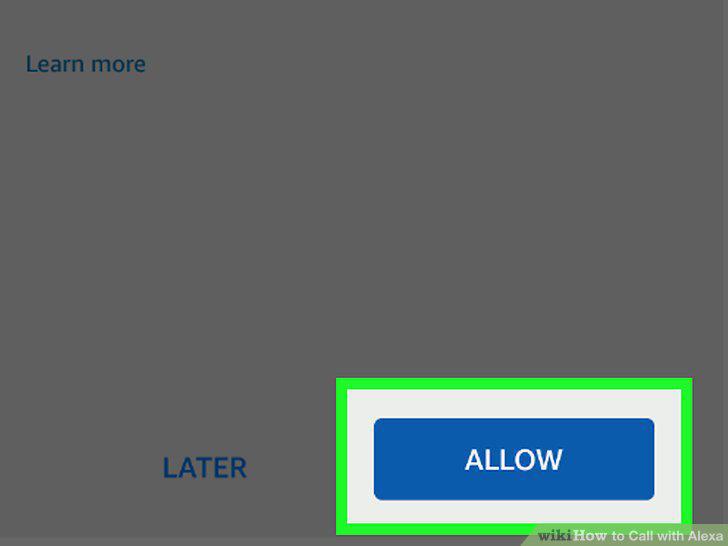
Give Alexa permission to import your contacts when prompted.
7
Say "Alexa".
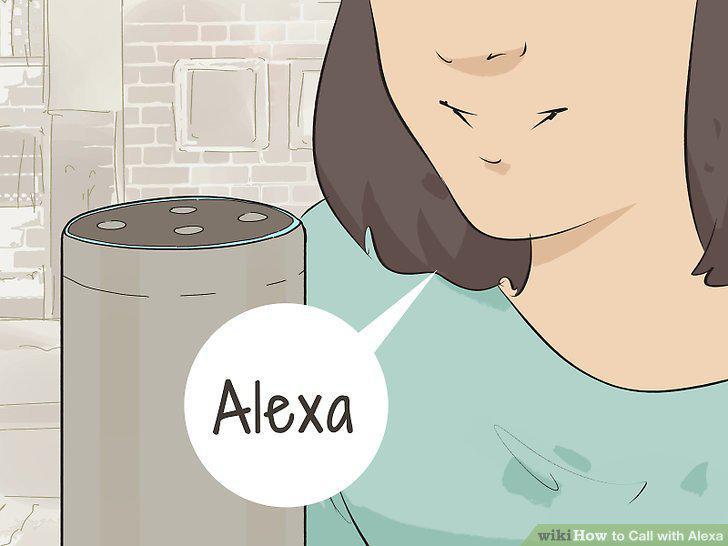
Say "Alexa".
8
Ask Alexa to call someone on your contacts list.
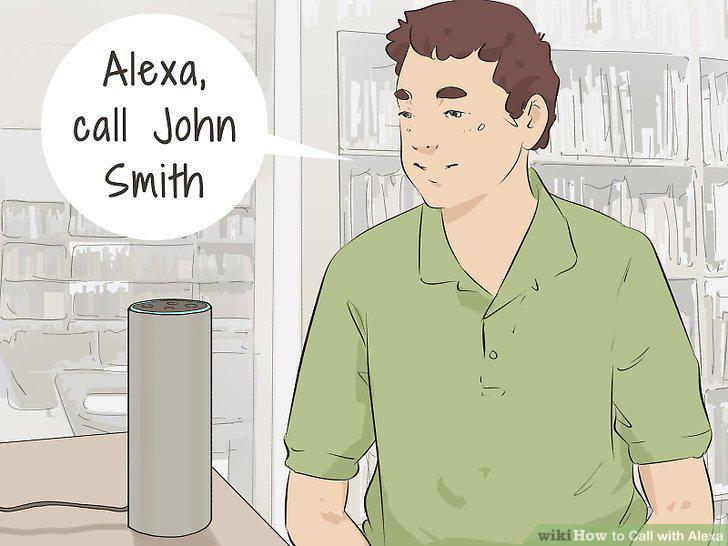
Ask Alexa to call someone on your contacts list.
9
Ask Alexa to call a contact's other phone numbers.
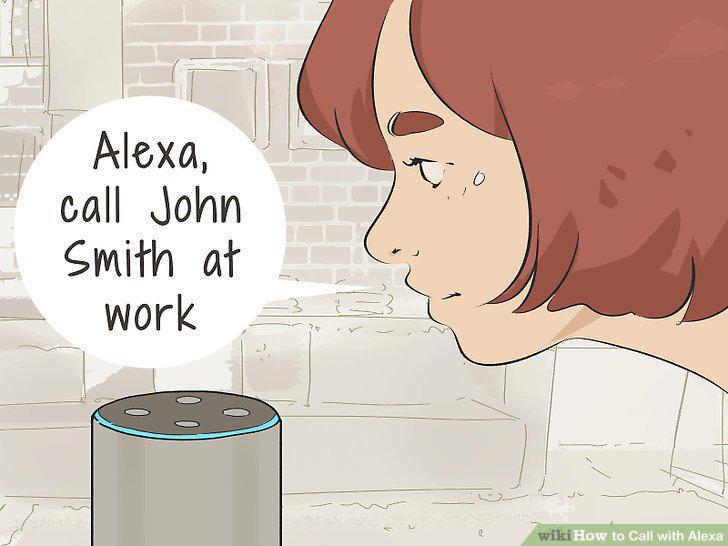
Ask Alexa to call a contact's other phone numbers.
10
Ask Alexa to hang up the call.
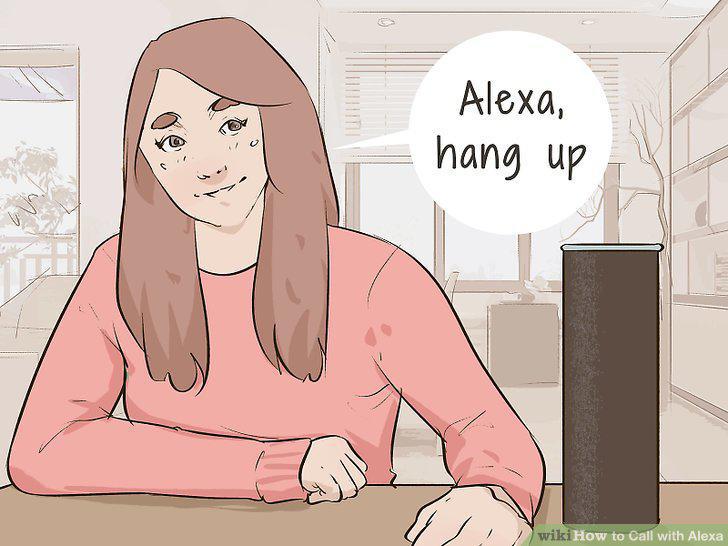
Ask Alexa to hang up the call.
11
Ask Alexa to call a specific phone number.
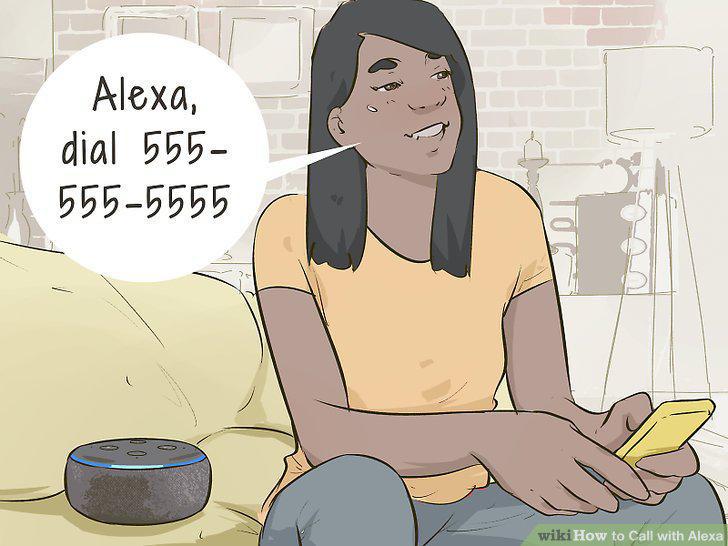
Ask Alexa to call a specific phone number.
Comments (0)
No comments yet. Be the first to share your thoughts!