How to Sync a PS4 Controller on Android
Open your Android's Settings .. Tap Connected Devices.. Tap Bluetooth.
Steps
1
Open your Android's Settings .
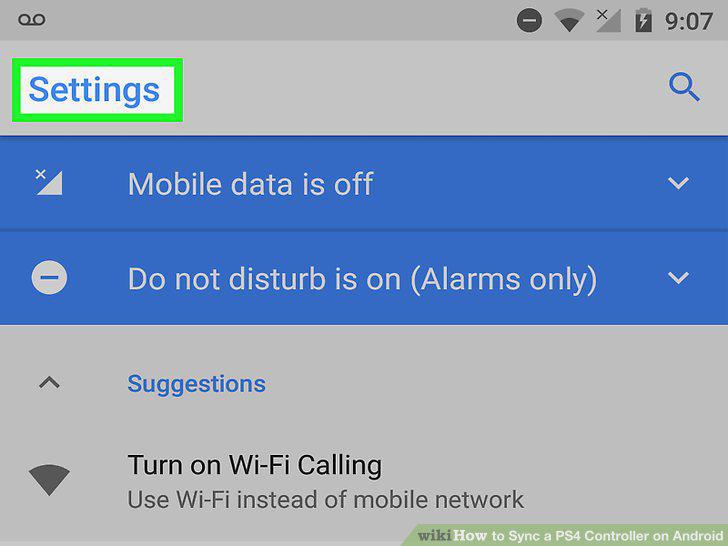
Open your Android's Settings .
2
Tap Connected Devices.
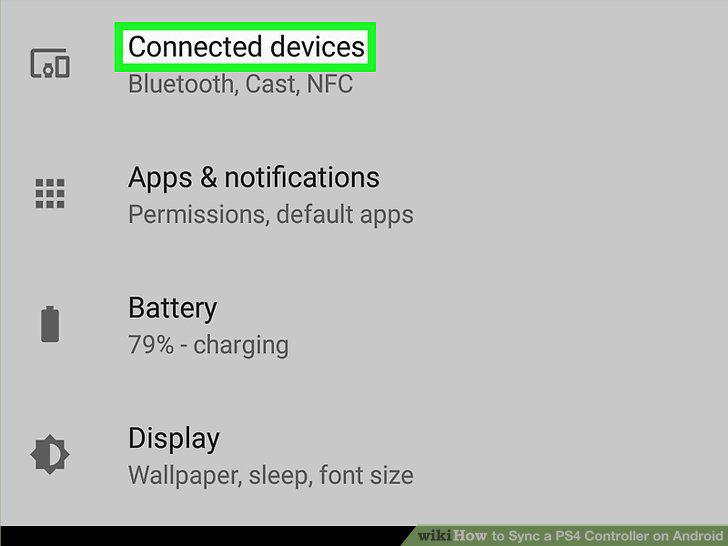
Tap Connected Devices.
3
Tap Bluetooth.
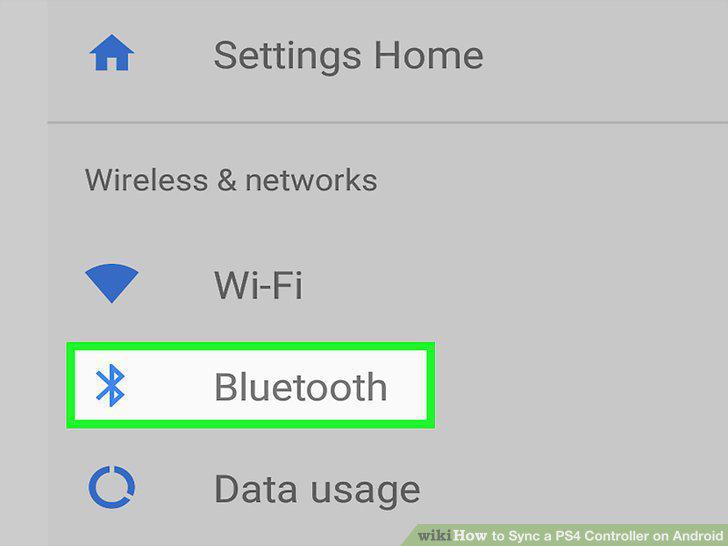
Tap Bluetooth.
4
Press and hold the 'PS' and 'Share' buttons on the PS4 controller.
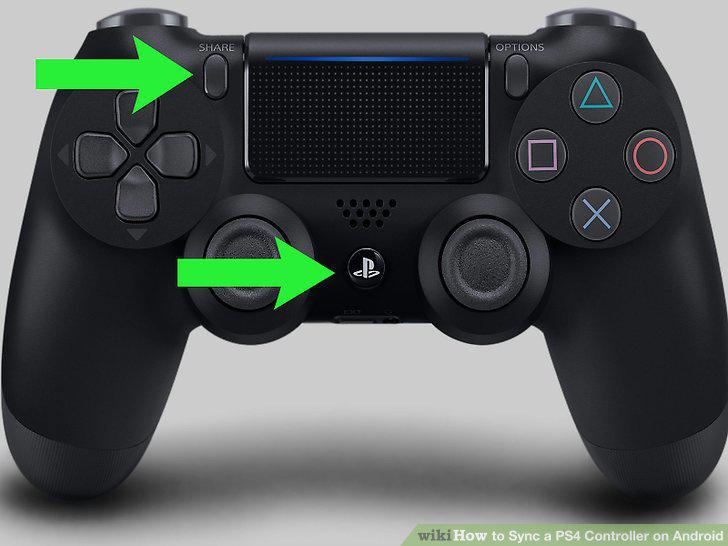
Press and hold the 'PS' and 'Share' buttons on the PS4 controller.
5
Tap Scan on your Android phone.
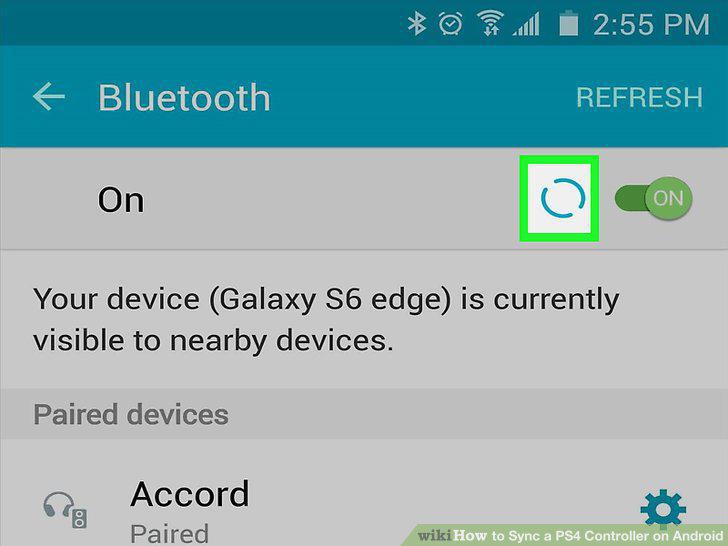
Tap Scan on your Android phone.
6
Tap Wireless Controller on your Android device.
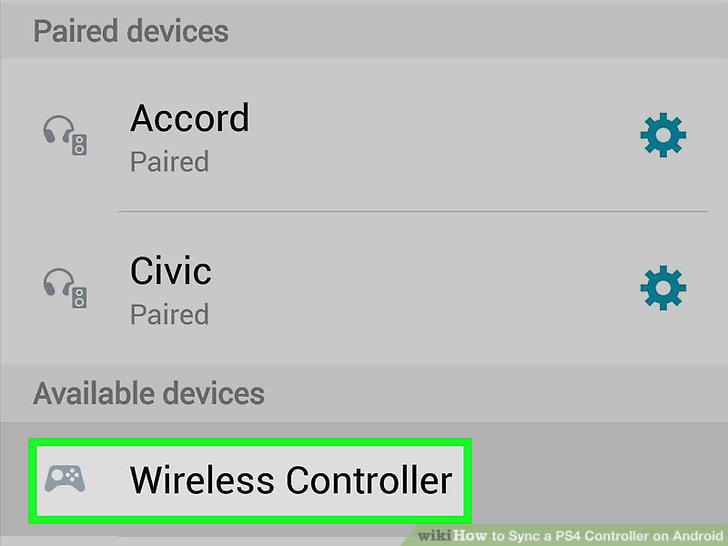
Tap Wireless Controller on your Android device.
Comments (0)
No comments yet. Be the first to share your thoughts!