How to Delete Steam Workshop Mods
Go to the Steam website at https://steamcommunity.com/ and log in.. Hover your mouse over Community and click Workshop.. Click Your Files.
Steps
1
Go to the Steam website at https://steamcommunity.com/ and log in.
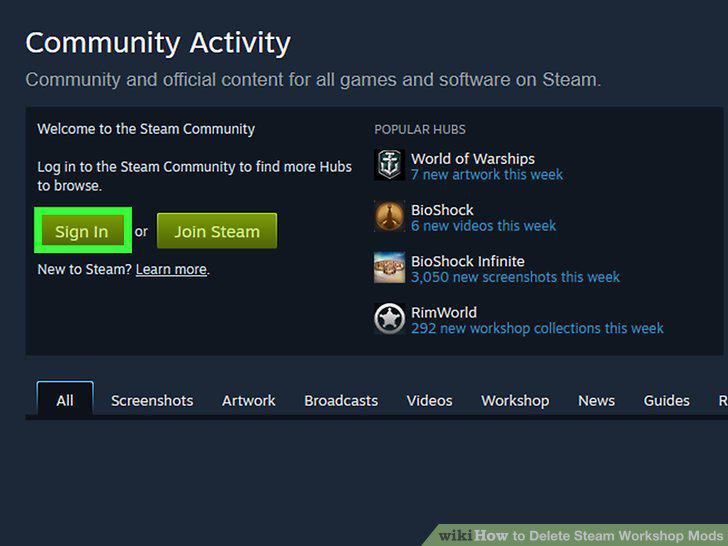
Go to the Steam website at https://steamcommunity.com/ and log in.
2
Hover your mouse over Community and click Workshop.
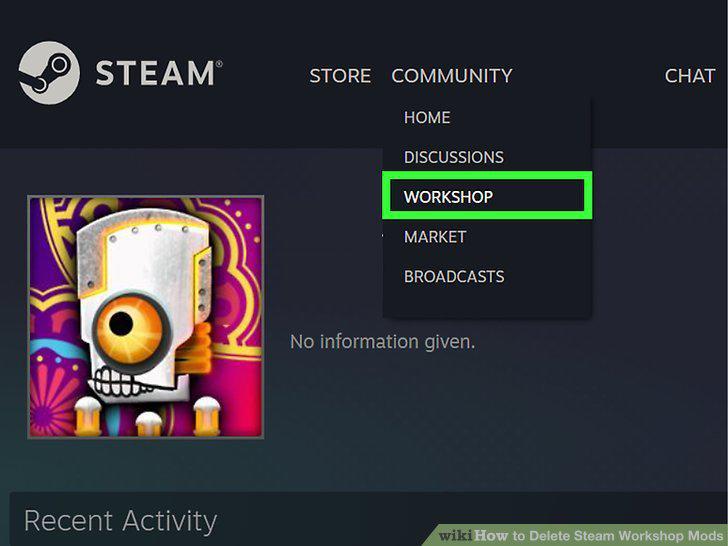
Hover your mouse over Community and click Workshop.
3
Click Your Files.
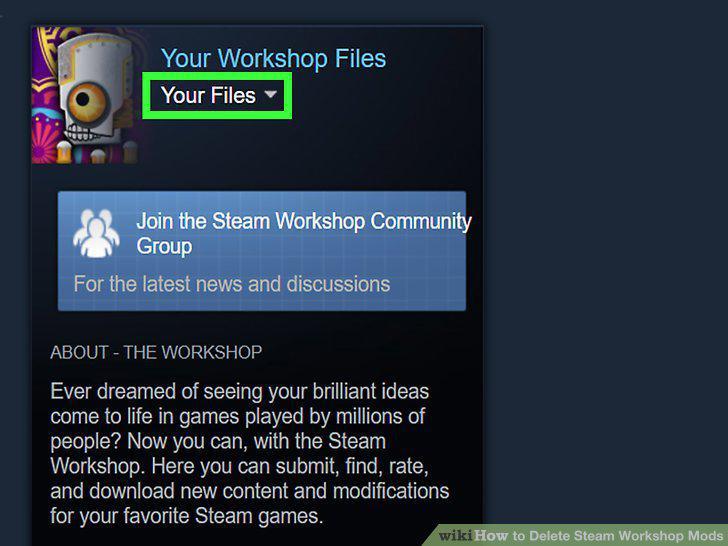
Click Your Files.
4
Click Subscribed Items.
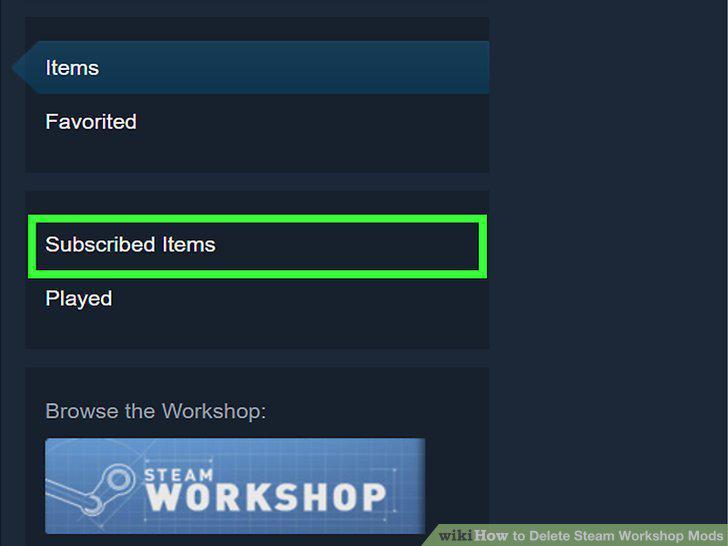
Click Subscribed Items.
5
Hover your mouse over Subscribed and click Unsubscribe.
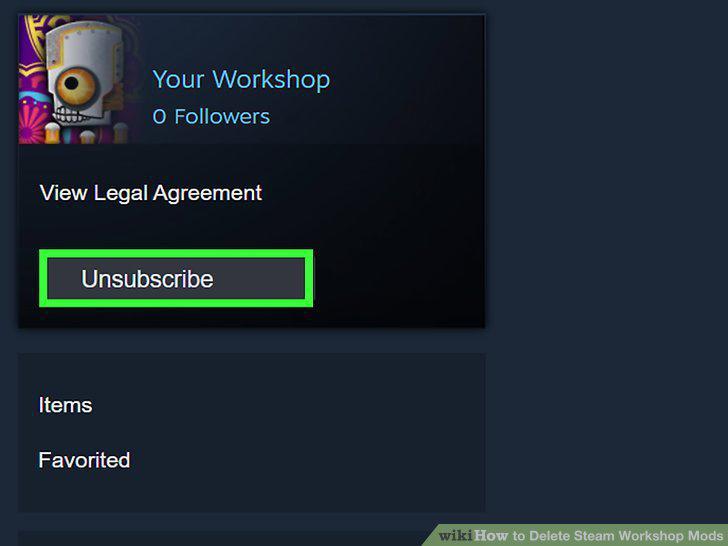
Hover your mouse over Subscribed and click Unsubscribe.
6
Open your file manager.
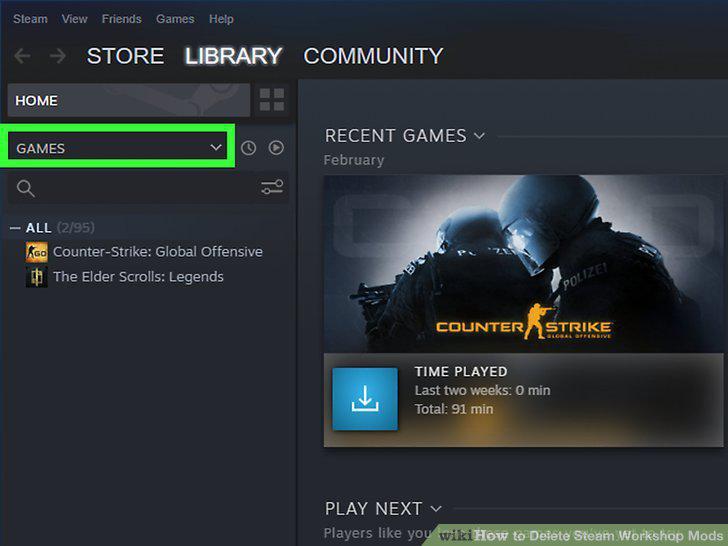
Open your file manager.
7
Navigate to the addons folder inside the game folder.
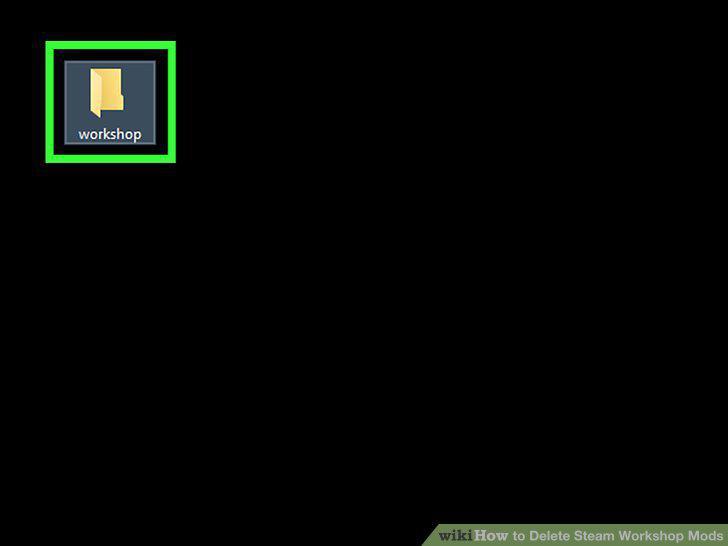
Navigate to the addons folder inside the game folder.
8
Right-click the .vpk file and click Delete.
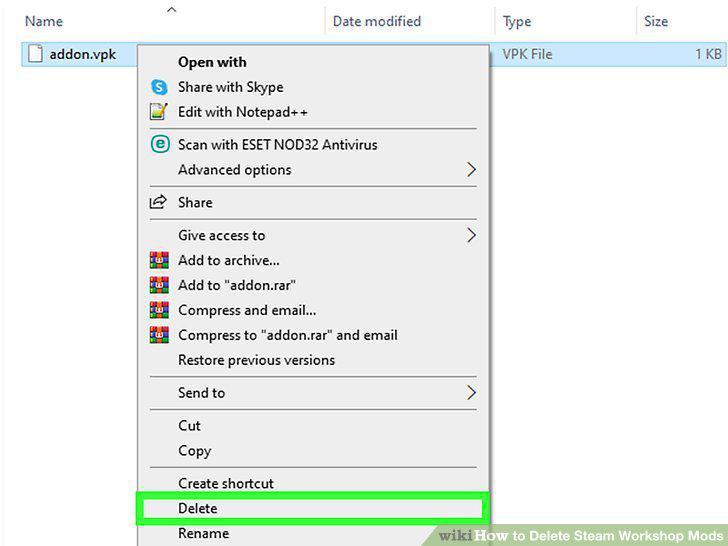
Right-click the .vpk file and click Delete.
Comments (0)
No comments yet. Be the first to share your thoughts!