How to Use Shopify on PC or Mac
Go to https://www.shopify.com in a web browser.. Select a pricing plan.. Name your store.
Steps
1
Go to https://www.shopify.com in a web browser.
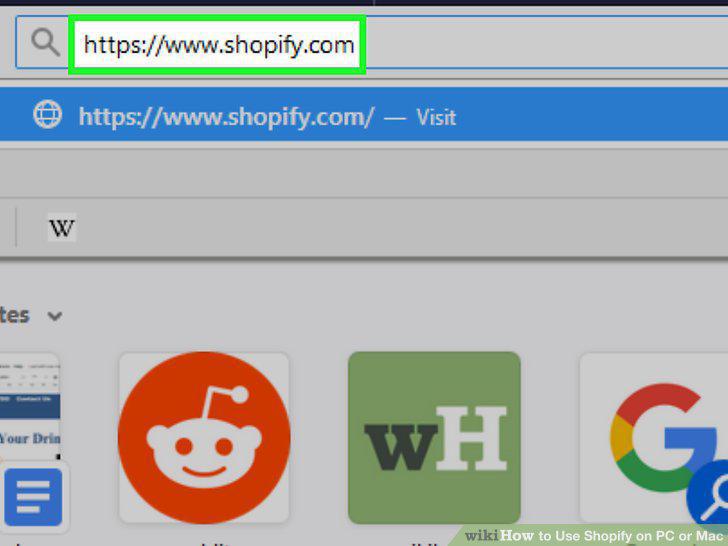
Go to https://www.shopify.com in a web browser.
2
Select a pricing plan.
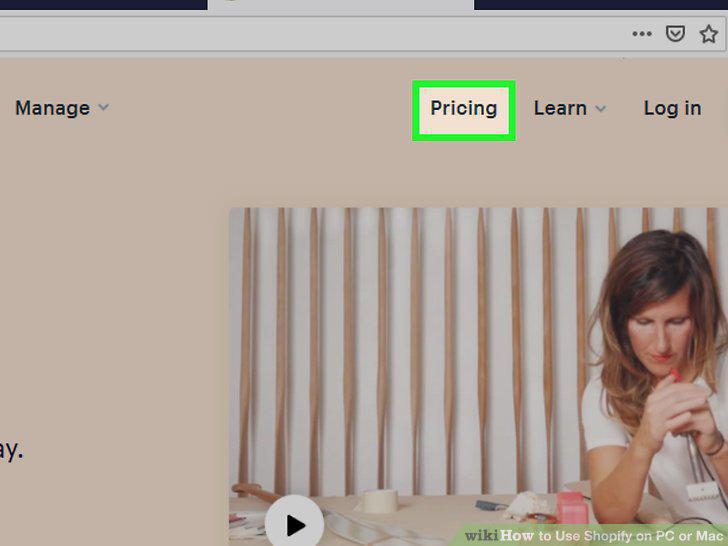
Select a pricing plan.
3
Name your store.
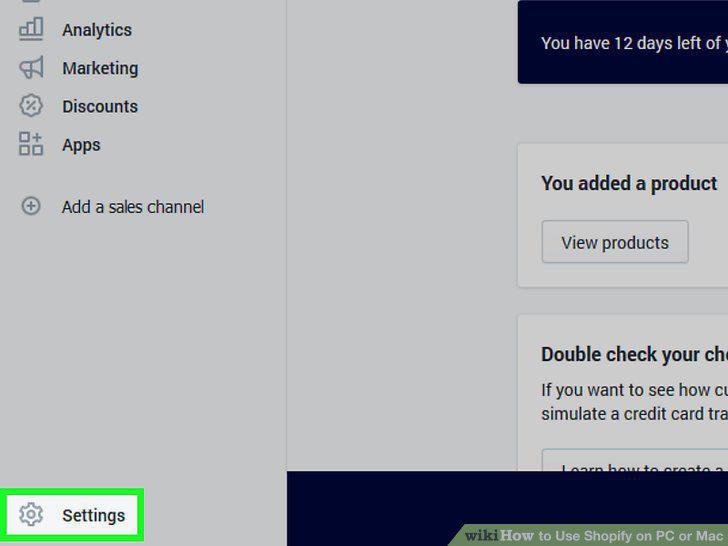
Name your store.
4
Connect your domain.
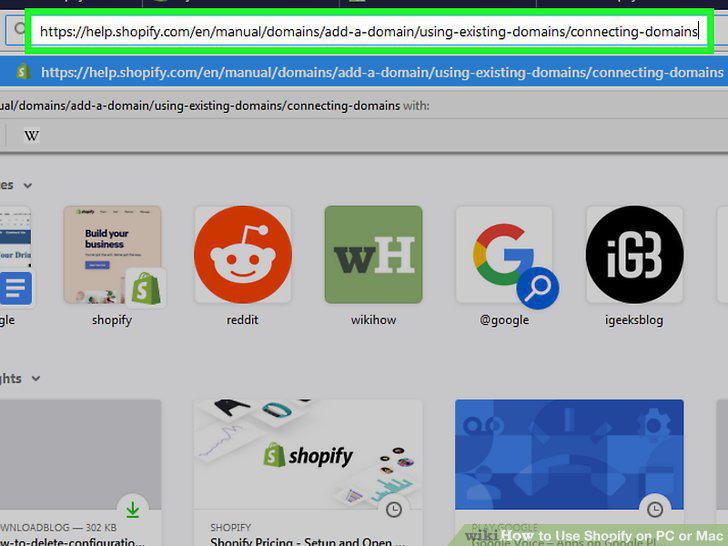
Connect your domain.
5
Select a theme.
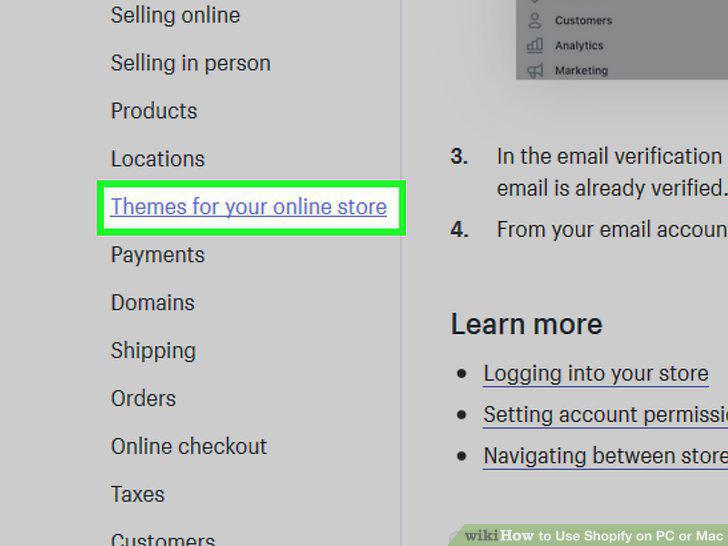
Select a theme.
6
Set up taxes.
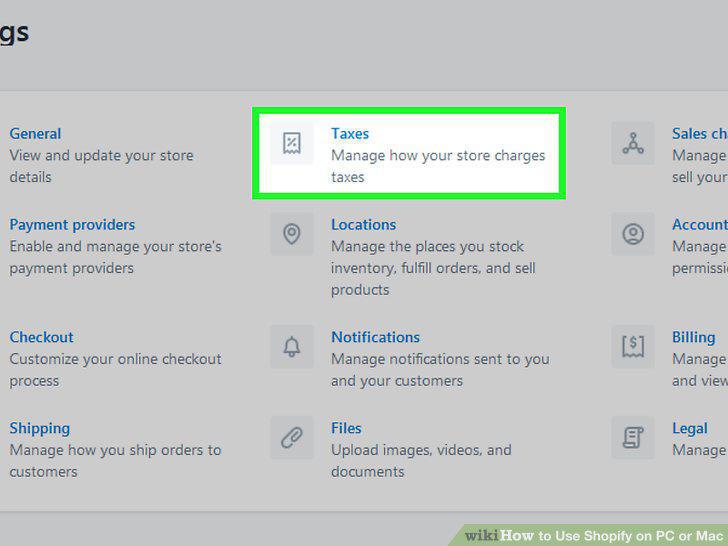
Set up taxes.
7
Add a product.
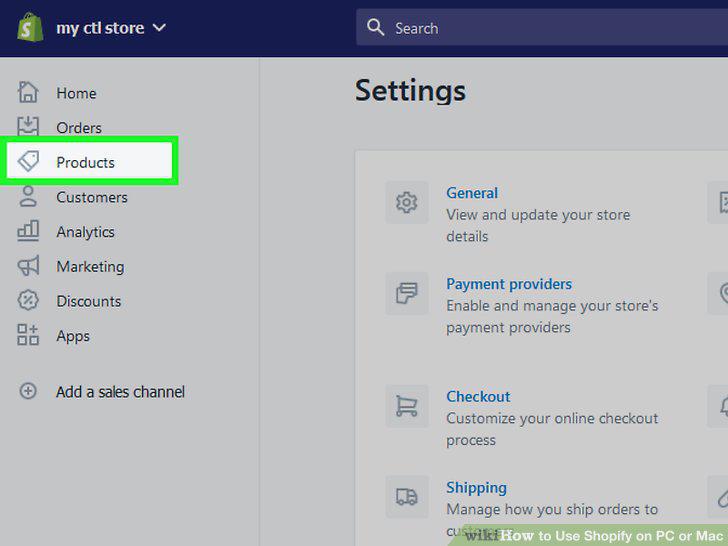
Add a product.
8
Duplicate a product.
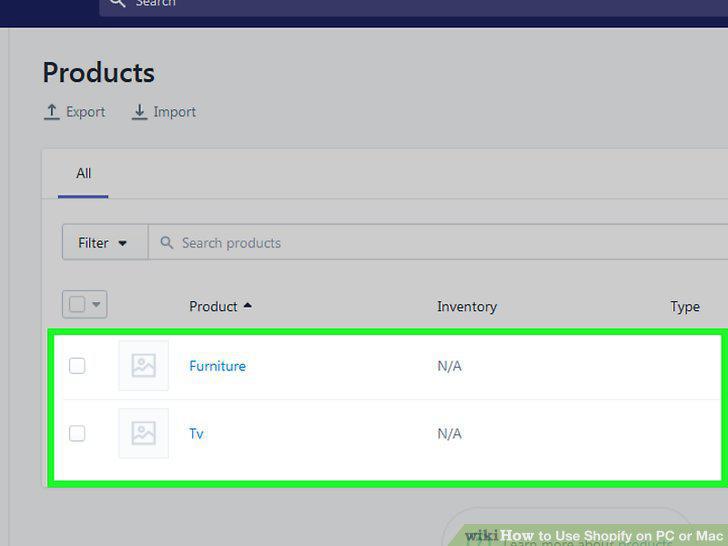
Duplicate a product.
9
Organize products into categories.
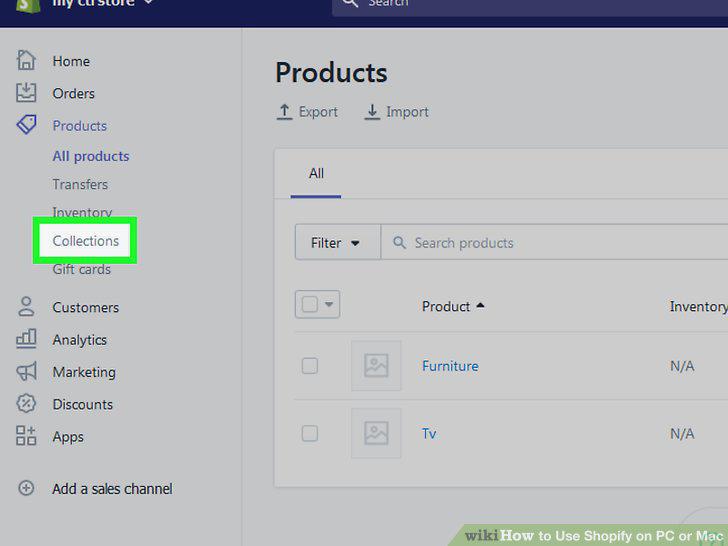
Organize products into categories.
10
Create a discount.
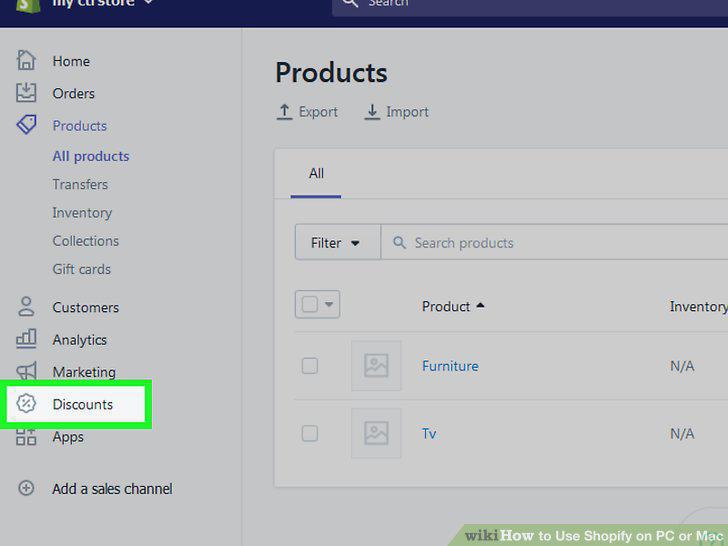
Create a discount.
11
Set up your shipping address.
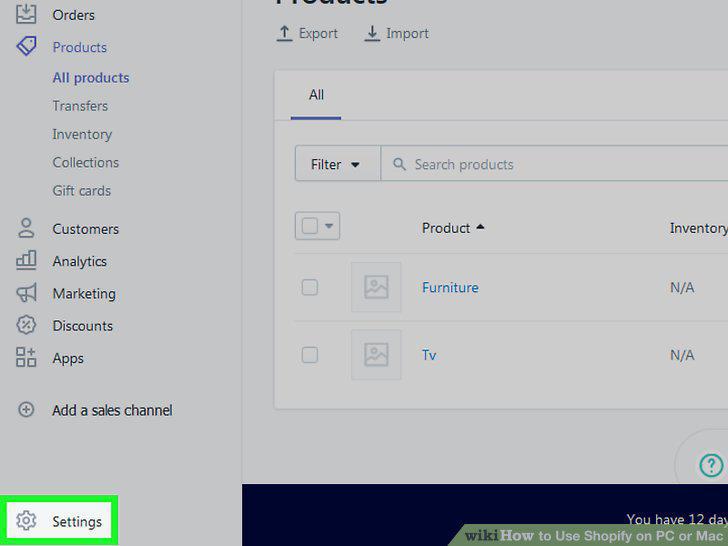
Set up your shipping address.
12
Select your shipping preferences.
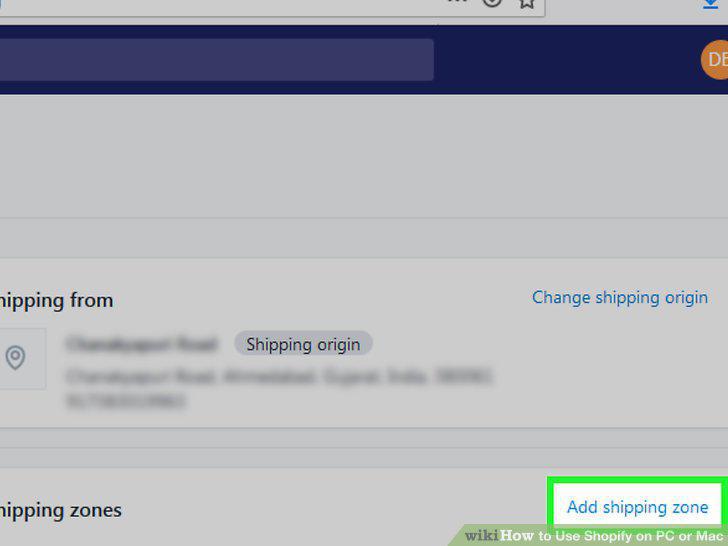
Select your shipping preferences.
13
View your orders.
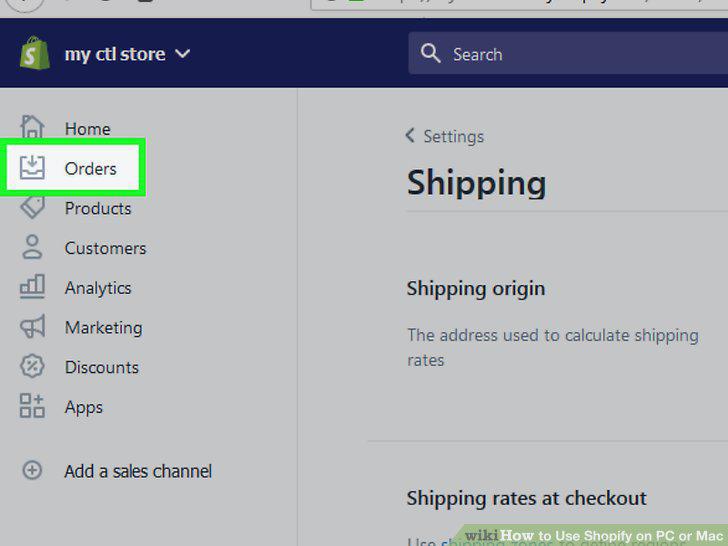
View your orders.
14
Editing an order.
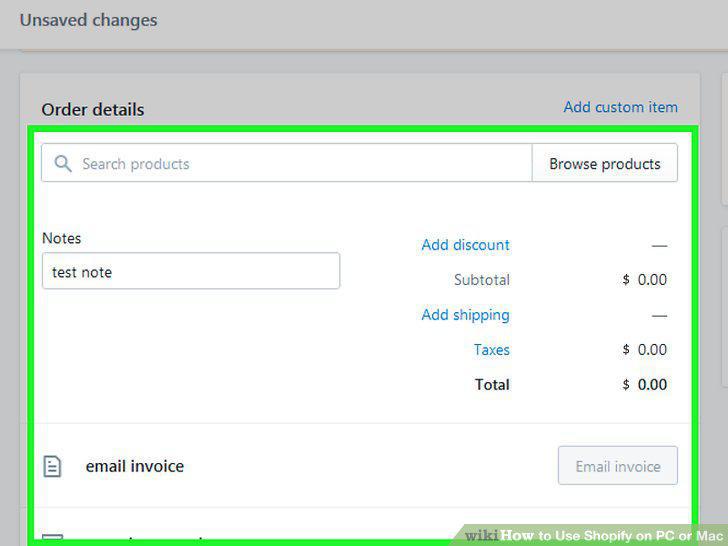
Editing an order.
15
Fulfill an order.
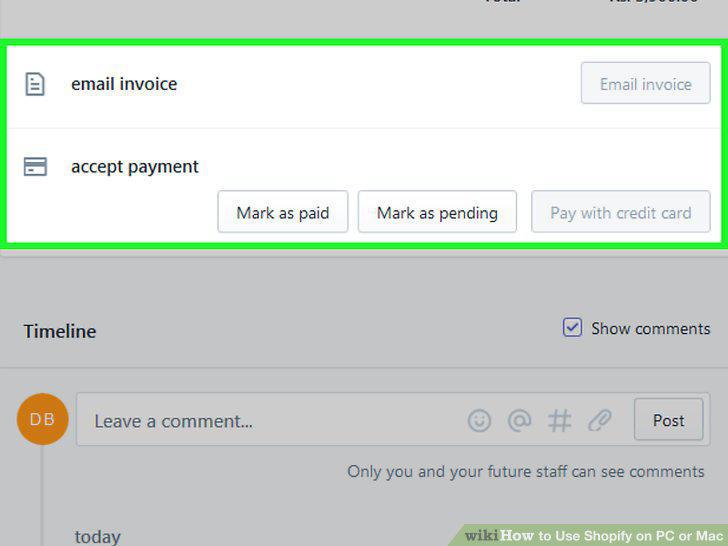
Fulfill an order.
16
View your customer list.
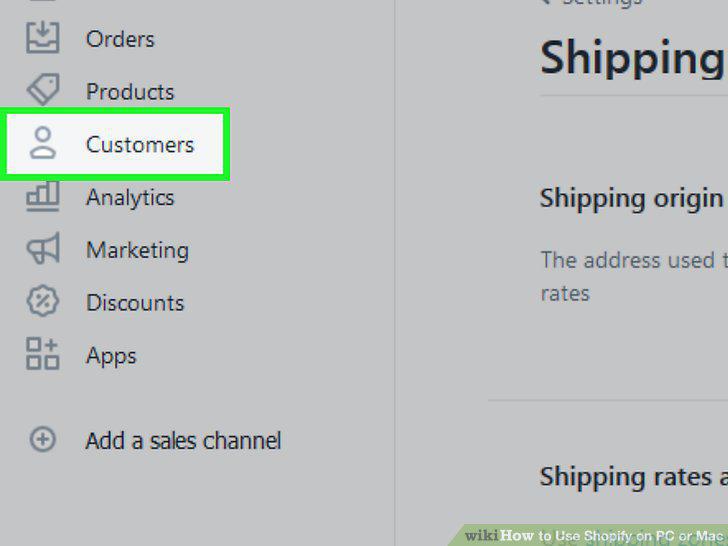
View your customer list.
17
Go to https://apps.shopify.com.
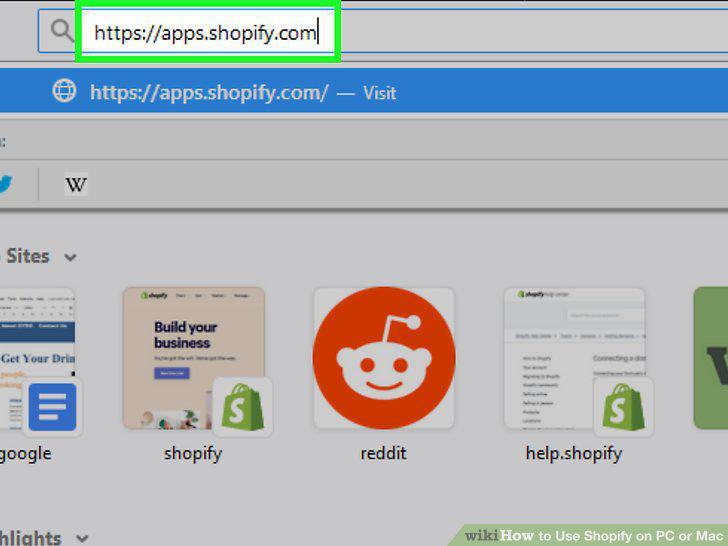
Go to https://apps.shopify.com.
18
Search or browse for an app.
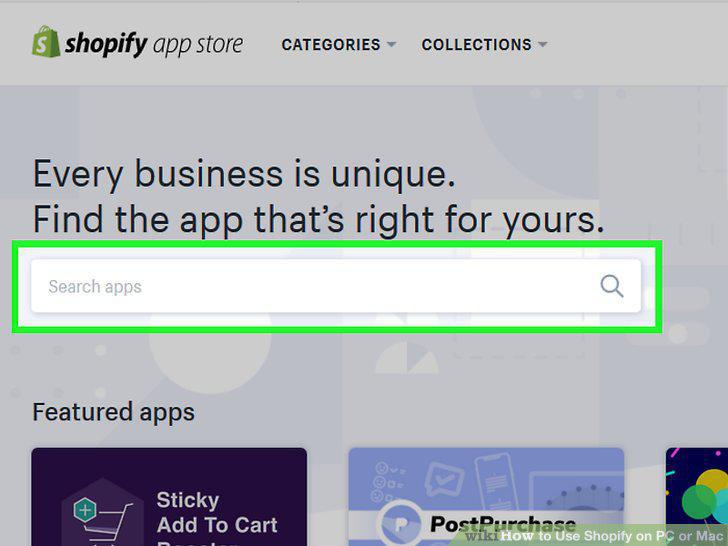
Search or browse for an app.
19
Click an app to view its details.
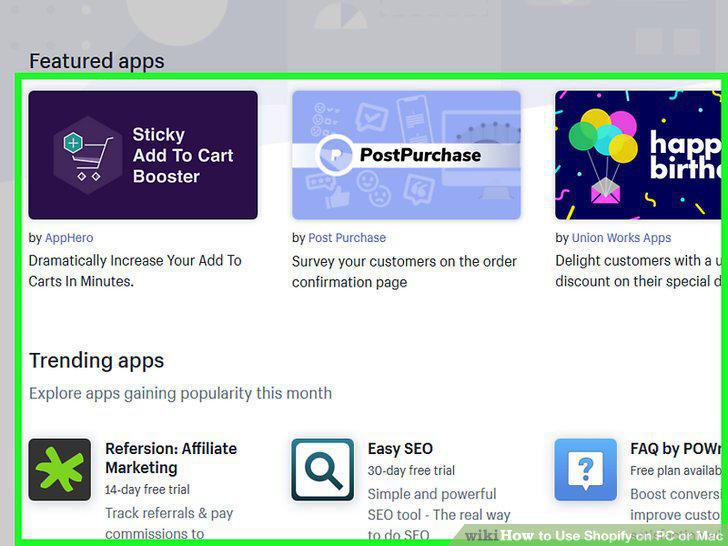
Click an app to view its details.
20
Click GET to install the app.
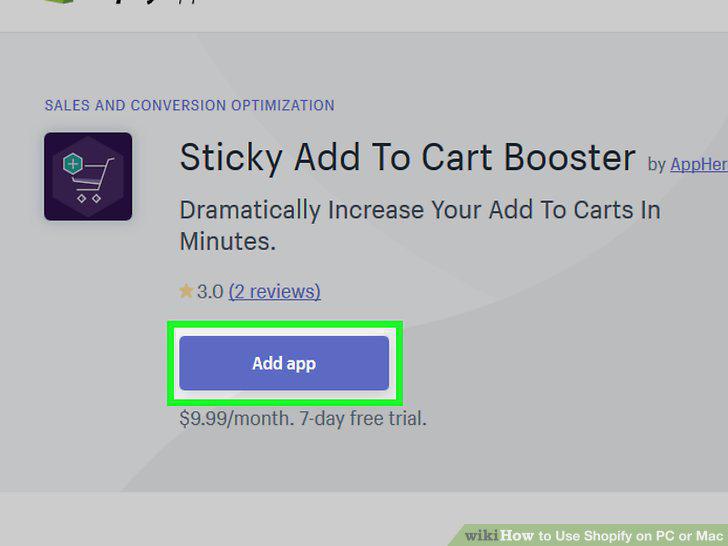
Click GET to install the app.
21
Click Analytics on the admin screen.
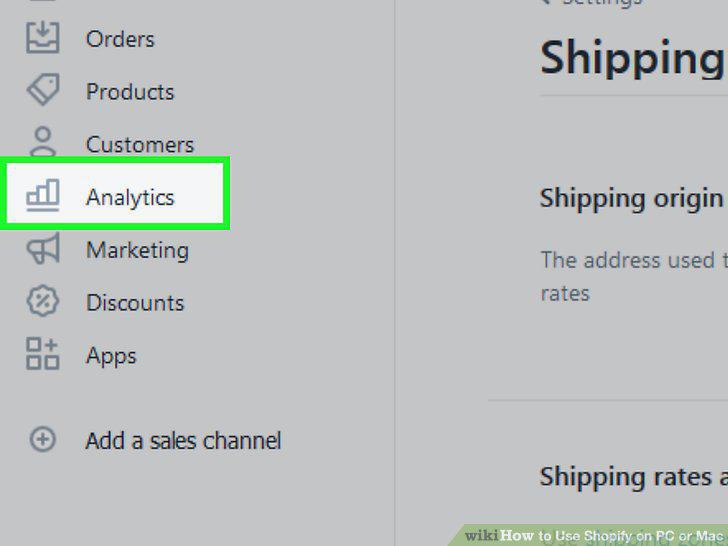
Click Analytics on the admin screen.
22
Select a time period.
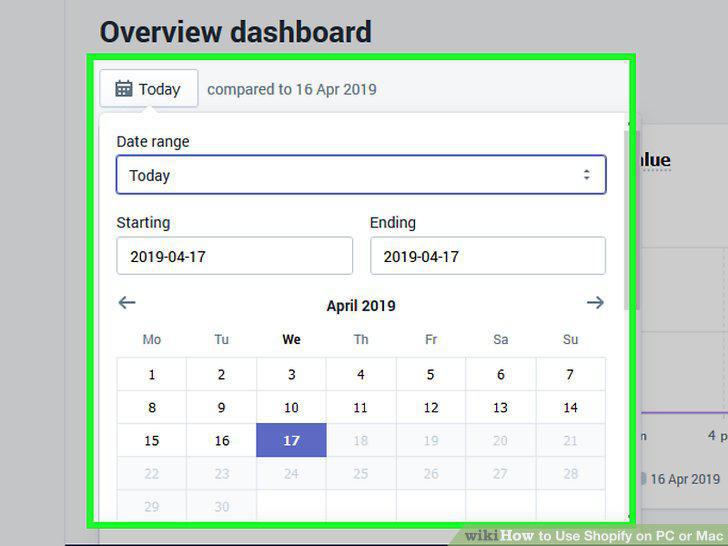
Select a time period.
23
Click Reports.
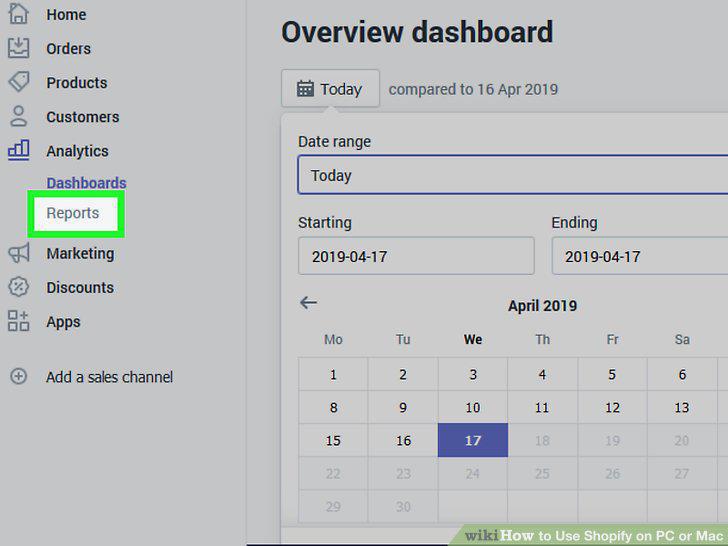
Click Reports.
Comments (0)
No comments yet. Be the first to share your thoughts!