How to Scan a QR Code on Facebook Messenger
Open the Messenger app.. Tap the profile button.. Tap your profile image.
Steps
1
Open the Messenger app.
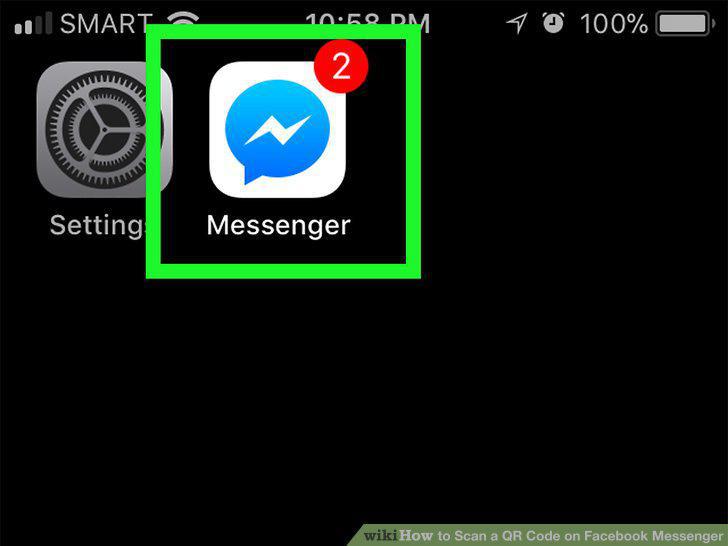
Open the Messenger app.
2
Tap the profile button.
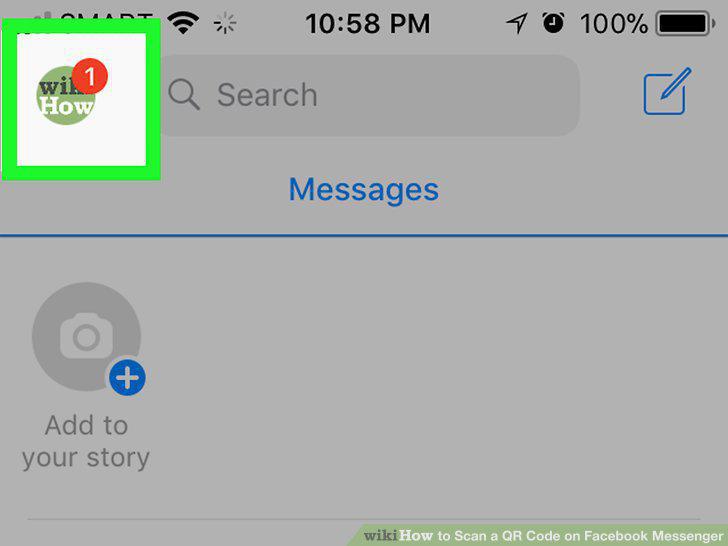
Tap the profile button.
3
Tap your profile image.
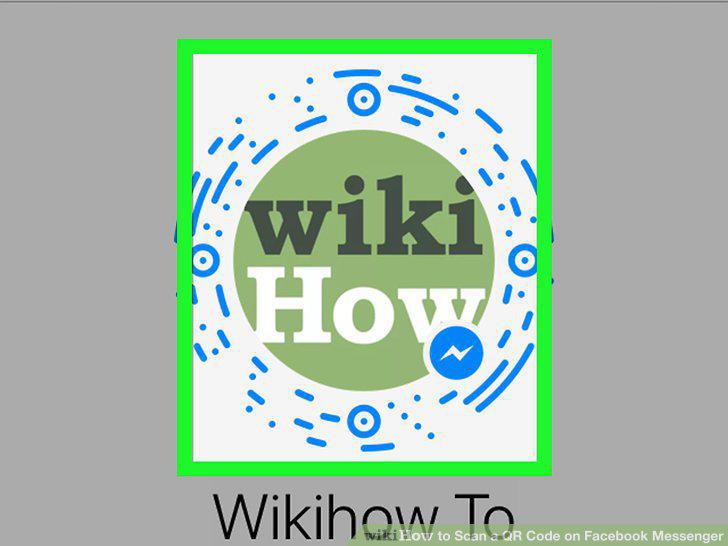
Tap your profile image.
4
Tap the Scan Code tab.
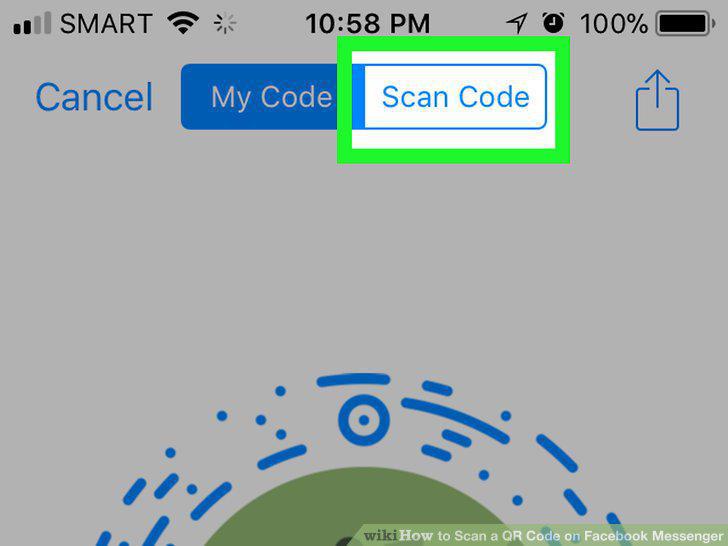
Tap the Scan Code tab.
5
Have a friend open their profile image.
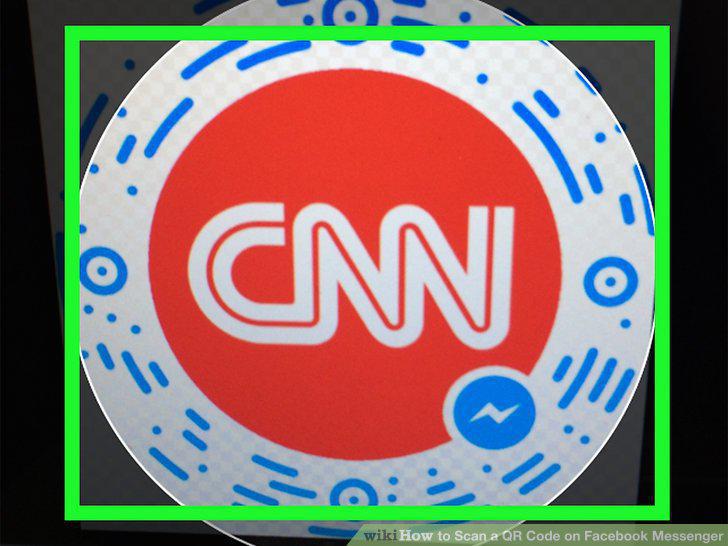
Have a friend open their profile image.
6
Center the profile image in your Messenger screen.
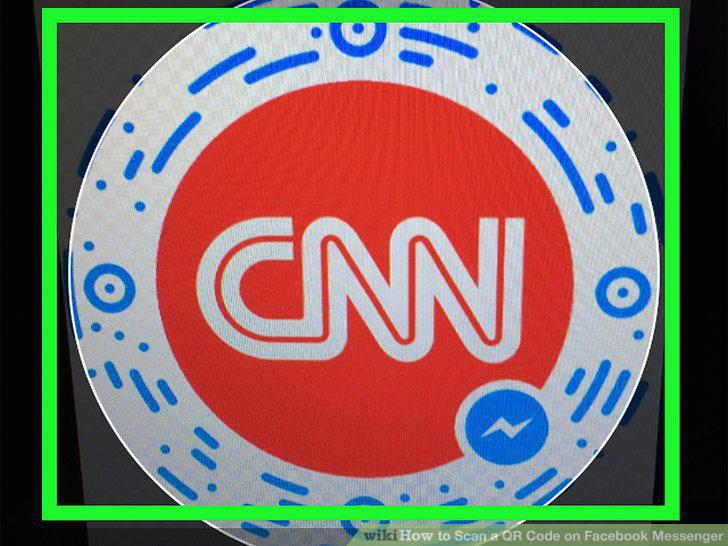
Center the profile image in your Messenger screen.
7
Tap Add on Messenger.
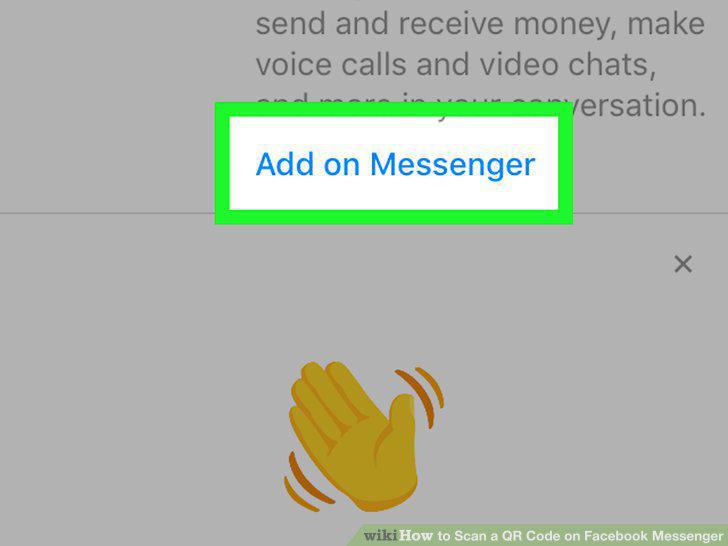
Tap Add on Messenger.
8
Open the Messenger app.
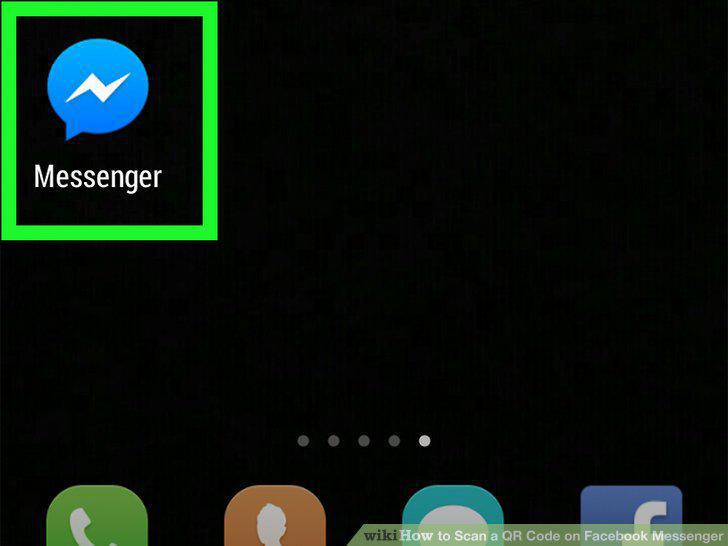
Open the Messenger app.
9
Tap the profile button.
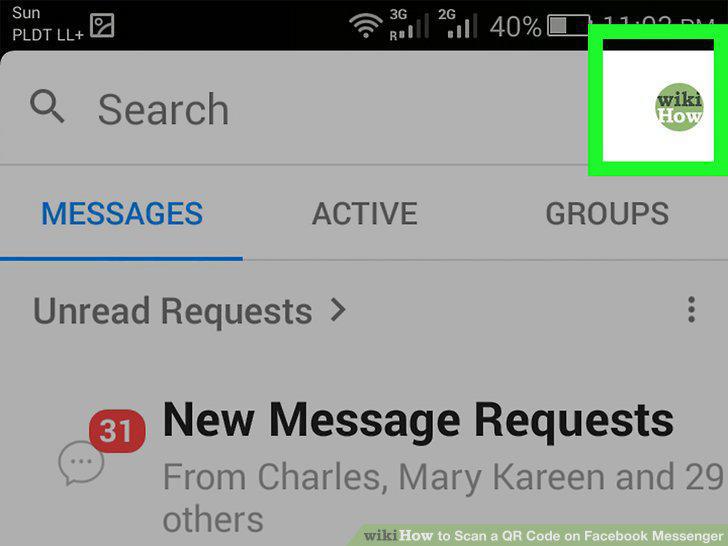
Tap the profile button.
10
Tap your profile image.
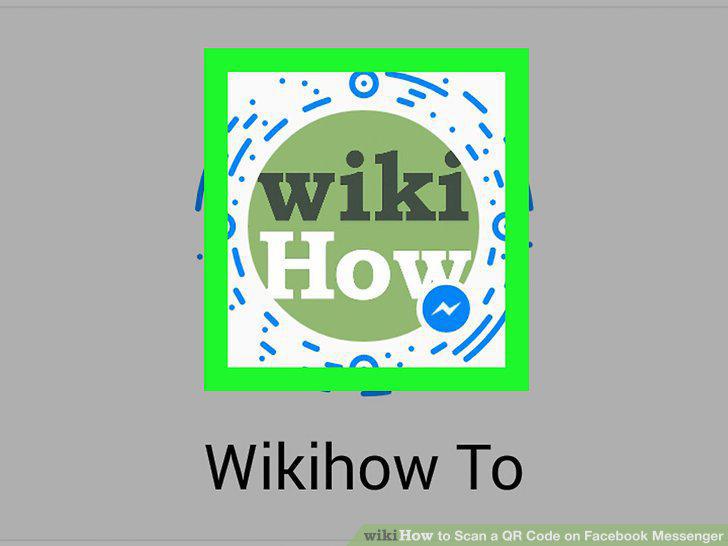
Tap your profile image.
11
Tap the Scan Code tab.
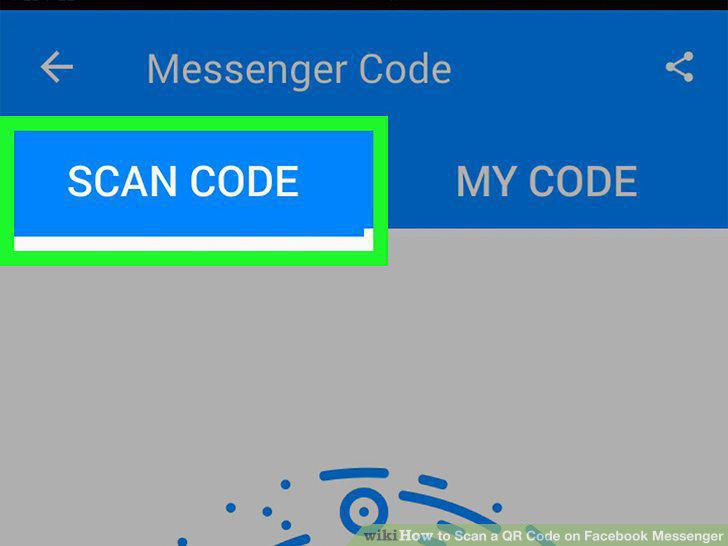
Tap the Scan Code tab.
12
Have a friend open their profile image.
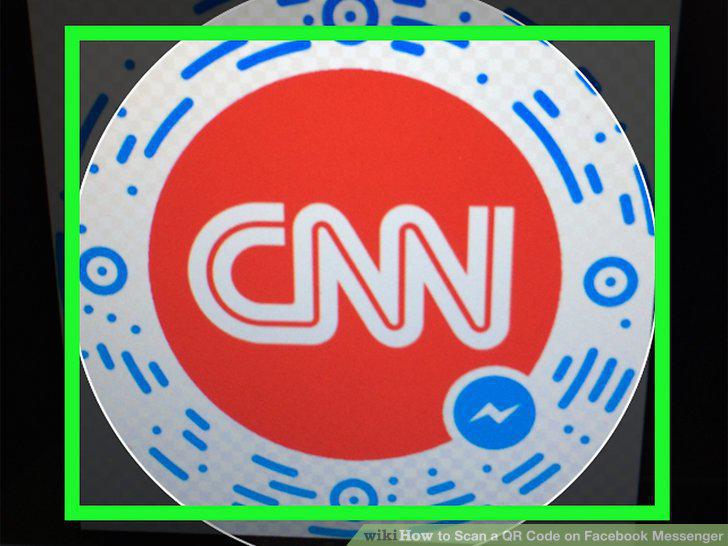
Have a friend open their profile image.
13
Center the profile image in your Messenger screen.
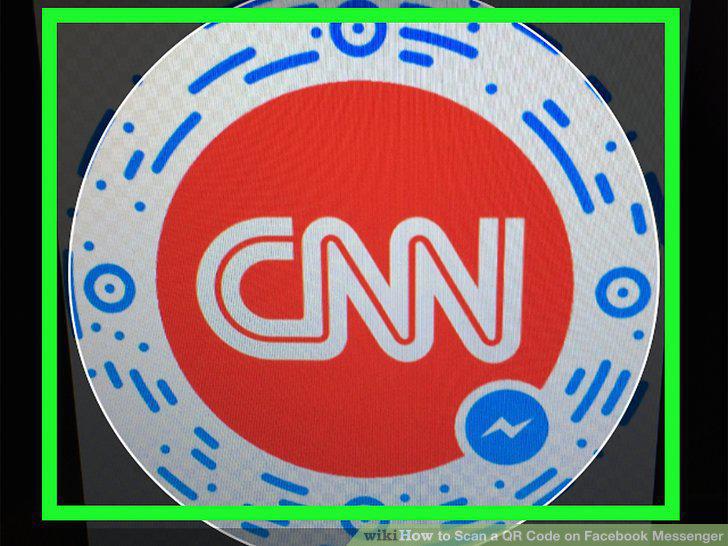
Center the profile image in your Messenger screen.
14
Tap Add on Messenger.
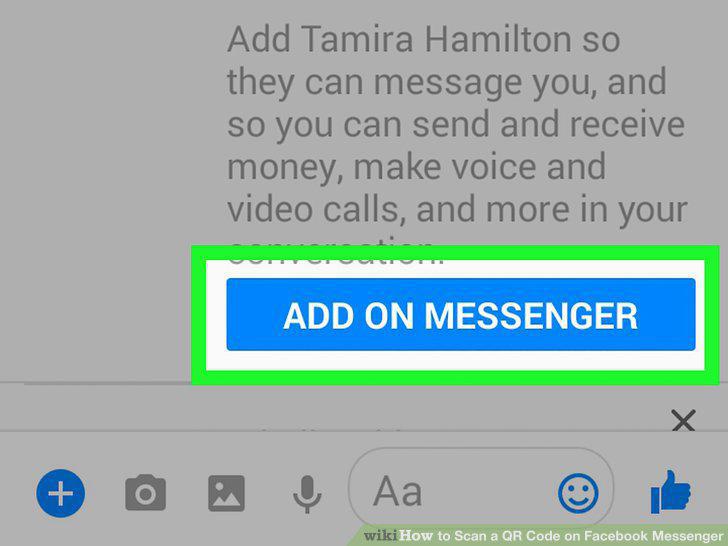
Tap Add on Messenger.
Comments (0)
No comments yet. Be the first to share your thoughts!