How to Charge Your PSP
Locate the AC adapter port.. Connect your AC Adapter.. Wait for the power light to turn orange.
Steps
1
Locate the AC adapter port.
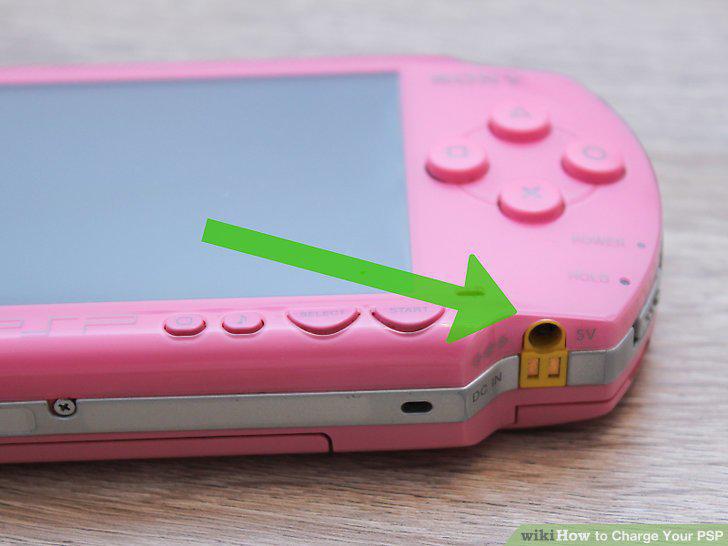
Locate the AC adapter port.
2
Connect your AC Adapter.
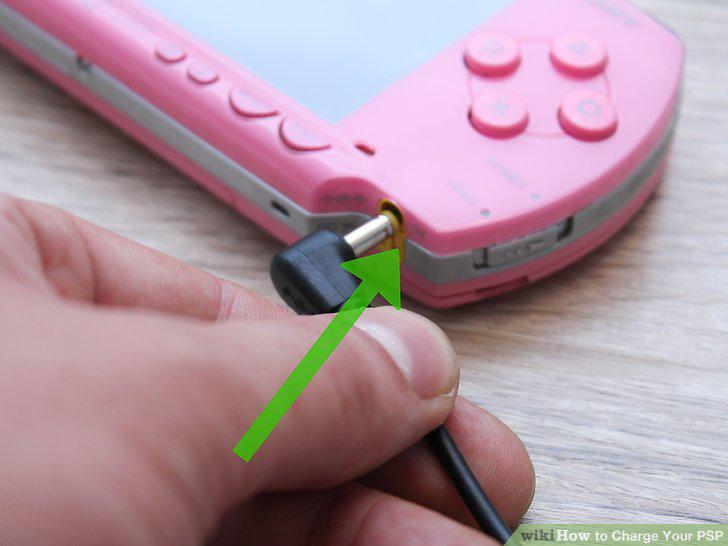
Connect your AC Adapter.
3
Wait for the power light to turn orange.
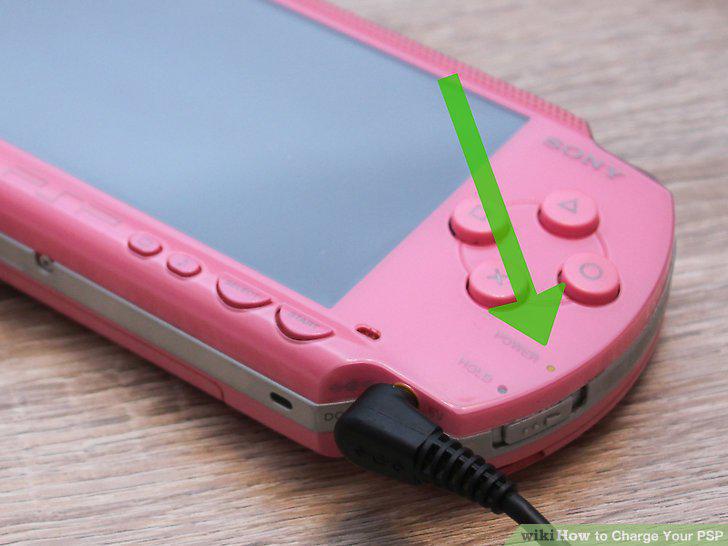
Wait for the power light to turn orange.
4
Charge for 4-5 hours.
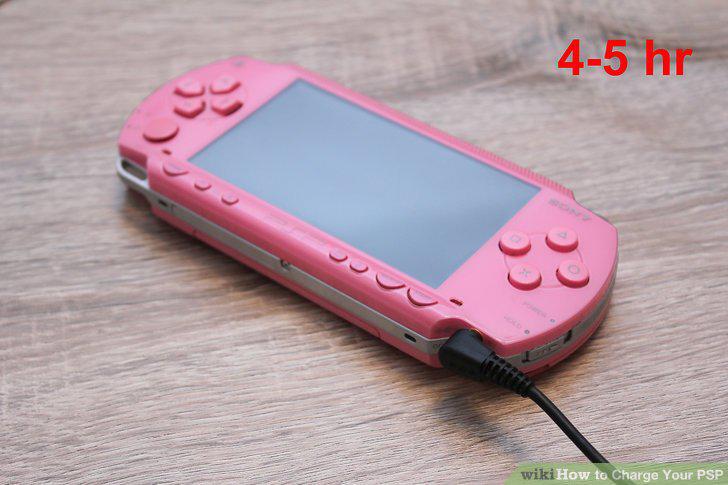
Charge for 4-5 hours.
5
Turn on your PSP.
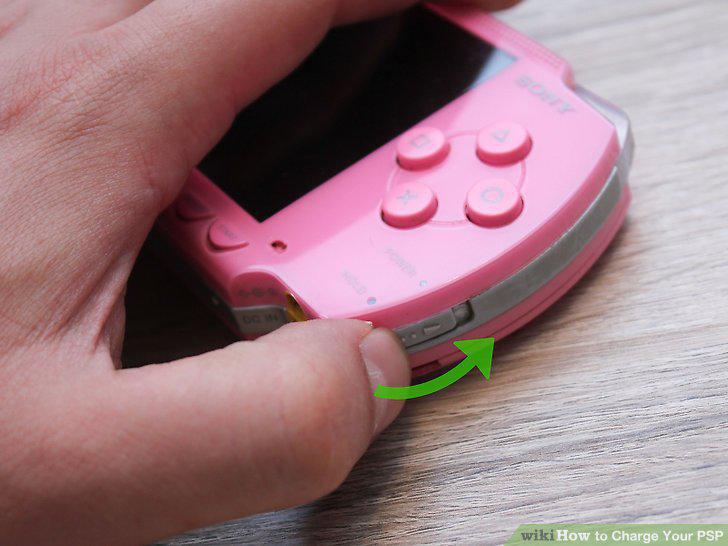
Turn on your PSP.
6
From the opening menu, go to "Settings".
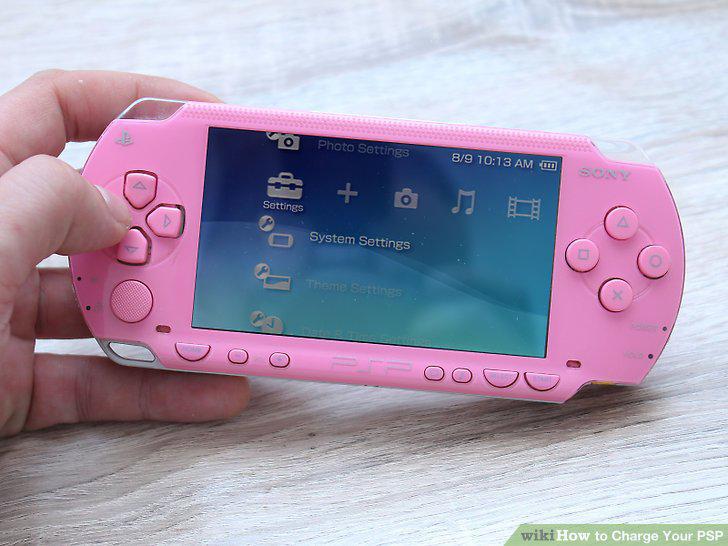
From the opening menu, go to "Settings".
7
Select "System Settings.
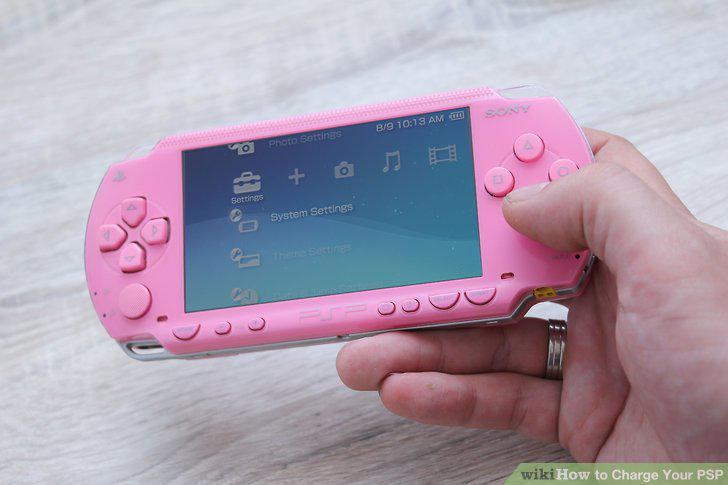
Select "System Settings.
8
Turn on "USB Charge.
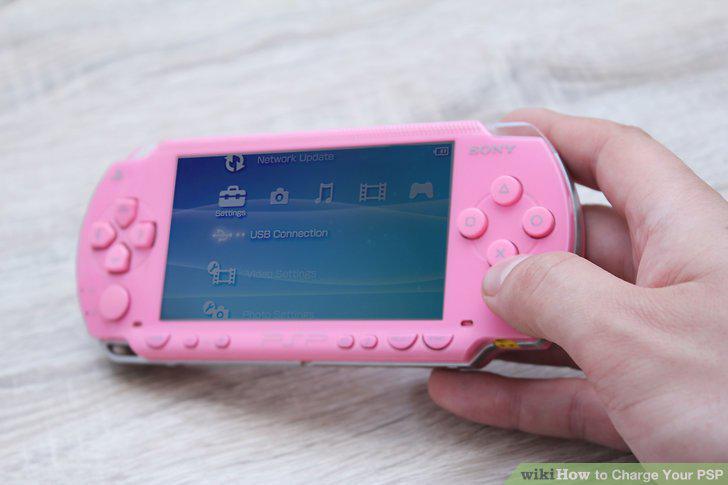
Turn on "USB Charge.
9
Turn on "USB Auto Connect.
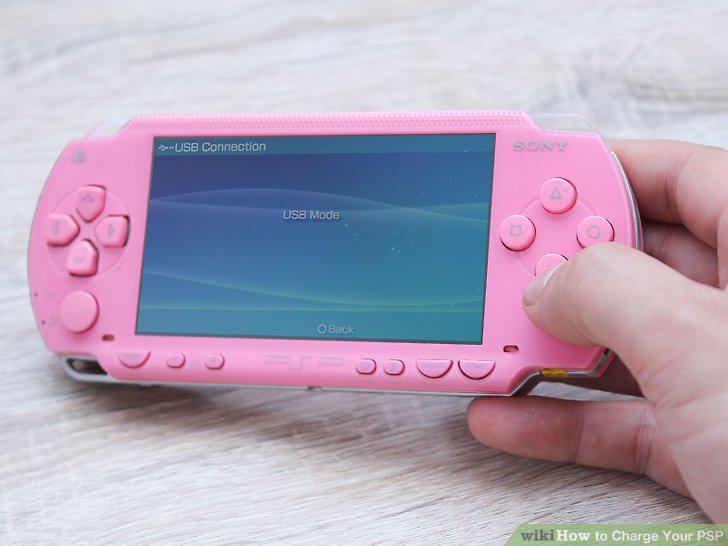
Turn on "USB Auto Connect.
10
Connect your mini USB cable to the PSP.
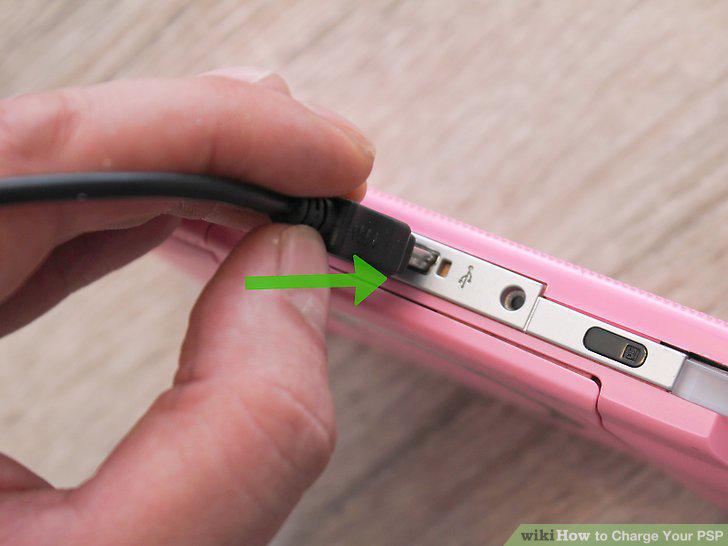
Connect your mini USB cable to the PSP.
11
Connect the other end of the USB cable to a power source.
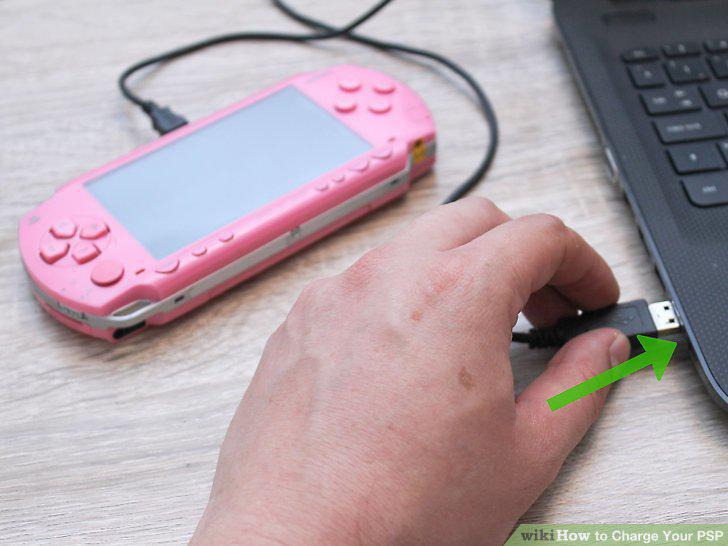
Connect the other end of the USB cable to a power source.
12
Wait for the power light to turn orange.
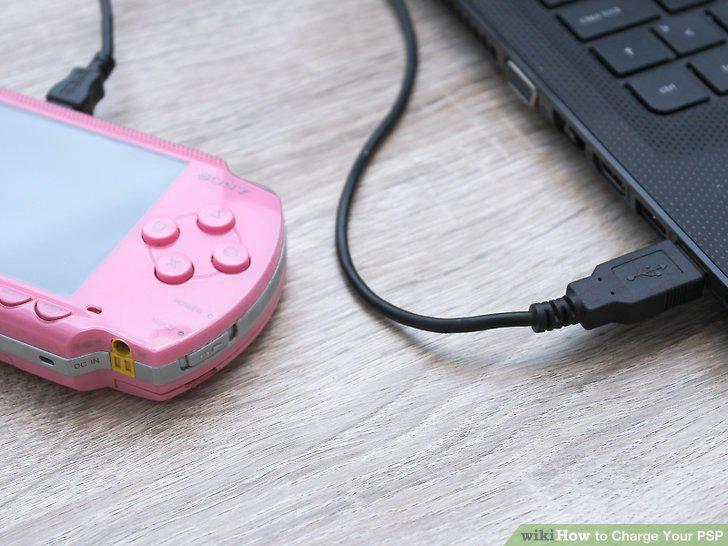
Wait for the power light to turn orange.
13
Charge for 6-8 hours.
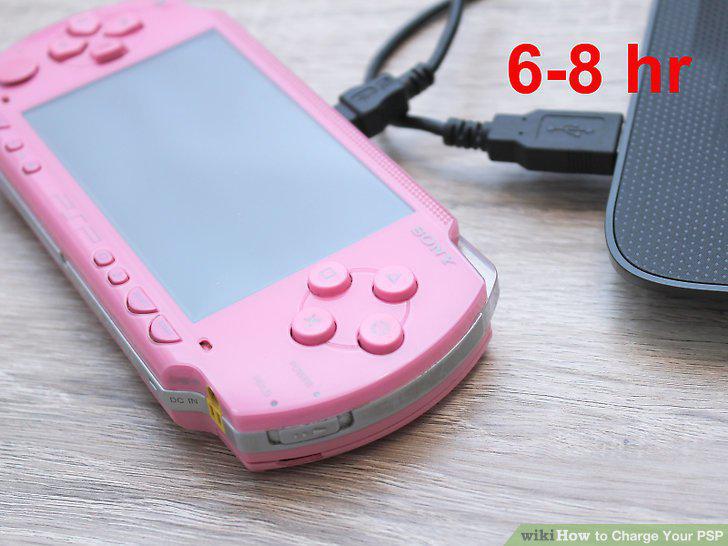
Charge for 6-8 hours.
Comments (0)
No comments yet. Be the first to share your thoughts!