How to Cancel a PayPal Subscription
Go to https://www.paypal.com in a mobile or desktop browser.. Click Log In.. Sign in with your PayPal username and password.
Steps
1
Go to https://www.paypal.com in a mobile or desktop browser.
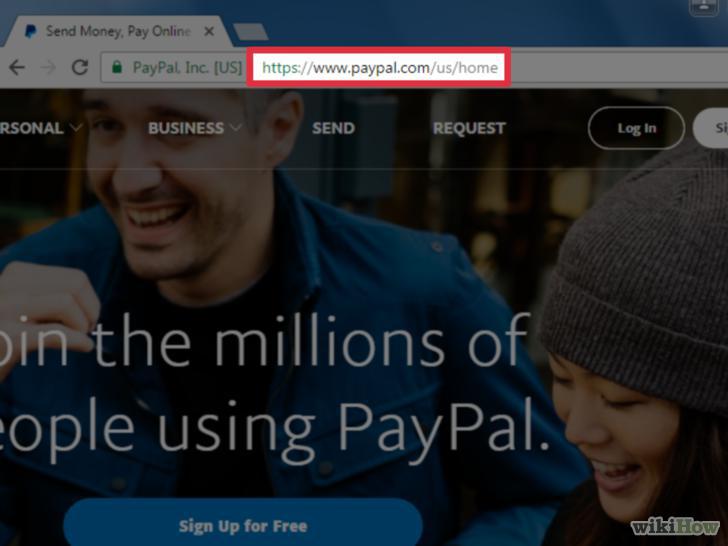
Go to https://www.paypal.com in a mobile or desktop browser.
2
Click Log In.
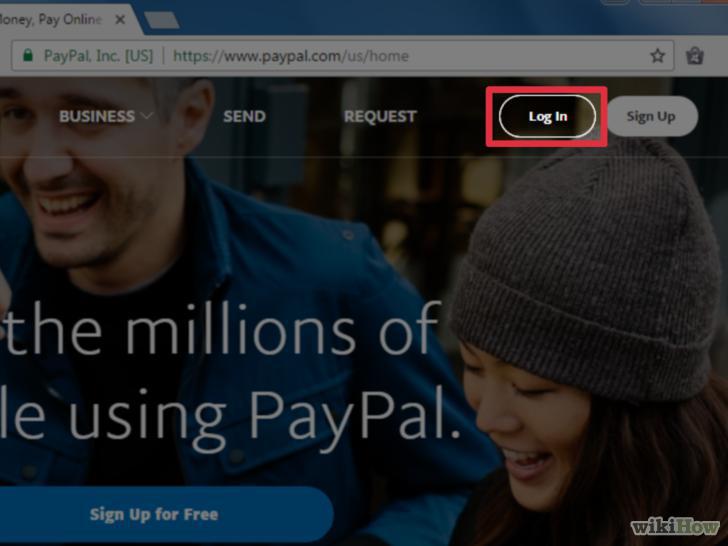
Click Log In.
3
Sign in with your PayPal username and password.
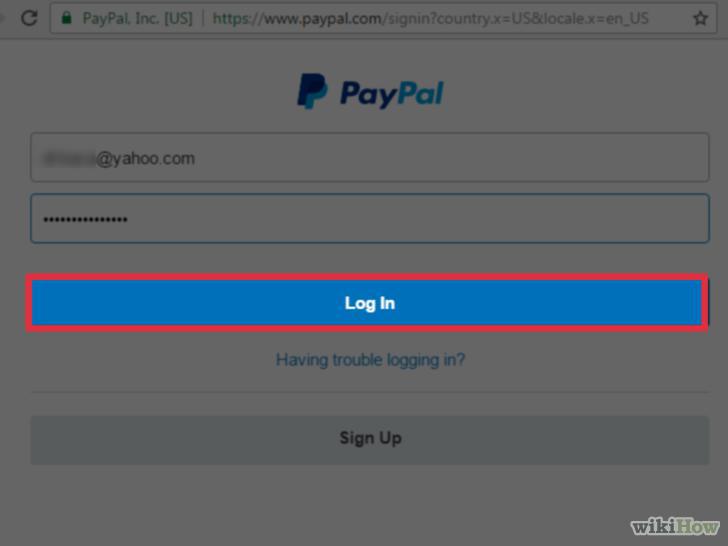
Sign in with your PayPal username and password.
4
Click the gear icon.
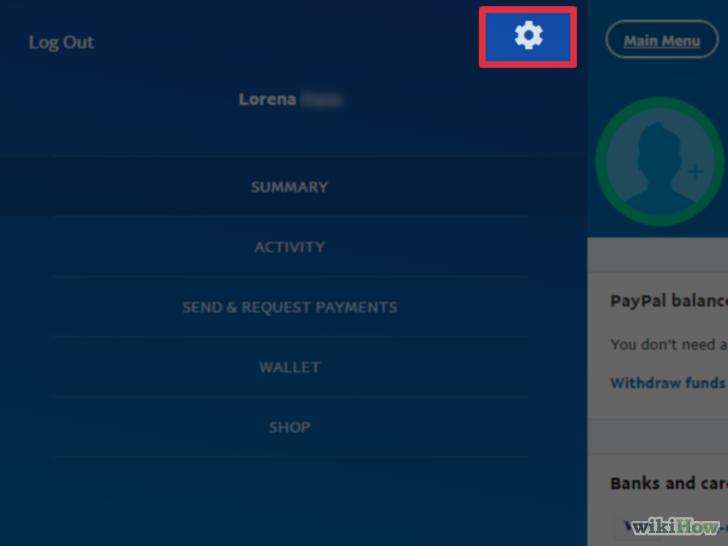
Click the gear icon.
5
Click Payments.
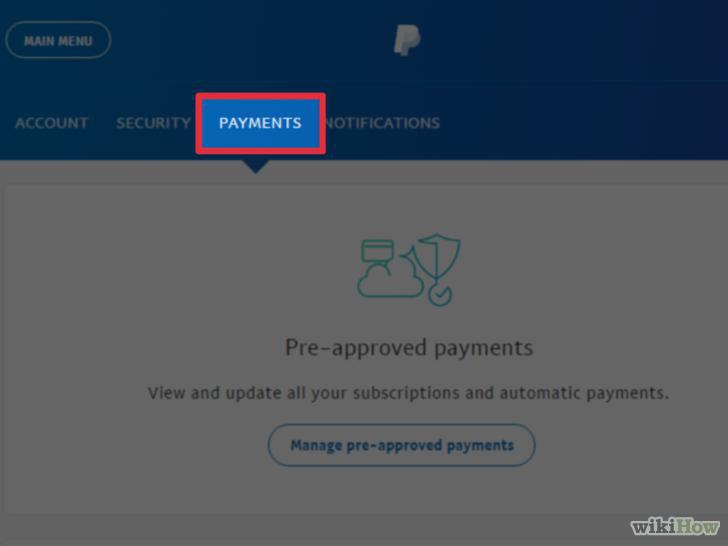
Click Payments.
6
Click Manage Pre-approved Payments.
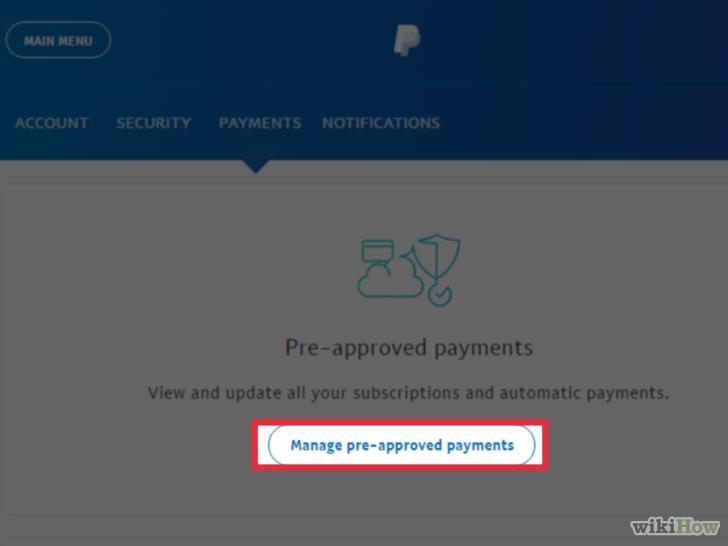
Click Manage Pre-approved Payments.
7
Select the payment you want to cancel.
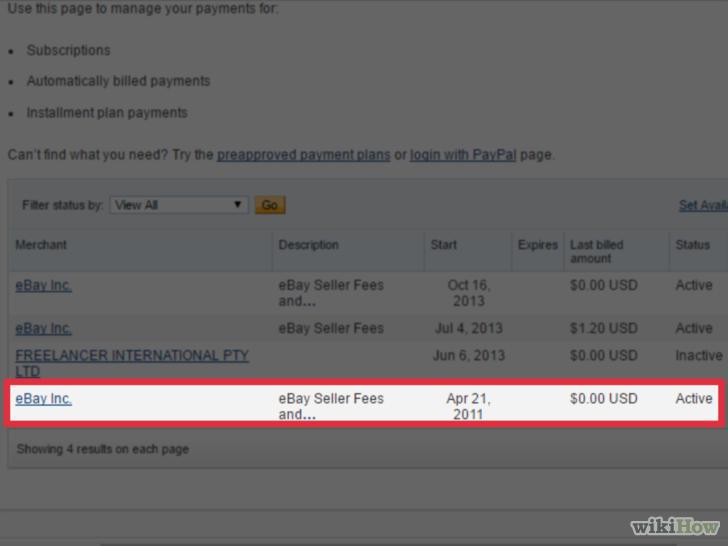
Select the payment you want to cancel.
8
Click Cancel.
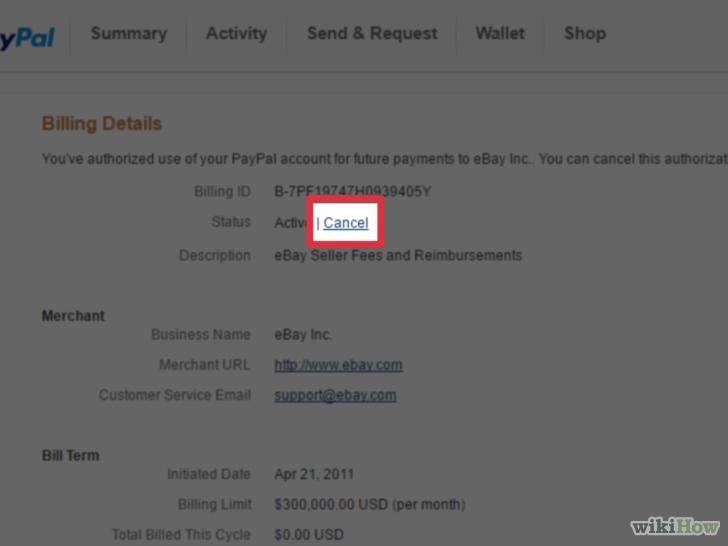
Click Cancel.
9
Click Cancel Profile to confirm.
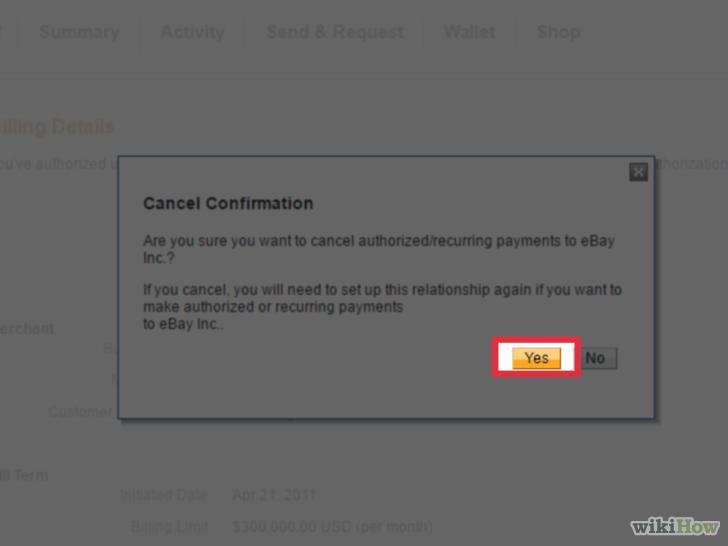
Click Cancel Profile to confirm.
Comments (0)
No comments yet. Be the first to share your thoughts!