How to Buy Stuff on Sweatcoin on iPhone or iPad
Open the Sweatcoin app on your iPhone or iPad.. Tap the Shop icon on the bottom-left.. Tap the offer you want to purchase.
Steps
1
Open the Sweatcoin app on your iPhone or iPad.
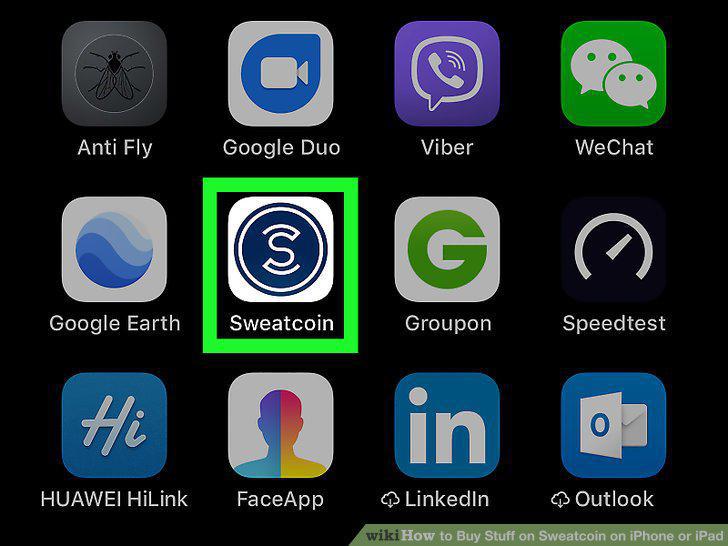
Open the Sweatcoin app on your iPhone or iPad.
2
Tap the Shop icon on the bottom-left.
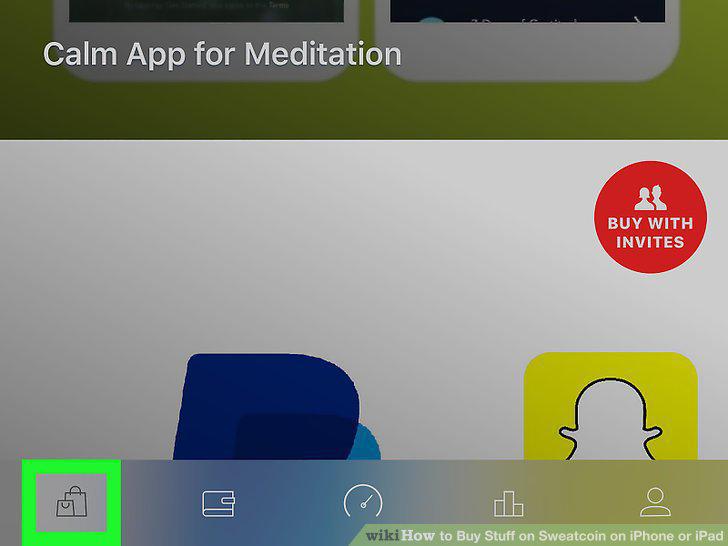
Tap the Shop icon on the bottom-left.
3
Tap the offer you want to purchase.
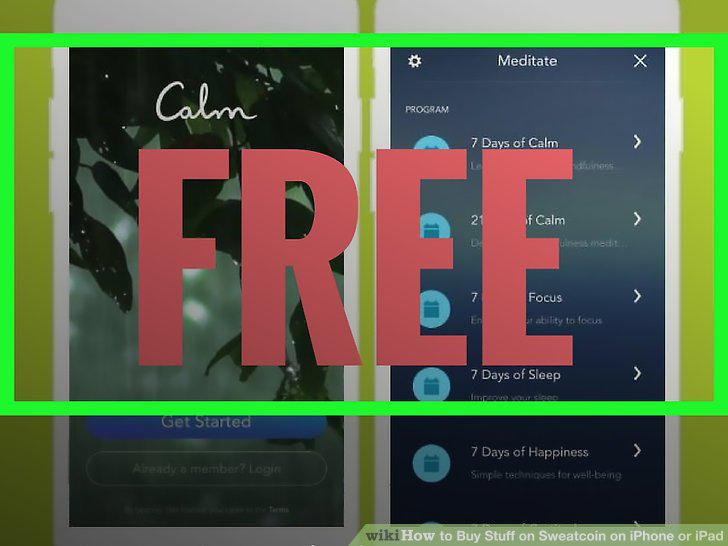
Tap the offer you want to purchase.
4
Scroll down and read the "How to claim" section.
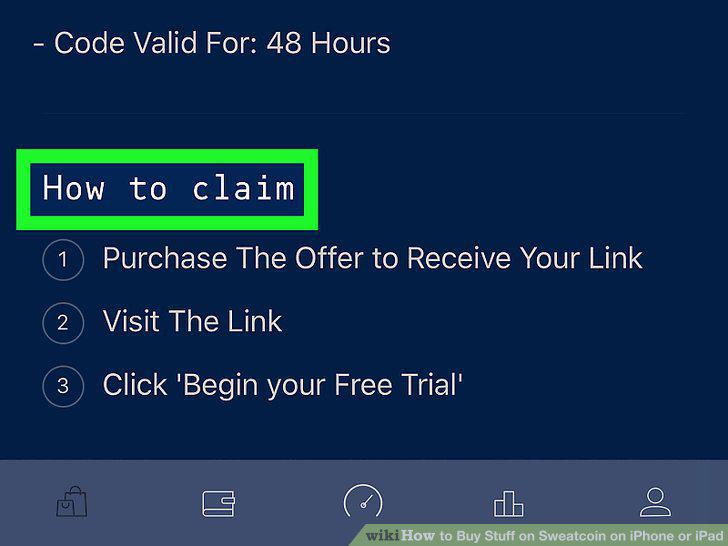
Scroll down and read the "How to claim" section.
5
Tap the Buy button at the top.

Tap the Buy button at the top.
6
Check your mailbox for confirmation and claim instructions.
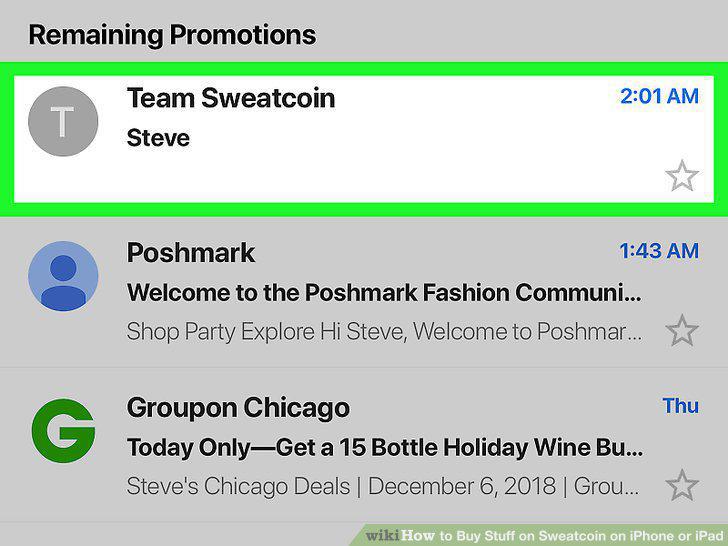
Check your mailbox for confirmation and claim instructions.
Comments (0)
No comments yet. Be the first to share your thoughts!