How to Get Free Items in Team Fortress 2
Play the game on a VAC-secured server.. Actively play for 30 to 70 minutes.. Accept the notification to receive your item.
Steps
Play the game on a VAC-secured server.
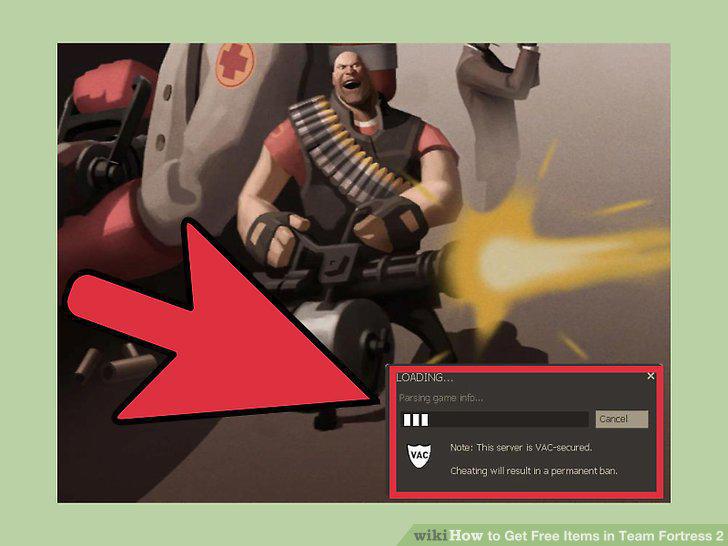
Play the game on a VAC-secured server.
Actively play for 30 to 70 minutes.
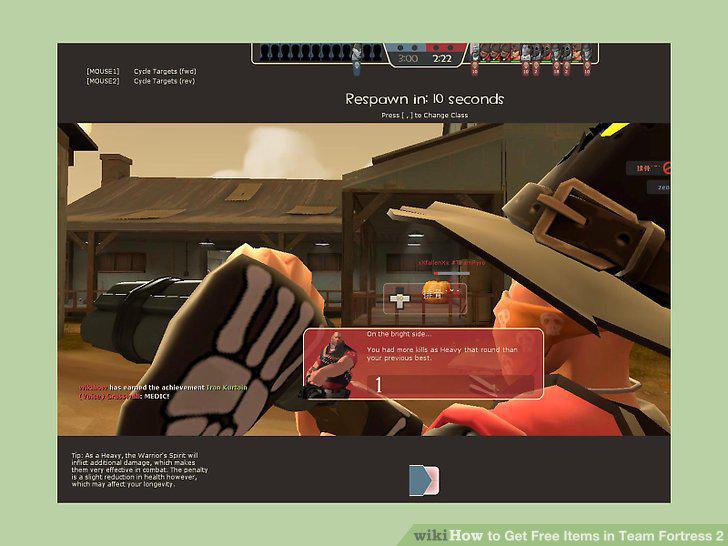
Actively play for 30 to 70 minutes.
Accept the notification to receive your item.
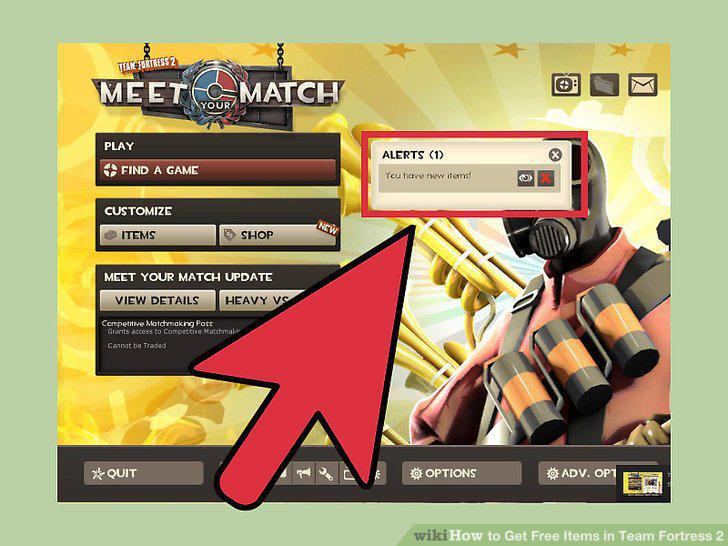
Accept the notification to receive your item.
Play 10 hours a week to cap out your limit.
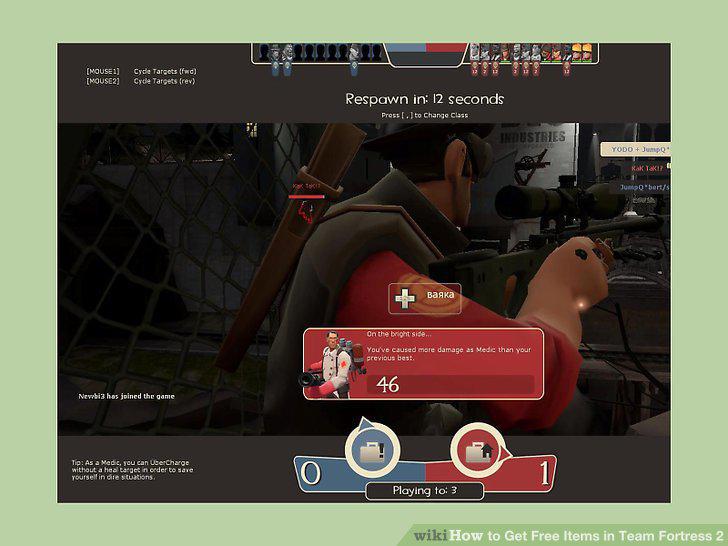
Play 10 hours a week to cap out your limit.
Avoid idling servers.
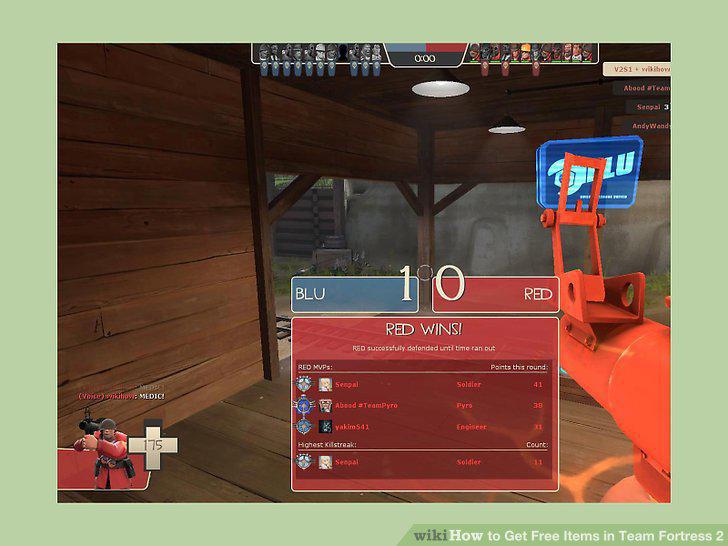
Avoid idling servers.
Complete Milestone achievements with each character.
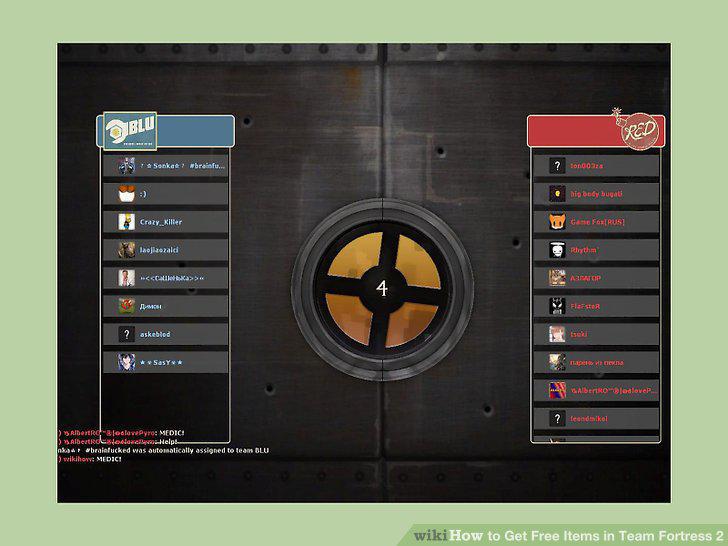
Complete Milestone achievements with each character.
Earn items through specific achievements in Team Fortress 2.
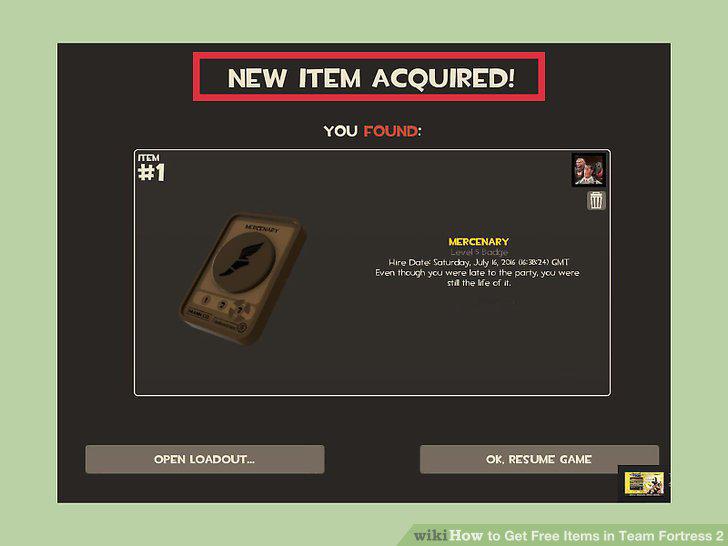
Earn items through specific achievements in Team Fortress 2.
Earn achievements in other supported Steam games.
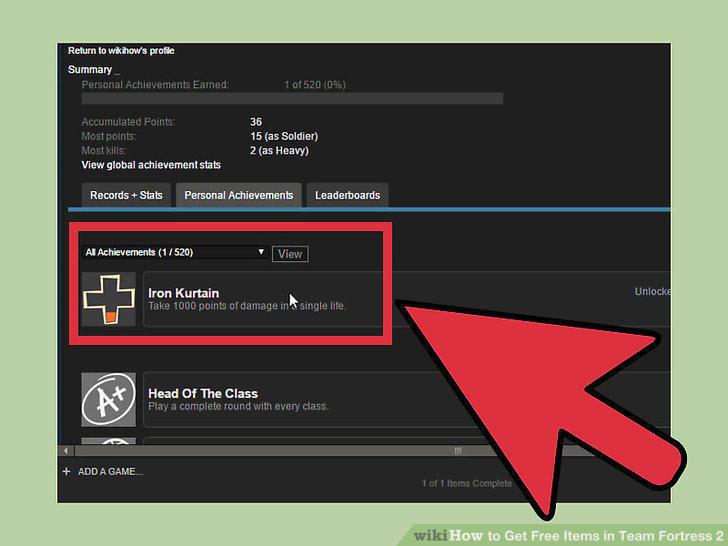
Earn achievements in other supported Steam games.
Open your Steam inventory to see items you can trade.
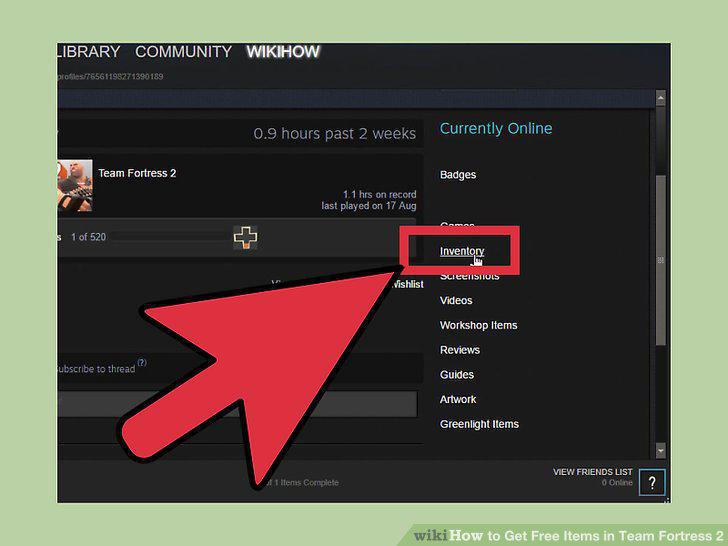
Open your Steam inventory to see items you can trade.
Determine the value of your items.
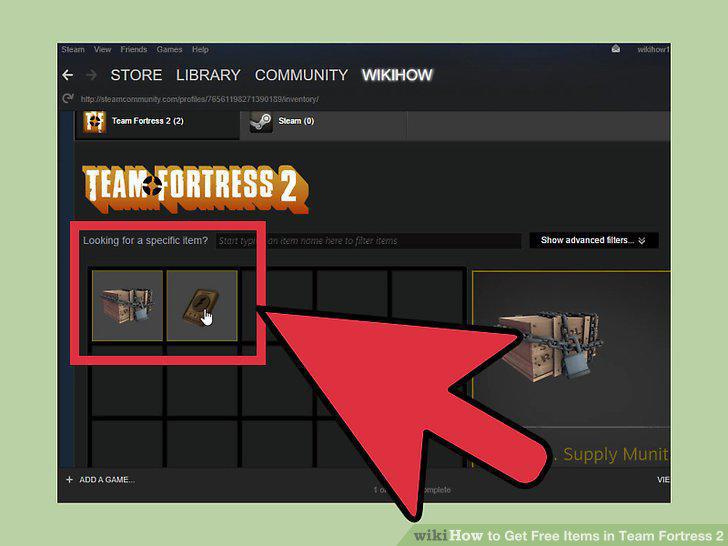
Determine the value of your items.
Find people willing to trade for the items you want.
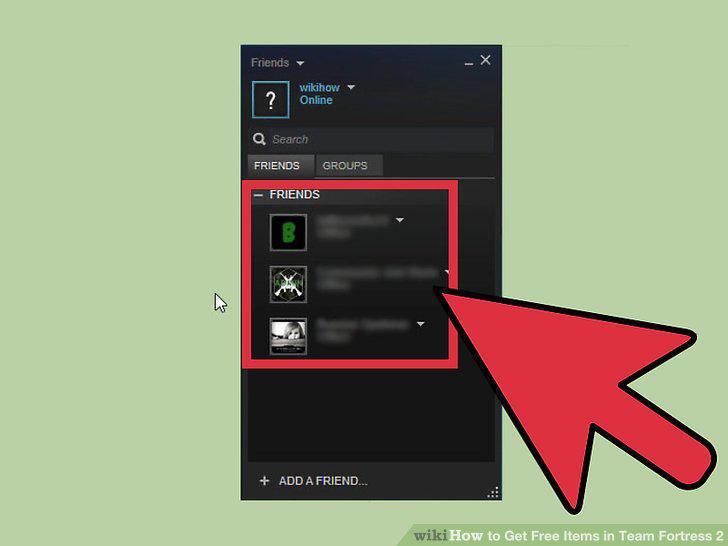
Find people willing to trade for the items you want.
Open a Trading window with the person you want to trade with.
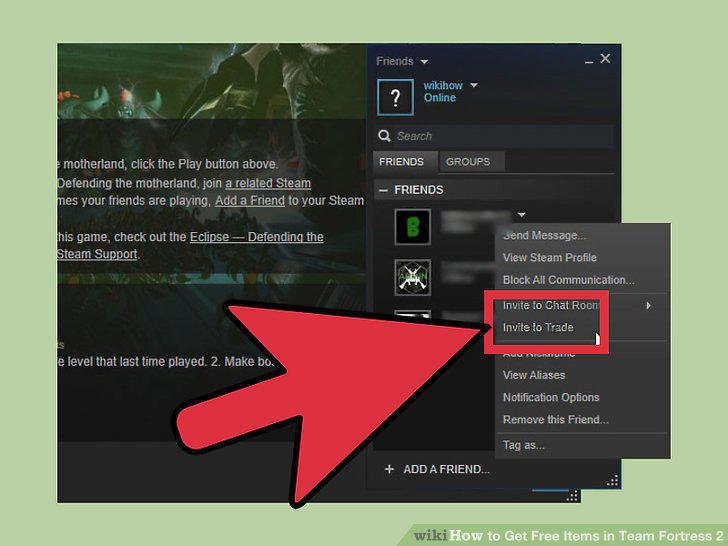
Open a Trading window with the person you want to trade with.
Discuss the terms of the trade with the other player.
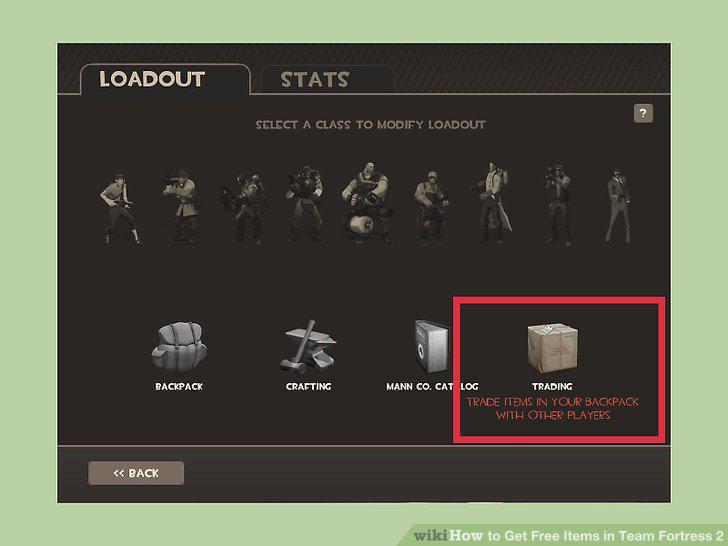
Discuss the terms of the trade with the other player.
Offer the items up for trade.
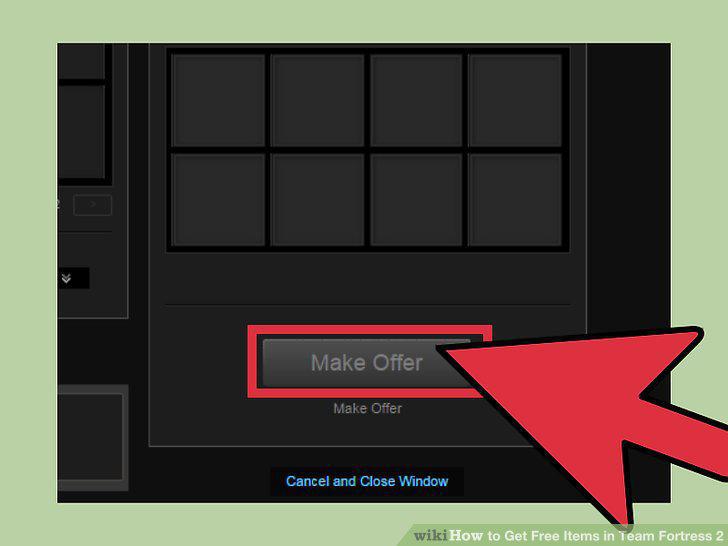
Offer the items up for trade.
Click "Make Trade" to complete the trade.
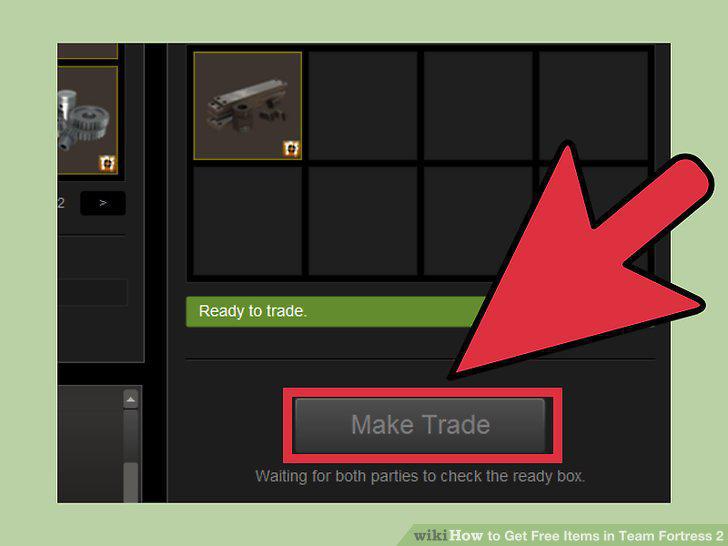
Click "Make Trade" to complete the trade.
Comments (0)
No comments yet. Be the first to share your thoughts!