How to File an ADA Claim for Web Site Accessibility Issues
Identify who owns the website.. Note why the website is inaccessible.. Print off relevant screens.
Steps
1
Identify who owns the website.

Identify who owns the website.
2
Note why the website is inaccessible.
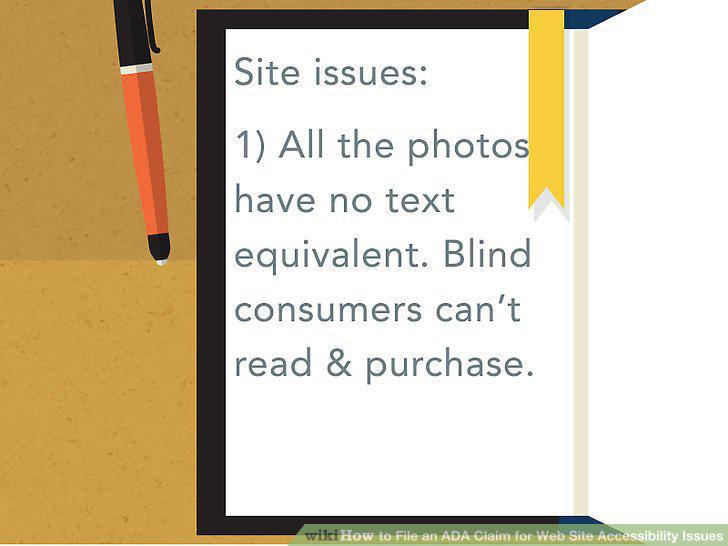
Note why the website is inaccessible.
3
Print off relevant screens.
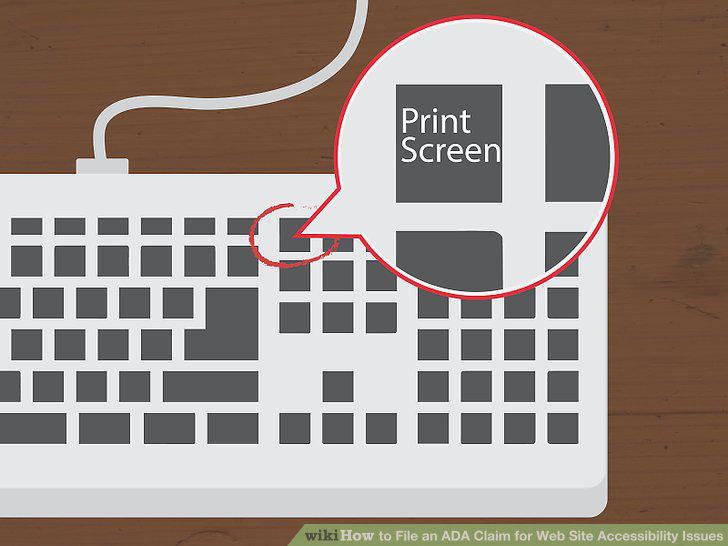
Print off relevant screens.
4
Write down the dates you tried to use the site.
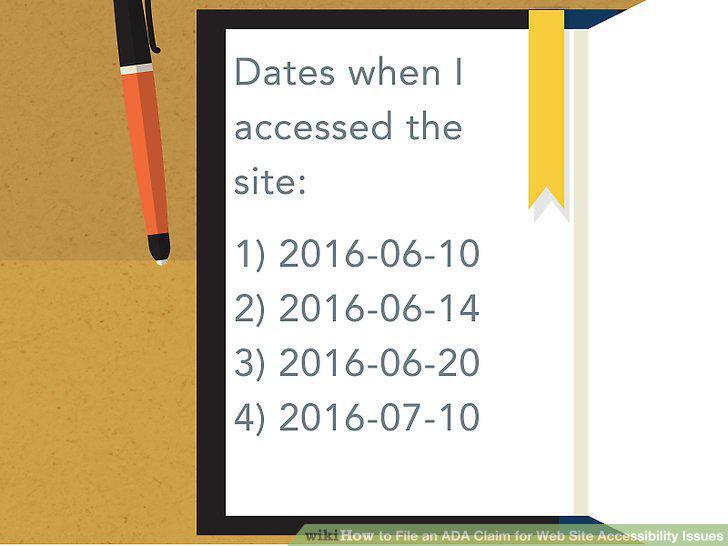
Write down the dates you tried to use the site.
5
Meet with an attorney.

Meet with an attorney.
6
Complete the online complaint form.
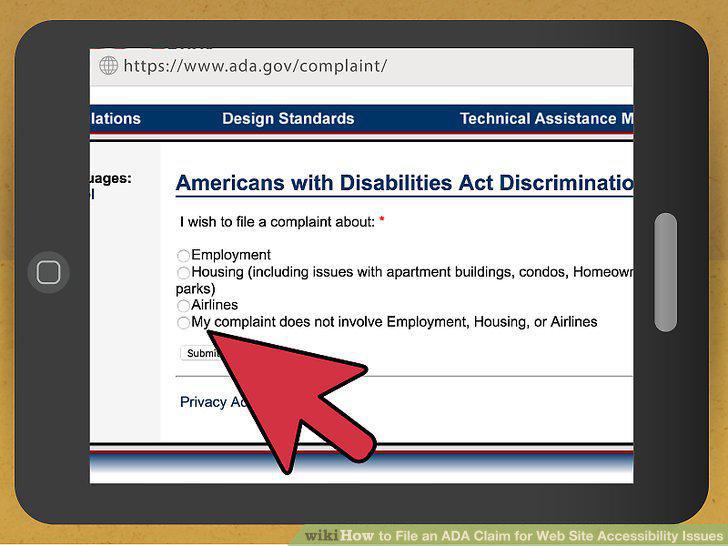
Complete the online complaint form.
7
Type up a complaint.
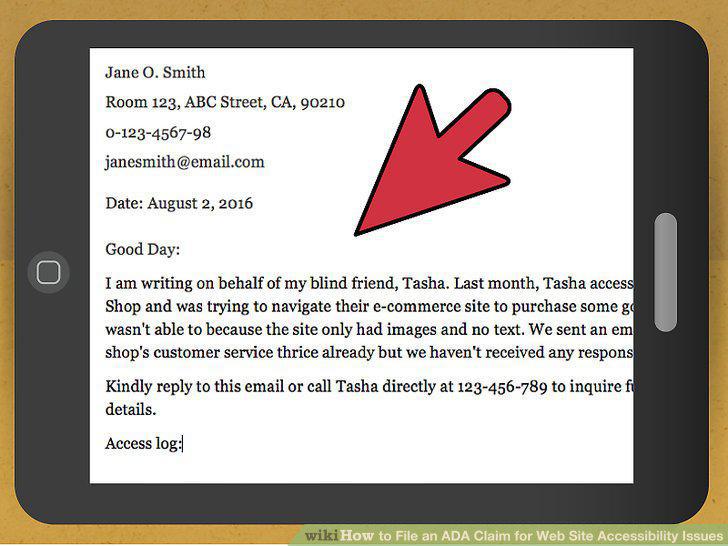
Type up a complaint.
8
Submit your written complaint.
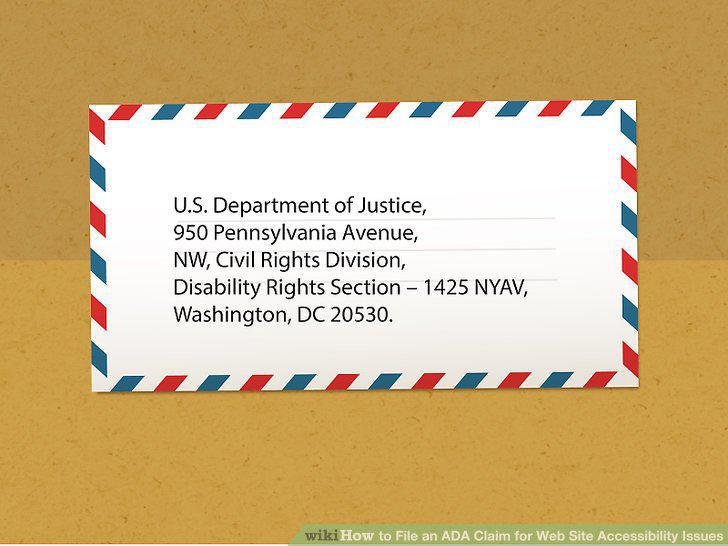
Submit your written complaint.
9
Submit a complaint by phone or videophone instead.
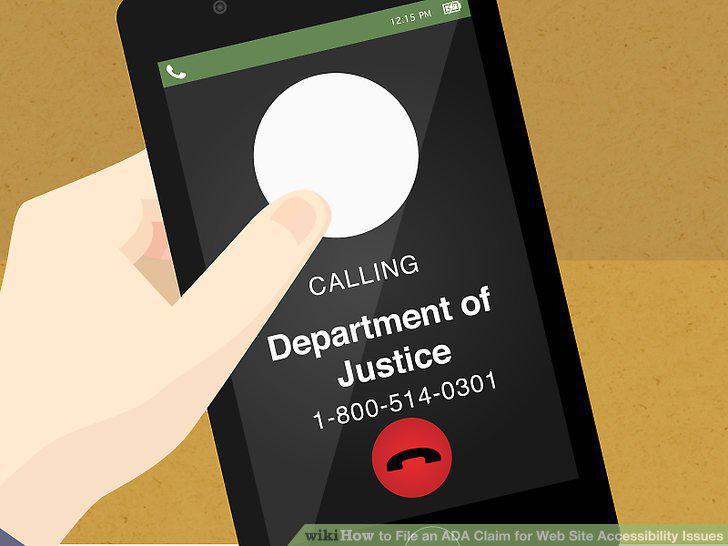
Submit a complaint by phone or videophone instead.
10
Wait to hear a response.
Wait to hear a response.
11
Check the status of your complaint.
Check the status of your complaint.
12
Participate in mediation.
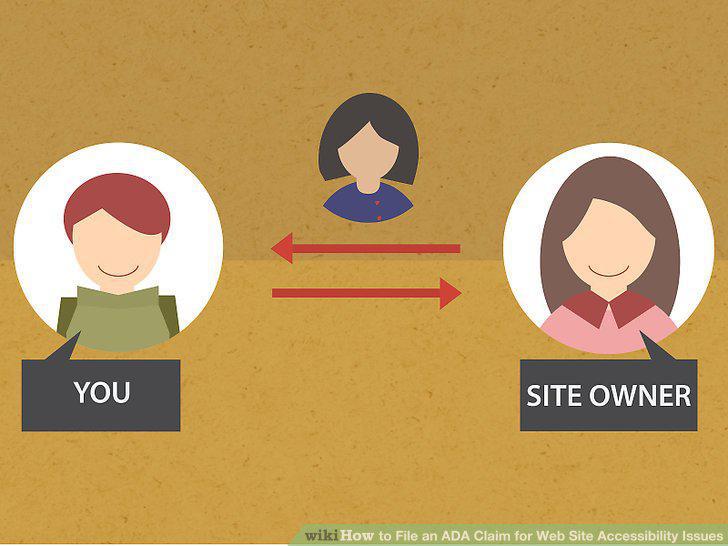
Participate in mediation.
13
Hire an attorney.

Hire an attorney.
14
Discuss whether you can sue.
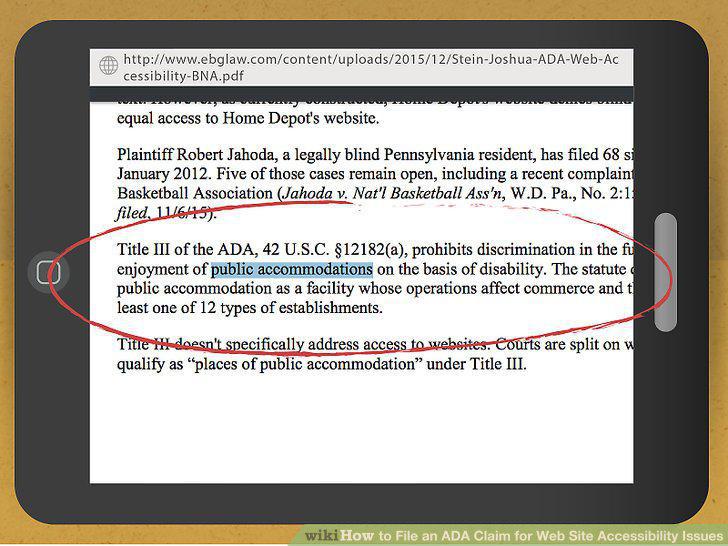
Discuss whether you can sue.
15
File a complaint in court.
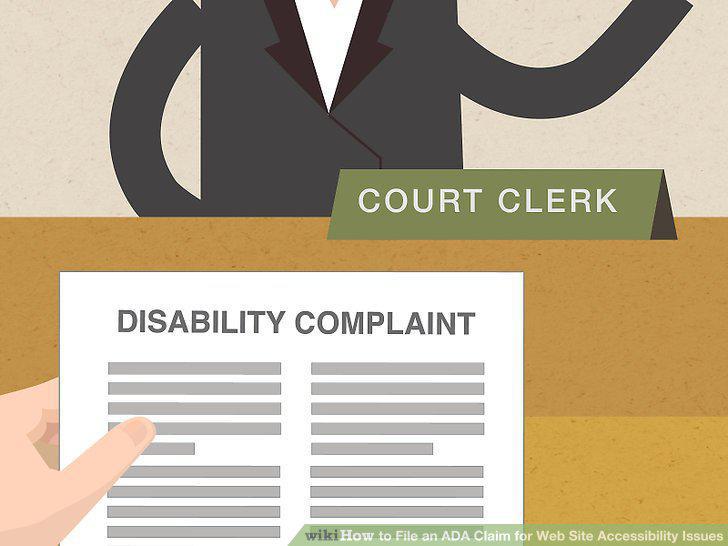
File a complaint in court.
16
Receive the defendant's response.
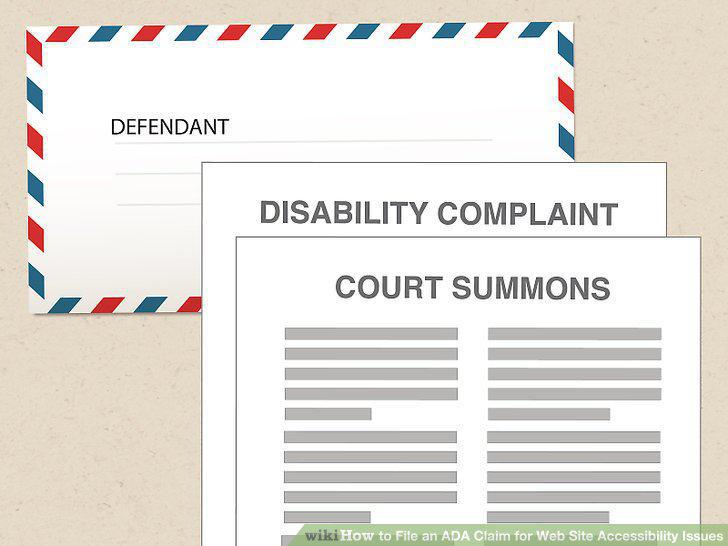
Receive the defendant's response.
17
Defend against a motion to dismiss.
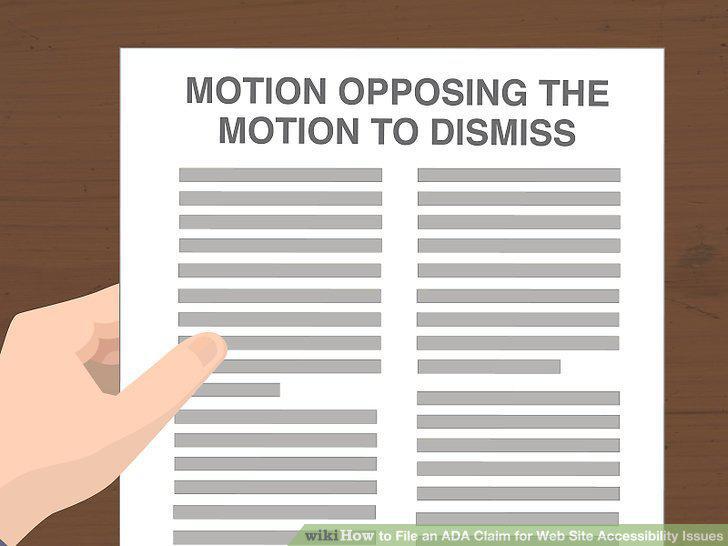
Defend against a motion to dismiss.
18
Participate in discovery.
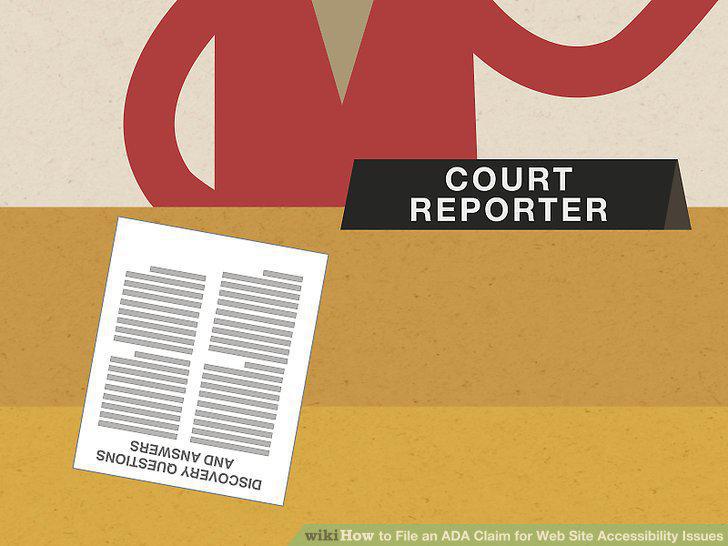
Participate in discovery.
19
Engage in settlement negotiations.
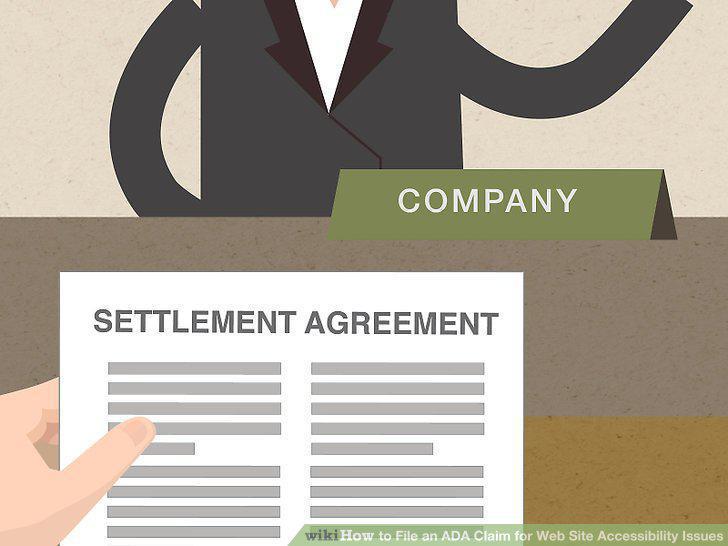
Engage in settlement negotiations.
20
Continue on with the lawsuit.
Continue on with the lawsuit.
Comments (0)
No comments yet. Be the first to share your thoughts!