How to Share a Prime Membership
Go to https://www.amazon.com/myh/households/.. Click Add Adult, Add a Teen or Add a Child.. Log in.
Steps
1
Go to https://www.amazon.com/myh/households/.
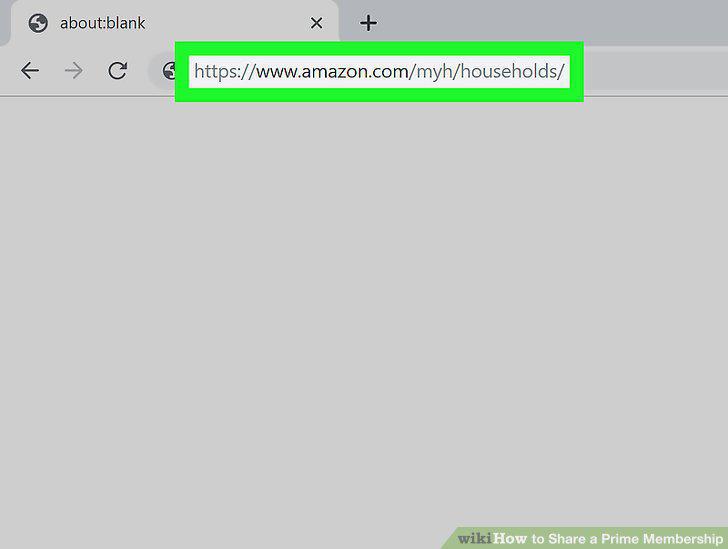
Go to https://www.amazon.com/myh/households/.
2
Click Add Adult, Add a Teen or Add a Child.
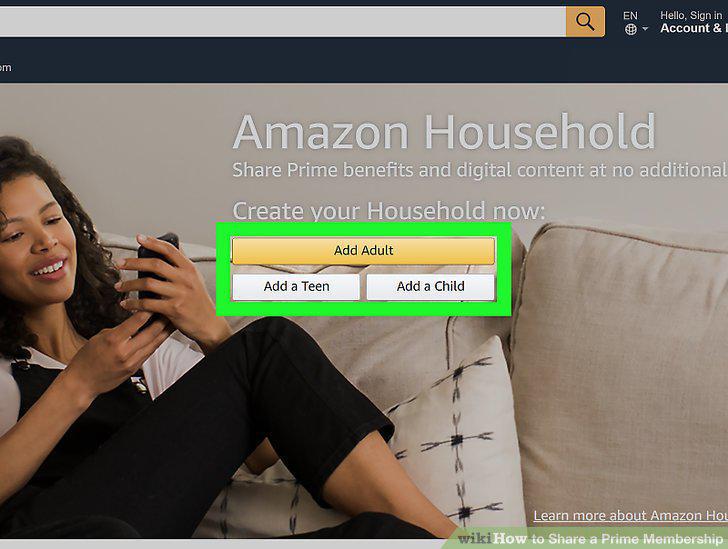
Click Add Adult, Add a Teen or Add a Child.
3
Log in.
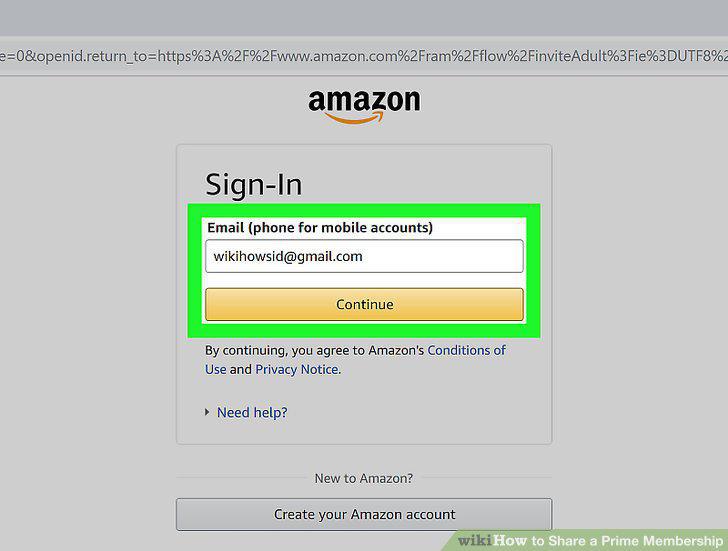
Log in.
4
Enter their name and email.
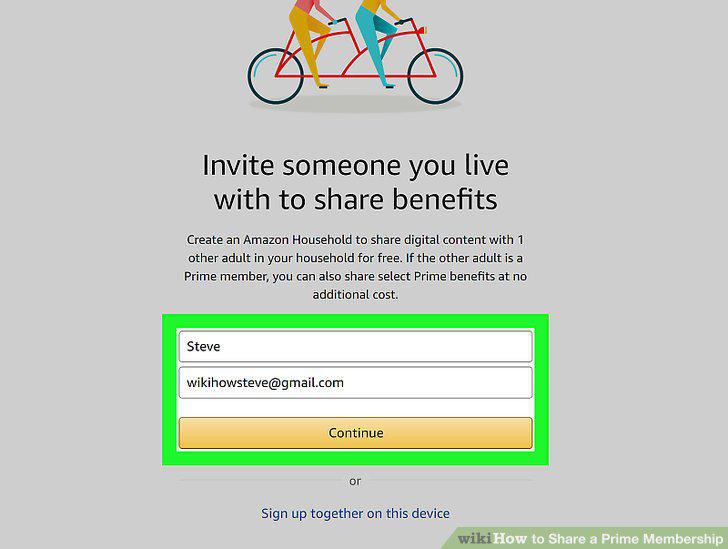
Enter their name and email.
5
Click to select the statement that starts with "We agree to share.
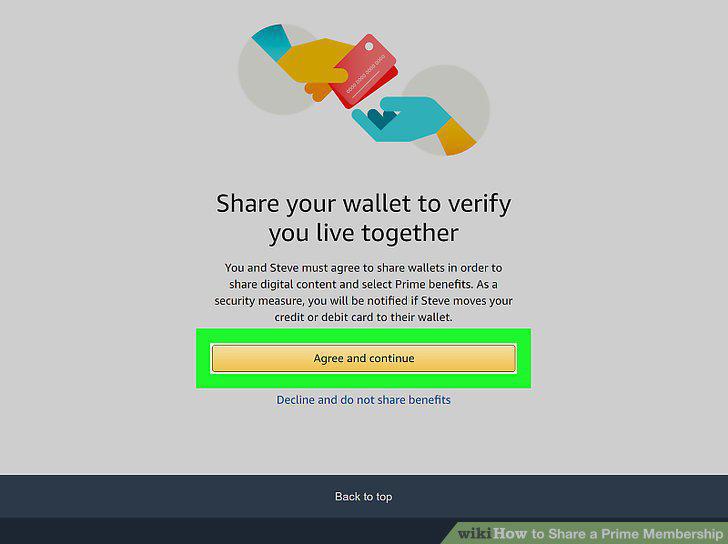
Click to select the statement that starts with "We agree to share.
6
Click Create Household.
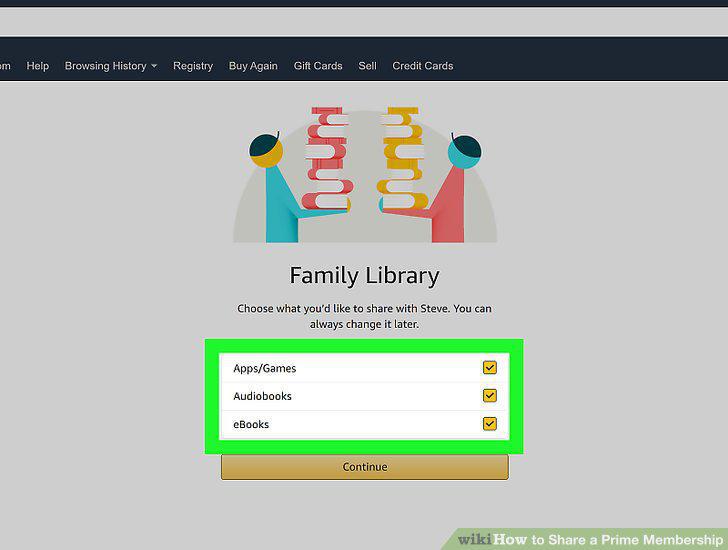
Click Create Household.
7
Click Next.
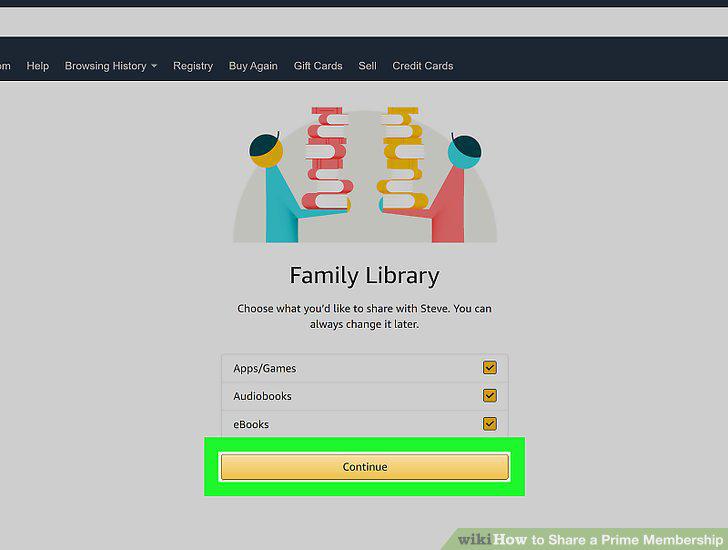
Click Next.
Comments (0)
No comments yet. Be the first to share your thoughts!