How to Refund a Game on Steam
Go to "Steam Help.. Specify you need help with a purchase.. Select the game you want to refund.
Steps
1
Go to "Steam Help.
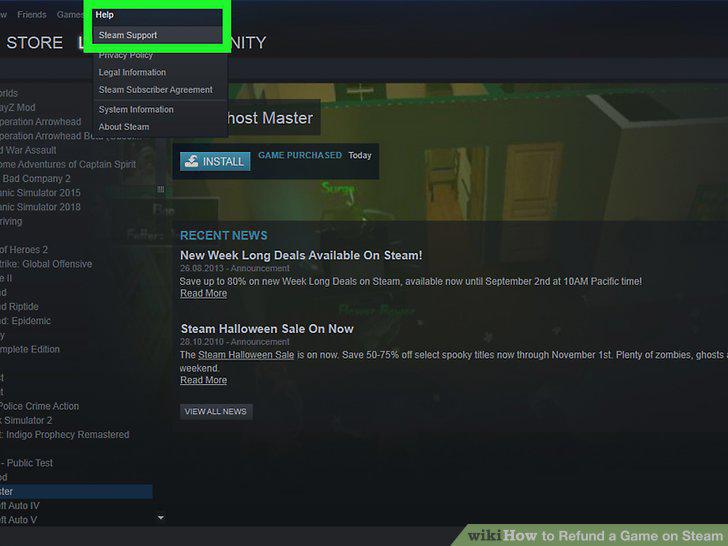
Go to "Steam Help.
2
Specify you need help with a purchase.
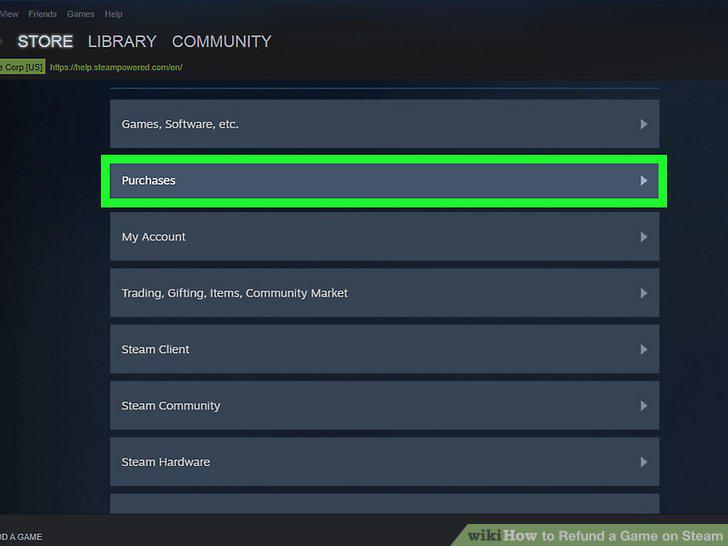
Specify you need help with a purchase.
3
Select the game you want to refund.
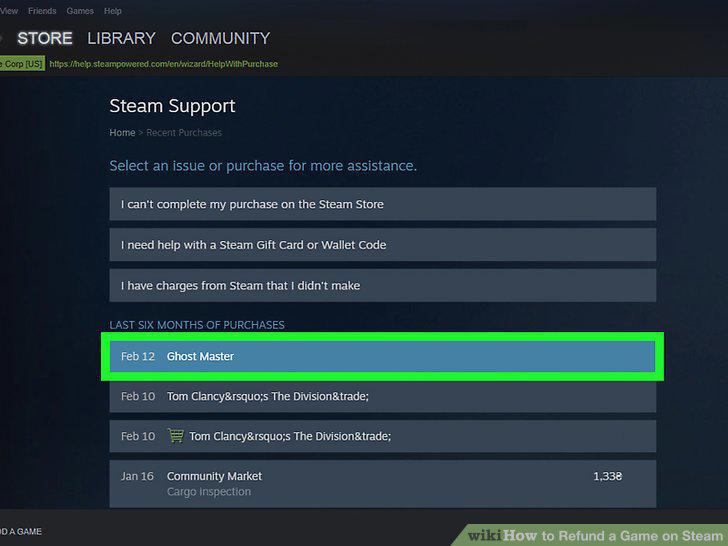
Select the game you want to refund.
4
Explain the problem.
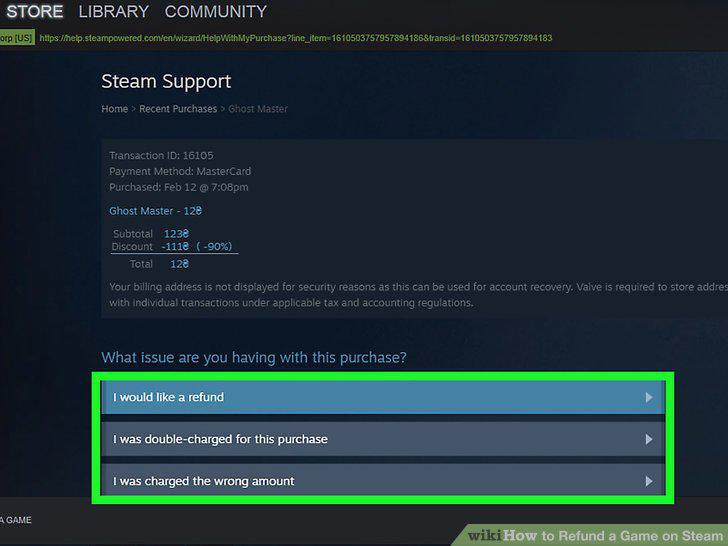
Explain the problem.
5
Request a refund.
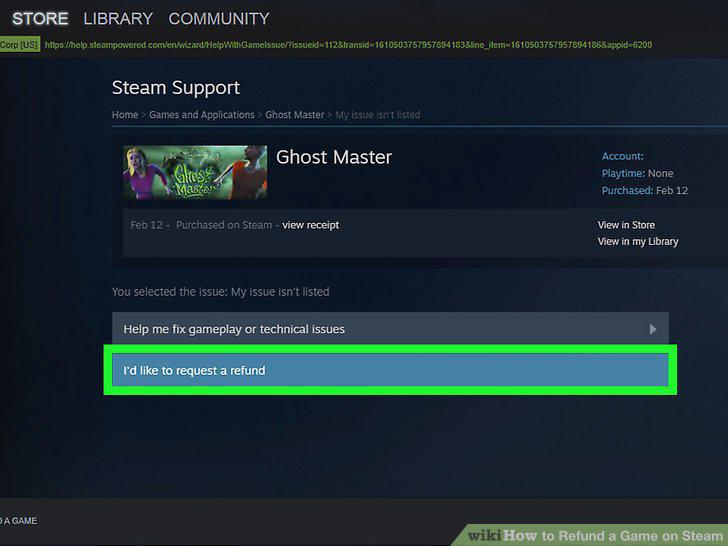
Request a refund.
6
Check your e-mail for a confirmation.
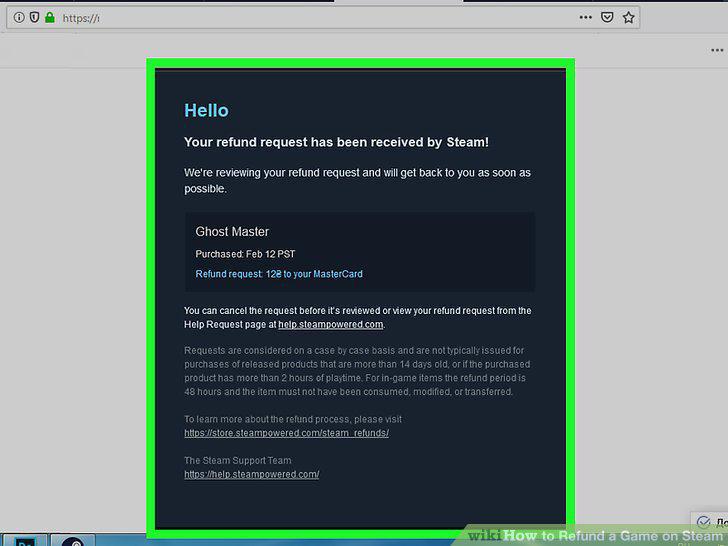
Check your e-mail for a confirmation.
7
Wait a week to hear back about your refund.
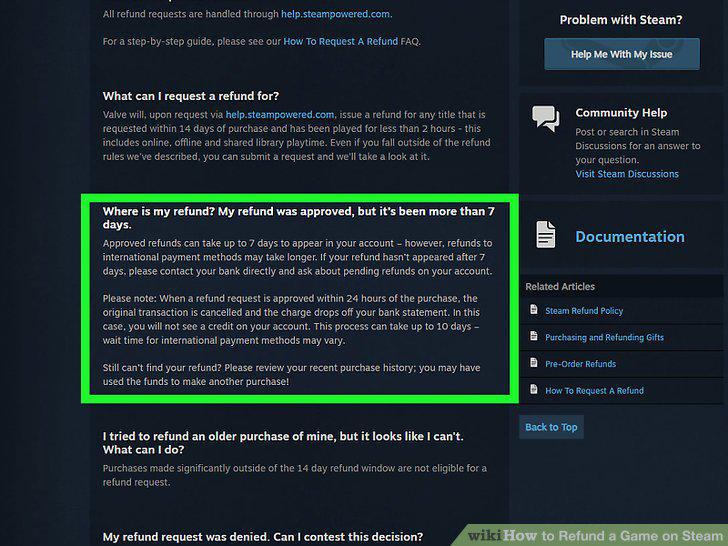
Wait a week to hear back about your refund.
8
Check your bank account to make sure the money was refunded.
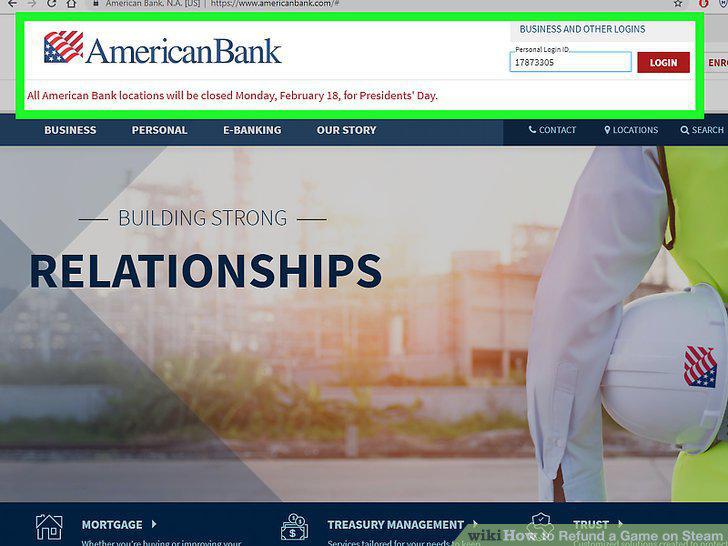
Check your bank account to make sure the money was refunded.
9
Make sure to ask for refund within 14 days of purchases.
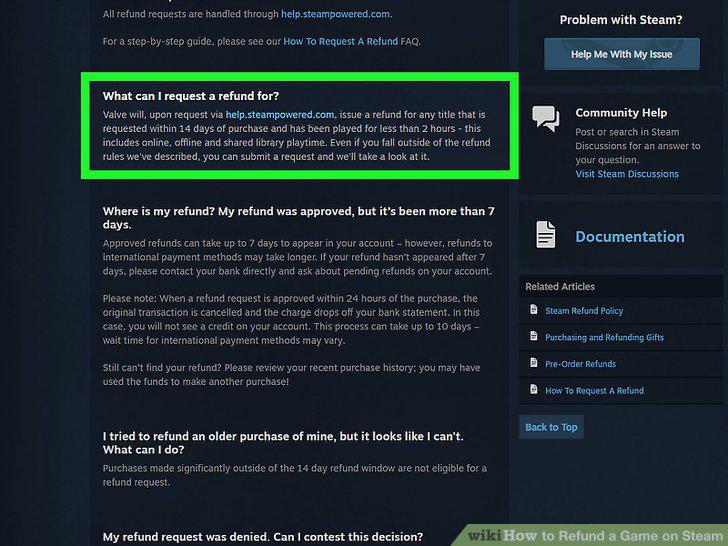
Make sure to ask for refund within 14 days of purchases.
10
Do not request too many refunds.
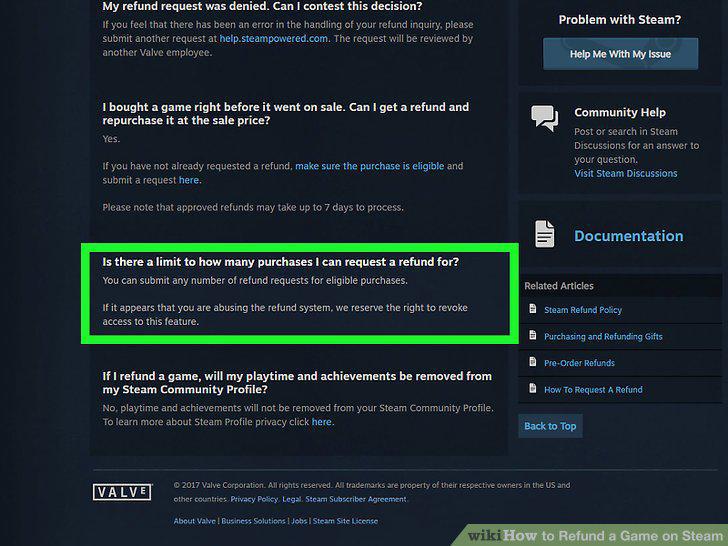
Do not request too many refunds.
11
Follow regulations regarding refunding gifts.
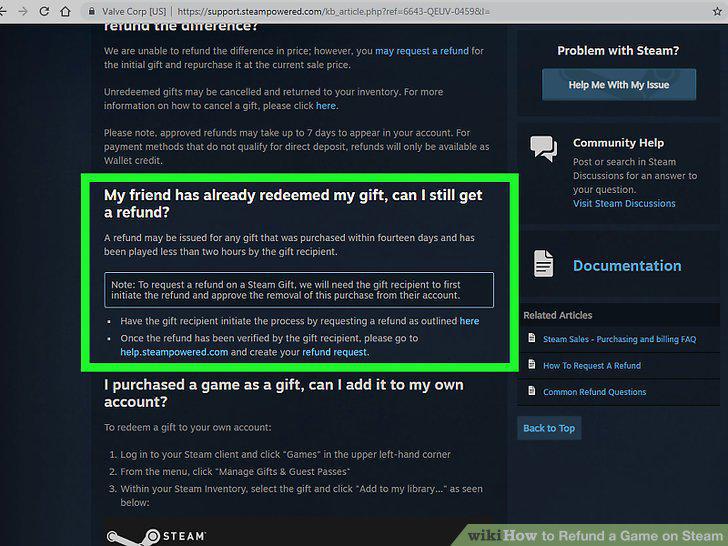
Follow regulations regarding refunding gifts.
12
Request an appeal for a refund.
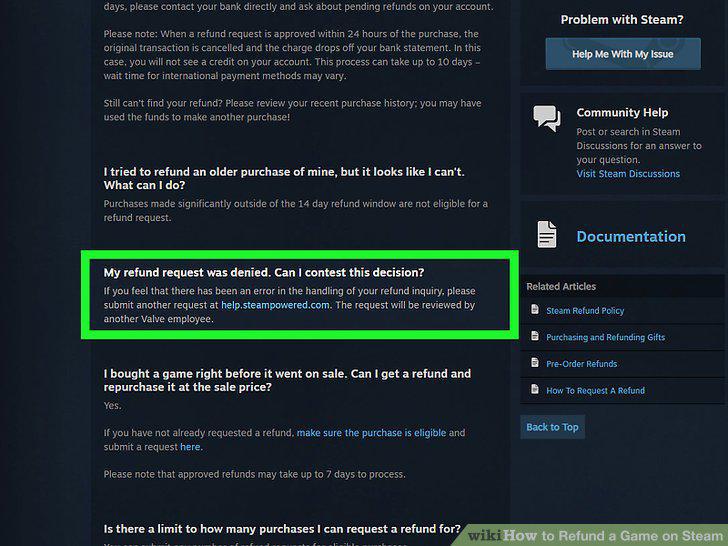
Request an appeal for a refund.
Comments (0)
No comments yet. Be the first to share your thoughts!