How to Attribute a Creative Commons Licensed Work
Look for a copyright notice.. Look for a note from the creator.. Check the creator's profile if there's no note.
Steps
Look for a copyright notice.
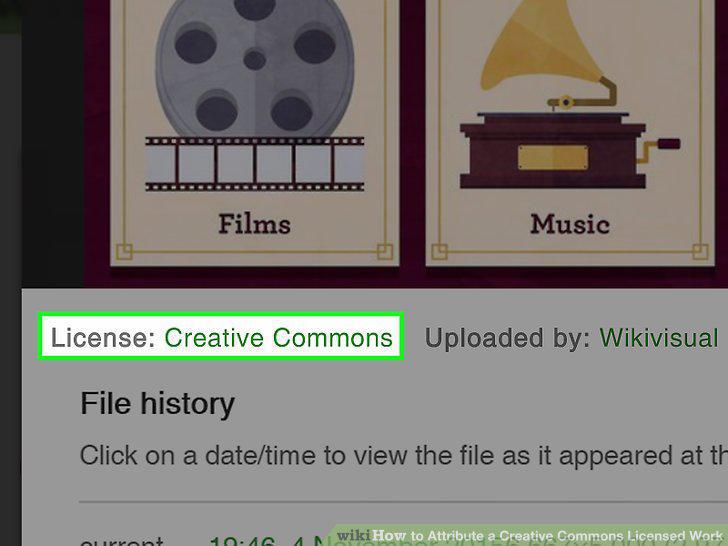
Look for a copyright notice.
Look for a note from the creator.
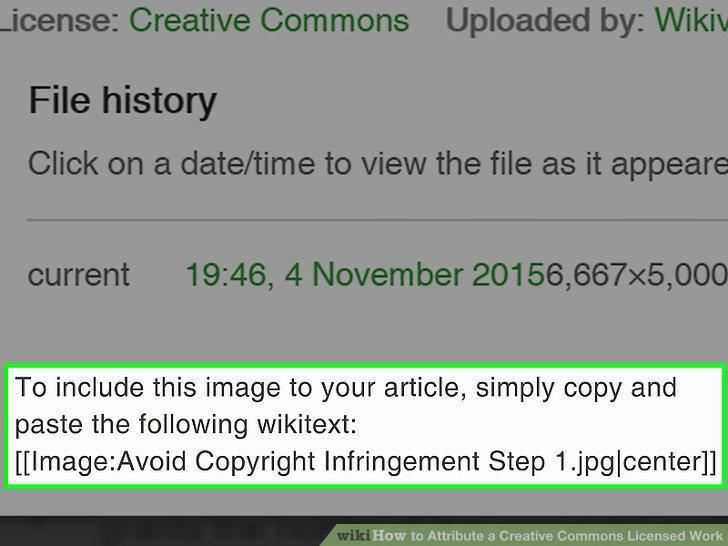
Look for a note from the creator.
Check the creator's profile if there's no note.
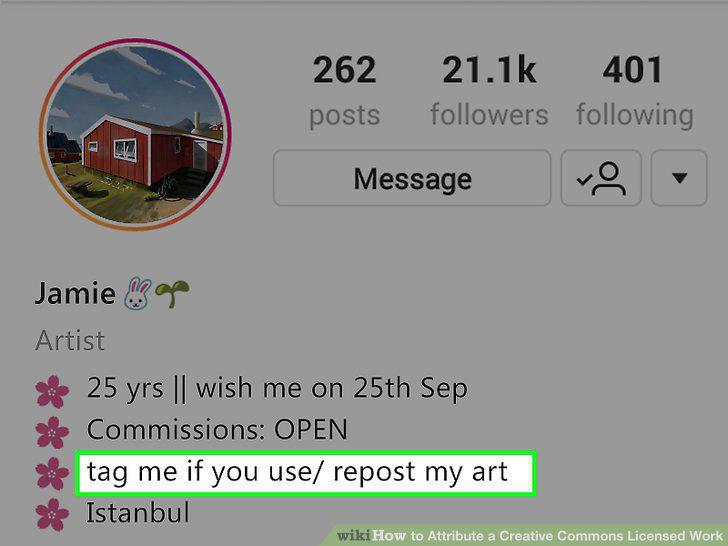
Check the creator's profile if there's no note.
Locate the Creative Commons symbols on or near the work.
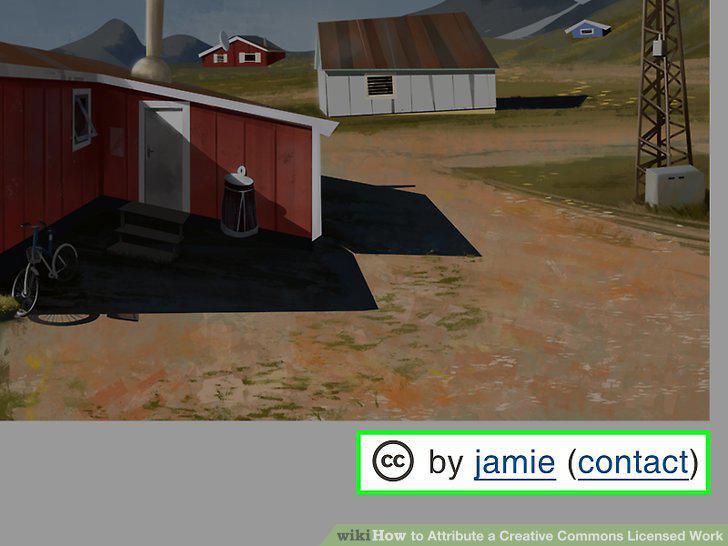
Locate the Creative Commons symbols on or near the work.
Determine how the license affects your use of the work.
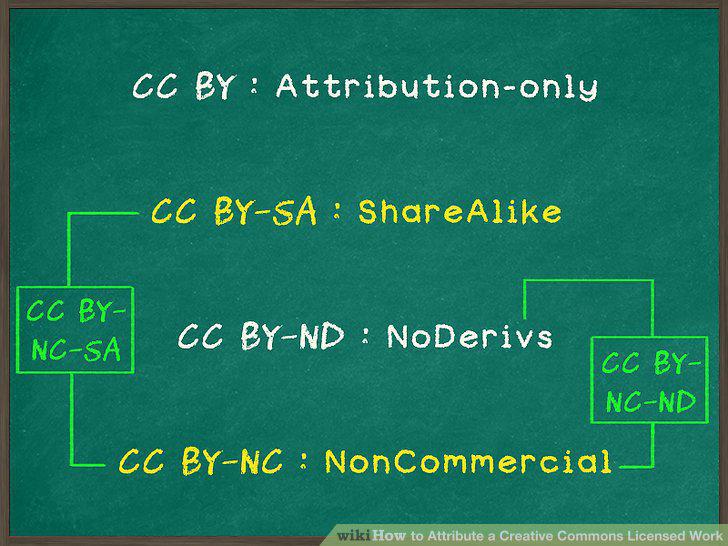
Determine how the license affects your use of the work.
Contact the creator if you have any questions.
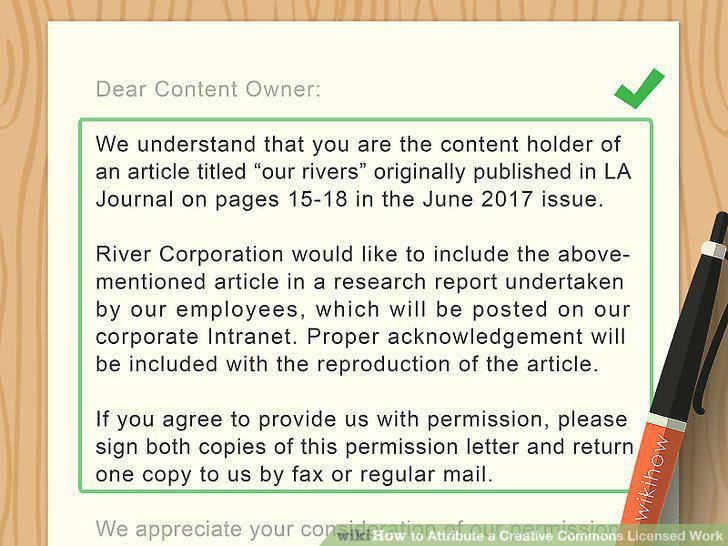
Contact the creator if you have any questions.
Start with the full title of the work.
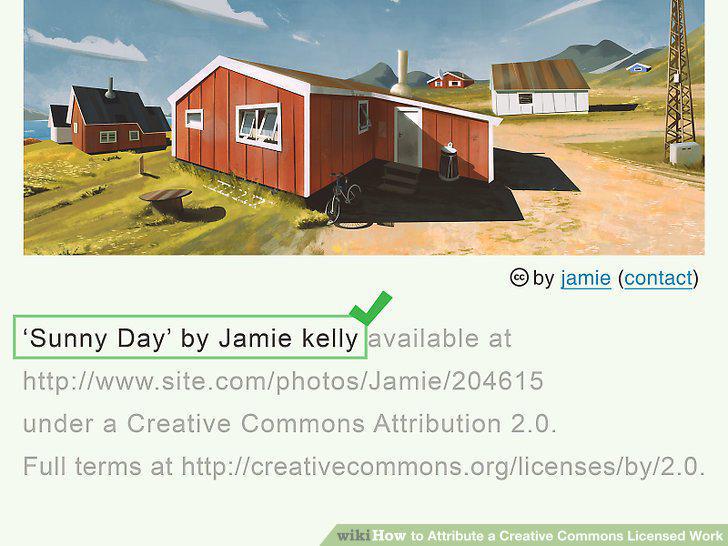
Start with the full title of the work.
Keep any copyright notice intact.
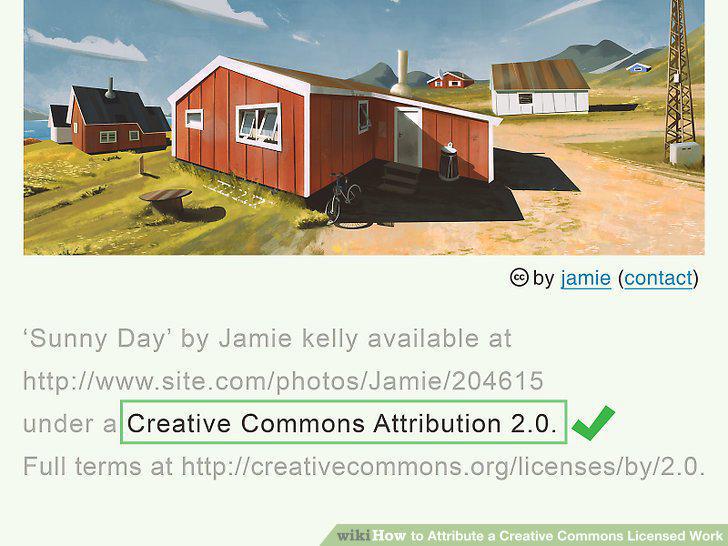
Keep any copyright notice intact.
Add the appropriate CC abbreviations.
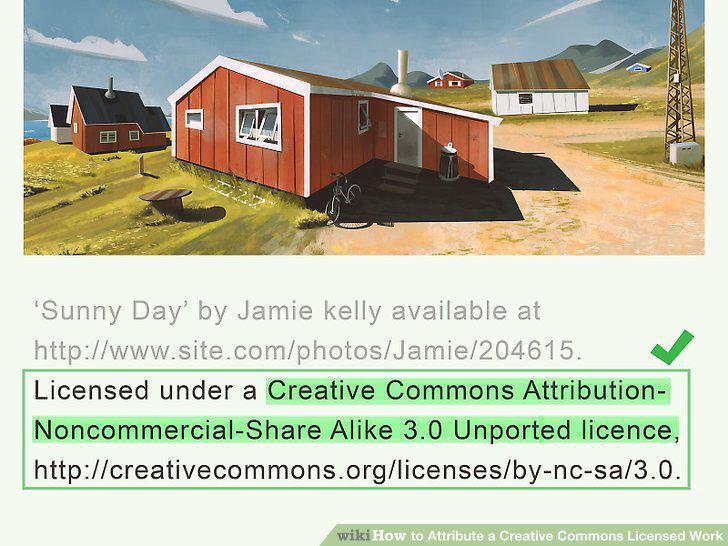
Add the appropriate CC abbreviations.
Link back to the original work.
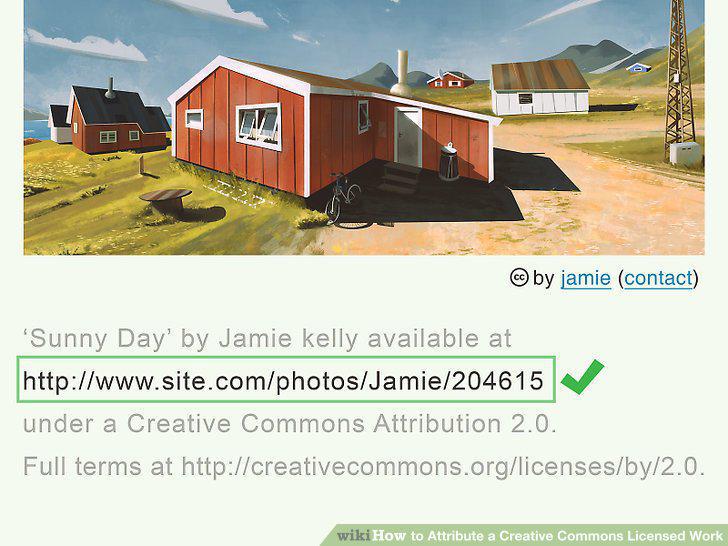
Link back to the original work.
Note any alterations you made to the original.
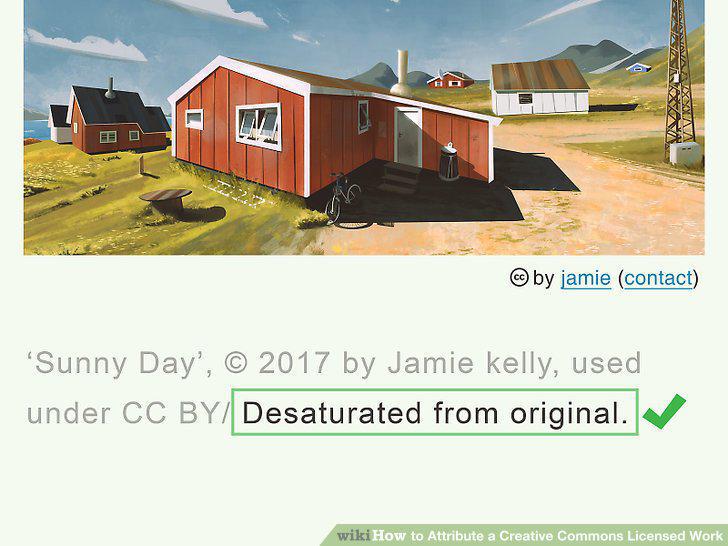
Note any alterations you made to the original.
Use the Creative Commons license builder to format your attribution.
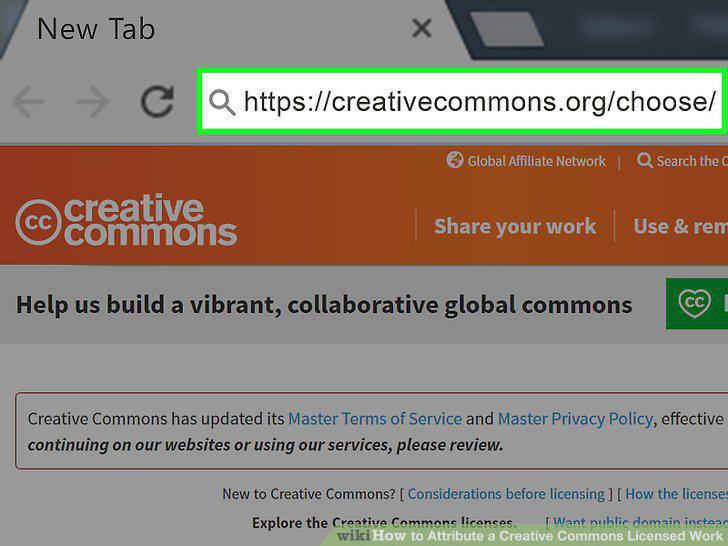
Use the Creative Commons license builder to format your attribution.
Visit the CC license chooser.
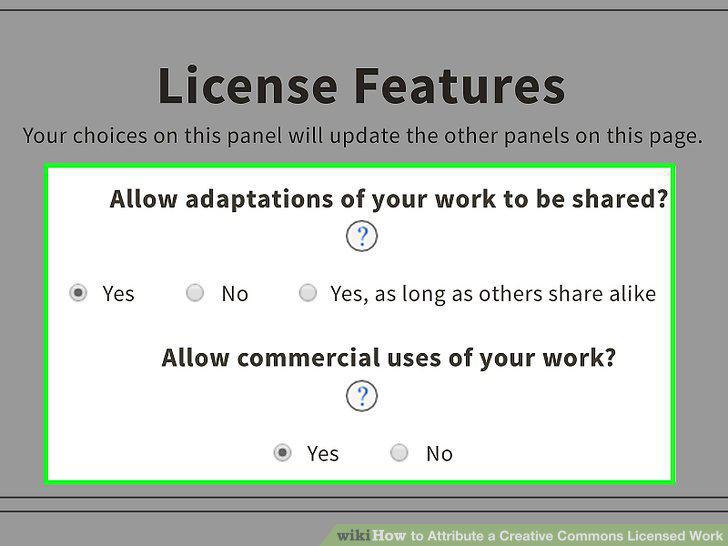
Visit the CC license chooser.
Provide information about your work.
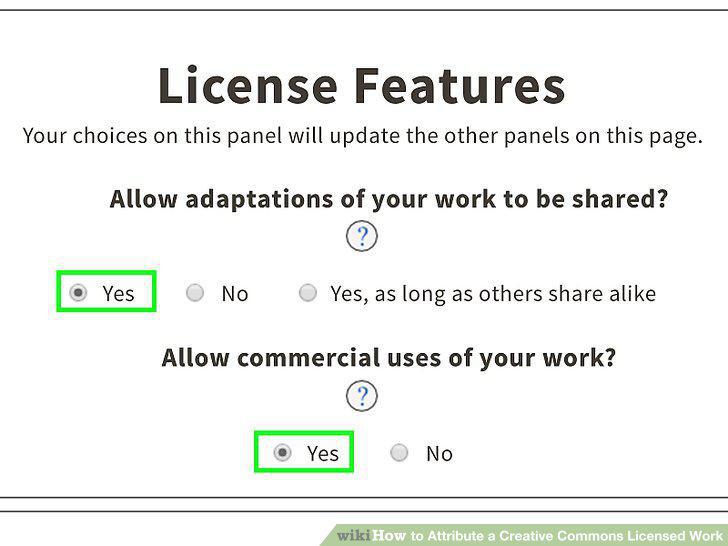
Provide information about your work.
Copy and paste the HTML code to your website.
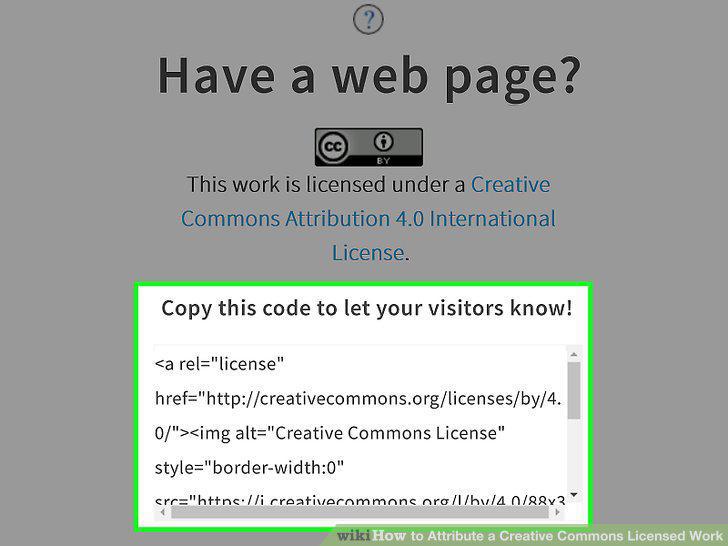
Copy and paste the HTML code to your website.
Edit the description if necessary.
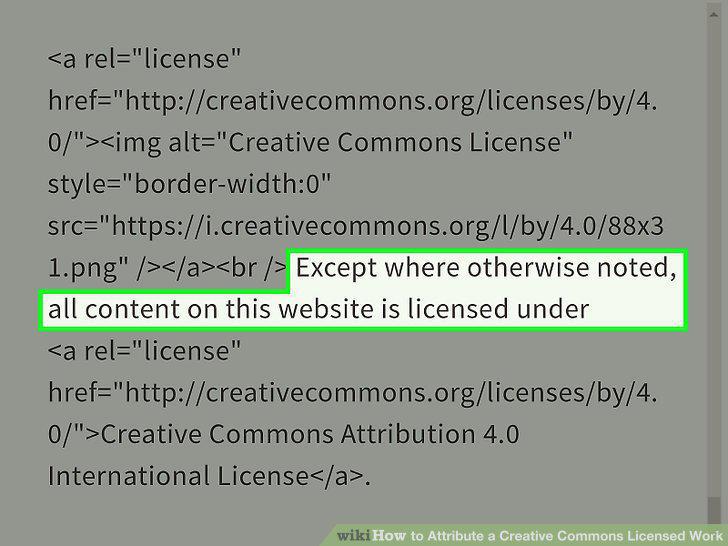
Edit the description if necessary.
Comments (0)
No comments yet. Be the first to share your thoughts!