How to Call Another Alexa
Open the Alexa app.. Tap on the Communicate icon.. Confirm your name.
Steps
1
Open the Alexa app.
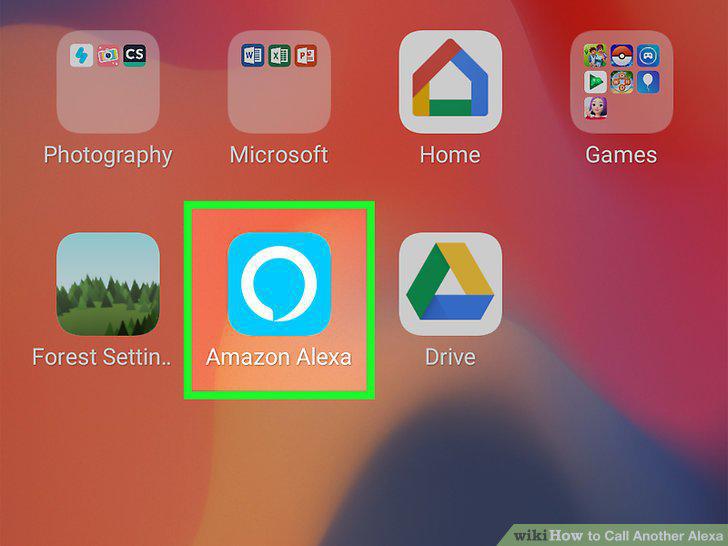
Open the Alexa app.
2
Tap on the Communicate icon.
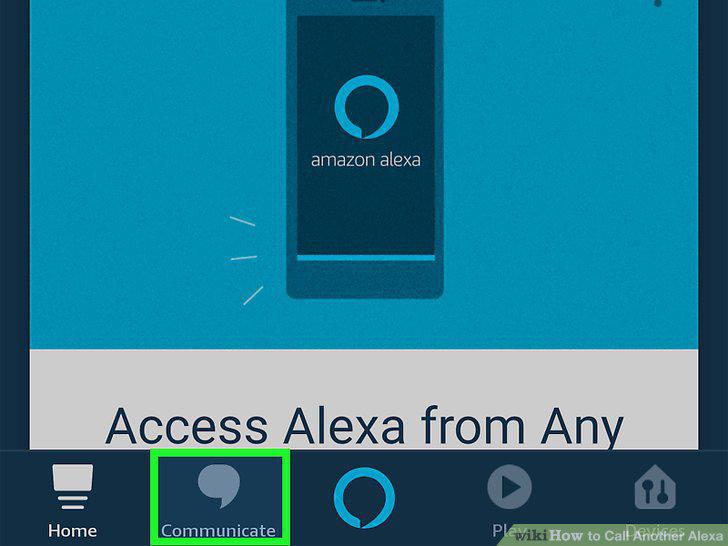
Tap on the Communicate icon.
3
Confirm your name.
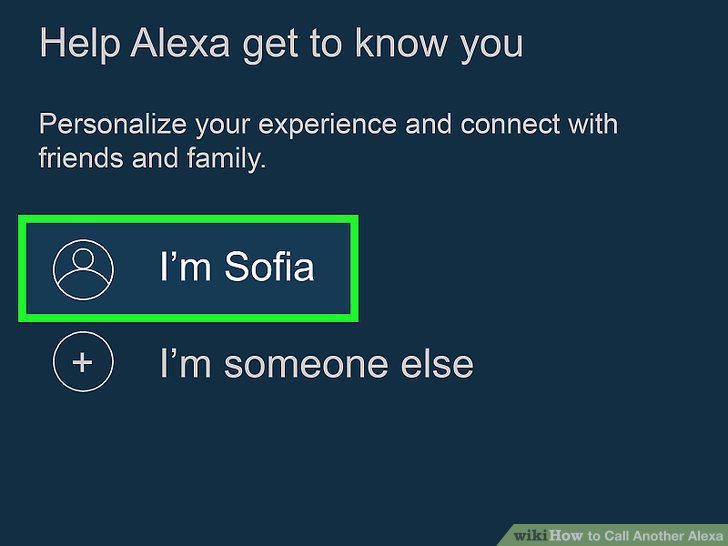
Confirm your name.
4
Allow access to your contacts.
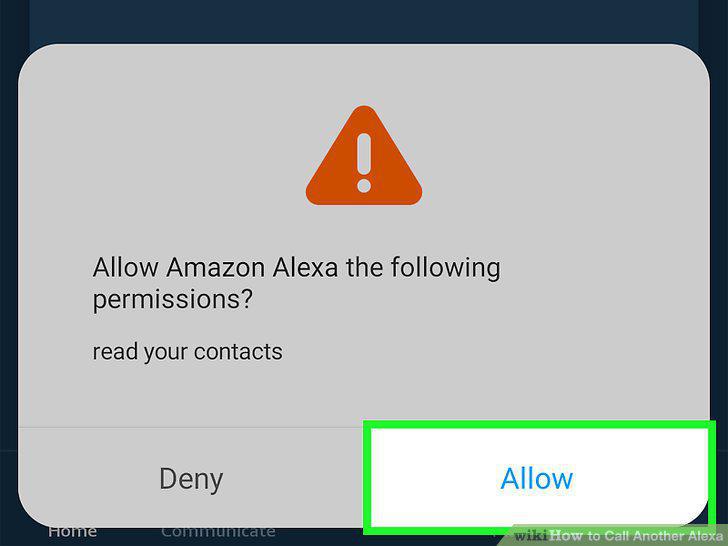
Allow access to your contacts.
5
Verify your phone number.
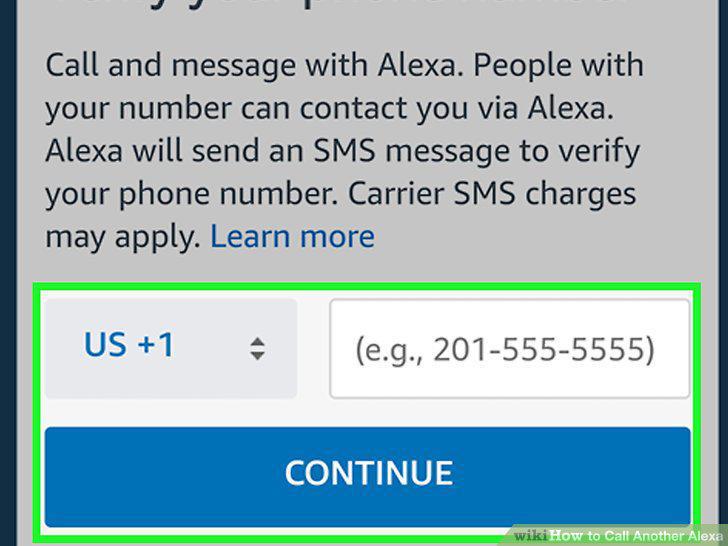
Verify your phone number.
6
Wake up your Alexa by saying "Alexa".
Wake up your Alexa by saying "Alexa".
7
Say "Alexa, call [name of contact]" to start a call.
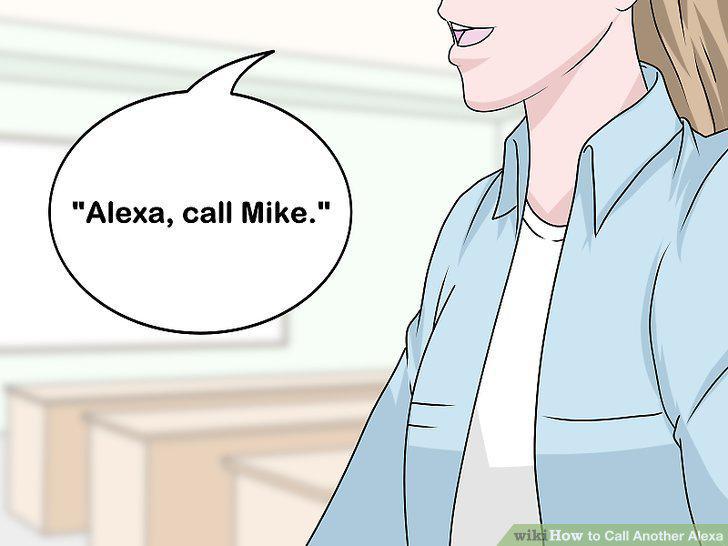
Say "Alexa, call [name of contact]" to start a call.
8
Say "Alexa, send [name of contact] a message" to send a message.
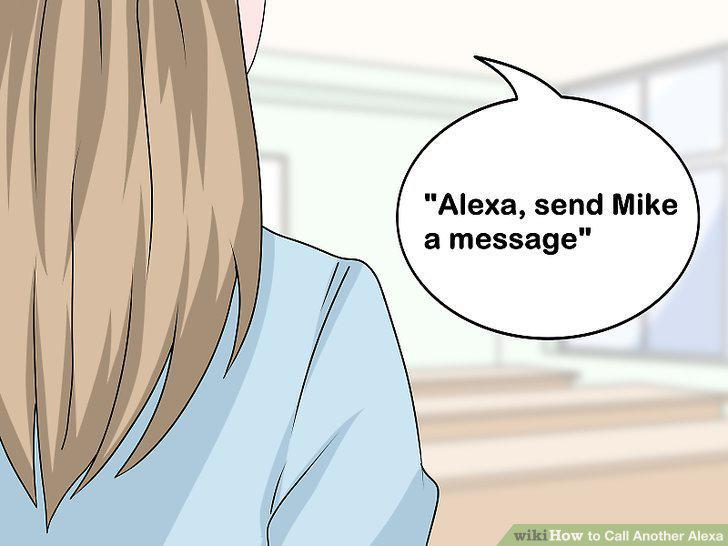
Say "Alexa, send [name of contact] a message" to send a message.
9
Open the Alexa app.
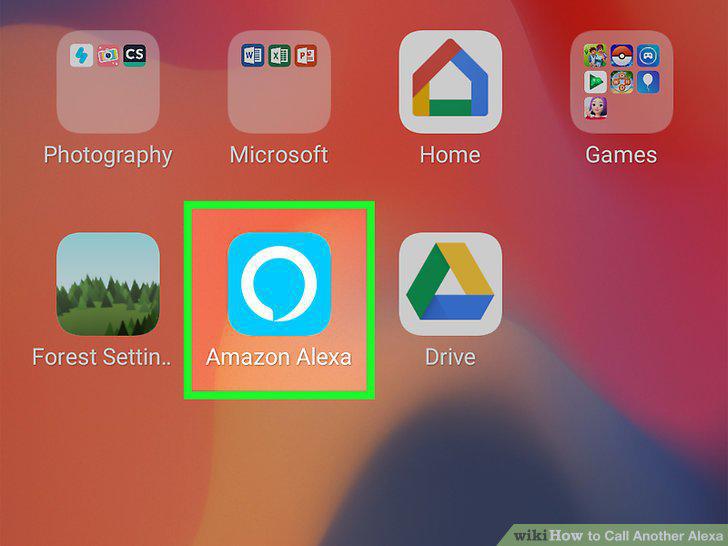
Open the Alexa app.
10
Tap on the Communicate icon.
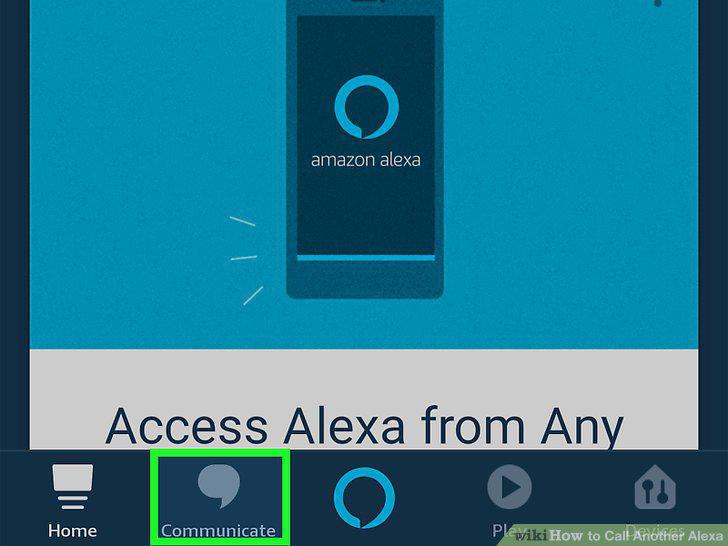
Tap on the Communicate icon.
11
Tap on the person icon.
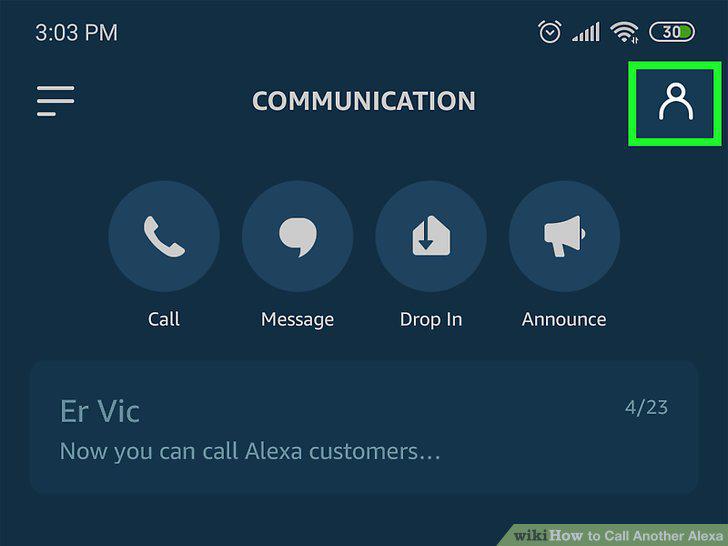
Tap on the person icon.
12
Select a contact.
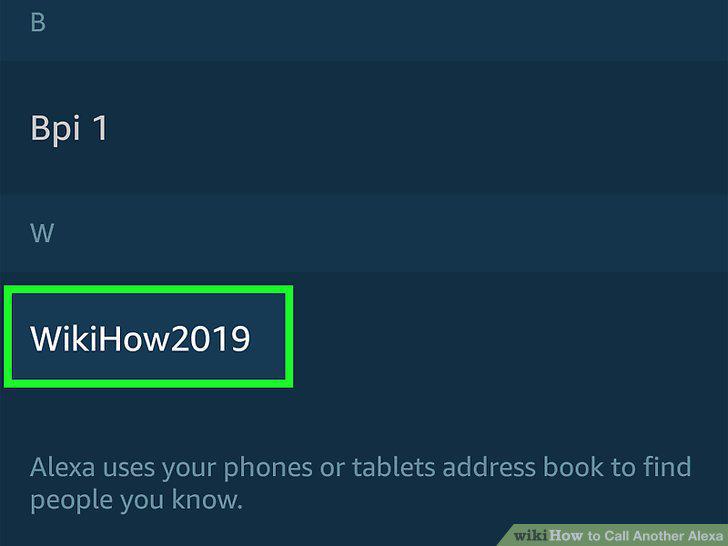
Select a contact.
13
Check for Alexa Calling & Messaging below their name.
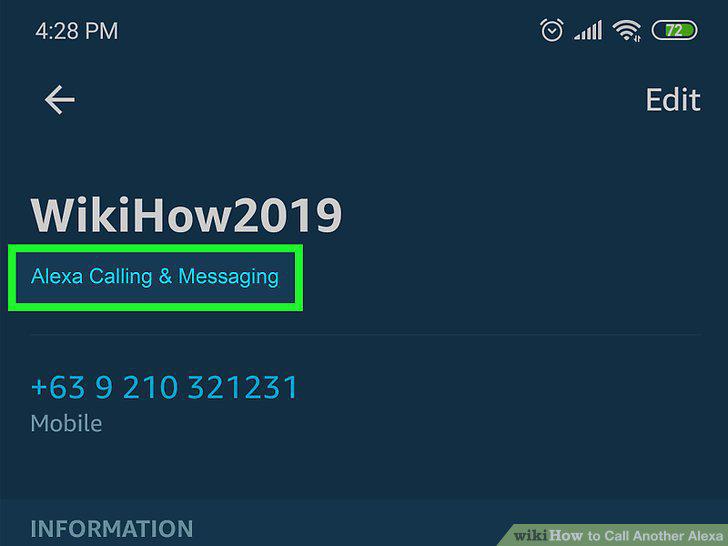
Check for Alexa Calling & Messaging below their name.
Comments (0)
No comments yet. Be the first to share your thoughts!