How to Connect Instagram to a Facebook Business Page on iPhone or iPad
Open Instagram.. Tap your profile image or .. Tap the gear icon.
Steps
1
Open Instagram.
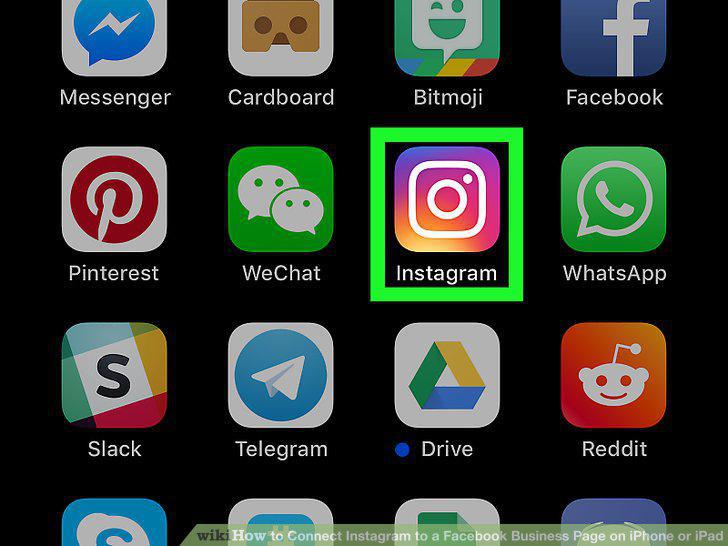
Open Instagram.
2
Tap your profile image or .

Tap your profile image or .
3
Tap the gear icon.
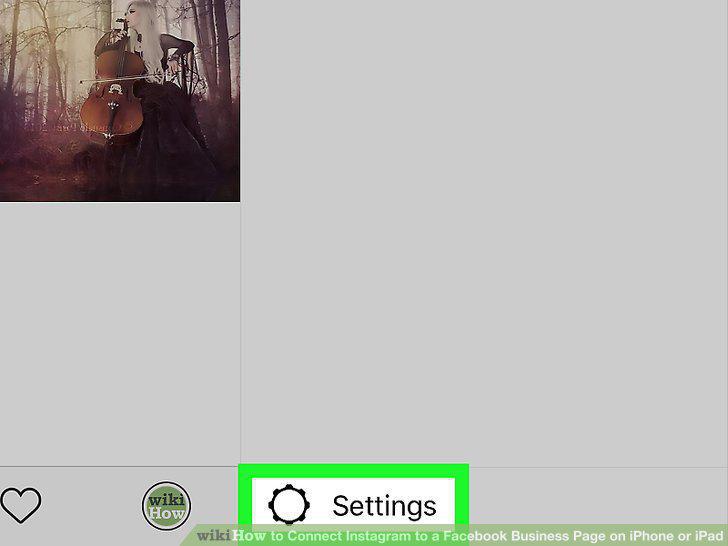
Tap the gear icon.
4
Scroll down and tap Linked Accounts.
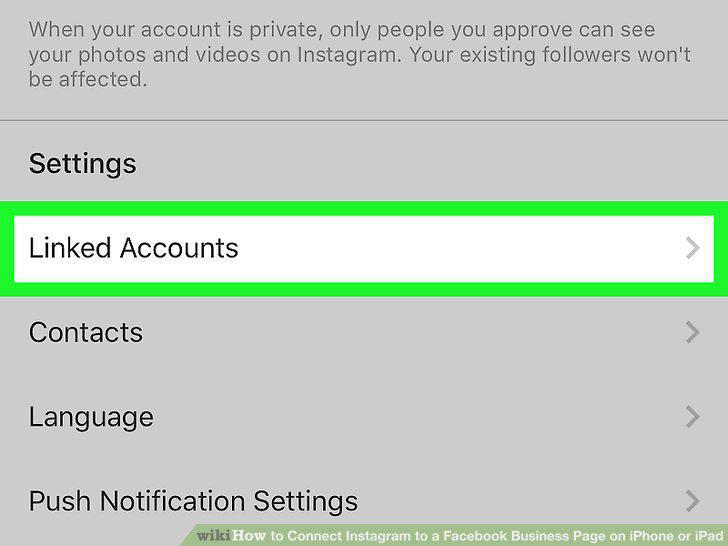
Scroll down and tap Linked Accounts.
5
Tap Facebook.
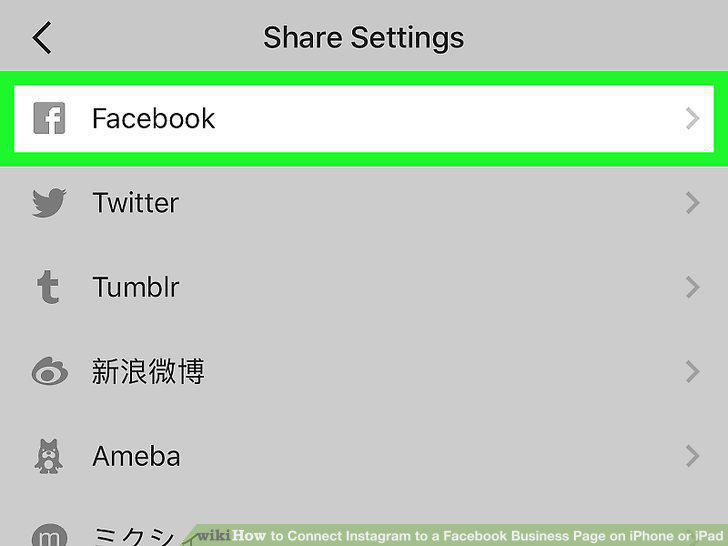
Tap Facebook.
6
Tap Continue.
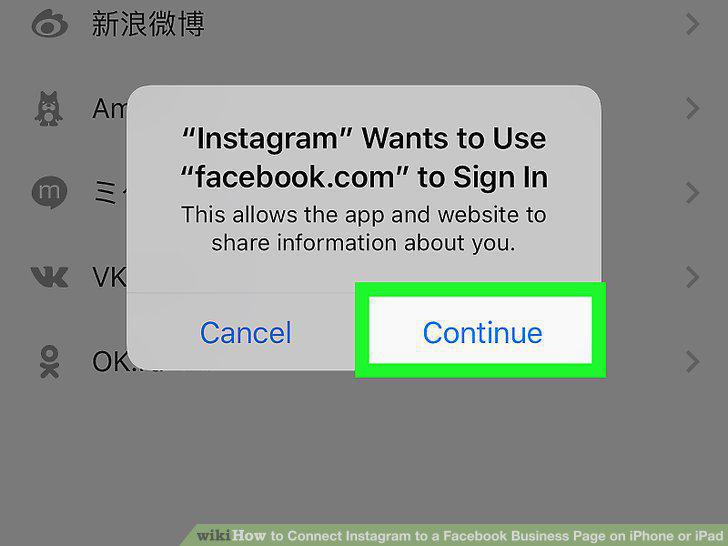
Tap Continue.
7
Log in to your Facebook account.
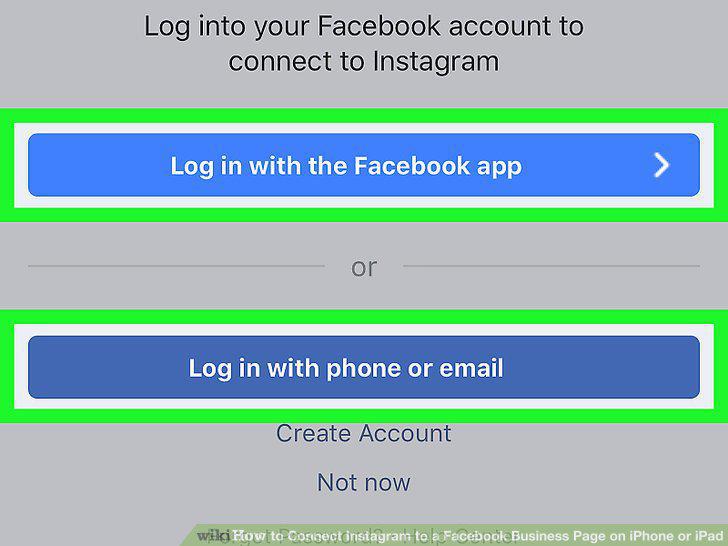
Log in to your Facebook account.
8
Tap Facebook again.
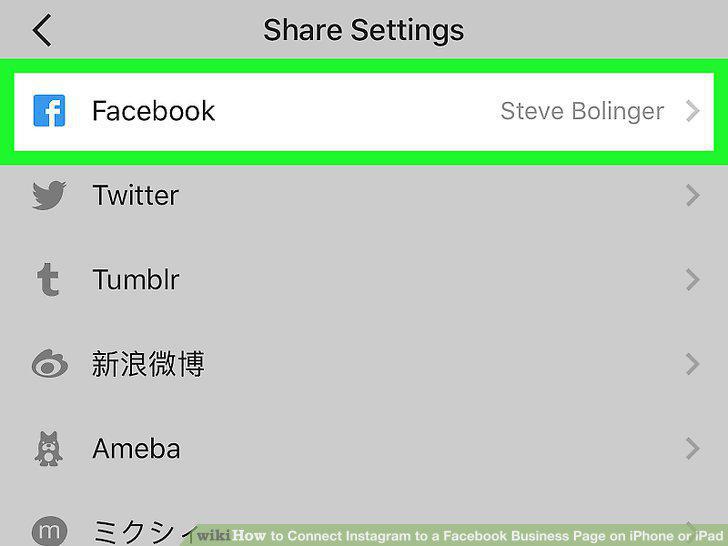
Tap Facebook again.
9
Tap Share to.
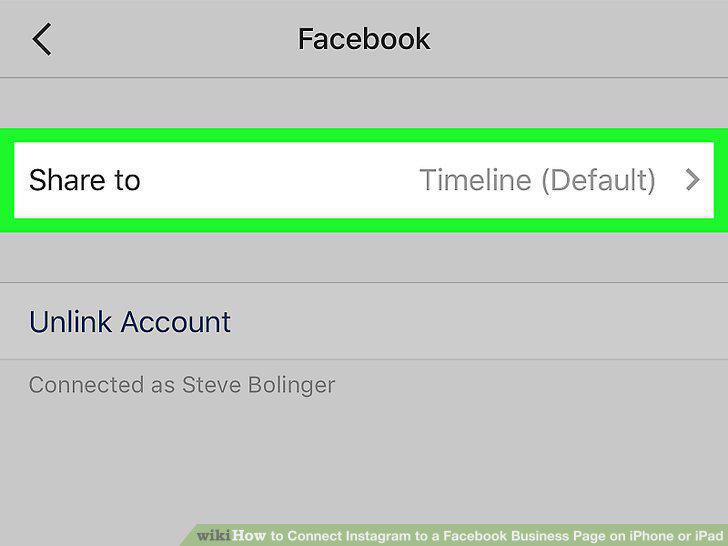
Tap Share to.
10
Tap the business page you want to connect to your Instagram account.
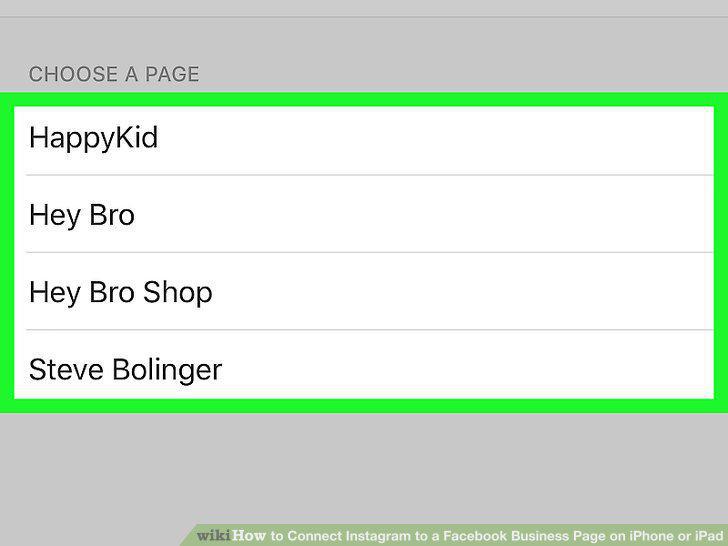
Tap the business page you want to connect to your Instagram account.
Comments (0)
No comments yet. Be the first to share your thoughts!