How to Get a Refund on Airbnb
Review the host's cancellation policy on the listing.. Click or tap Trips.. Select the reservation you want to cancel.
Steps
Review the host's cancellation policy on the listing.
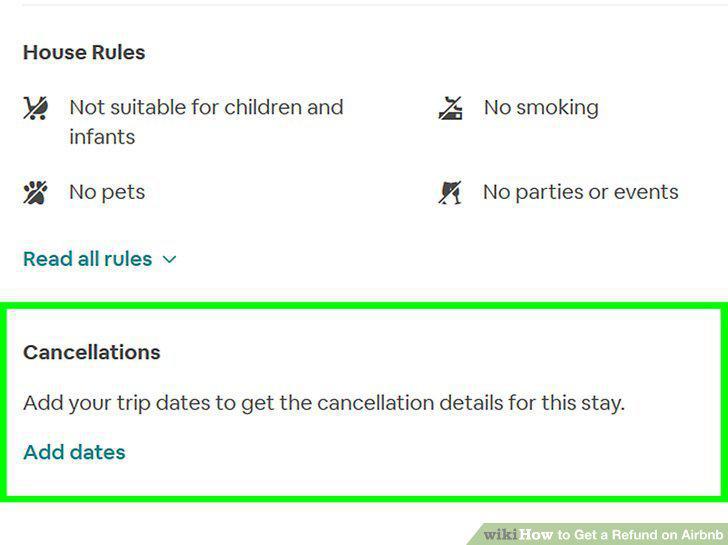
Review the host's cancellation policy on the listing.
Click or tap Trips.
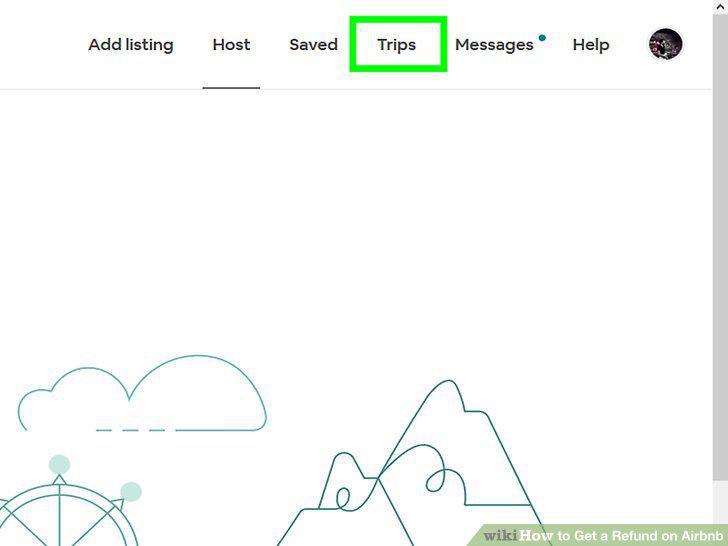
Click or tap Trips.
Select the reservation you want to cancel.
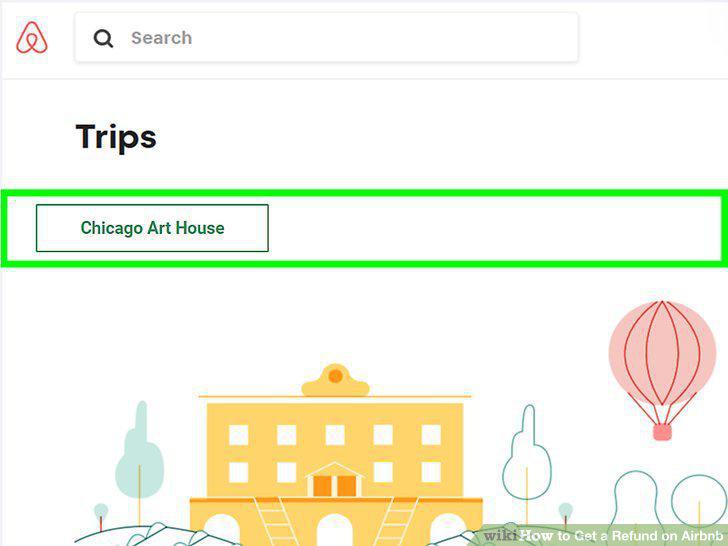
Select the reservation you want to cancel.
Scroll down and select Cancel Reservation.
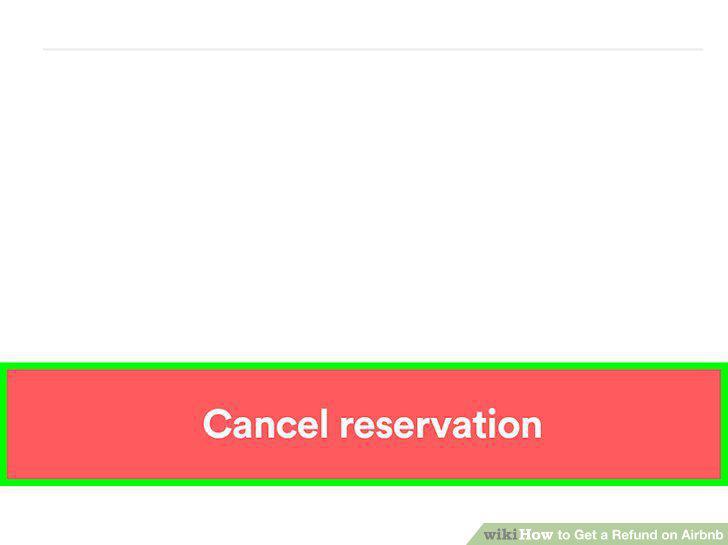
Scroll down and select Cancel Reservation.
Follow the on-screen instructions to submit your cancellation.
Follow the on-screen instructions to submit your cancellation.
Request a bigger refund through the Resolution Center (optional).
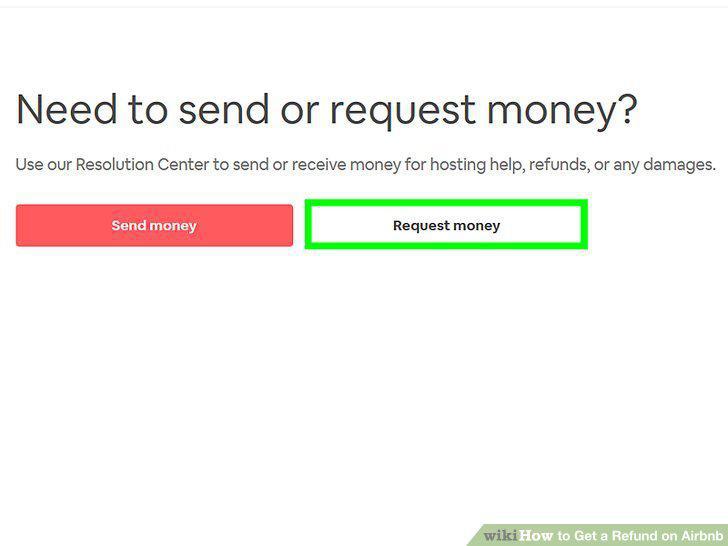
Request a bigger refund through the Resolution Center (optional).
Contact your host using the Airbnb app.
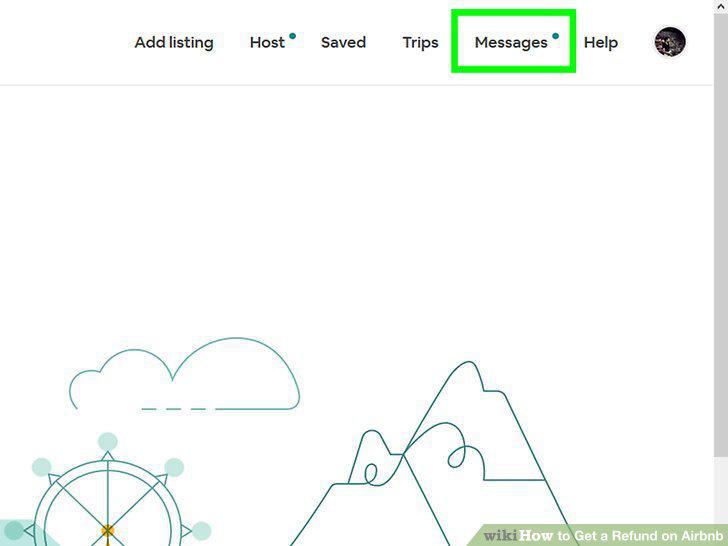
Contact your host using the Airbnb app.
Take photos to document your experience.
Take photos to document your experience.
Call customer support at 1-855-424-7262 (US) or 1-415-800-5959 (elsewhere).
Call customer support at 1-855-424-7262 (US) or 1-415-800-5959 (elsewhere).
Go to https://www.airbnb.com/resolutions in a web browser.
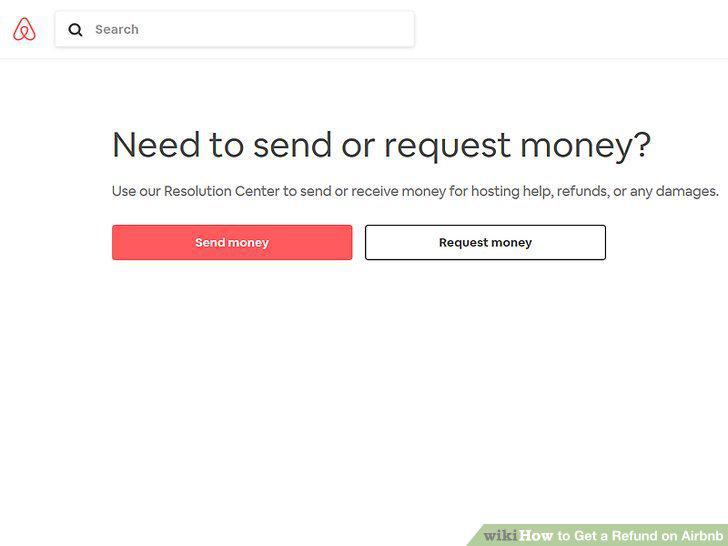
Go to https://www.airbnb.com/resolutions in a web browser.
Click Request money.
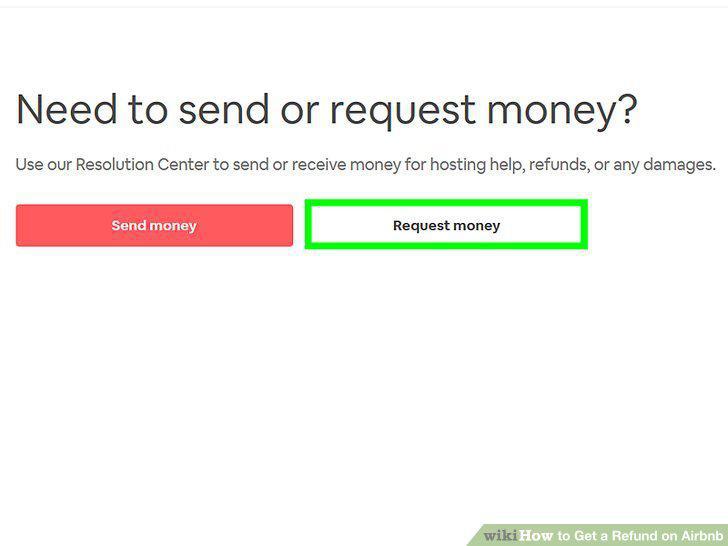
Click Request money.
Select the reservation.
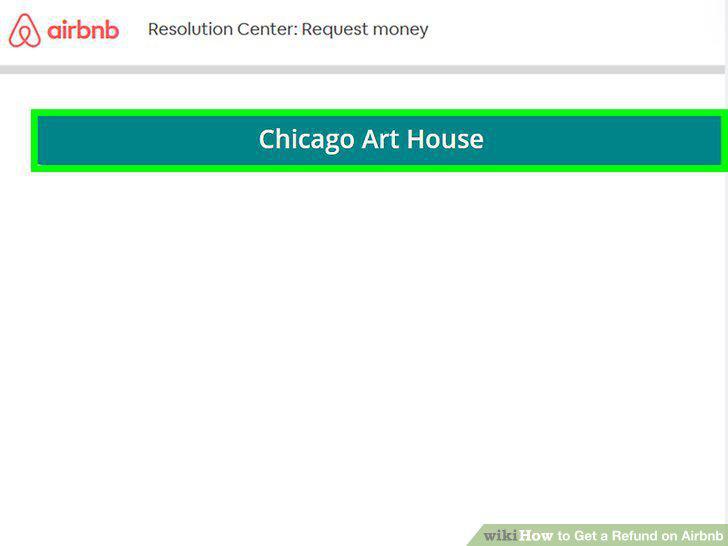
Select the reservation.
Select a reason for your refund.
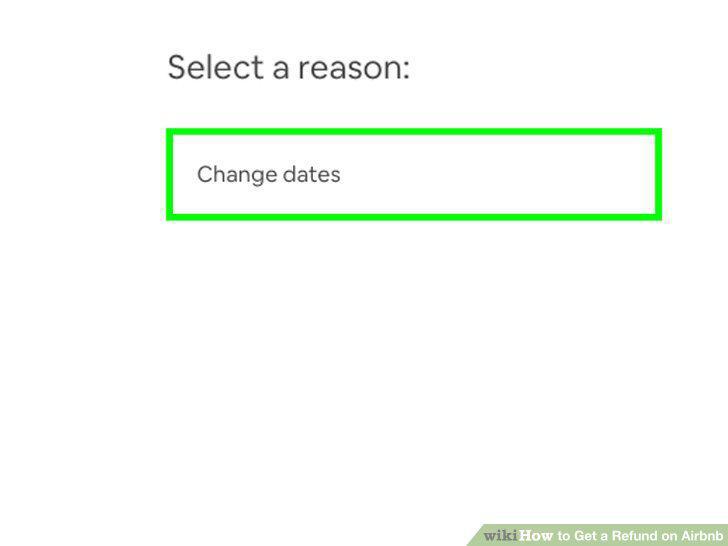
Select a reason for your refund.
Enter your refund request.
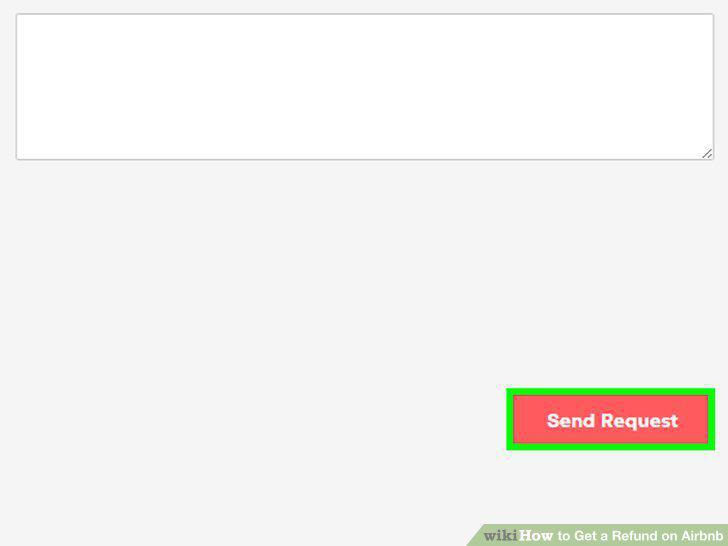
Enter your refund request.
Follow the on-screen instructions to process the request.
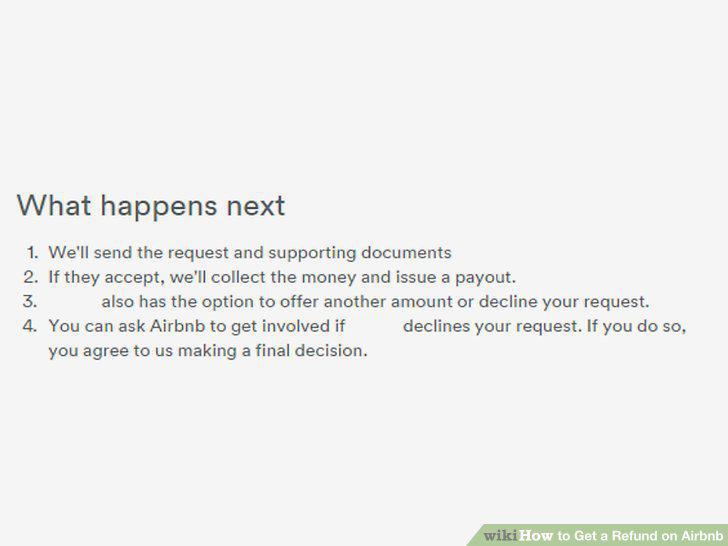
Follow the on-screen instructions to process the request.
Comments (0)
No comments yet. Be the first to share your thoughts!