How to Report Fraud on eBay
Review eBay's rules and policies.. Report directly from the listing.. Gather information about the transaction.
Steps
Review eBay's rules and policies.
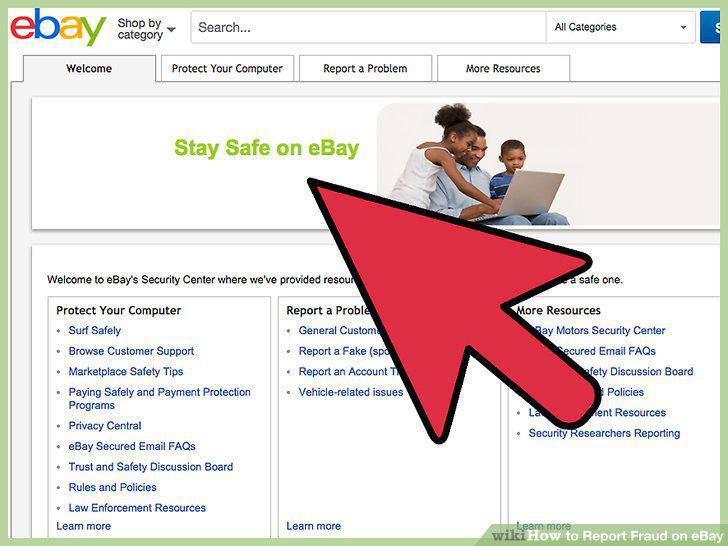
Review eBay's rules and policies.
Report directly from the listing.
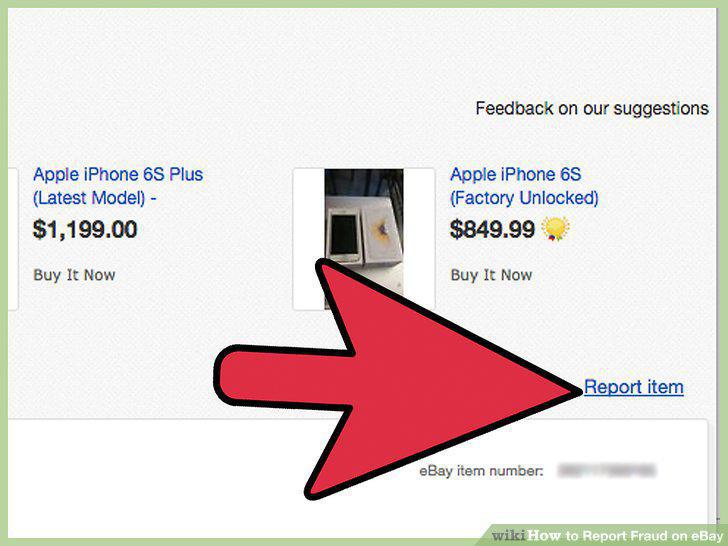
Report directly from the listing.
Gather information about the transaction.
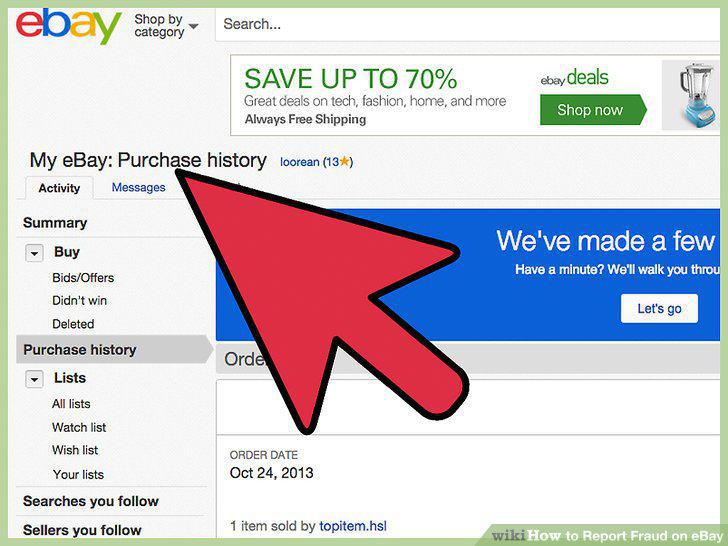
Gather information about the transaction.
Open a case at eBay's Resolution Center.
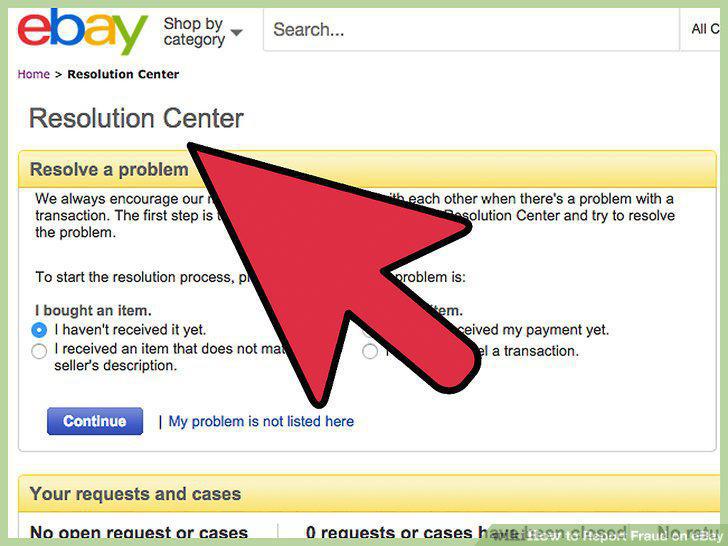
Open a case at eBay's Resolution Center.
Research your state's law.
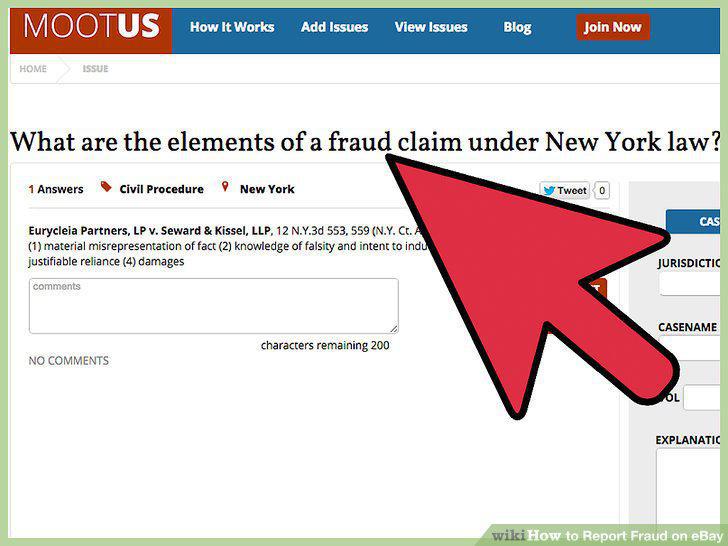
Research your state's law.
Gather information about the incident.
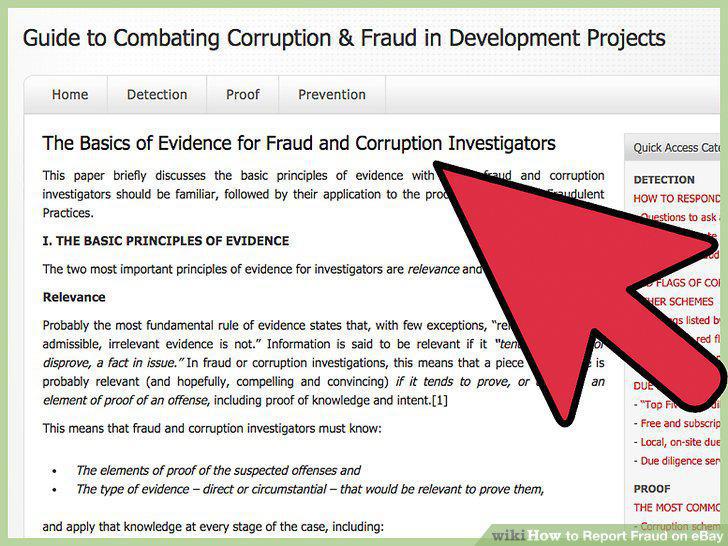
Gather information about the incident.
File your report with the police department.
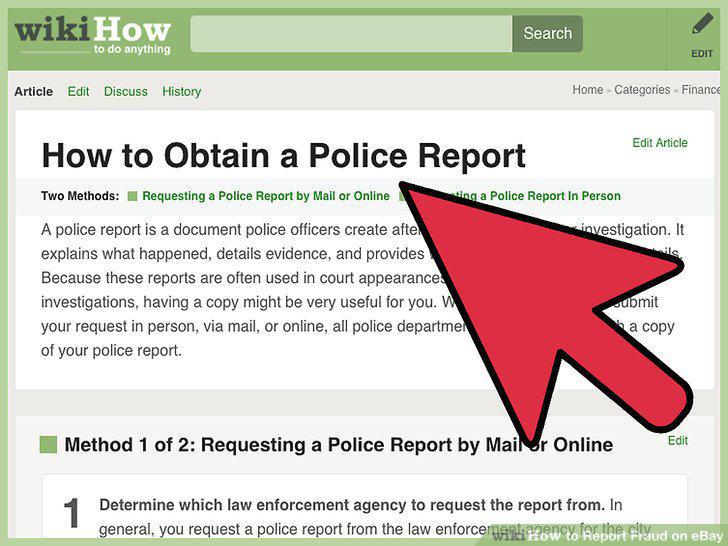
File your report with the police department.
Cooperate with any further investigation.
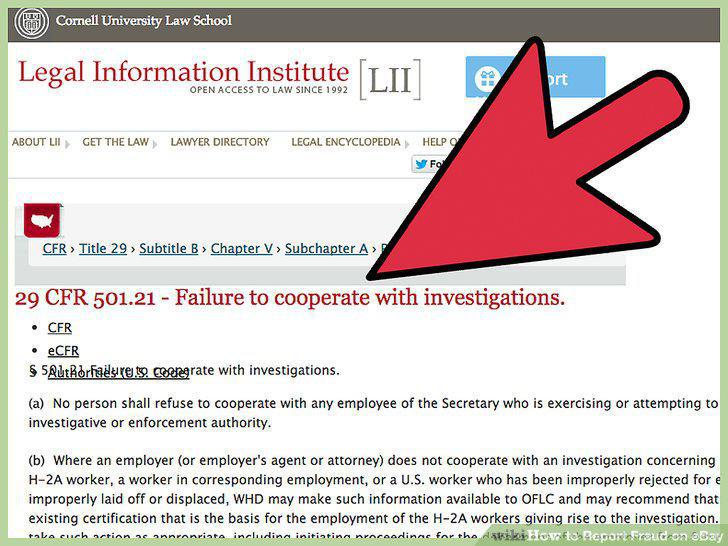
Cooperate with any further investigation.
Visit the Internet Crime Complaint Center (IC3).
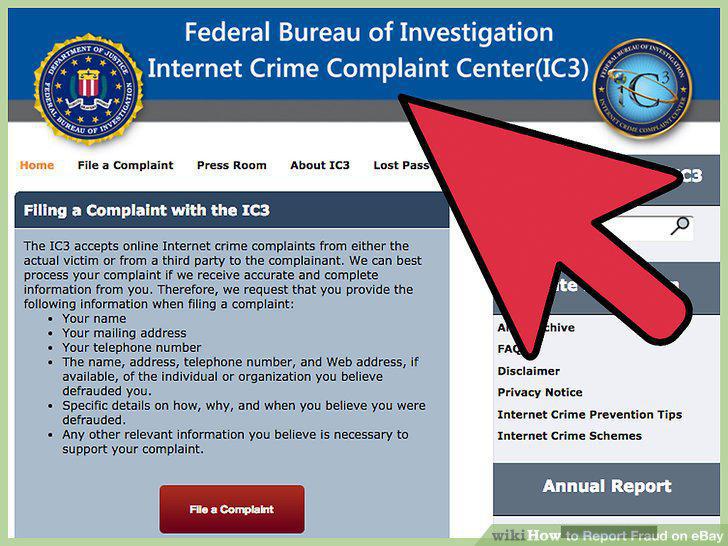
Visit the Internet Crime Complaint Center (IC3).
Gather information about the fraudulent transaction.
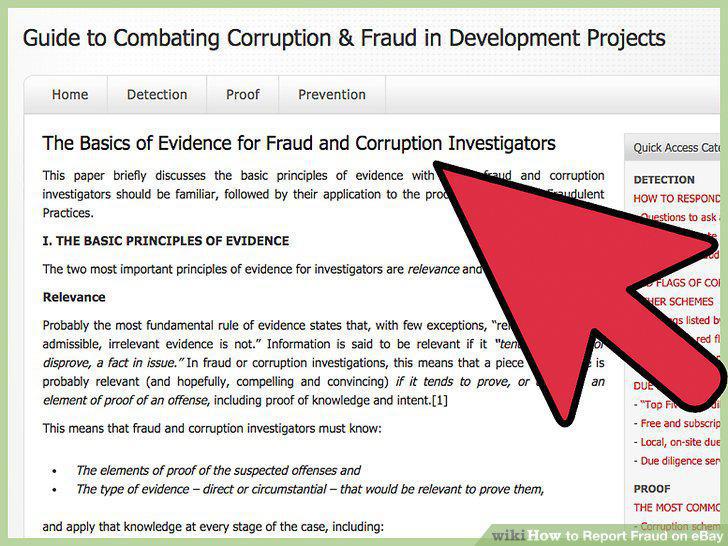
Gather information about the fraudulent transaction.
Click the button to file your complaint.
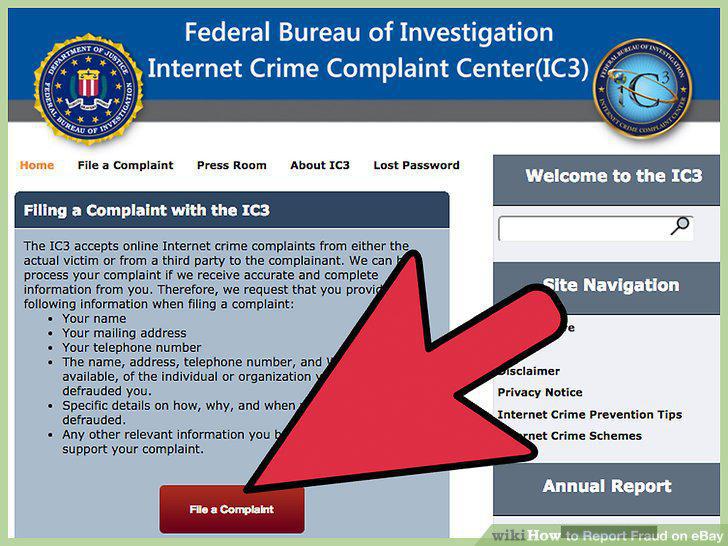
Click the button to file your complaint.
Enter information about the incident.
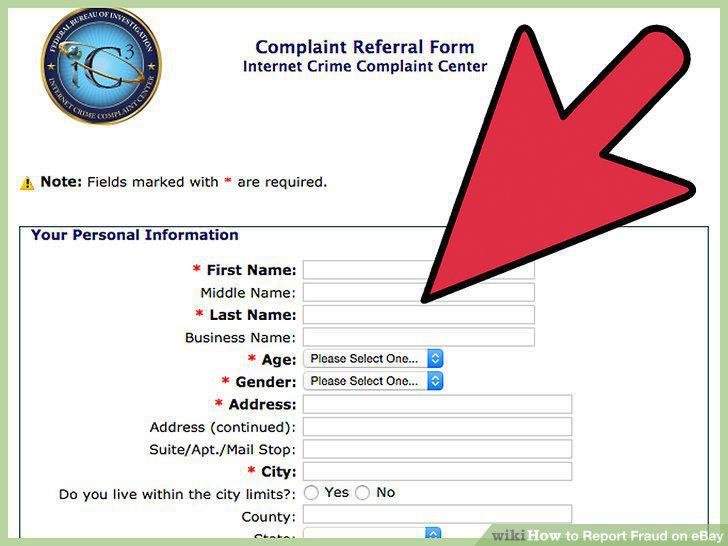
Enter information about the incident.
Submit your complaint to the IC3.
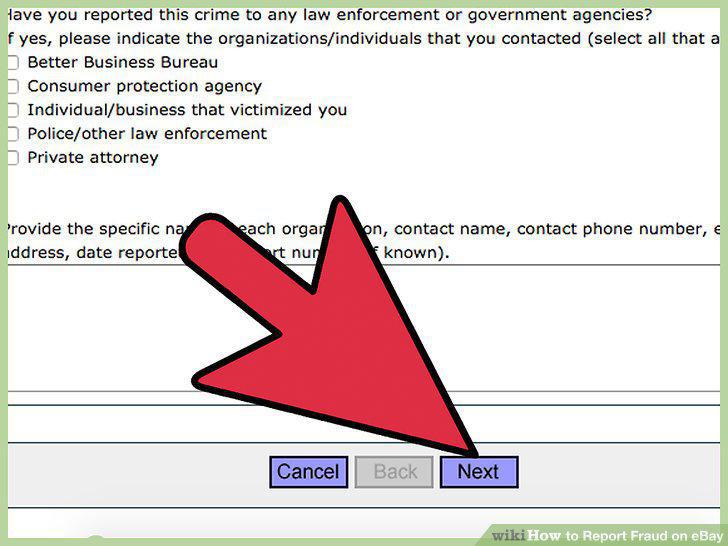
Submit your complaint to the IC3.
Follow up on the status of your complaint.
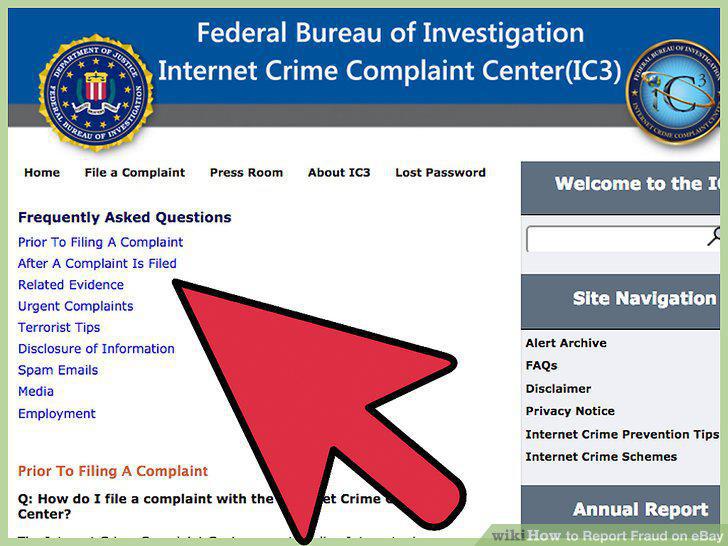
Follow up on the status of your complaint.
Learn about types of mail fraud.
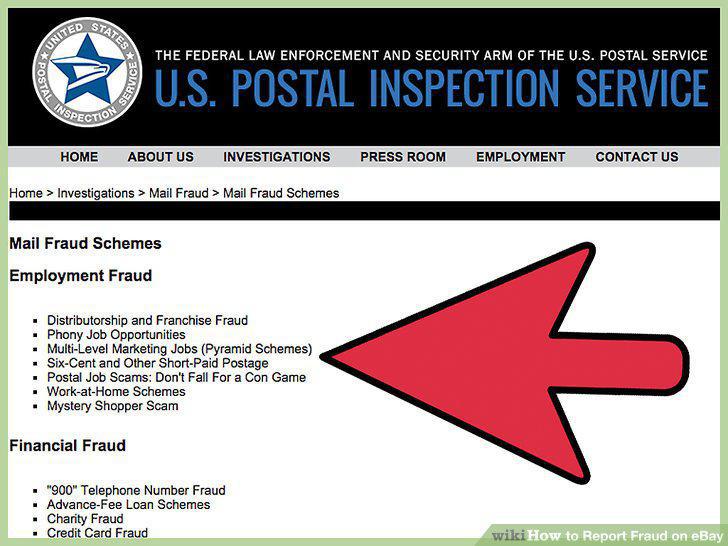
Learn about types of mail fraud.
Gather information about the transaction.
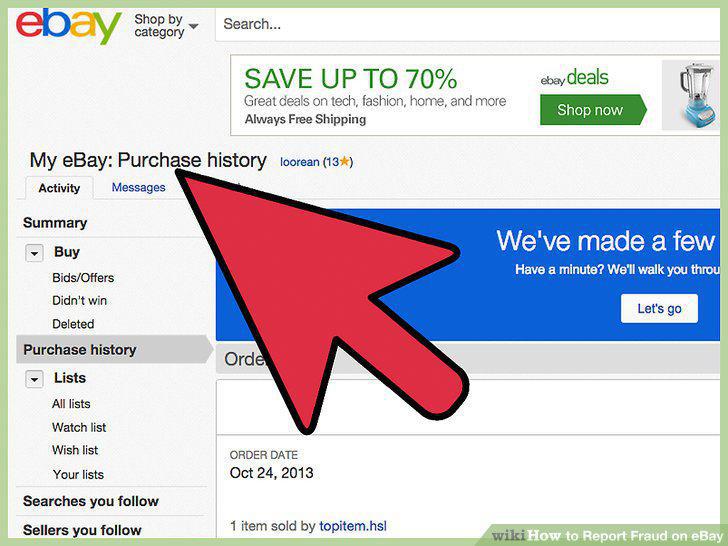
Gather information about the transaction.
Contact the Postal Inspection Service.
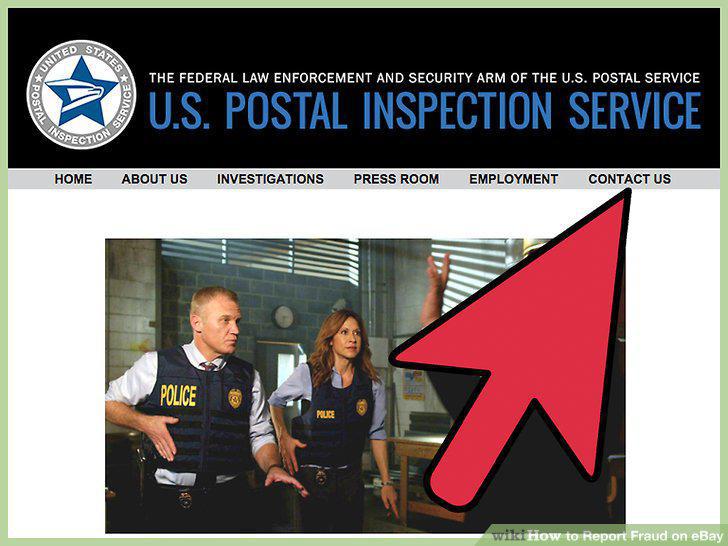
Contact the Postal Inspection Service.
Complete your mail fraud complaint.
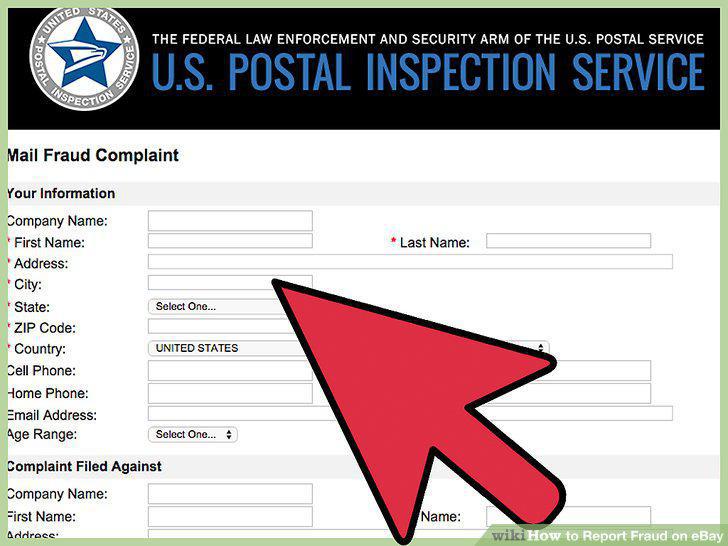
Complete your mail fraud complaint.
Cooperate with any further investigation.
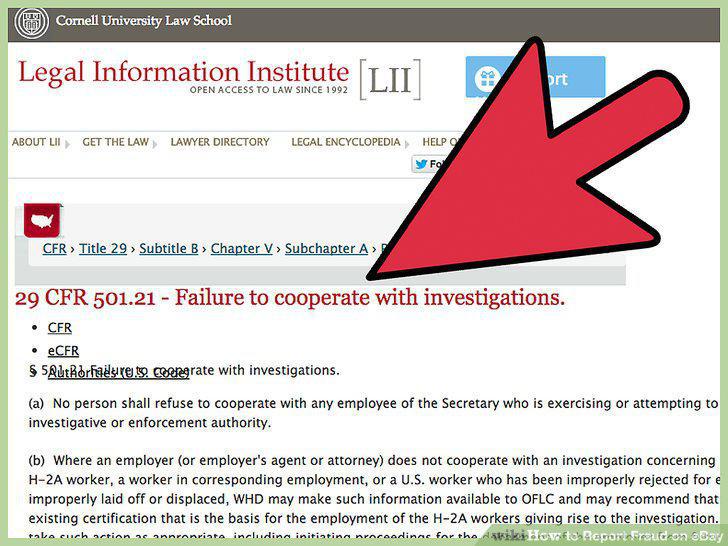
Cooperate with any further investigation.
Visit the website for the FTC Complaint Assistant.
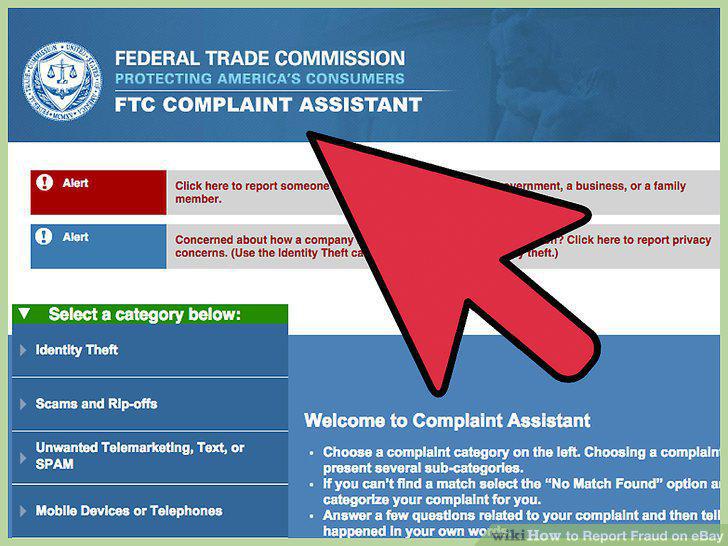
Visit the website for the FTC Complaint Assistant.
Select the appropriate category.
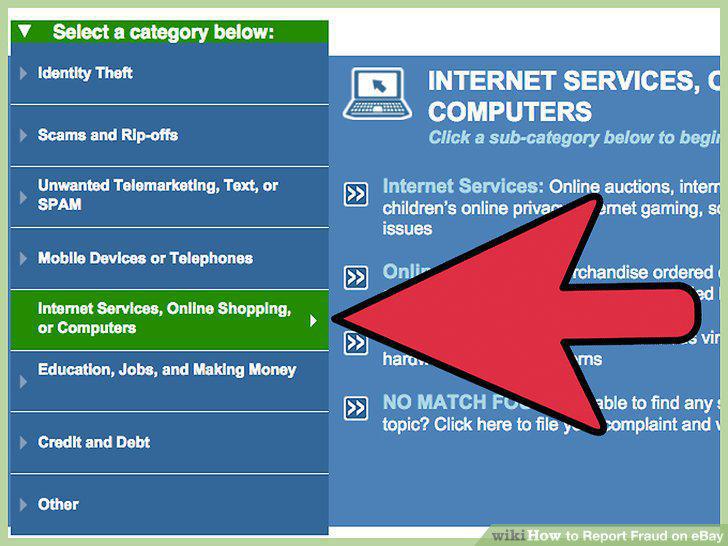
Select the appropriate category.
Choose a sub-category.
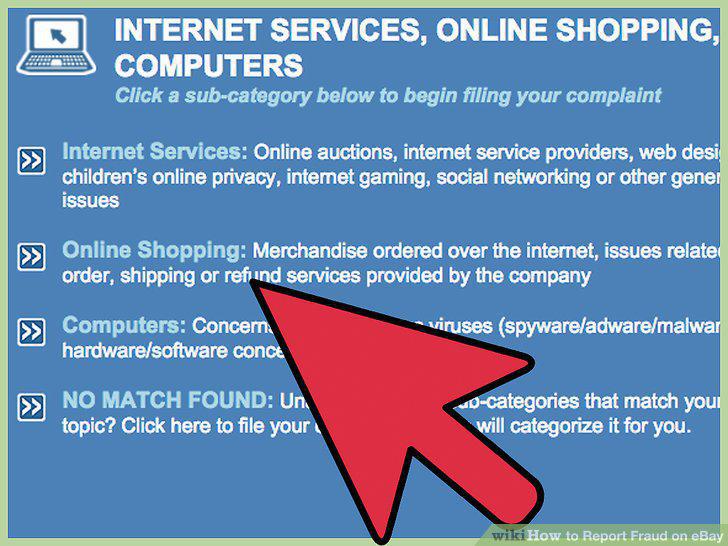
Choose a sub-category.
Enter details about the fraudulent activity.
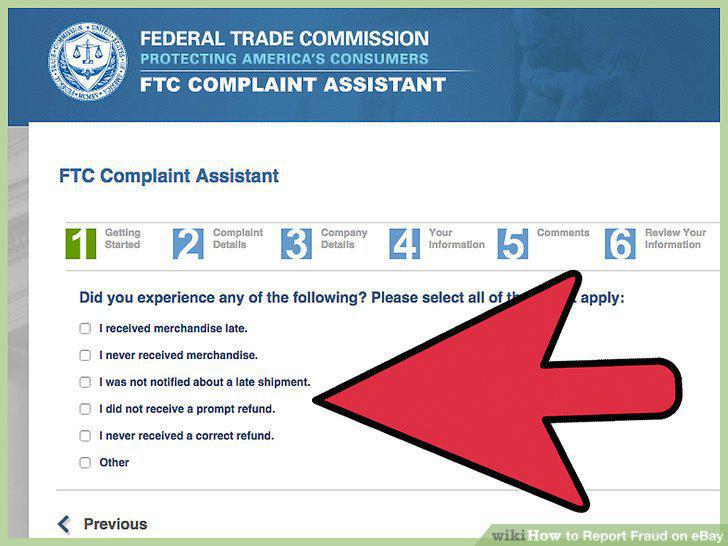
Enter details about the fraudulent activity.
Enter information about the company or individual that perpetrated the fraud.
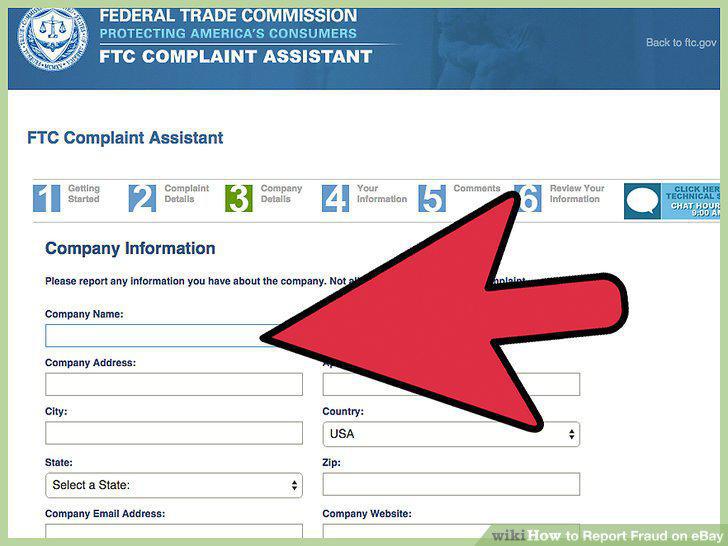
Enter information about the company or individual that perpetrated the fraud.
Enter your own identification and contact information.
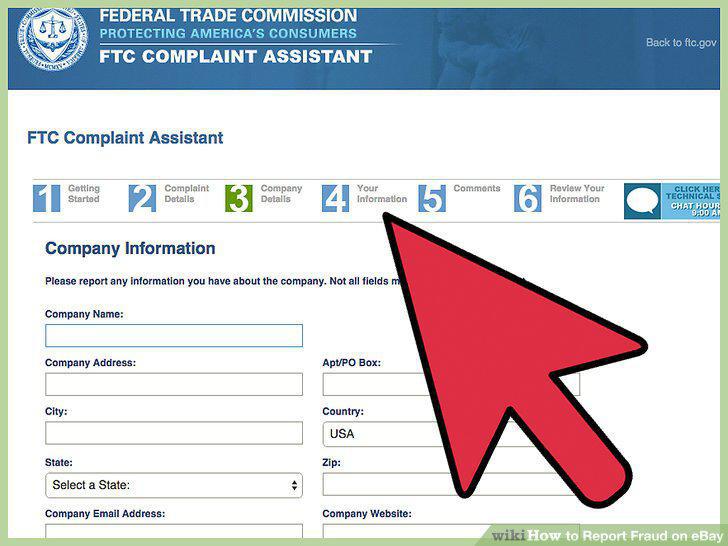
Enter your own identification and contact information.
Review your complaint.
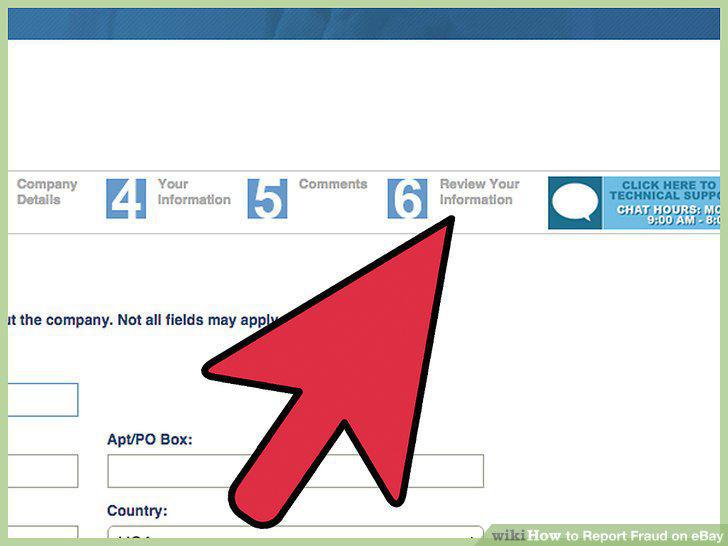
Review your complaint.
Submit your complaint.
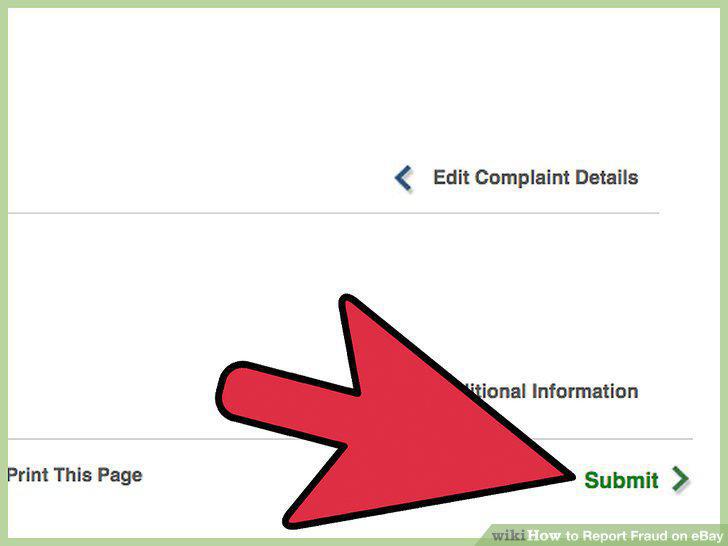
Submit your complaint.
Comments (0)
No comments yet. Be the first to share your thoughts!