How to Read My Reviews on Airbnb
Open Airbnb.. Click your profile icon.. Click Edit Profile.
Steps
1
Open Airbnb.
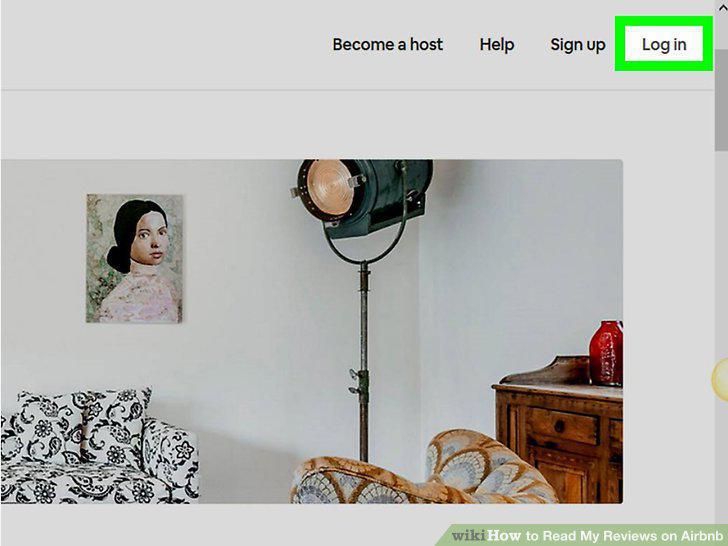
Open Airbnb.
2
Click your profile icon.
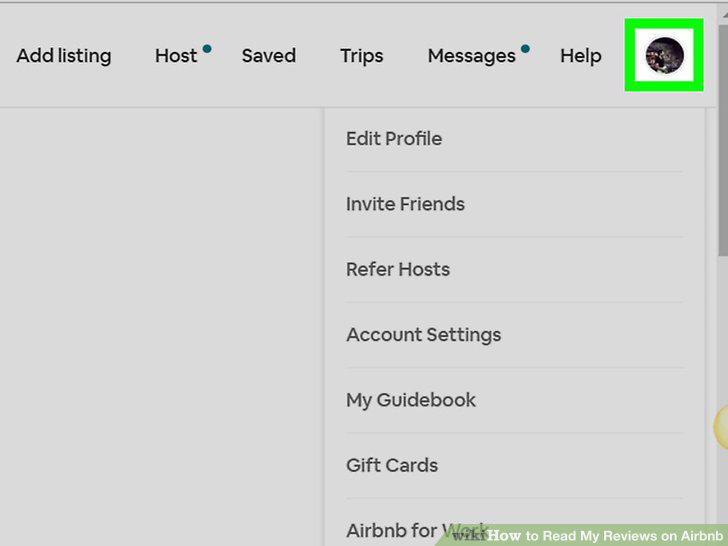
Click your profile icon.
3
Click Edit Profile.
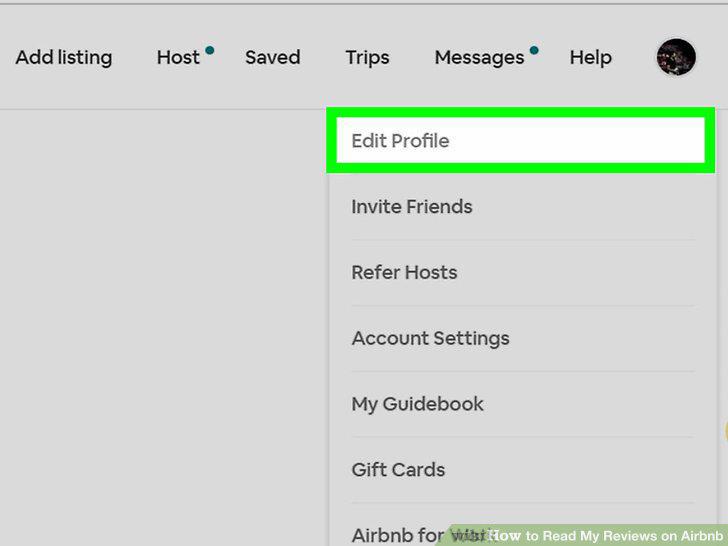
Click Edit Profile.
4
Click the Reviews tab.
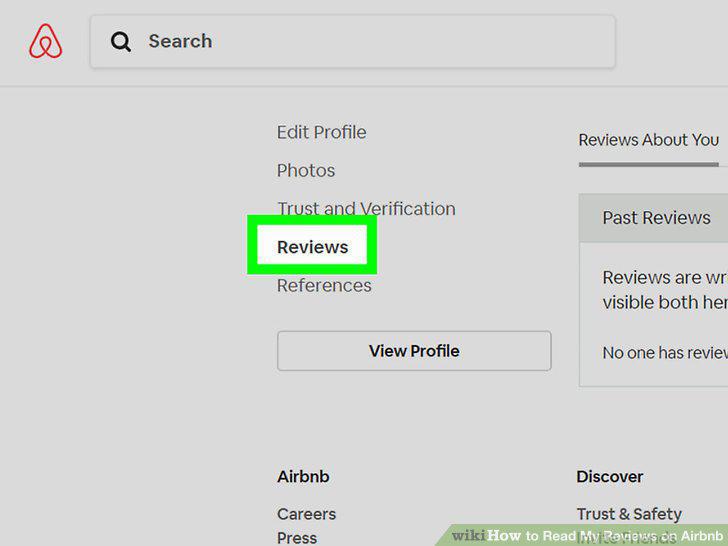
Click the Reviews tab.
5
Click Reviews About You.
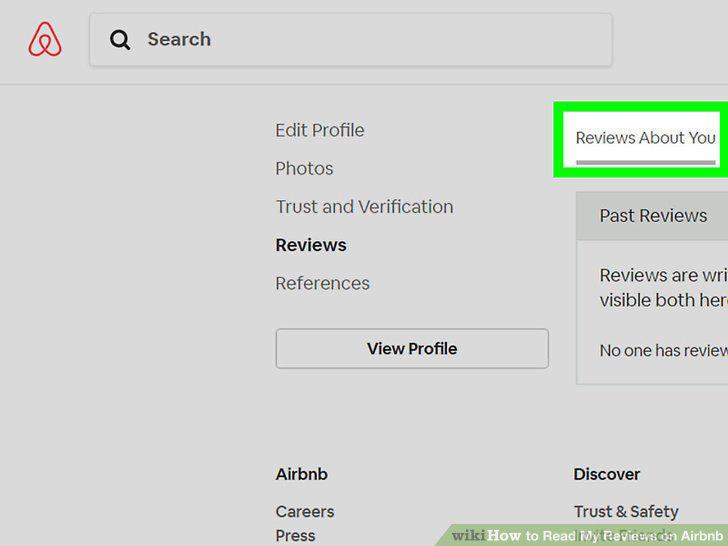
Click Reviews About You.
6
Look through your reviews.
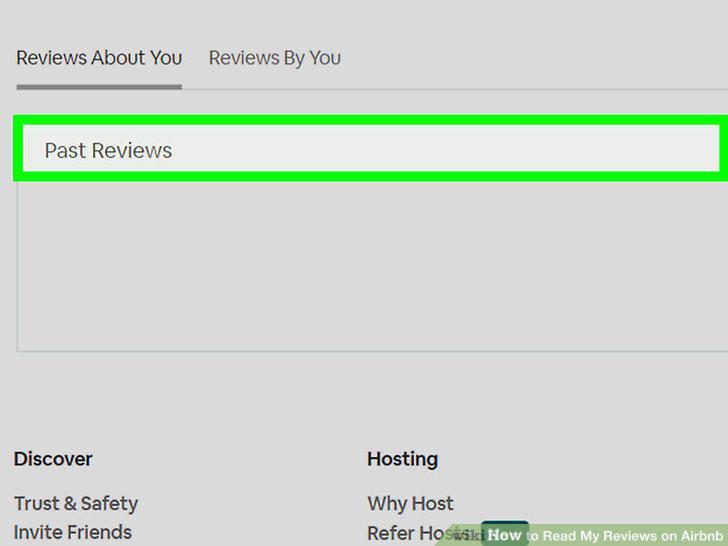
Look through your reviews.
Comments (0)
No comments yet. Be the first to share your thoughts!