How to Remove a Credit Card from eBay on PC or Mac
Open eBay in your internet browser.. Click My eBay on the top-right.. Click the Account tab on the My eBay page.
Steps
1
Open eBay in your internet browser.
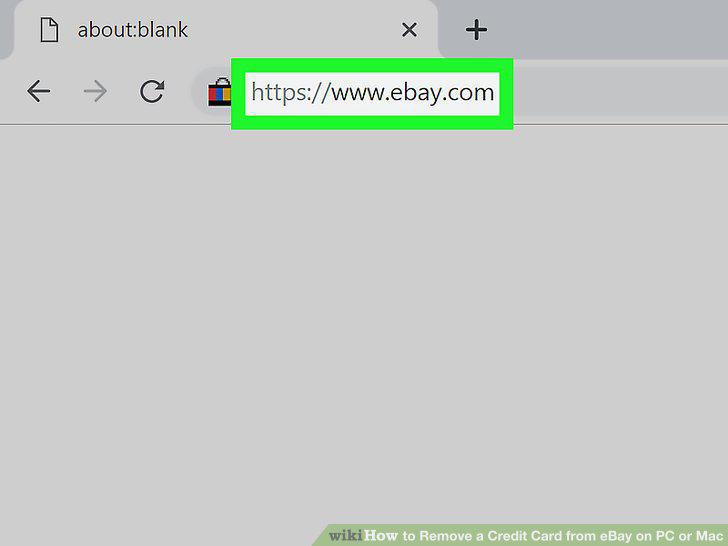
Open eBay in your internet browser.
2
Click My eBay on the top-right.
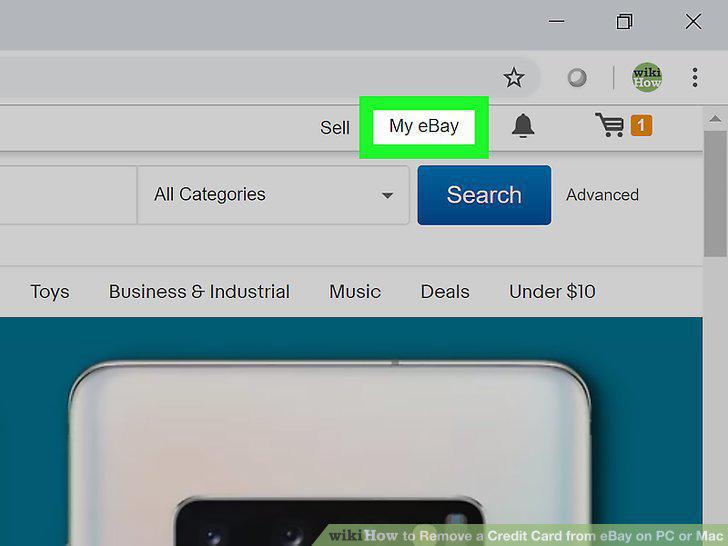
Click My eBay on the top-right.
3
Click the Account tab on the My eBay page.
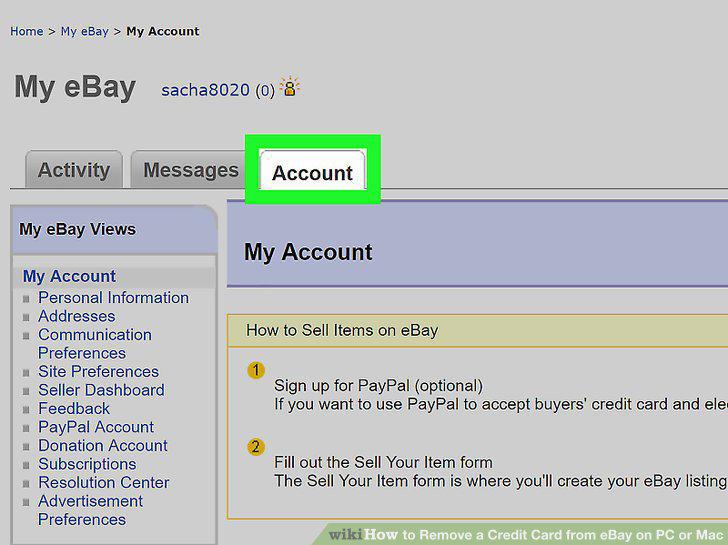
Click the Account tab on the My eBay page.
4
Click Personal Information on the left-menu.
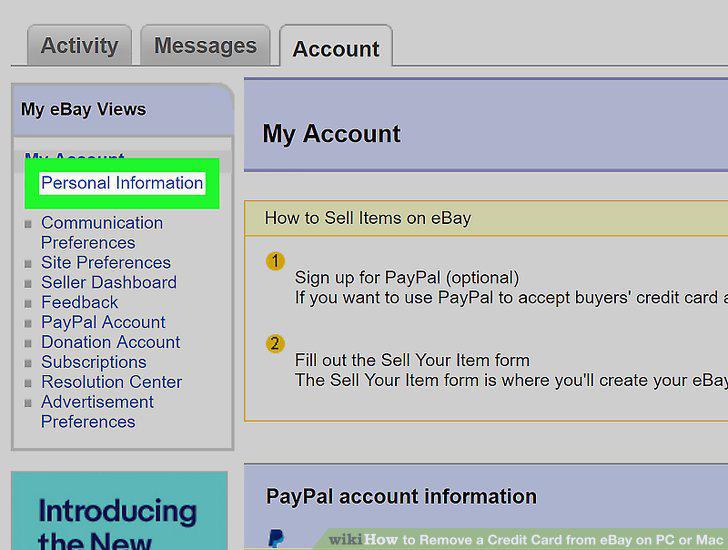
Click Personal Information on the left-menu.
5
Find your credit card in the "Financial Information" section.
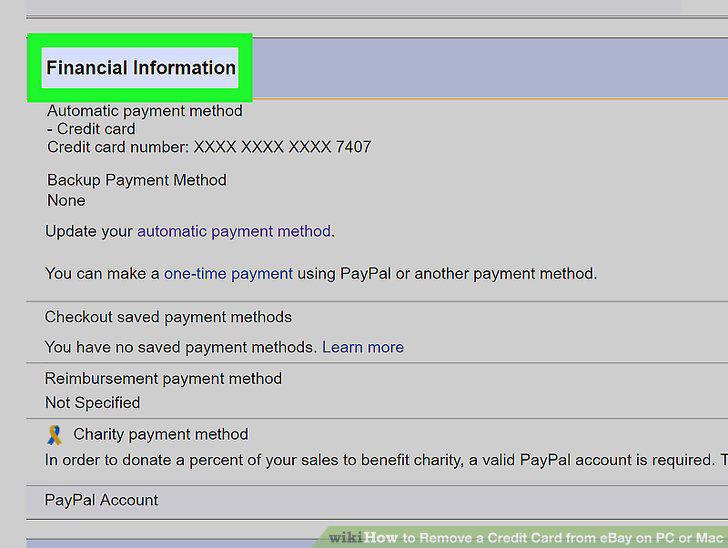
Find your credit card in the "Financial Information" section.
6
Click the Remove button next to the card you want to remove.
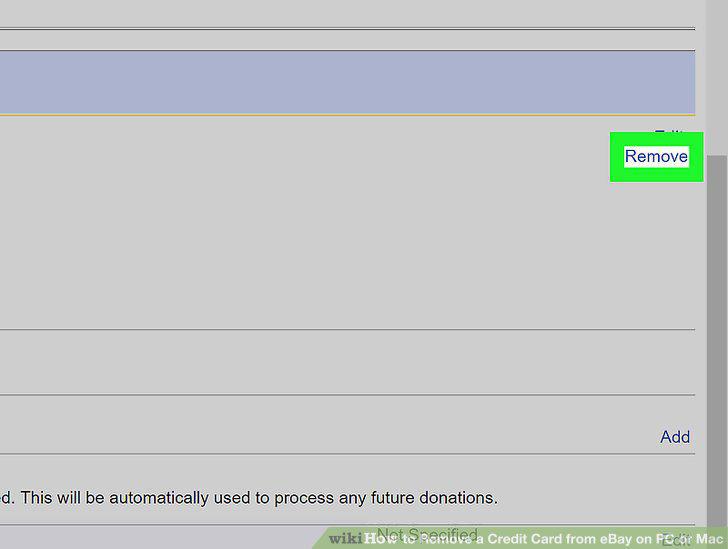
Click the Remove button next to the card you want to remove.
Comments (0)
No comments yet. Be the first to share your thoughts!