How to Close Apps on the Apple Watch
Unlock your Apple Watch.. Press the Power button.. Find an app which you want to close.
Steps
1
Unlock your Apple Watch.
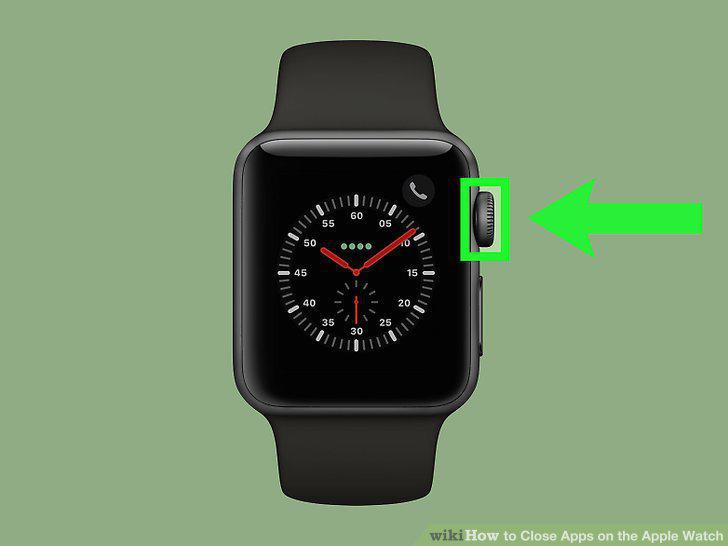
Unlock your Apple Watch.
2
Press the Power button.
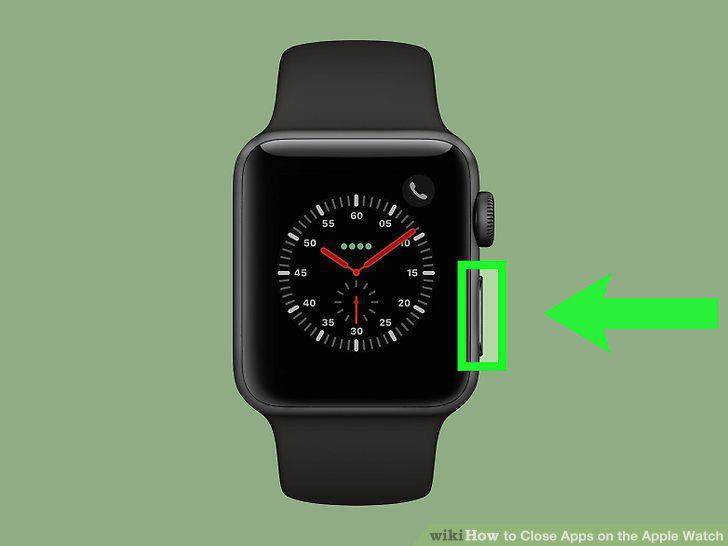
Press the Power button.
3
Find an app which you want to close.
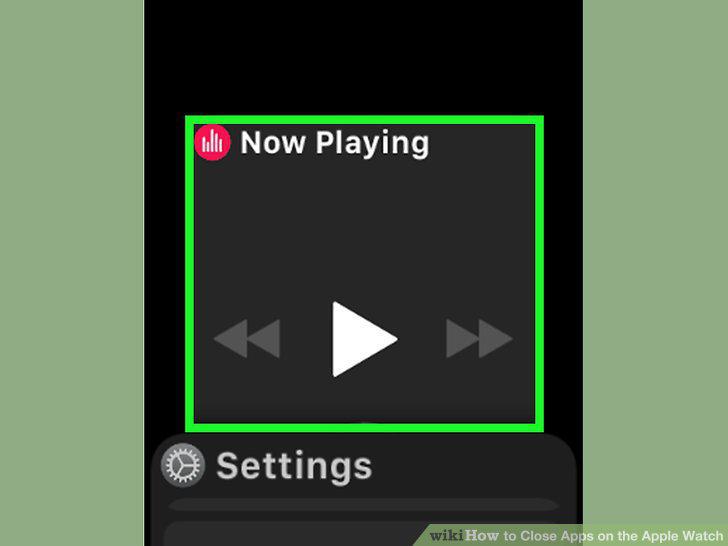
Find an app which you want to close.
4
Swipe the app to the left.
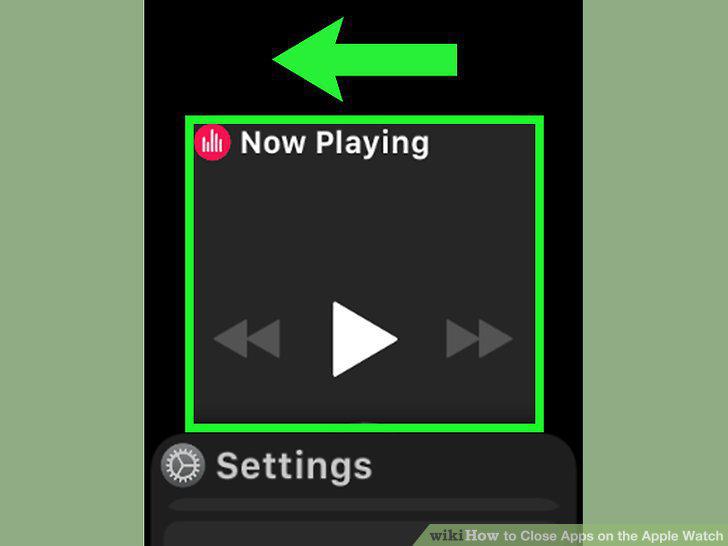
Swipe the app to the left.
5
Tap Remove.
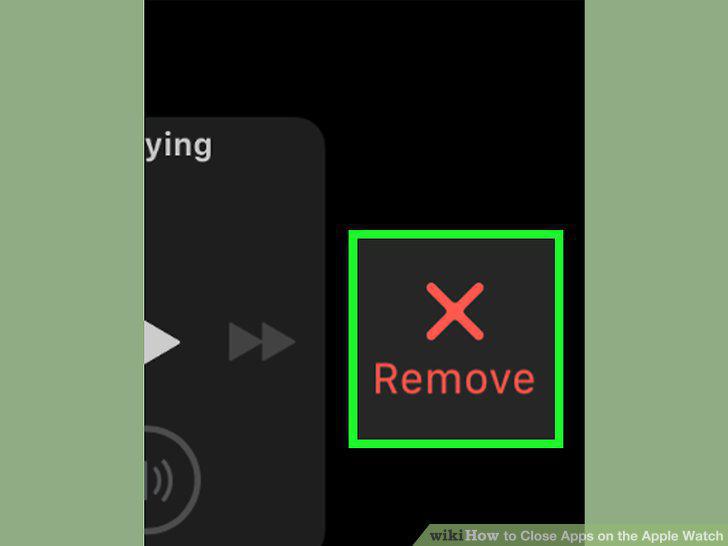
Tap Remove.
Comments (0)
No comments yet. Be the first to share your thoughts!